
Check the acquisition promise
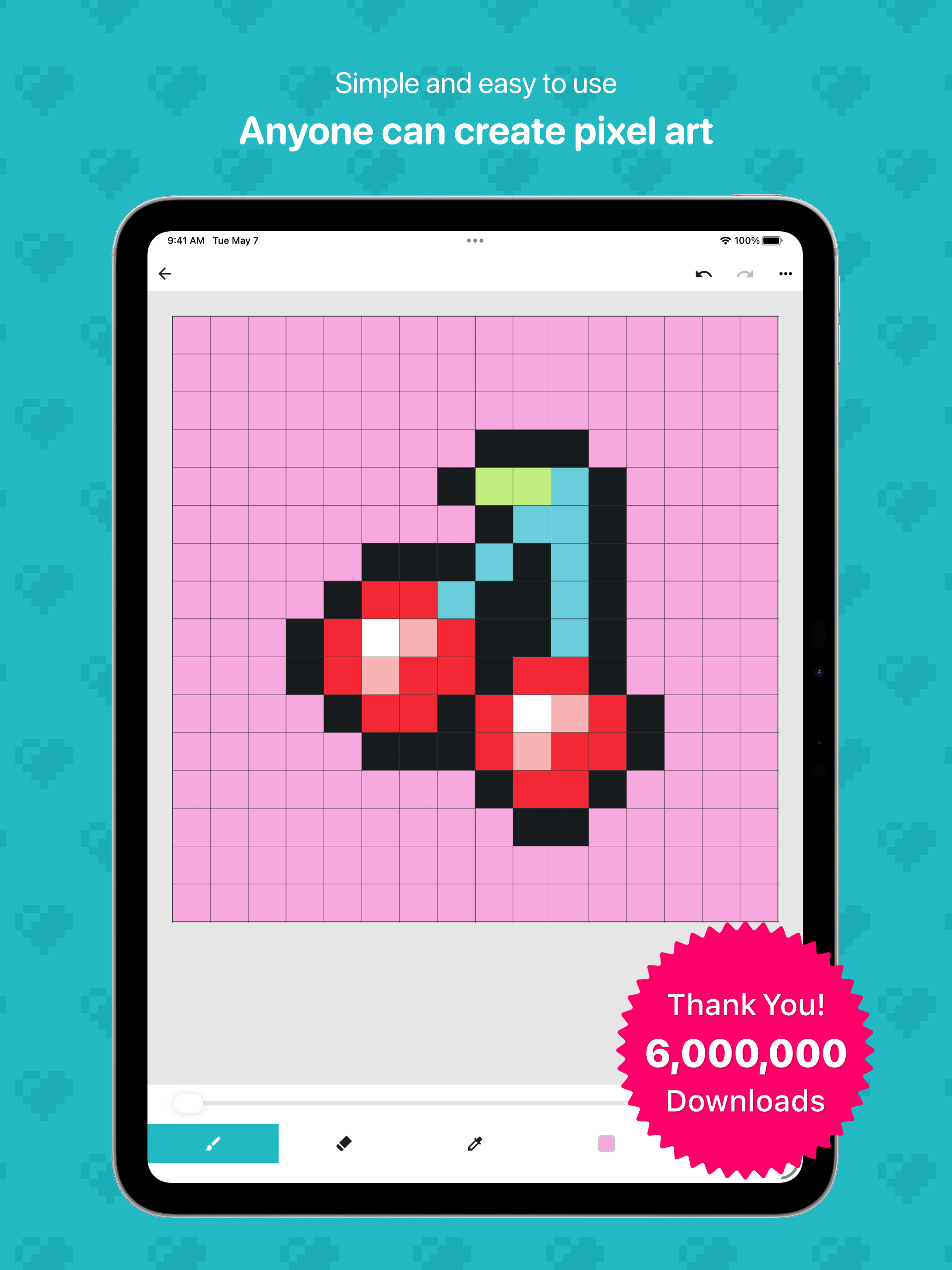
Read the store headline, screenshots and description. What problem is the app promising to solve?
Study the storefront ↗
Takayuki Miyagawa · iOS
Explore the ad evidence, study the storefront, and build your next acquisition hypothesis.
01 / Creative research
Read the store headline, screenshots and description. What problem is the app promising to solve?
Study the storefront ↗Explore apps with direct store-link matches. Compare their hooks and formats without assuming the same approach works here.
Browse observed advertisers ↗Store rankings and revenue estimates describe market context. They do not establish ad spend, conversions or ROAS.
Review the market context ↗02 / Storefront & product
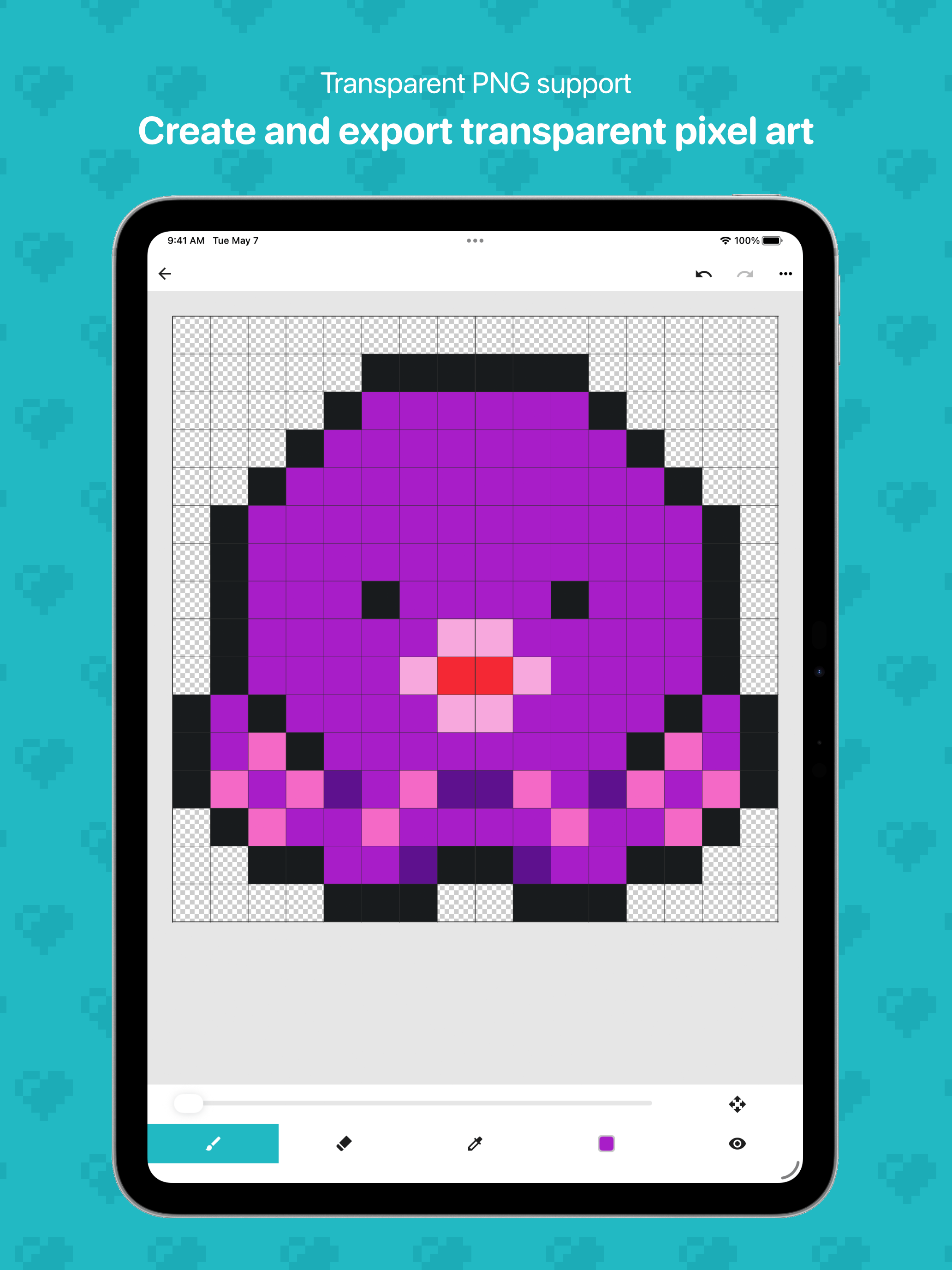
Study the product story and store experience behind the acquisition funnel.

03 / Market context
Keep revenue, downloads and store rankings separate from advertising performance.
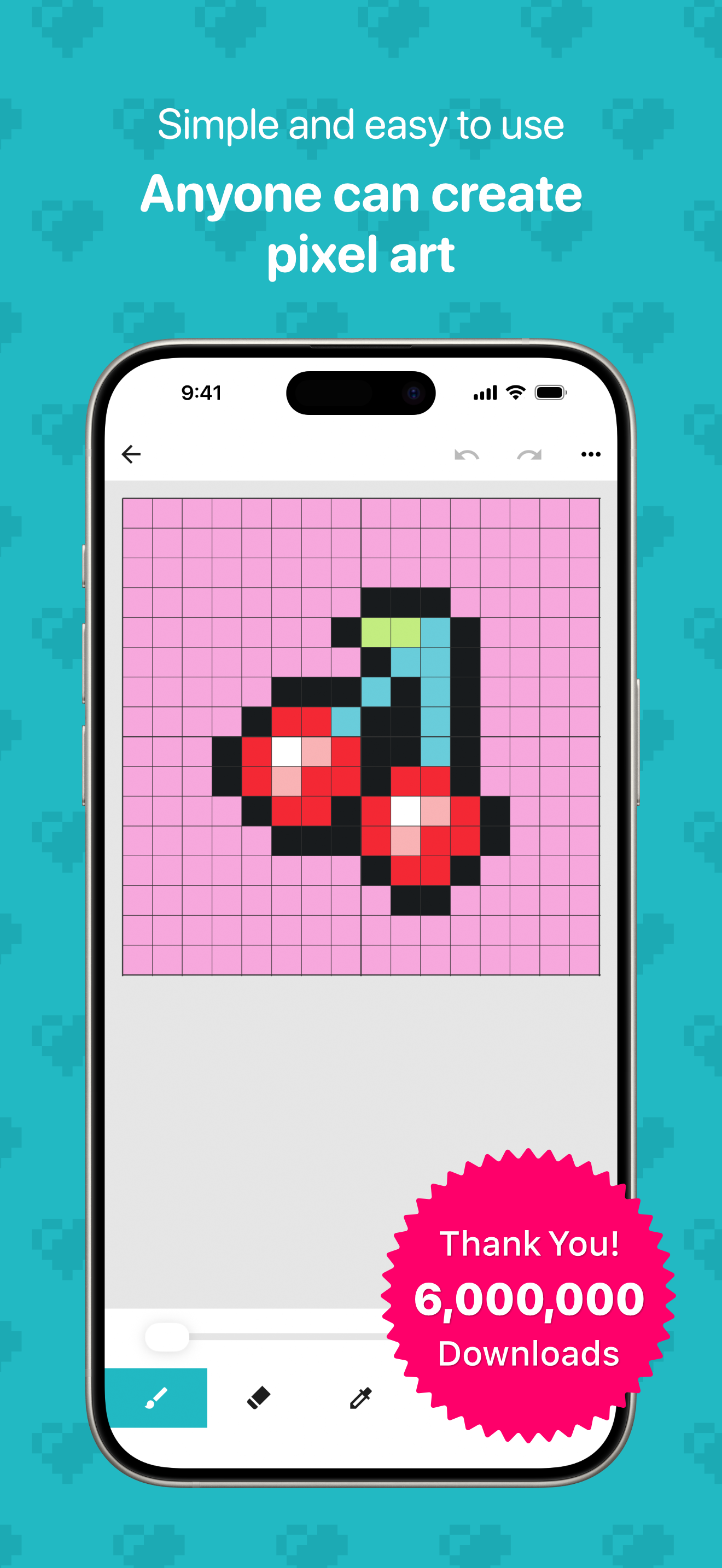
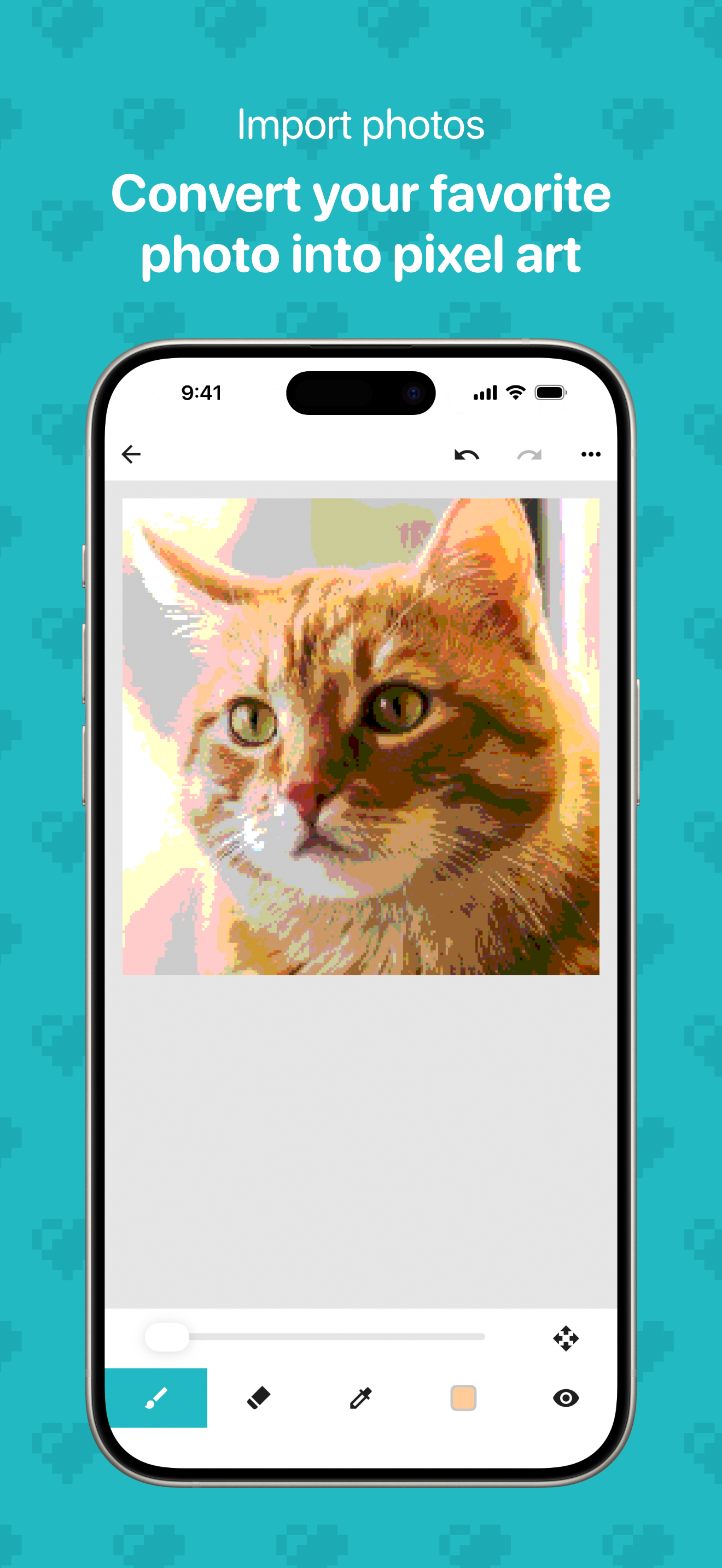
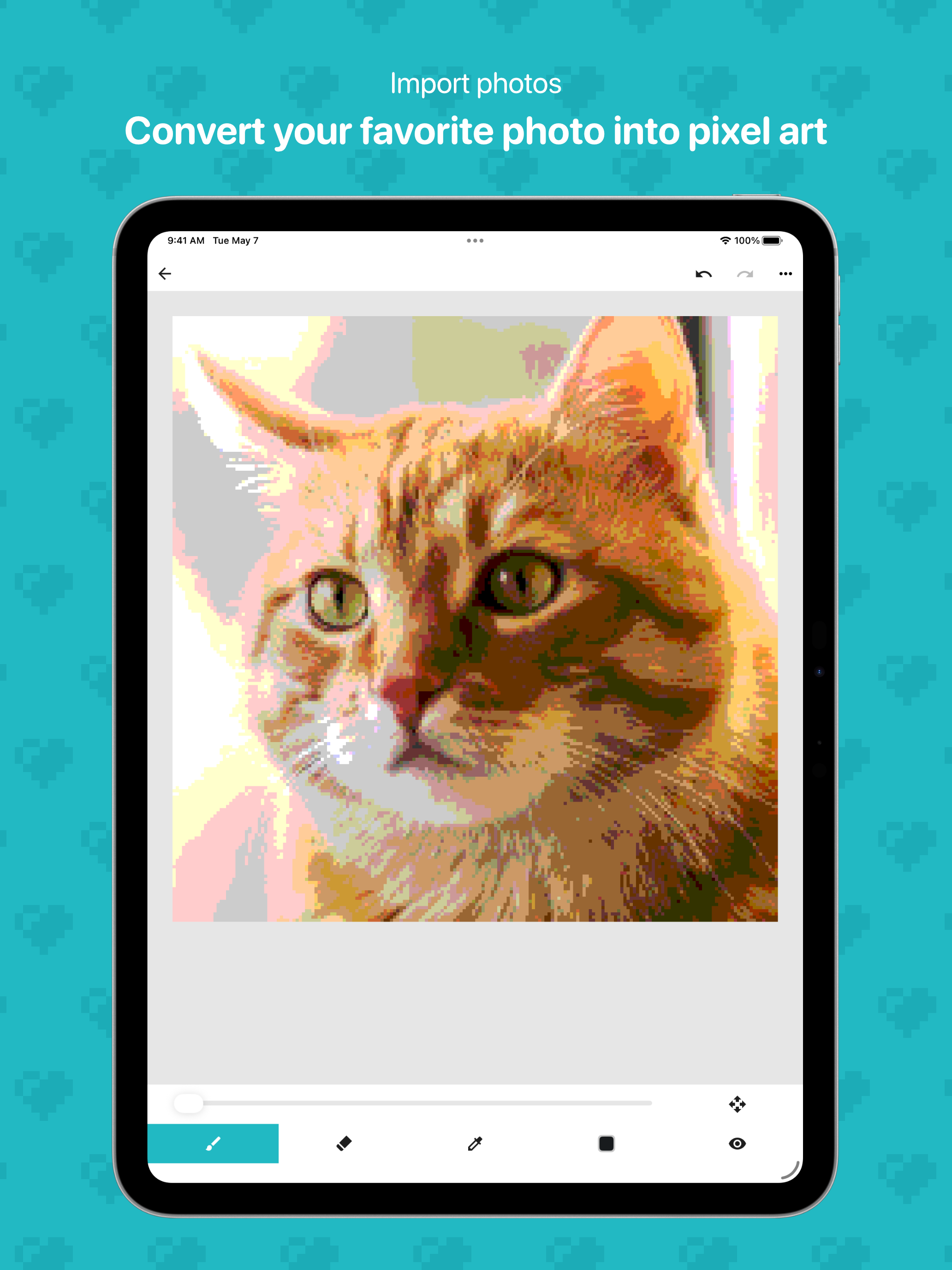
The reason I’m saying this app is so good, fun, and entertaining is because, you can paint with different pixels, TONS of options and you can import the image and kaboom! The image is in the pixel art create board. I want to say that can you make a function that can duplicate the image to another space, thank you. Also this is very cool, the designs are very basic but i don’t know why is there a ad-receiver. It’s very uh.. I can say strange because ppl don’t really like to watch ads. And because of this amazing and wonderful app i am very creative at art now! My drawing skills have improved a lot through the weeks, thanks to this app! my mom thinks I'm a good drawer too. I have been drawing some basic stuff, I believe I will draw better and better in the future. I will soon be a pixel art master, I’m so happy!!!!!!!! Also I’ll rate this app 5 stars!
I don’t mind the ads because they’re optional. It just exists for extra space for more projects, and it allows the creators to make a little more revenue. No, I just have a couple issues with the handling. It makes sense that you draw with one finger, adjust the screen with two. But it doesn’t work perfectly in practice. That could be solved by simply making a different button, one that switches between “draw mode” and “move mode”. I’m scared that I’ll end up making a big streak in the center of my work, and even though there’s an undo button, it’s not a nice feeling to have. Also, I don’t know how to delete all the example art. Or any of the tests that I did when I first got this. Again, other than that, it’s perfect!
I’ve been wanting to get into pixel art for a long time, so I went looking for a decent app. After trying out many, this one definitely took the cake with its many features. The zoom/move option usually is fluid and easily accessible. Although it’d be nice to have a crop option, there being various sizes to choose from is pretty cool. Also, being able to duplicate your projects is awesome. I’d kinda want to be able to name my canvases, but that’s a minor complaint. I’m not really used to writing reviews, but this app outshined all the others so much that I felt inclined to.
Over 6 million downloads! An easy-to-use app for creating pixel art and 8-bit style artwork. 8bit Painter is a simple pixel art drawing app that beg...
| Name | Price | Type |
|---|---|---|
| Remove Ads | $5.99 | One-time |


