Check the acquisition promise
Read the store headline, screenshots and description. What problem is the app promising to solve?
Study the storefront ↗
Jack Baker · iOS
Explore the ad evidence, study the storefront, and build your next acquisition hypothesis.
01 / Creative research
Read the store headline, screenshots and description. What problem is the app promising to solve?
Study the storefront ↗Explore apps with direct store-link matches. Compare their hooks and formats without assuming the same approach works here.
Browse observed advertisers ↗Store rankings and revenue estimates describe market context. They do not establish ad spend, conversions or ROAS.
Review the market context ↗02 / Storefront & product
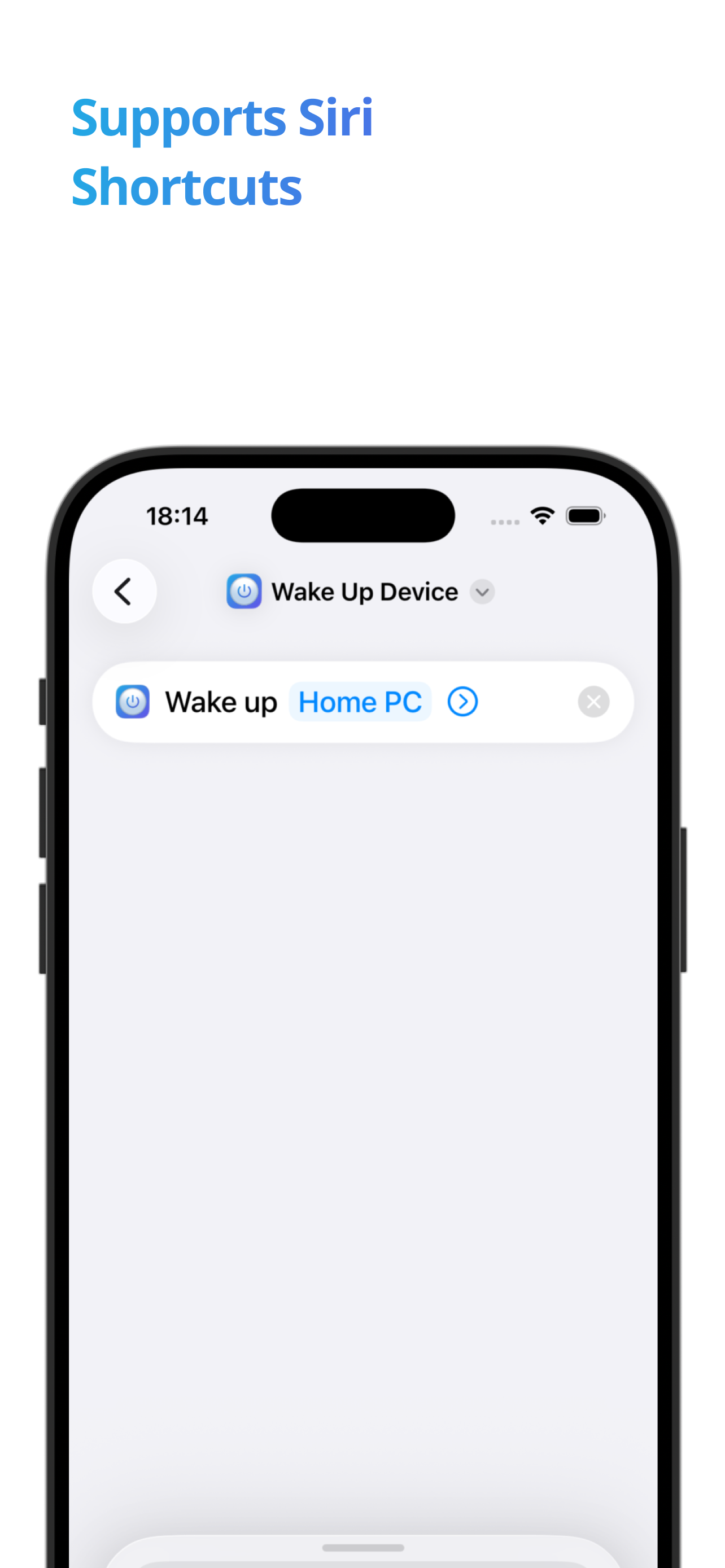
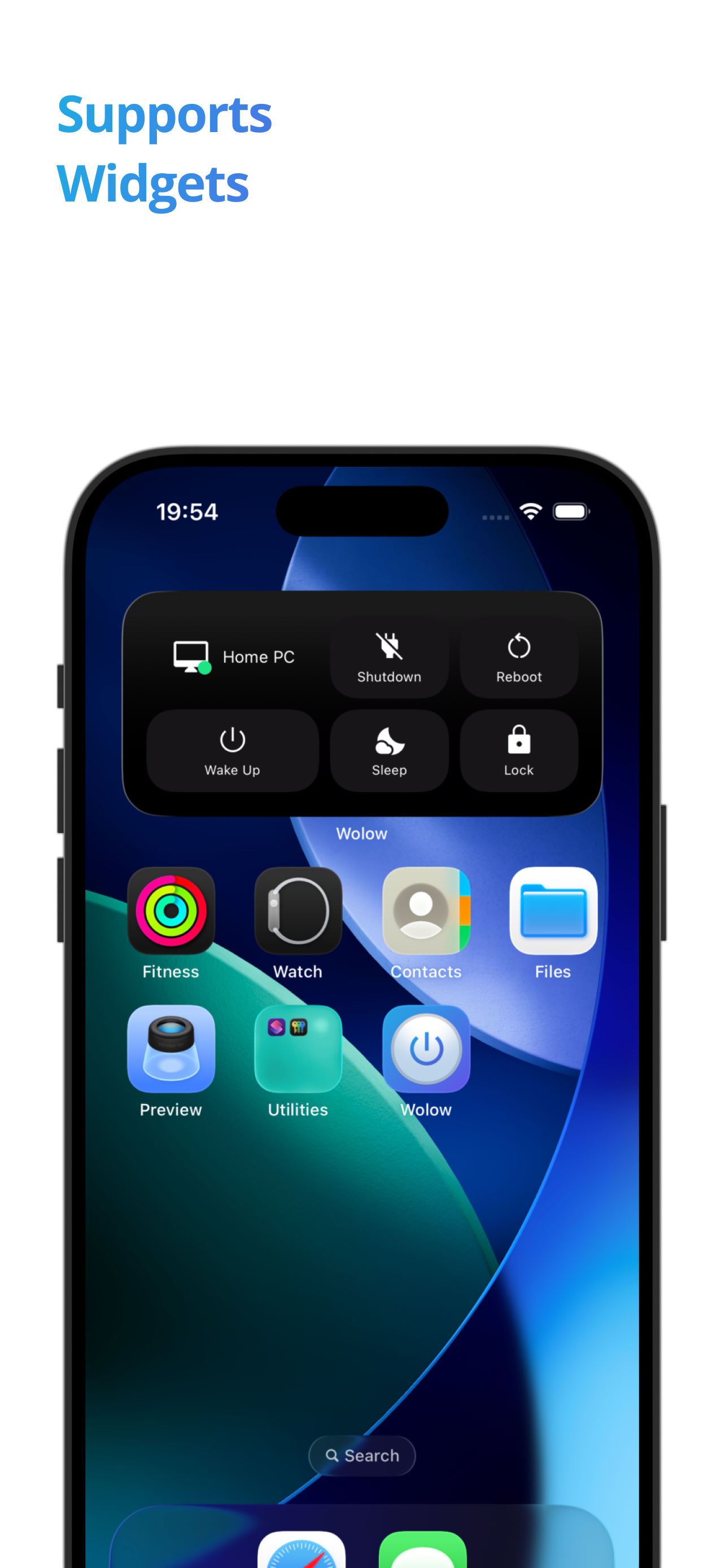
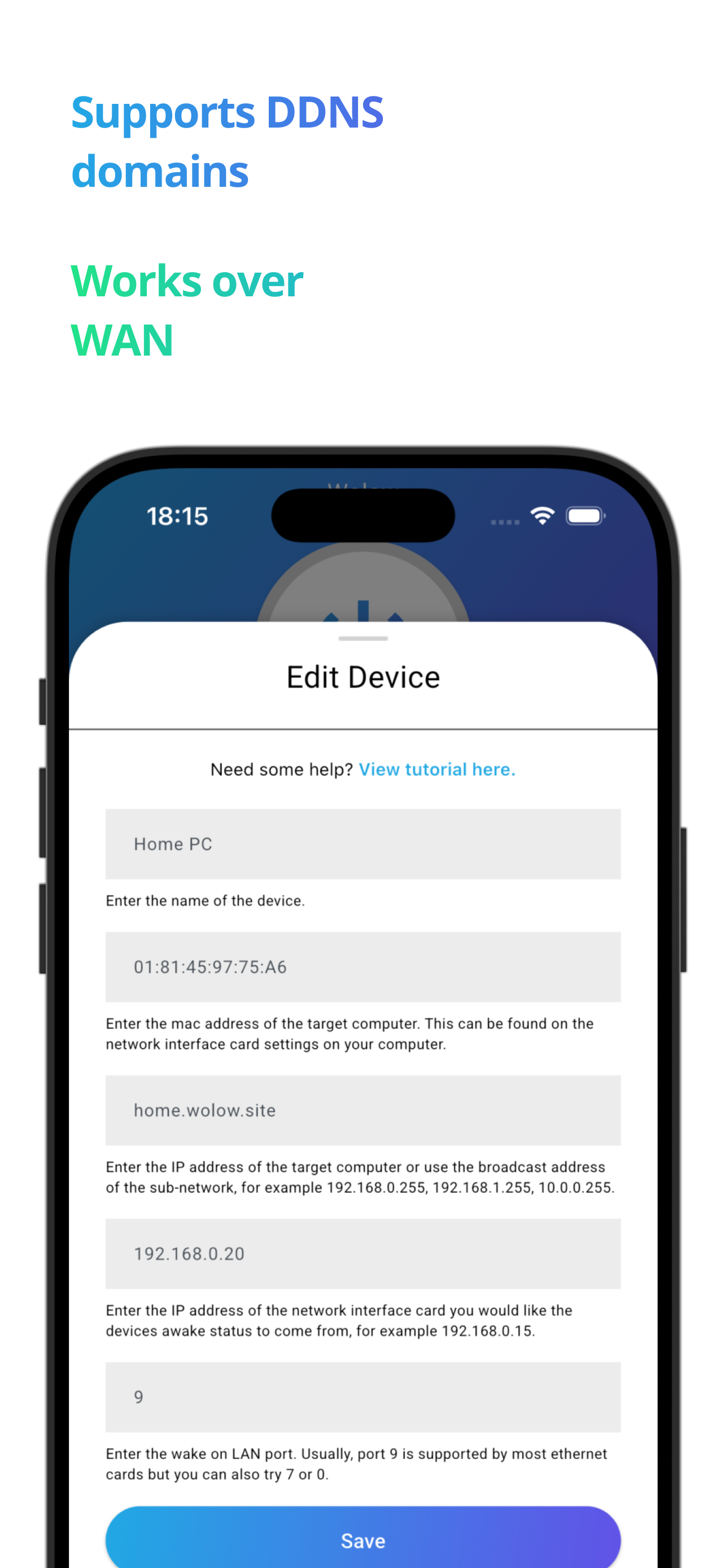
Study the product story and store experience behind the acquisition funnel.



03 / Market context
Keep revenue, downloads and store rankings separate from advertising performance.
I bought the premium version and am happy with it. Although something that should be added to the troubleshooting section is on windows, the companion app doesn’t start unless the user logs on. I had to create a task to start the program on boot since I also use it as a home server and often turn it off and on without ever logging on. Overall though the app is very convenient for a gaming pc/home server since I don’t have to leave it running all day or go physically turn it on and off multiple times a day.
I couldnt find the setting to enable wake on lan in bios i enabled everything that sounded right in power management and made sure erp was disable and it wasnt working i also made sure on my controller in dev manager had wol enabled and it still didnt work so i went on the wolow website and followed the five step tutorial. it told me to use ipconfig in cmd which wasnt knew but when i typed ipconfig/all like it said it gave me the info i needed for the app and now it works also i downloaded wolow companion on pc, the application doesnt open it kinda sits in the background but i think it helped also so i thought id include this. ps sorry for the horrible punctuation
Love the app! It looks and feels really clean and professionally built. Works flawlessly on LAN. Here’s my only problem. I followed the devs advice and setup a vpn software through a raspberry pi called pivpn and can actively and correctly fully get on my home network when off the LAN. I can ssh into home servers I have setup and all that without port forwarding anything so I know my vpn is configured correctly. Unfortunately I can’t remotely turn on my PC when off the LAN but connected to the vpn. I can successfully do it through forwarding ports on router but would rather not expose ports and I noticed the pc status doesn’t really work on WAN. I tried both the broadcast ip and the device ip and was only successfully able to turn the pc on once after several attempts. I would love to be able to turn on my pc away from home. I even paid for the premium features so I would love to have this work but sadly I may have to try and find an alternative route. For now I have just used the vpn to ssh in home server and then remote send WoL packet from command line on home server. Extra steps but still works. No way to contact dev so I’m hoping a response would happen here. Tried all troubleshooting tips on devs website as well. Great app just wish functions would work better.
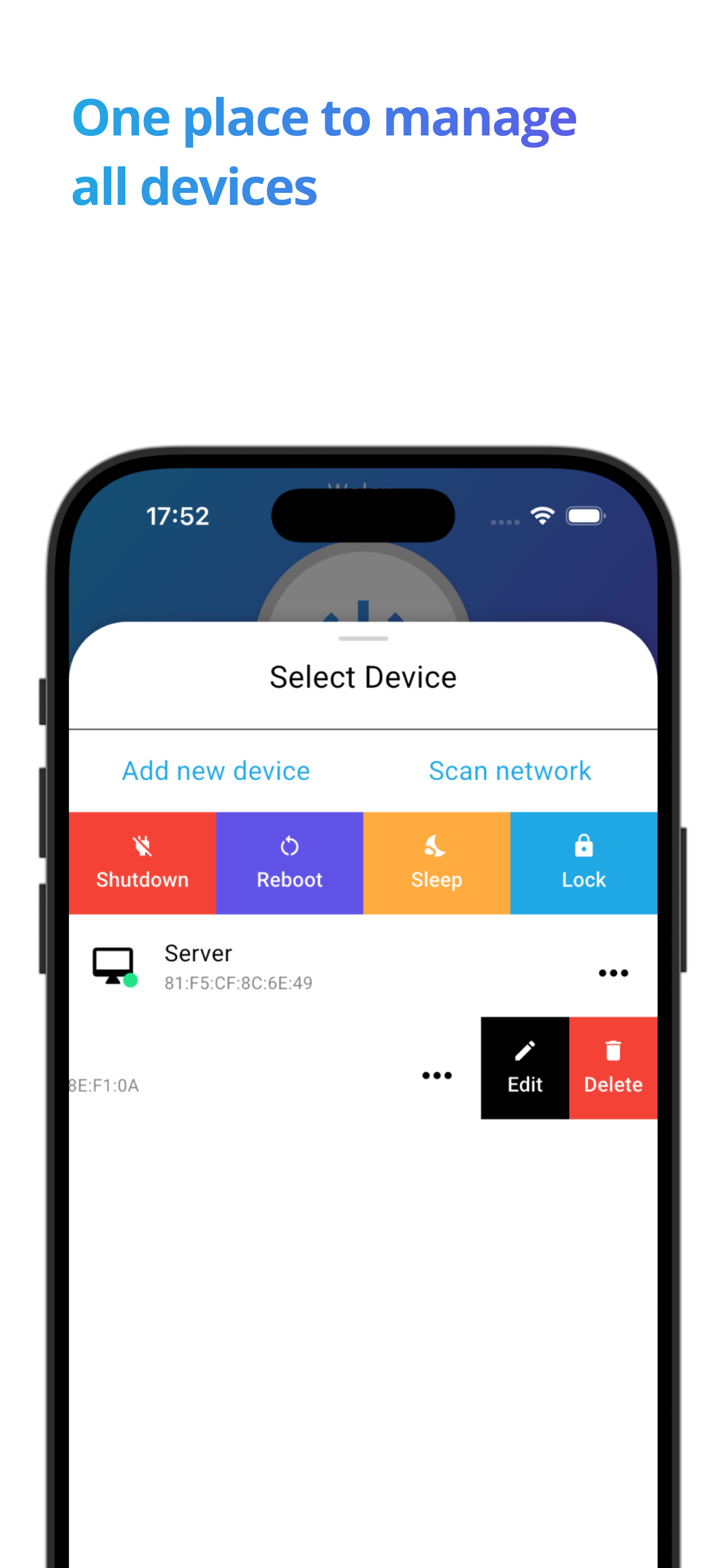
Wolow is a wake on LAN app that allows you to remotely start up a computer by sending a "magic packet" request. Simply add a device configuration ins...
| Name | Price | Type |
|---|---|---|
| Premium | $5.99 | One-time |