Check the acquisition promise
Read the store headline, screenshots and description. What problem is the app promising to solve?
Study the storefront ↗
Devolutions Inc. · iOS
Explore the ad evidence, study the storefront, and build your next acquisition hypothesis.
01 / Creative research
Read the store headline, screenshots and description. What problem is the app promising to solve?
Study the storefront ↗Explore apps with direct store-link matches. Compare their hooks and formats without assuming the same approach works here.
Browse observed advertisers ↗Store rankings and revenue estimates describe market context. They do not establish ad spend, conversions or ROAS.
Review the market context ↗02 / Storefront & product
Study the product story and store experience behind the acquisition funnel.


03 / Market context
Keep revenue, downloads and store rankings separate from advertising performance.
The most recent update completely broke it and now my xml vault will not load or let me connect to any of my systems. This has been rock solid for months prior and still works fine on desktop, but the mobile app is no longer functioning as expected. Vaults show as blank and the one time I was able to see the contents it refused to connect, just kept opening menus but never started a session when selecting an entry. There is no connect button, it only open the entry overview. My xml vault was located on a remote drive which I do have access to, but I have to manually point it there every time now and it seems to forget the location which it did not do before. This is quite the regression and I wish I could roll back to the previous version.
I love RDM on the desktop, so this review is largely critical in comparison. I find the mobile version….okay. It is great for storing and retrieving passwords, but connectivity is less than ideal. What do I mean? In the desktop version, if you open a page from the app, it opens in the browser and auto fills the fields (usually - depends on the site). However, with the IOS version that doesn’t happen. You are very obviously switching back and forth between the app and the browser. This makes for relatively poor UX. It works flawlessly as designed, but that design is less than ideal. I doubt this was the desired design. I am certain the design choices made were due to system constraints; but it does make for a relatively poor experience when coming from the desktop experience. So my request would be to continue to try to work around or otherwise resolve that differentiated workflow between the app and the desktop version.
This is by far one of the most versatile clients for remote connectivity for iPadOS. There are only some minor issues that prevent it from being a 5 star application: 1. When connected to Windows 10 and using a mouse in iPadOS the application keeps the client mouse (it does not use the Windows 10 pointer, you keep the circle pointer from iPadOS). This can be difficult to use when trying to resize windows or select text. 2. When using a keyboard in iPadOS the fn+up/dn key (which is supposed to be pgup and pgdn) acts as maximize and minimize windows. I saw this same issue in the official MS RDP app so it seems like a common problem. Otherwise, I would definitely rather use RDM than any other RDP client. It can be a little convoluted with credentials but after the learning curve it makes sense. Amazing application.
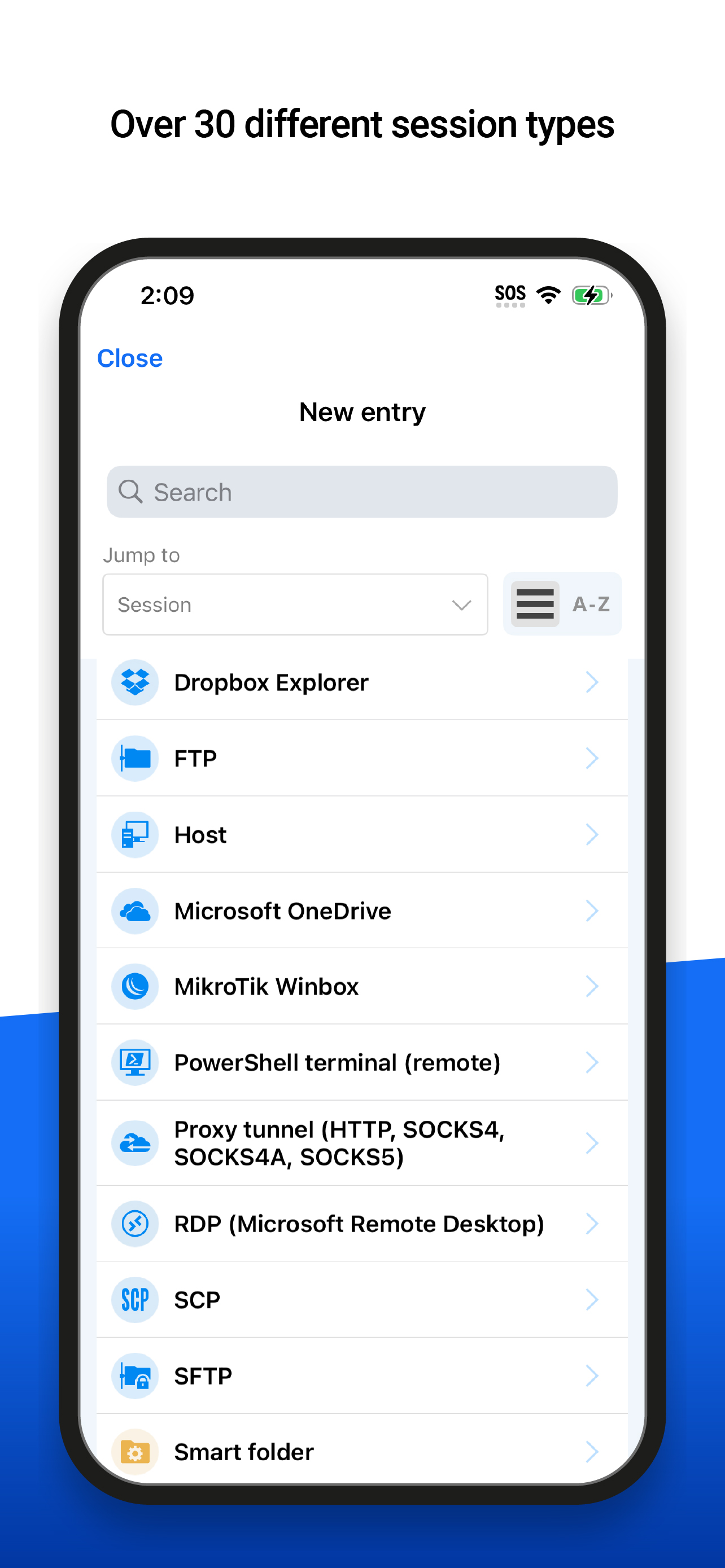
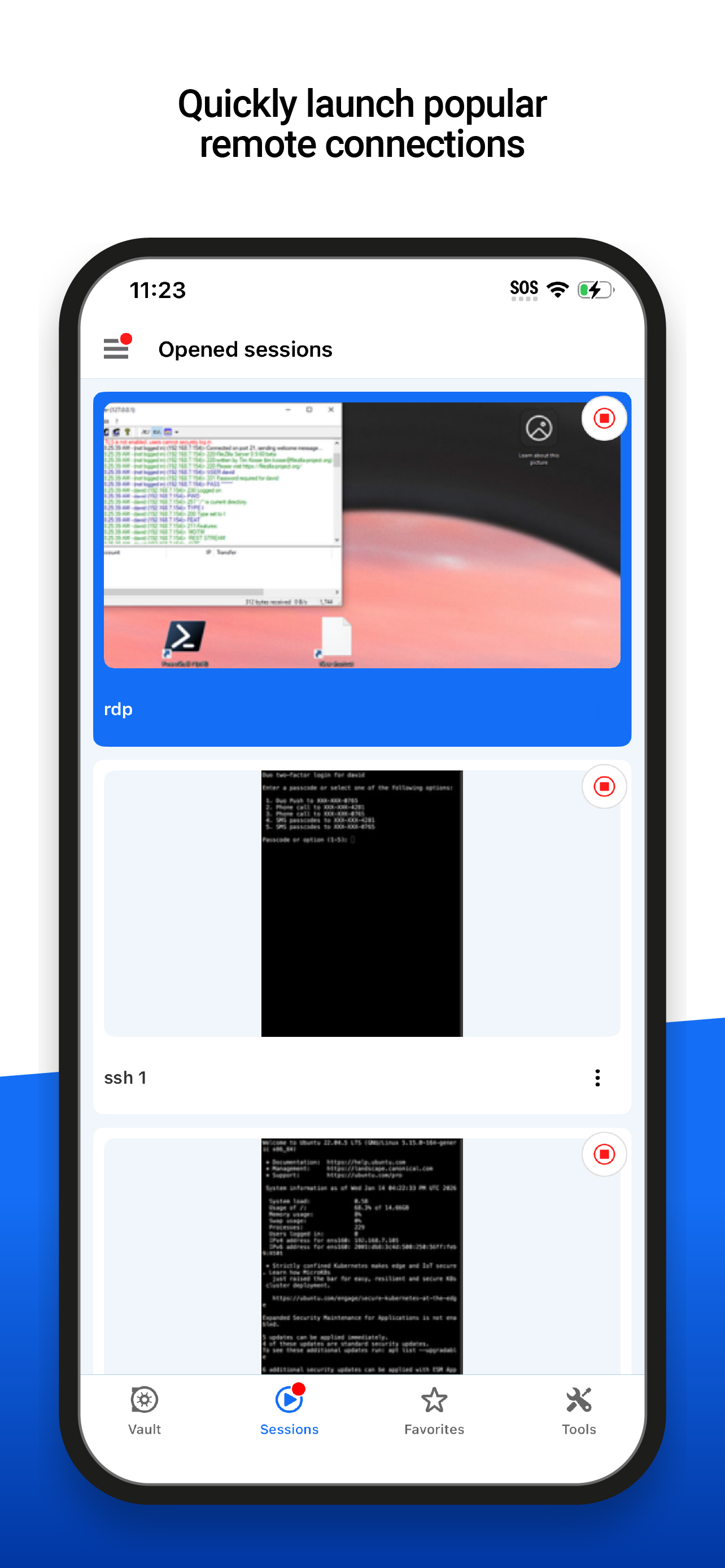
Remote Desktop Manager for iOS is a free tool that enables access to all your remote connections and passwords. Centralize your connections in data so...