Check the acquisition promise
Read the store headline, screenshots and description. What problem is the app promising to solve?
Study the storefront ↗
Empower Tribe Innovations DE GmbH · iOS
Explore the ad evidence, study the storefront, and build your next acquisition hypothesis.
01 / Creative research
Read the store headline, screenshots and description. What problem is the app promising to solve?
Study the storefront ↗Explore apps with direct store-link matches. Compare their hooks and formats without assuming the same approach works here.
Browse observed advertisers ↗Store rankings and revenue estimates describe market context. They do not establish ad spend, conversions or ROAS.
Review the market context ↗02 / Storefront & product
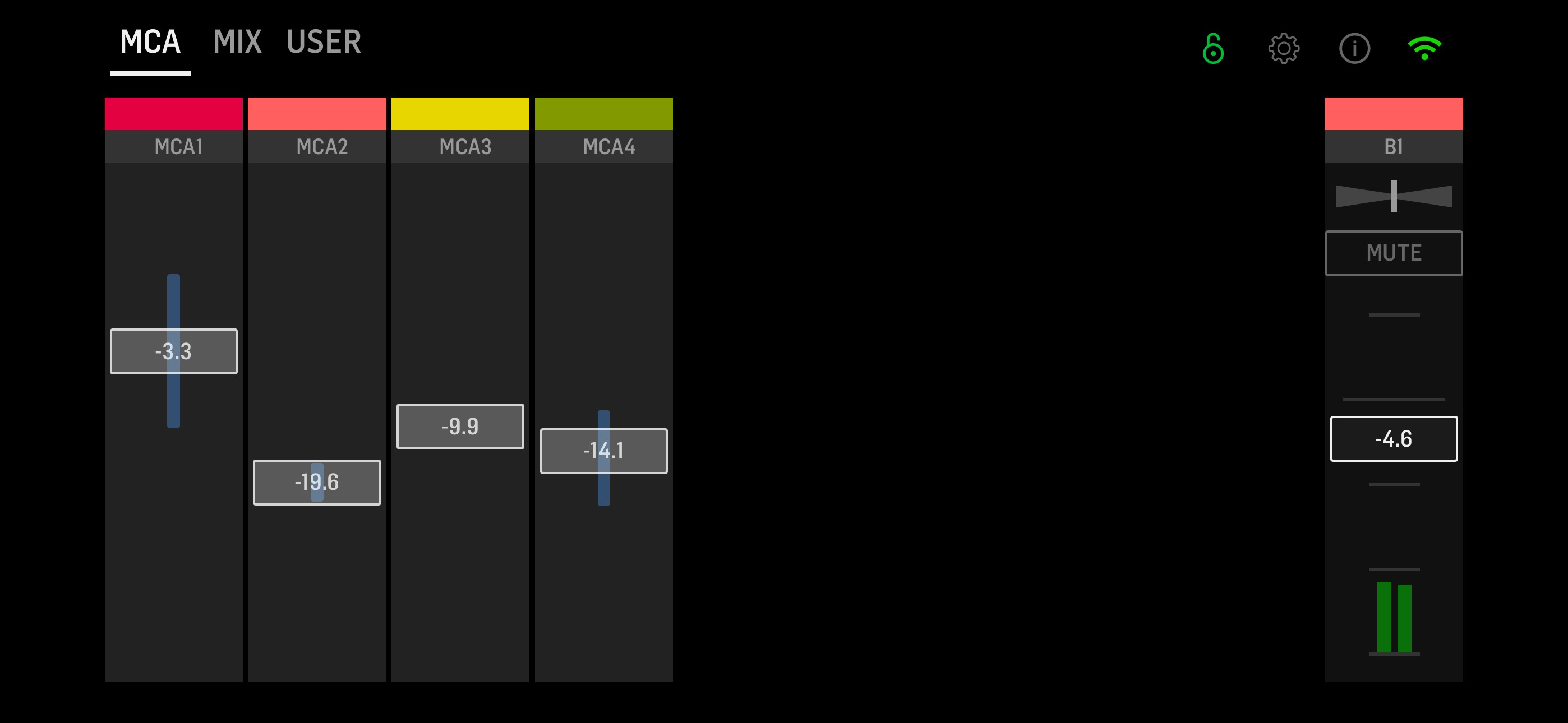
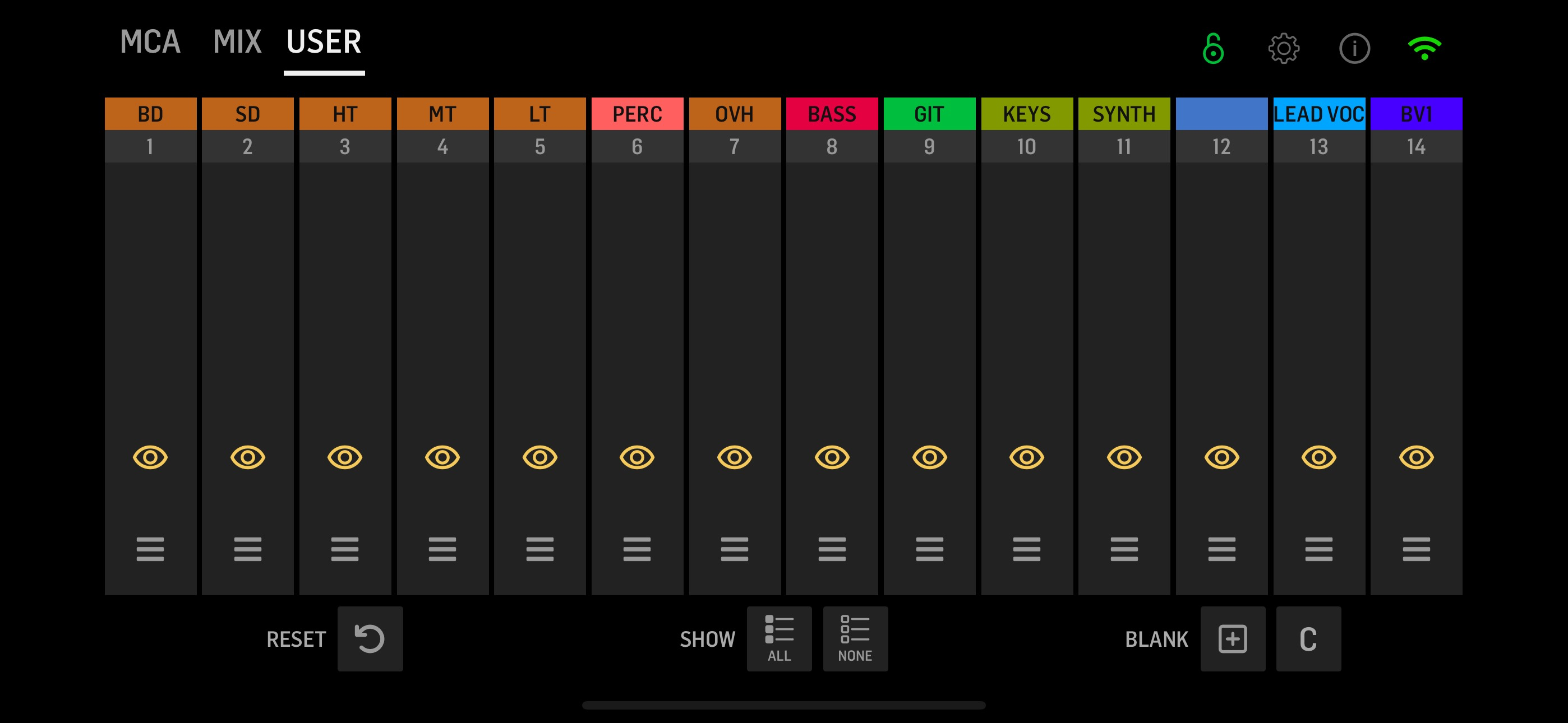
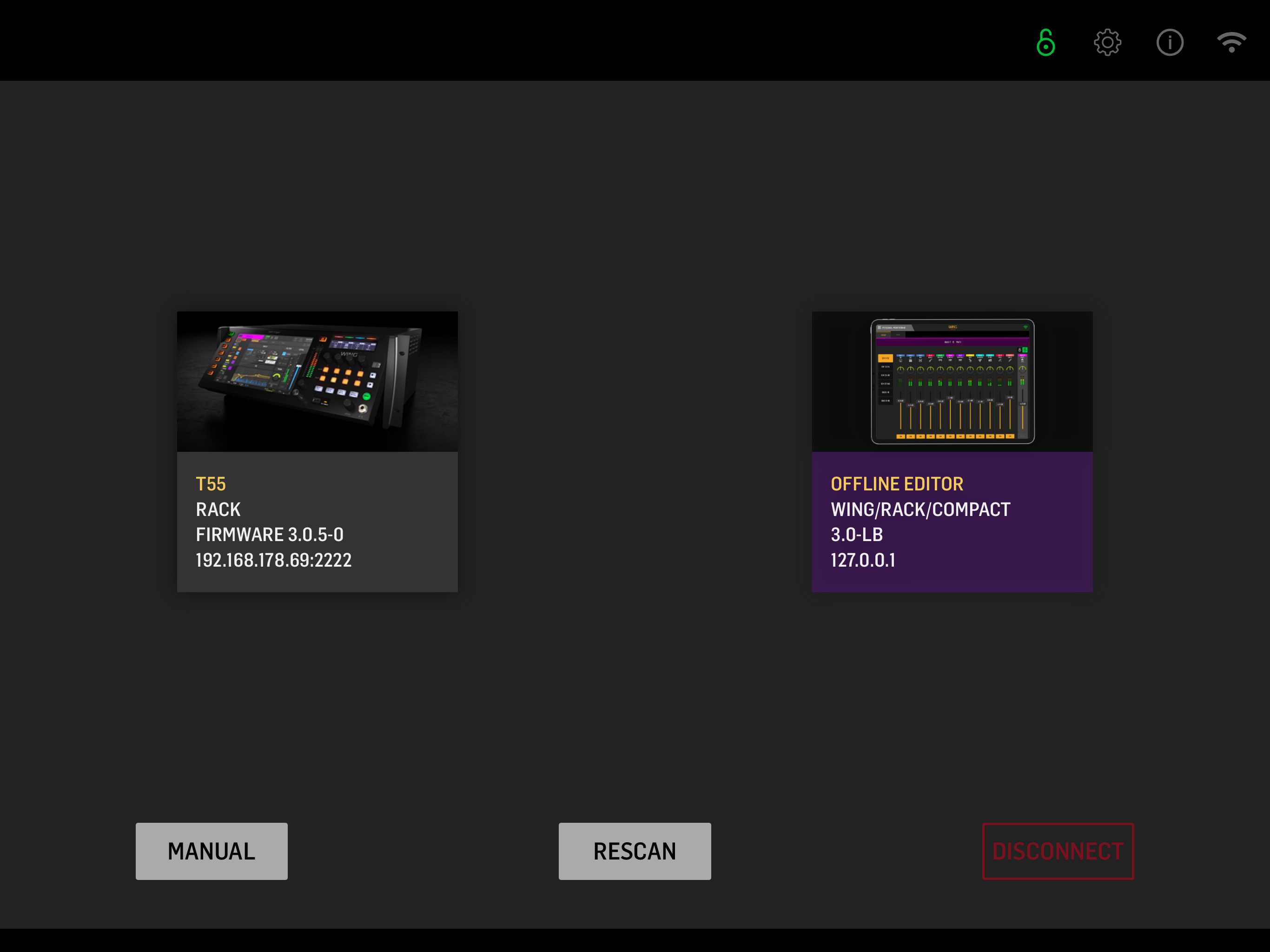
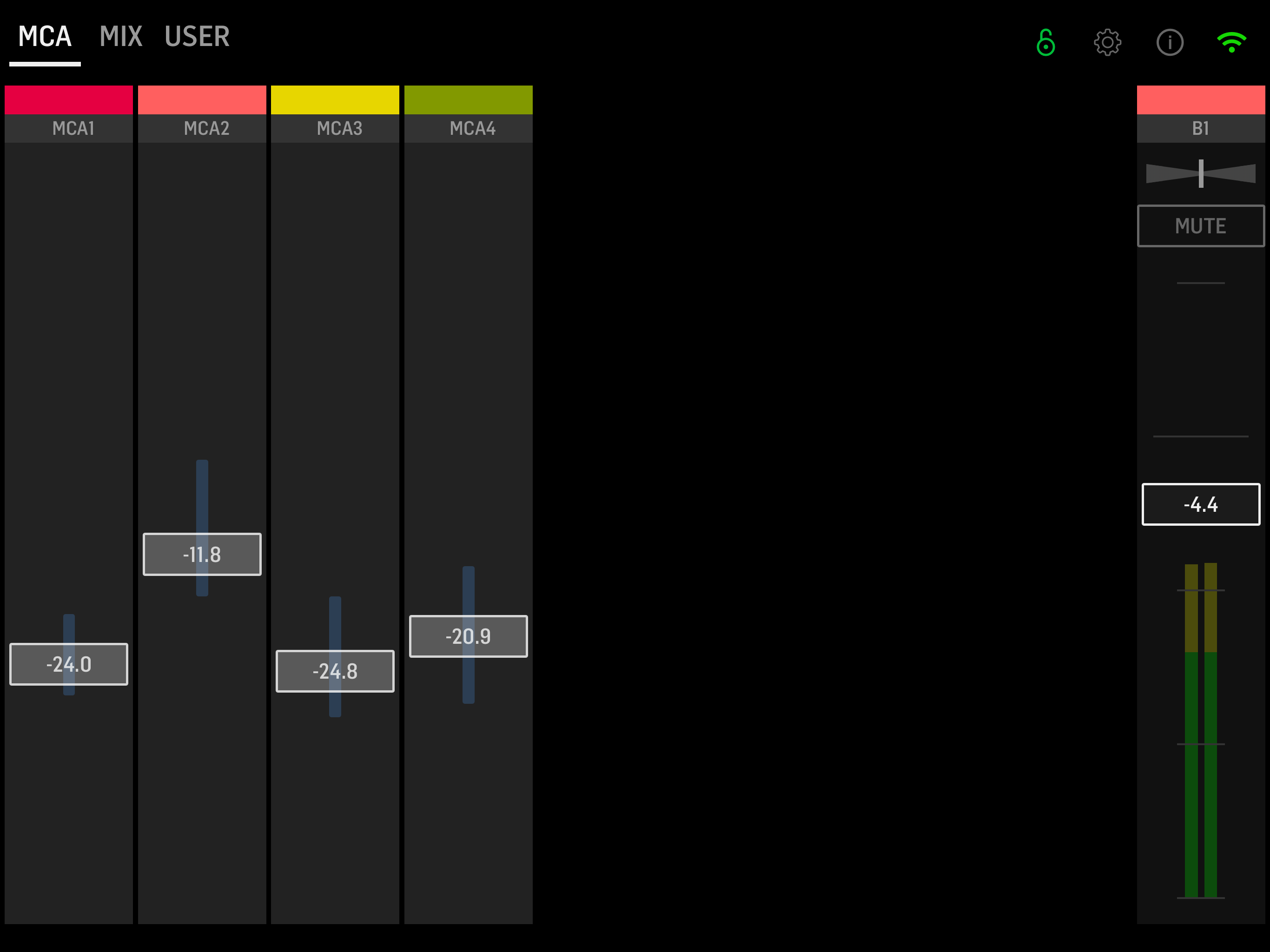
Study the product story and store experience behind the acquisition funnel.


03 / Market context
Keep revenue, downloads and store rankings separate from advertising performance.
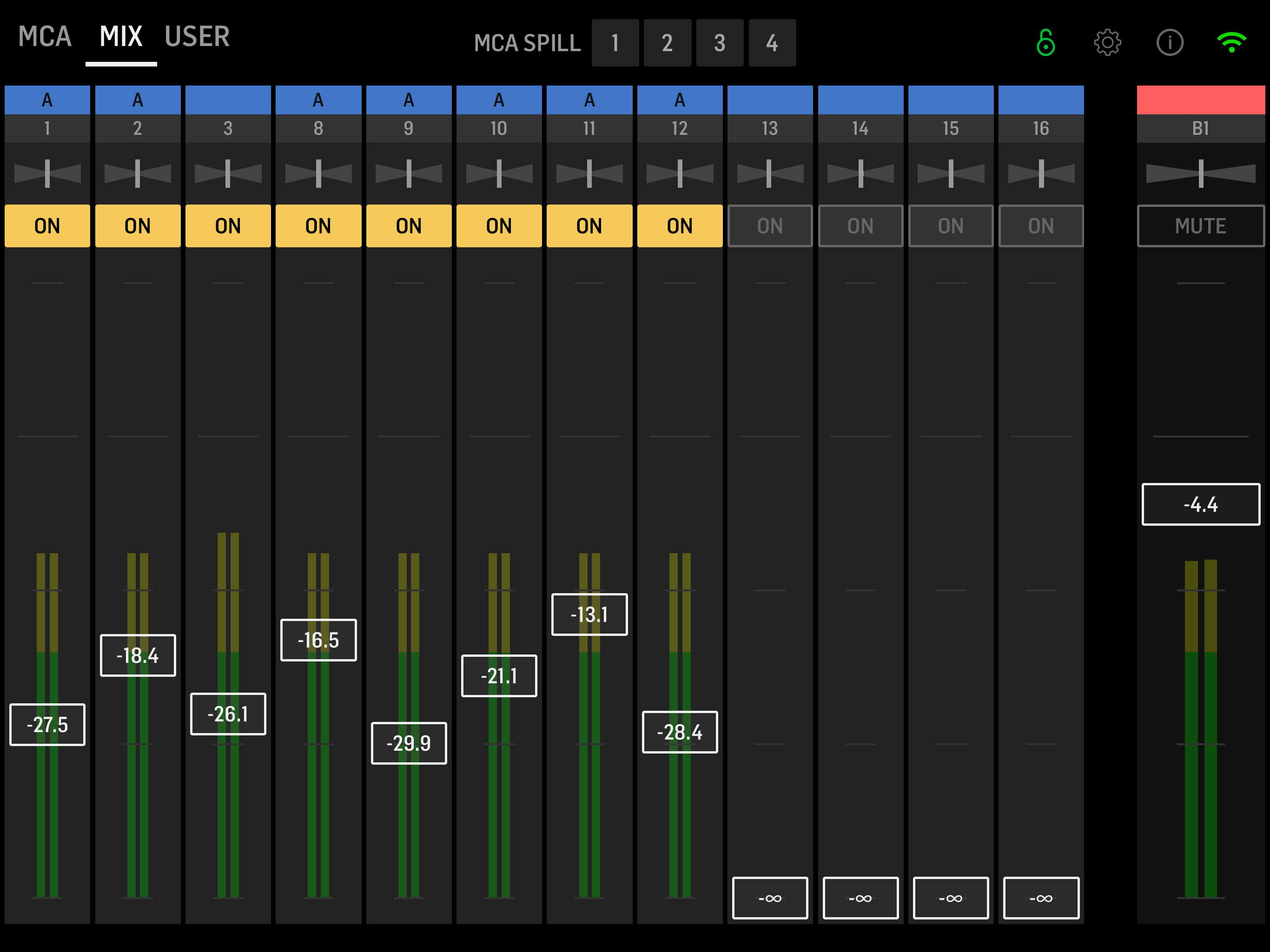
I agree with the previous review by Doug. There’s a lot that has been improved in this mixing app and it is a useful app. When does it stop being useful? *When you try to turn your iPad to portrait.* This should be an easy fix. If that were added, five stars.
We recently got our wing board setup. It has been running well. We are coming from the x32 and using my monitor app as the x32 app had some changes and issues. I will summarize by saying this, you have done almost everything right in this app except one big thing. “Orientation” We use this for our singers and musicians on the platform. We use IEM like most do. We also use planning center music stand for our lyric and charts. These are done on iPads. My issue as the leader is with the orientation of the wing q app. I have to rotate my iPad to landscape mode to use the app. This is a pain! My singers that run the app on their phones hate this as well. You have done so much right, please release an update that allows portrait mode. We need this!
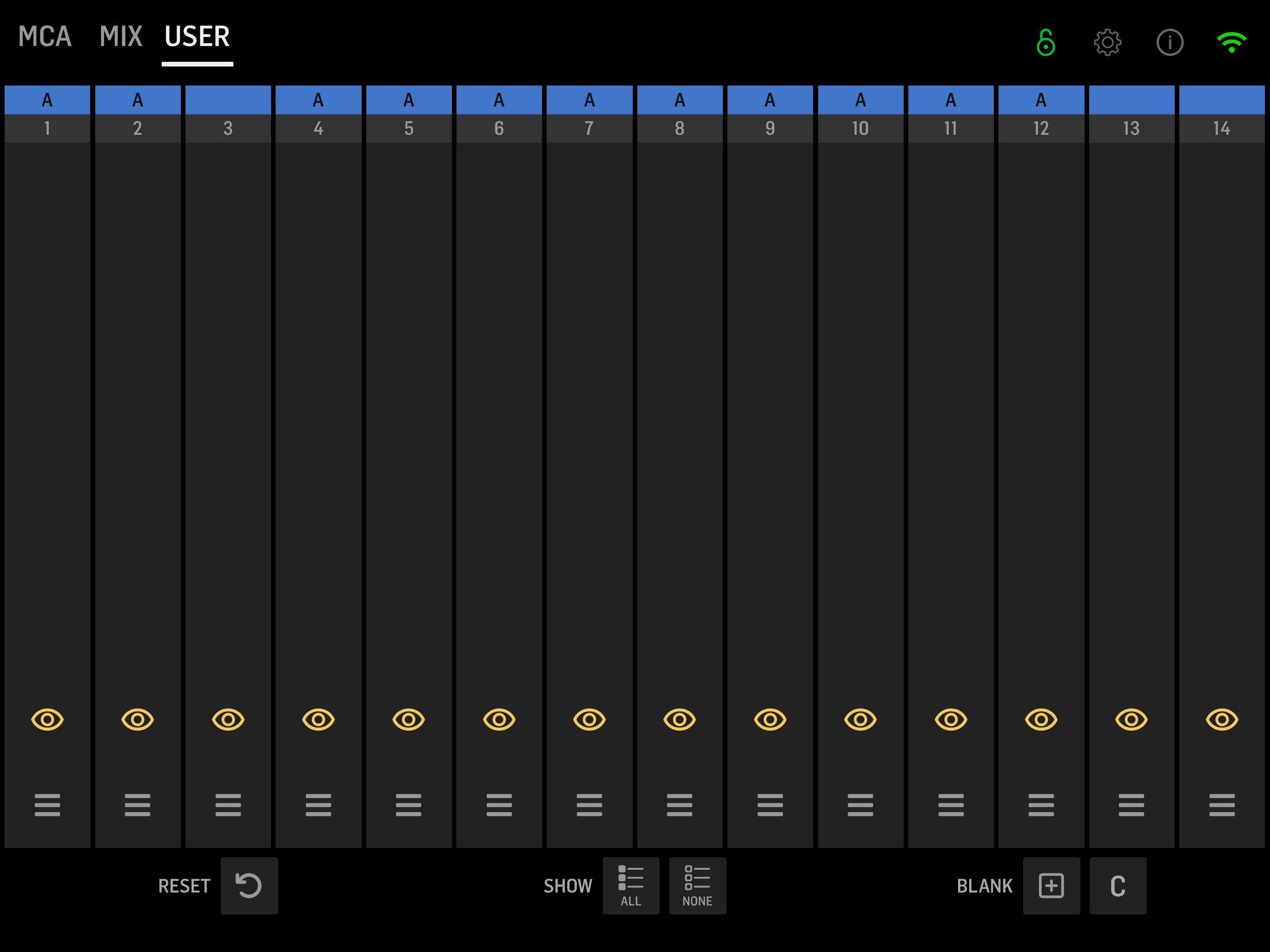
I just downloaded version 3.1.2 of this app. I was terrified by all the bad reviews, however, they now have the names above the tracks and also have pictures of an instrument. The stereo panning is variable not just left, right and center. It is only landscape, but the controls do not seem small to me. They seem similar to other iPhone mixing apps. I have not used it live and cannot review live functionality, but I just wanted to update what is on this version of the app. One thing that I don’t like, is when I reach down to the bottom of the screen to lift a fader that is all the way down, the app sometimes thinks I am swiping up to shut the app down and then shuts the app down. I found a workaround is just to place my finger a 1/2” or so above the bottom of the screen when I start to scroll up on the fader that is all the way down. The fader still goes up with my finger.
Experience seamless wireless control of your personalized monitor mixes on the WING console using WING-Q. Whether in studio or live, WING-Q allows for...