Check the acquisition promise
Read the store headline, screenshots and description. What problem is the app promising to solve?
Study the storefront ↗
Empower Tribe Innovations DE GmbH · iOS
Explore the ad evidence, study the storefront, and build your next acquisition hypothesis.
01 / Creative research
Read the store headline, screenshots and description. What problem is the app promising to solve?
Study the storefront ↗Explore apps with direct store-link matches. Compare their hooks and formats without assuming the same approach works here.
Browse observed advertisers ↗Store rankings and revenue estimates describe market context. They do not establish ad spend, conversions or ROAS.
Review the market context ↗02 / Storefront & product
Study the product story and store experience behind the acquisition funnel.


03 / Market context
Keep revenue, downloads and store rankings separate from advertising performance.
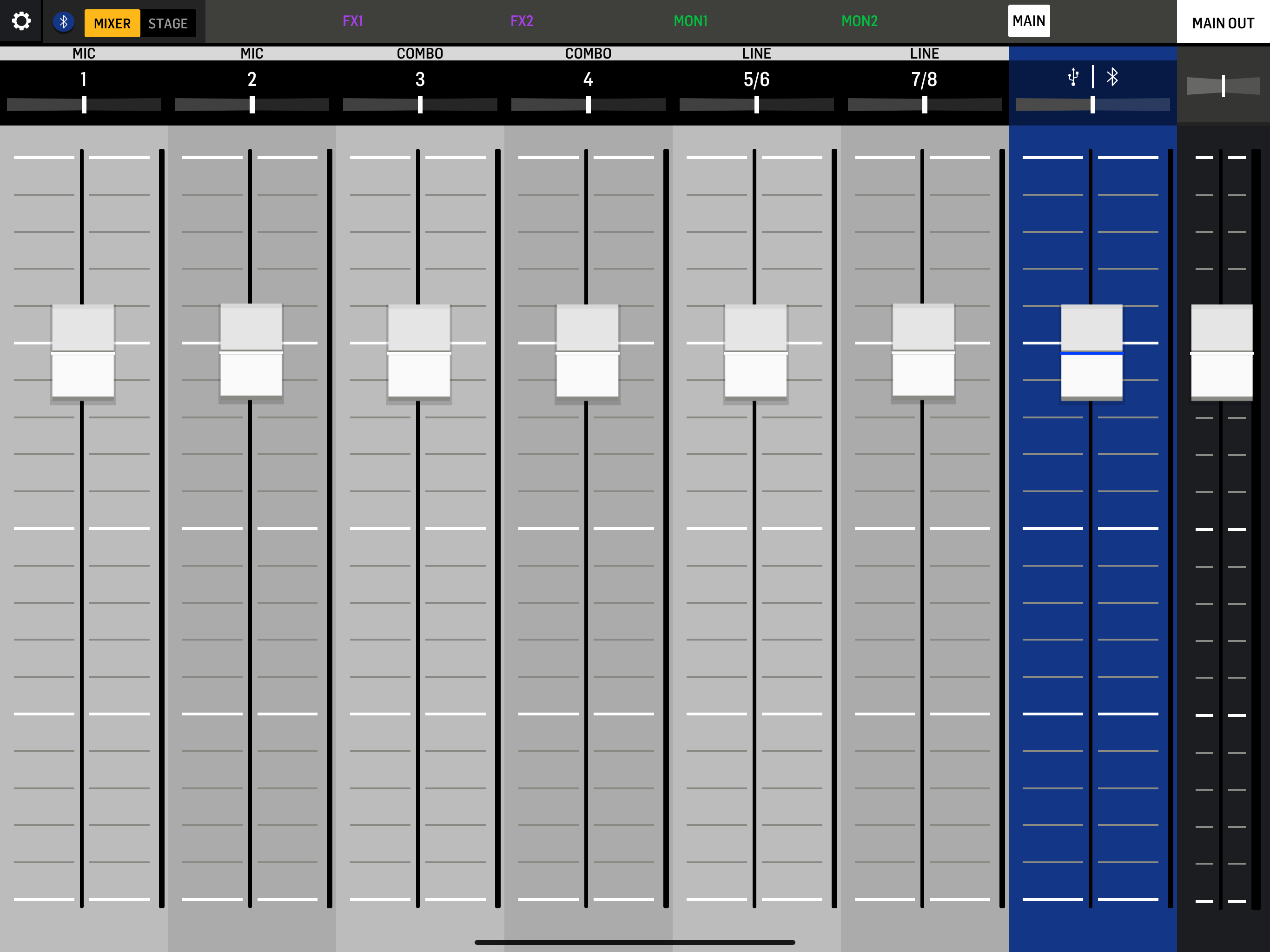
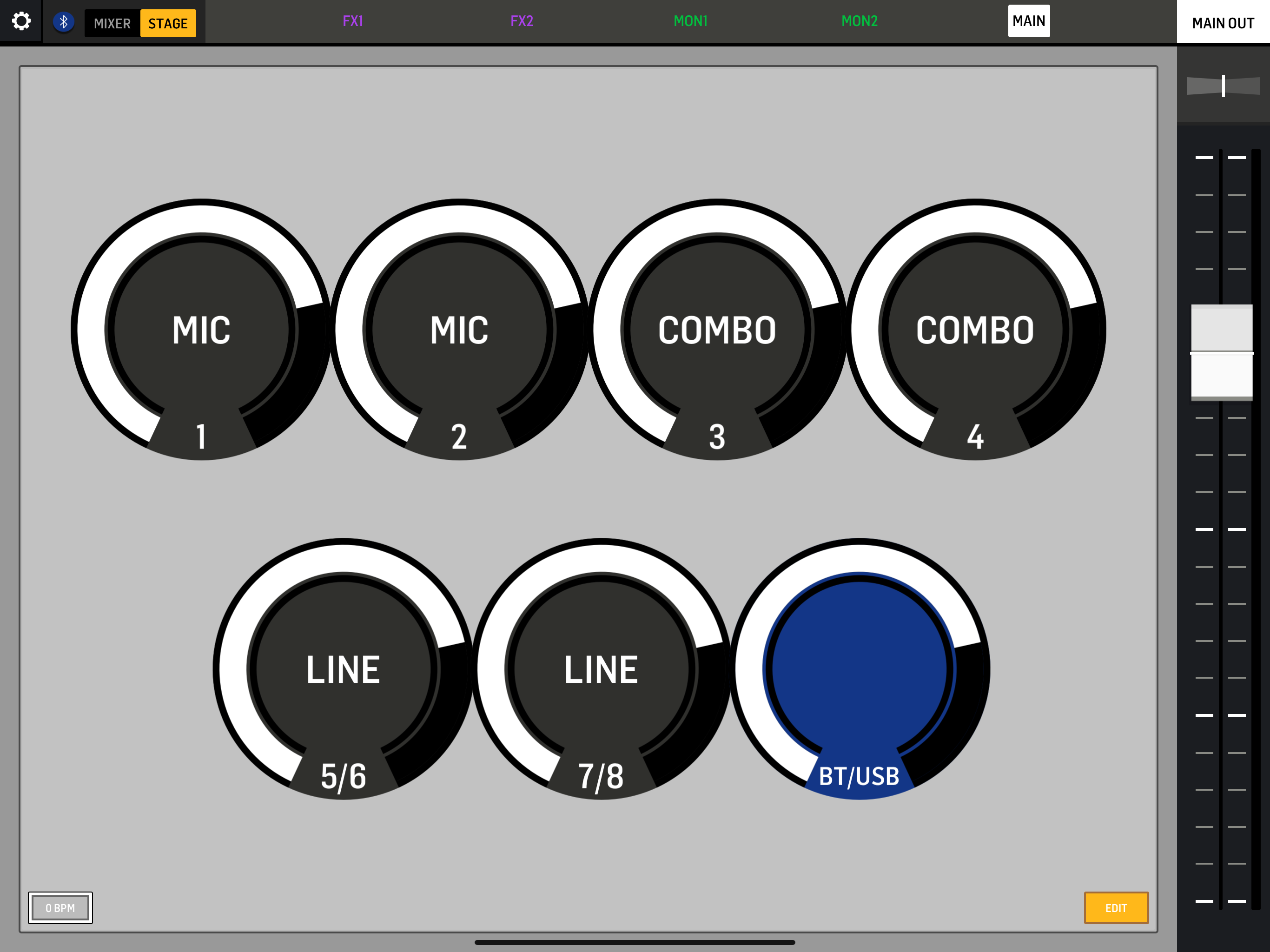
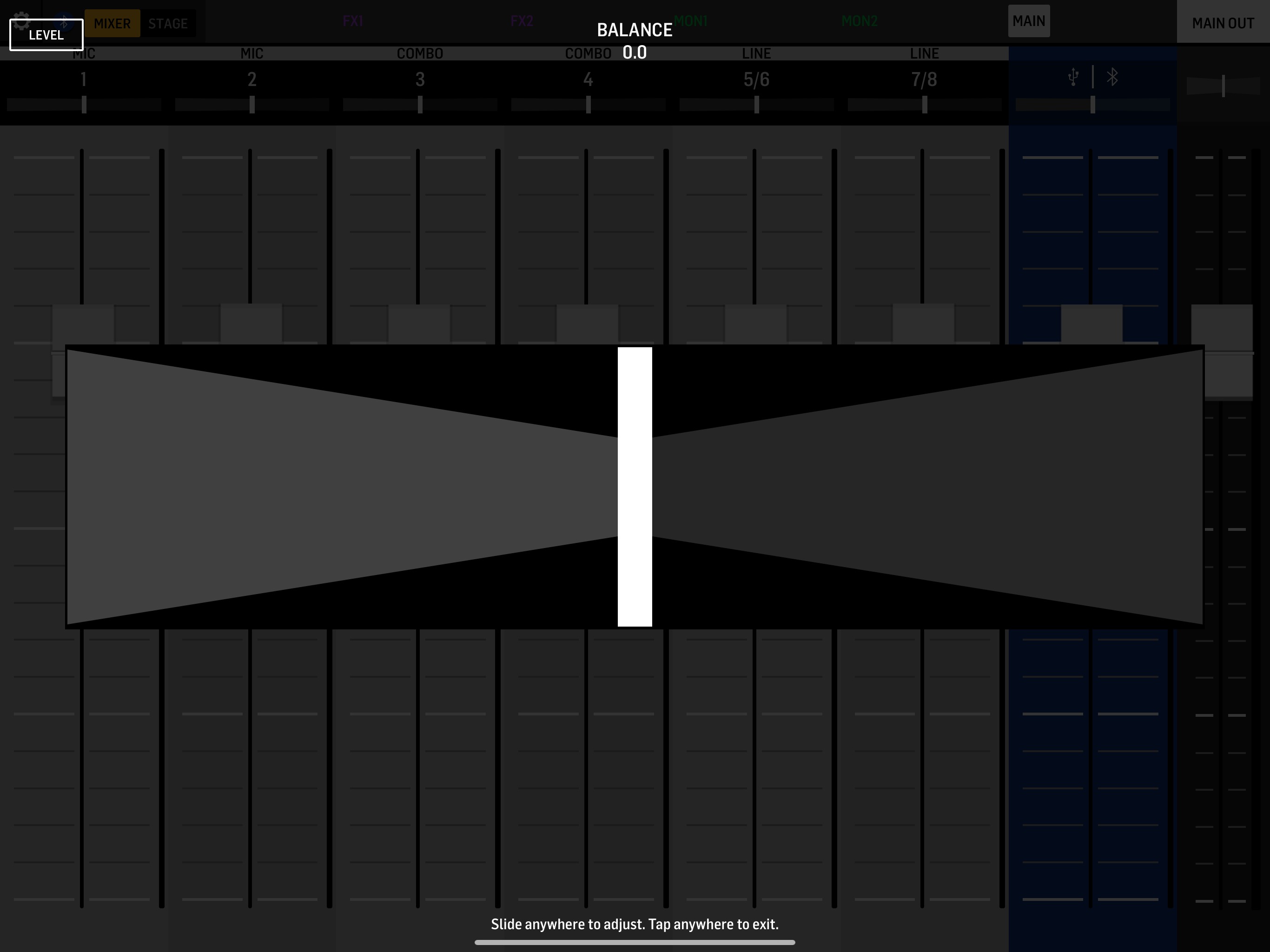
It’s nice they made an app for the Flow right at launch but I really hope they are not done with the app. The most glaring usability problem to me is how buried the mute buttons are. Even on the “Stage” view you can SEE the mute state of a channel with a big icon, but you can’t change it. Huh?! Who thought that was a good idea? Only way to mute a channel is go to Mixer screen, tap channel header then tap the mute button buried in there. If you need to quickly mute two or three channels, too bad. UPDATE: at least in the current version you can get to the mute button by tapping on a channel, but you still can’t see the mute state on the main faders screen!! Other than that, the EQ UI is pretty terrible. They should know how to do it right since the eq controls for their x32 and Air mixers are all decent. There’s also quite a bit of lag between changes made in the app and when the mixer actually makes the change, making it very easy to overshoot your target level. A few places they have this weird UI paradigm of where if you tap on a control a full-screen slider widget pops up. That’s disorienting and really unhelpful. Just do it like countless other iOS music apps and let us drag on the screen without hiding everything behind a giant slider.
The app is perfect with the mixer. Definitely faster workflow for gigs being able to use custom presets. That being said, the app crashes frequently. Presets are a MUST if you plan on using it for live use. Once you lock them in, you’re able to use it as a standard compact mixer without worrying about using your phone. A dual Ampero foot switch for the effects helps a lot too.
I love that you can now send post fader to the monitors! That was my biggest feature request! While playing with the new firmware I found that the back button doesn’t work if you go Menu > EFFECTS > FX SELECT (either). The MENU button brings up additional effect parameters but I can’t figure out how to get out of the submenu. The work around that I found is if you switch layers and switch back to main it resets the menu. The other more major bug that I found is if you hold down the MENU button for more than 3 seconds the entire console shuts off (crashes) the menu button stays lit until you press it again, then the console reboots. I’m not sure if this was intended as a way to “hard reset” the mixer but I can see this being a major issue if someone doesn’t know about this and does it while live.
The new FLOW Mix app for iPadOS tablets and iOS mobile phones offers wireless remote control for the Behringer FLOW 8 Digital Mixer. This app is using...