Check the acquisition promise
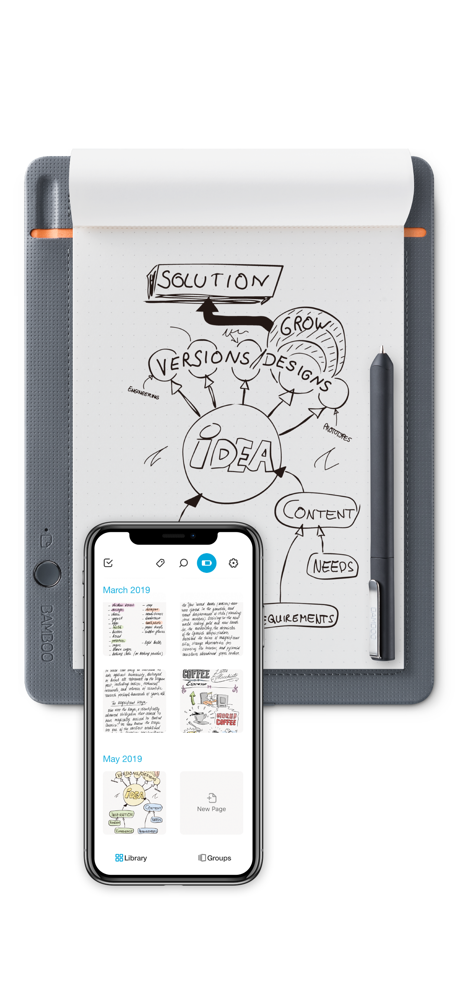
Read the store headline, screenshots and description. What problem is the app promising to solve?
Study the storefront ↗
Wacom Europe GmbH · iOS
Explore the ad evidence, study the storefront, and build your next acquisition hypothesis.
01 / Creative research
Read the store headline, screenshots and description. What problem is the app promising to solve?
Study the storefront ↗Explore apps with direct store-link matches. Compare their hooks and formats without assuming the same approach works here.
Browse observed advertisers ↗Store rankings and revenue estimates describe market context. They do not establish ad spend, conversions or ROAS.
Review the market context ↗02 / Storefront & product
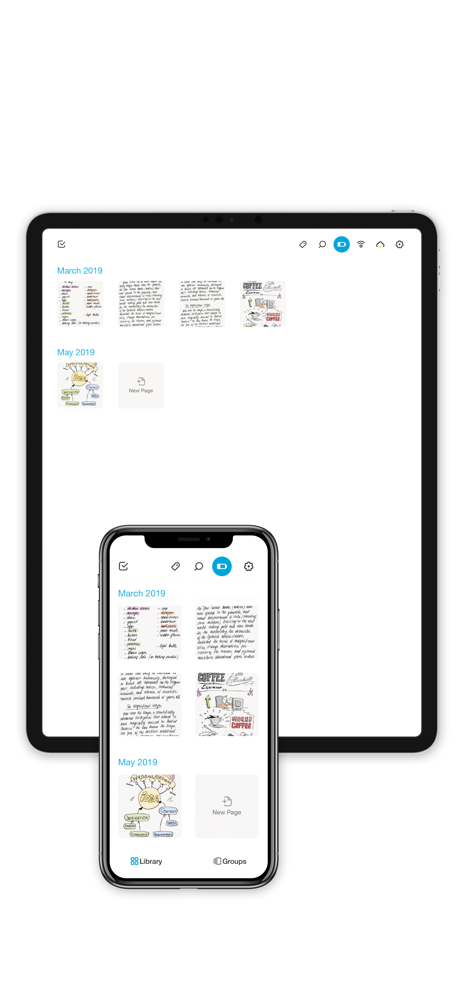
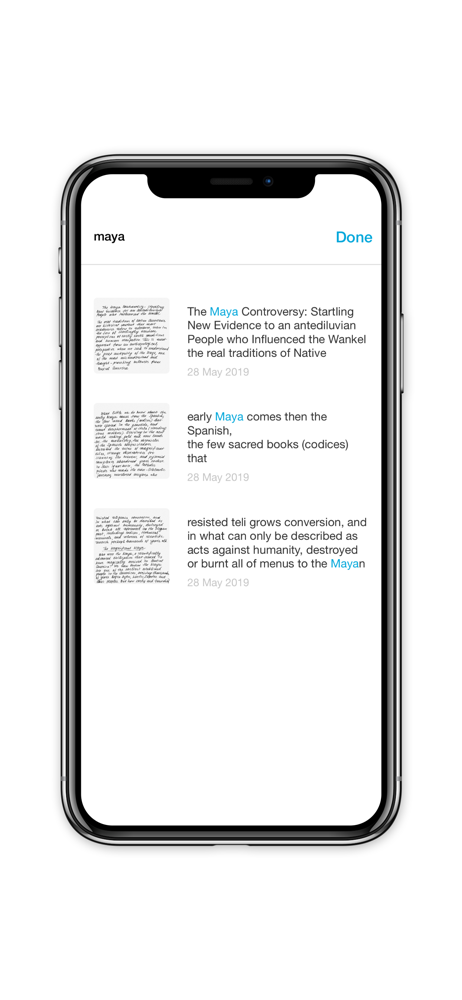
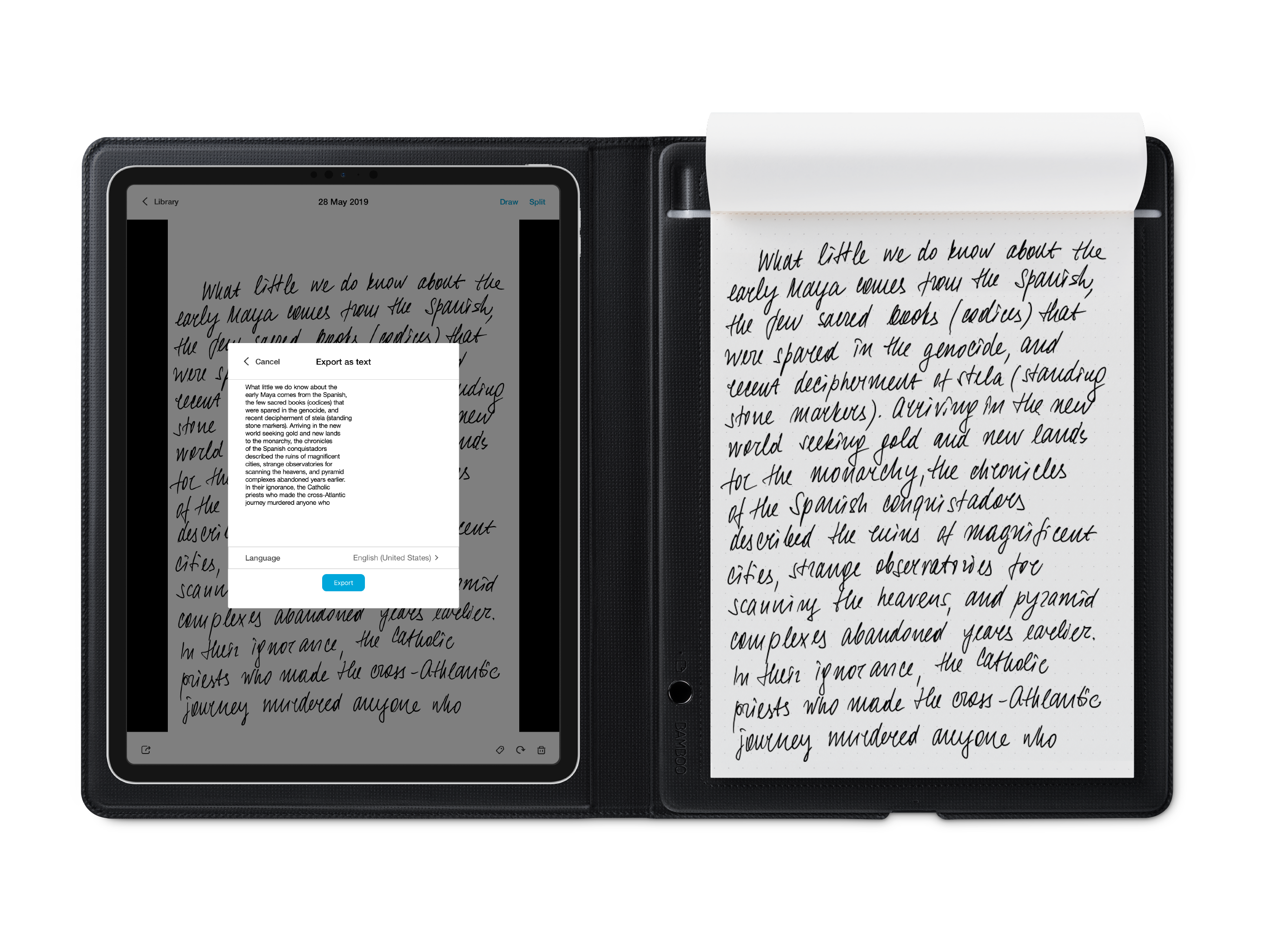
Study the product story and store experience behind the acquisition funnel.




03 / Market context
Keep revenue, downloads and store rankings separate from advertising performance.
As the title suggests I was expecting this app to work with my Wacom intuos pro like the app suggested but it won’t connect with it. Might connect with other Wacom products but I hope the app would of work for my tablet like I wanted to since my computer died and I wanted to make digital art again with my tablet.
Bamboo slate smart pad is good. The App is bad. The app functionality for storing and revisiting your prior notes is extremely poor. (1)First, MAKE INKSPACE THUMBNAIL VIEW REGTANGULAR INSTEAD OF SQARE! The note we take and save is rectangular in shape. I do not understand why the thumbnail page view in Wacom inkspace is all square shape with only the view of the center part of each page. You cannot see the complete note page by looking at the thumbnail page view, making it extremely difficult to identify and locate the note you want. You have to literally open up each page in order to find the page you want. (2) Second, ADD SLIDE BAR QUICK PAGE VIEW. The current notebook browsing function is poor. You have to open up each page and flip each page one by one to browse the notes you take and locate the page you need. When at full page view, why can’t you add a slide bar at the bottom, so people can slide the bar to quickly browse all pages in full page view, just like Kindle app book browsing function. Generally, I feel this app is designed to work on individual pages, not designed for people who needs to take real notes. You need to make note storing and browsing more functional and make the digital notebook in Inkspace more useful like a real notebook, in order to make the app and the Bamboo Slate more useful and meaningful.
I bought the bamboo spark and like it so far, but I've been disappointed with the app. It's not very functional at all. You can import your notes, draw on top of them, and that's about it. I can't find any way to organize them aside from combining them (which just overlays one page on top of another, that's it). So I just have 20 pages spewed out over my screen with no labels or anything. They talk about the bamboo paper app, but that's only available for tablets. So I can sync all my notes to my phone, but then all I can do is add them as a PDF or JPEGs to something like one note. This ends up looking far less organized than just writing them in one note in the first place though. To summarize, there's no good way to organize your notes using this product unless you have a newer iPad. In order for this app and product to be worth the money, they either need to make bamboo paper available on phones, or add some kind of functionality to better organize your notes in the bamboo spark app.
The Wacom Inkspace app is for your Intuos Pro (M & L) Paper edition, Bamboo Spark, Folio and Slate. Use the app to turn what you write or sketch on pa...