Check the acquisition promise
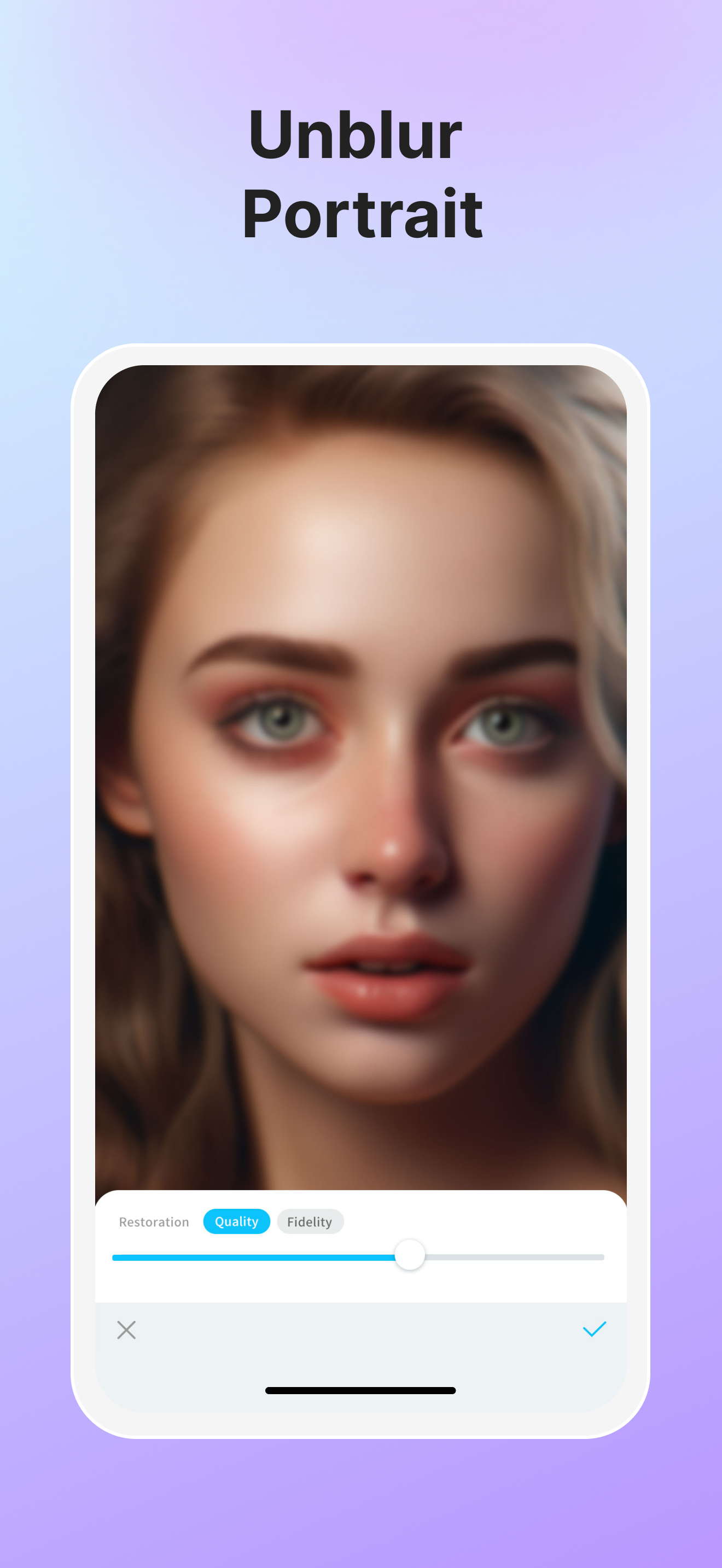
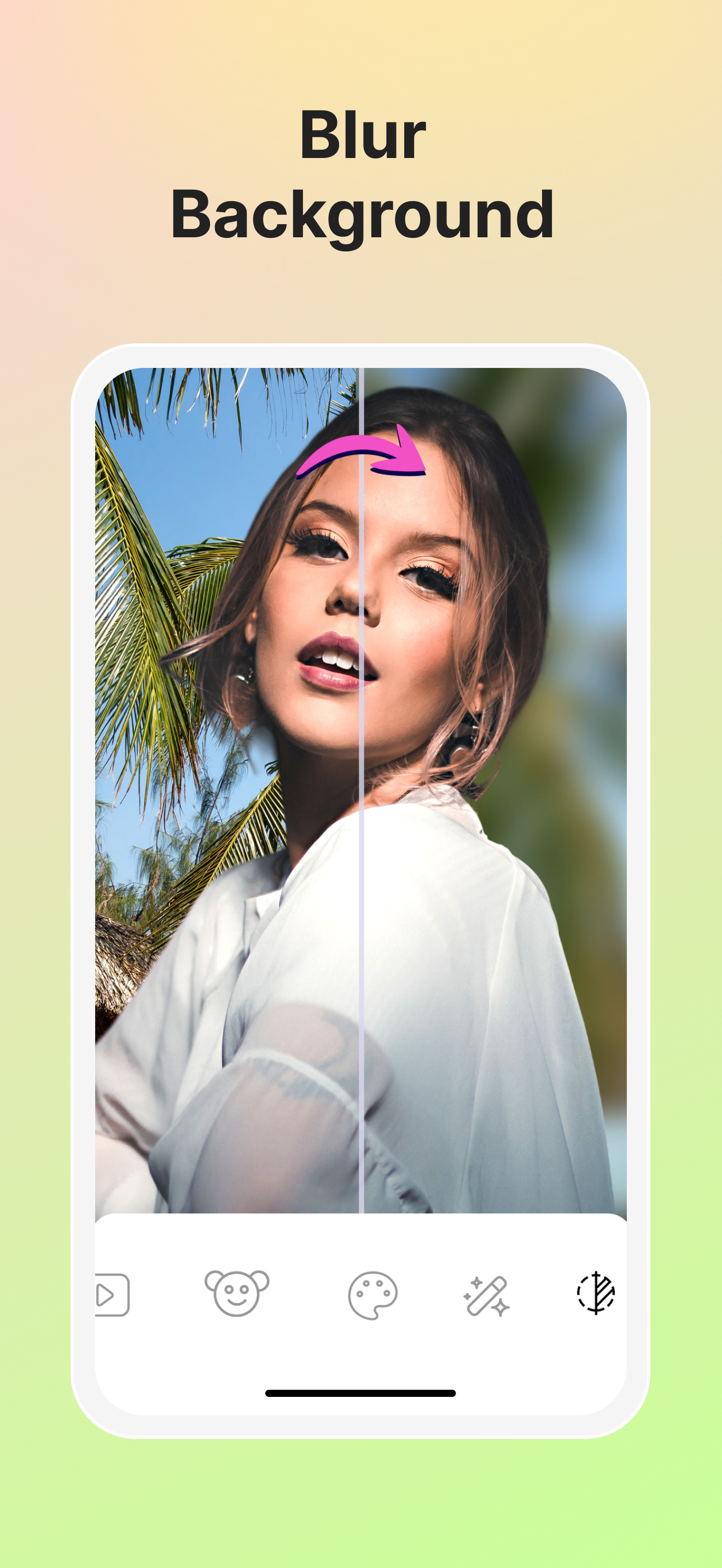
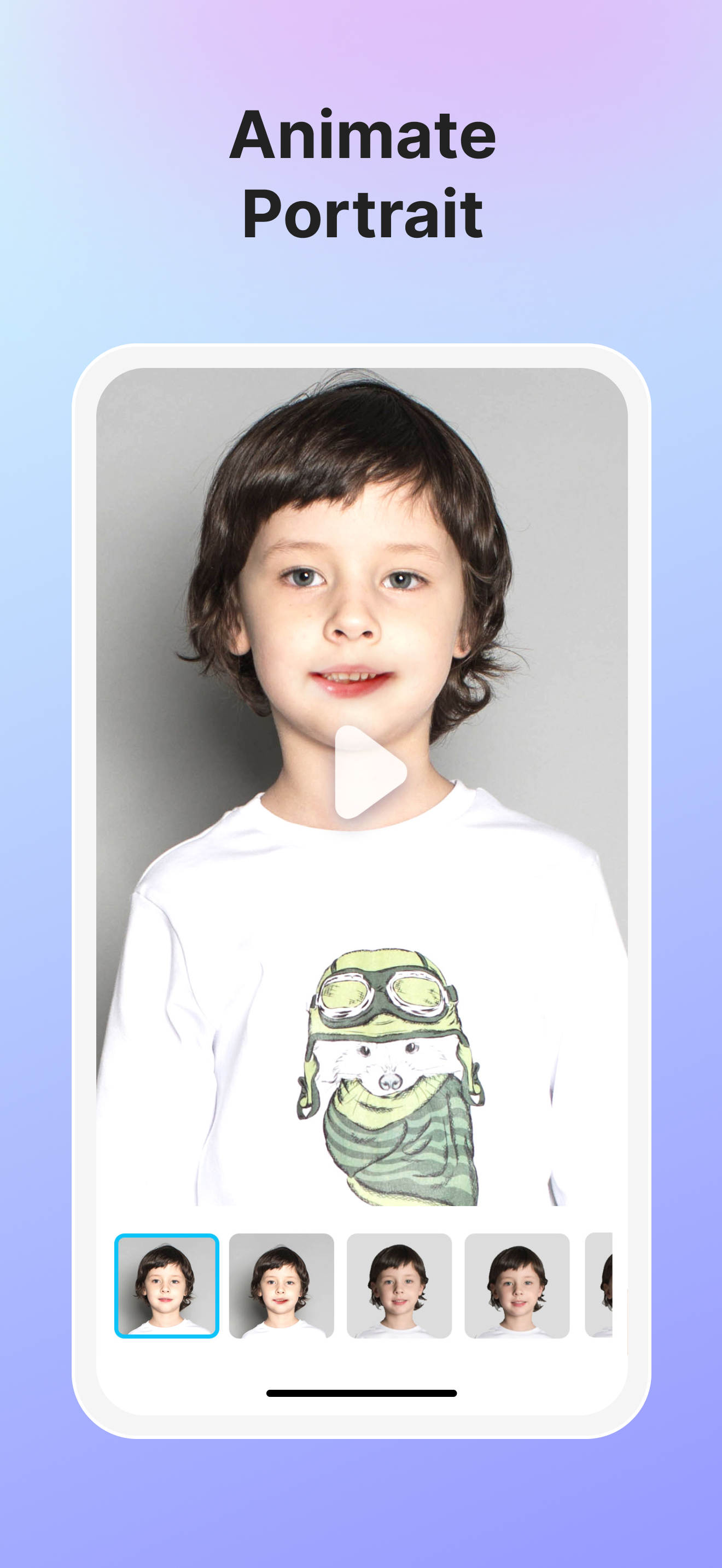
Read the store headline, screenshots and description. What problem is the app promising to solve?
Study the storefront ↗
Winroad Holdings Limited · iOS
Explore the ad evidence, study the storefront, and build your next acquisition hypothesis.
01 / Creative research
Read the store headline, screenshots and description. What problem is the app promising to solve?
Study the storefront ↗Explore apps with direct store-link matches. Compare their hooks and formats without assuming the same approach works here.
Browse observed advertisers ↗Store rankings and revenue estimates describe market context. They do not establish ad spend, conversions or ROAS.
Review the market context ↗02 / Storefront & product
Study the product story and store experience behind the acquisition funnel.




03 / Market context
Keep revenue, downloads and store rankings separate from advertising performance.
I’ve used this here and there, and the model previously used for AI headshots was… okay, but very prone to errors and lacking in quality, even worse with realism. The Animer option also produced some odd results, only animating the head in a photo while keeping the body still. As of now, though, with Vivid’s newest update, none of those things are a problem anymore! Animer is the most improved tool in the app, creating mostly natural looking results now. AI Headshots got a slight UI rework (you can’t use templates anymore, just prompts), but the results are far better than they used to be, retaining the subject’s likeness while making the requested changes. I’d say it’s somewhat similar to Nano Banana in that regard. I will say that HD Enhancement still needs some work. It still generates some glitchy artifacts within the image, usually around the eyes of a person. Overall, great work! I purchased the Lifetime tier and I think it’s worth it, especially being only a little bit more than the subscription price. If you can fix that HD Enhancer tool, and create a way to save specific prompts used in AI Headshots so they can be recalled easily, I’ll give this app a five-star rating.
I had a few pictures I wanted to enhance as a gift for a family member. I scrolled through the App Store and downloaded every single app I could find that advertised this service. Most require a pro account with outrageous monthly fees to even utilize the service, and the ones that don’t, require you to watch ads and then paste a HUGE logo on the picture. Outside of this one, the only other app I was able to find that offered the enhanced service at no additional charge or with a logo, drastically filtered the picture. This app provides the service for free (although you do have to watch a brief ad if you are not a pro member) AND restores the quality of the picture without altering it with filters. No logos either! And coincidentally, this was the last one I tried out of all the apps I mass downloaded. I guess they really do save the best for last. Thanks to the creators of this app for providing such a valuable service!
Good for blurry photos. It’s enhanced a about half of my blurry photos without issues. Things the developers can work on (in order of relevance to me): 1. The enhancer to clarify blurry photos is faulty- mainly with facial features. 1a. There should be a way to zoom in/erase part of the quality/fidelity enhancer on certain parts of the picture if there is no resolution/progression of the AI to fix the issues I’m about to mention below. 1b. When a human face is blurry (especially in a picture that is full body), the enhancer can’t differentiate what normal human facial features should look like and what the blurriness is making it out to be. Example 1: I have red eye in the pic and/or my eye is blurry (and I don’t want to use red eye corrector), it makes my eyes look like they’re almost bulging out of my head, like a cartoon. Makes my eyes look scary where it’s not worth using the enhancer. Example 2: So I have a big, beautiful, straight smile (no crooked teeth or gaps). If my teeth are blurry, the app makes me look like buck tooth beaver. It’s unable to understand that I was moving in the picture so the lines between each tooth is distorted. Tbh, I wouldn’t even mind uploading pictures of myself for the AI to reference for what my face should look like. 2. Dislike when selecting photos that it automatically sets it up to crop the photo. Waste of time and I have to edit it to get the full picture. Maybe there’s a way to get rid of that but haven’t found that yet. Overall, good app. Would prefer they work on the enhancer.
Welcome to Vivid (formerly Vividit)! *Years past, memories fade. Highlight every vivid moment from today. *The Best memories with the Blurriest photo...
| Name | Price | Type |
|---|---|---|
| Vividit Pro (Monthly) | $4.99 | Monthly |
| Monthly Subscription | $4.99 | Monthly |
| Yearly Subscription | $29.99 | Yearly |
| Vividit Pro (Annual) | $29.99 | Yearly |
| Yearly Subscription | $29.99 | Yearly |
| Yearly Subscription | $29.99 | Yearly |
| one time purchase | $39.99 | One-time |
| Once-Time Purchase | $39.99 | One-time |