Check the acquisition promise
Read the store headline, screenshots and description. What problem is the app promising to solve?
Study the storefront ↗
叮咚 康 · iOS
Explore the ad evidence, study the storefront, and build your next acquisition hypothesis.
01 / Creative research
Read the store headline, screenshots and description. What problem is the app promising to solve?
Study the storefront ↗Explore apps with direct store-link matches. Compare their hooks and formats without assuming the same approach works here.
Browse observed advertisers ↗Store rankings and revenue estimates describe market context. They do not establish ad spend, conversions or ROAS.
Review the market context ↗02 / Storefront & product
Study the product story and store experience behind the acquisition funnel.




03 / Market context
Keep revenue, downloads and store rankings separate from advertising performance.
I gave this a 5 because after trying 4 different frame by frame apps this is the only one I kept because it’s basic controls and functions are simple and do exactly what I need, to view and analyze many short video clips for sports training. It has one in app purchase to unlock unlimited frame advances per single video. Not sure what the max number of advances is before the limit is hit but I only encountered it a couple times on my particular type of 10 sec clips. But I have no problem giving a developer $3.99 for his work on something I find useful. Two things that would be very useful. 1) Ability to sort video clips in reverse order so oldest are at the top. When you start reviewing action clips from a practice session you want to see them in order from start to finish, not the last one first 2) buttons or swipe action on viewer to jump ahead to next video or back to prior video. Currently you have to return to the directory of videos and select the next one, extra steps.
Just put a price on it. This app works, but you get about 2 minutes of use before the app locks down the frame-by-frame functionality and asks you to pay.
It’s a great start. The apps doesn’t feel finished yet, and it crashes if you load too many large video files, and they all get named a date stamp so finding the right file is difficult, but it’s the best app so far that lets me analyze animation frame-by-frame. That part works flawless! Have recommended to other animation fans who need this ability. Keep up the good work!
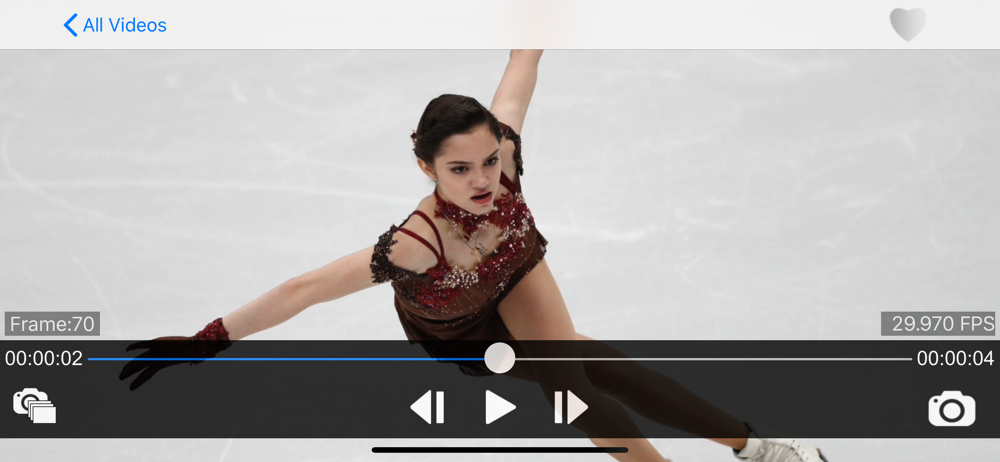
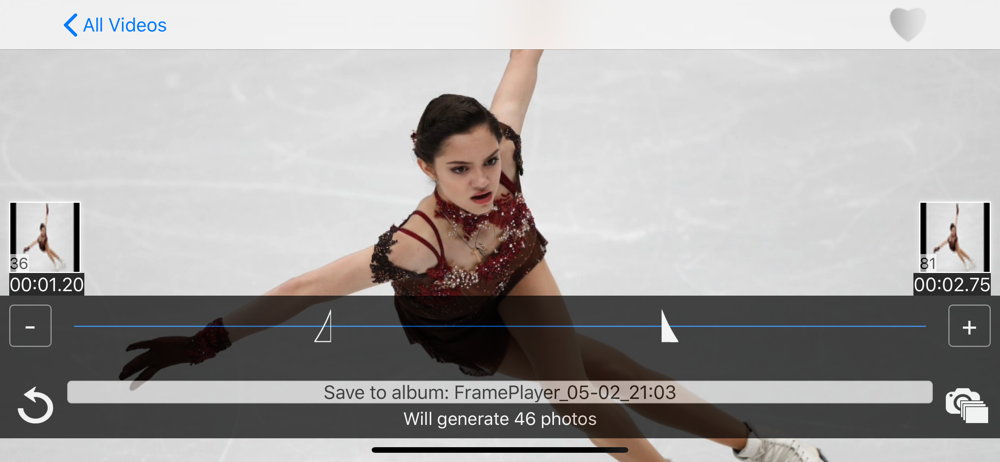
Sometimes we want to play a video frame by frame, so we can observe every detail, and differences between details. Functions: 1) Step-play frames, yo...
| Name | Price | Type |
|---|---|---|
| Keyboard Control | $1.99 | One-time |
| Extract Frame | $3.99 | One-time |
| Convert FPS | $3.99 | One-time |
| Make GIF from video | $3.99 | One-time |
| Draw | $4.99 | One-time |
| Onion Skin | $4.99 | One-time |
| Extract frames in batch | $4.99 | One-time |
| Drag To Seek | $4.99 | One-time |
| Play frames | $8.99 | One-time |