Check the acquisition promise
Read the store headline, screenshots and description. What problem is the app promising to solve?
Study the storefront ↗
Baris Ulas Cukur · iOS
Explore the ad evidence, study the storefront, and build your next acquisition hypothesis.
01 / Creative research
Read the store headline, screenshots and description. What problem is the app promising to solve?
Study the storefront ↗Explore apps with direct store-link matches. Compare their hooks and formats without assuming the same approach works here.
Browse observed advertisers ↗Store rankings and revenue estimates describe market context. They do not establish ad spend, conversions or ROAS.
Review the market context ↗02 / Storefront & product
Study the product story and store experience behind the acquisition funnel.





03 / Market context
Keep revenue, downloads and store rankings separate from advertising performance.
Love this app! It’s incredibly easy to use and worth every dollar. I’ve been able to compress large videos files into much smaller ones, which has saved me a ton of storage space. As someone who values their privacy, I appreciate that the developer has made user privacy a priority. Their privacy policy is straight forward and easy to understand. In today’s world, if something is free, then you’re pretty much product. I appreciated that the developer provided a free trial. Thanks to that I was able to try it out and in the end purchase it. Vote with your wallet people, if you value privacy, support those who respect yours.
Love the app, do kinda wish there was a version for the Mac tho, I use it mainly for compressing my homework videos before uploading them, and so that they don’t take up so much space on my drive, but it’s just a bit annoying to have to transfer them to my phone, to then transfer them back. Also I guess one gripe is that sometimes when it says it’s “loading”, it takes what feels like forever for it to do so, so if there was a progress bar or a bit of text saying what it was doing at that time, it would be nice.
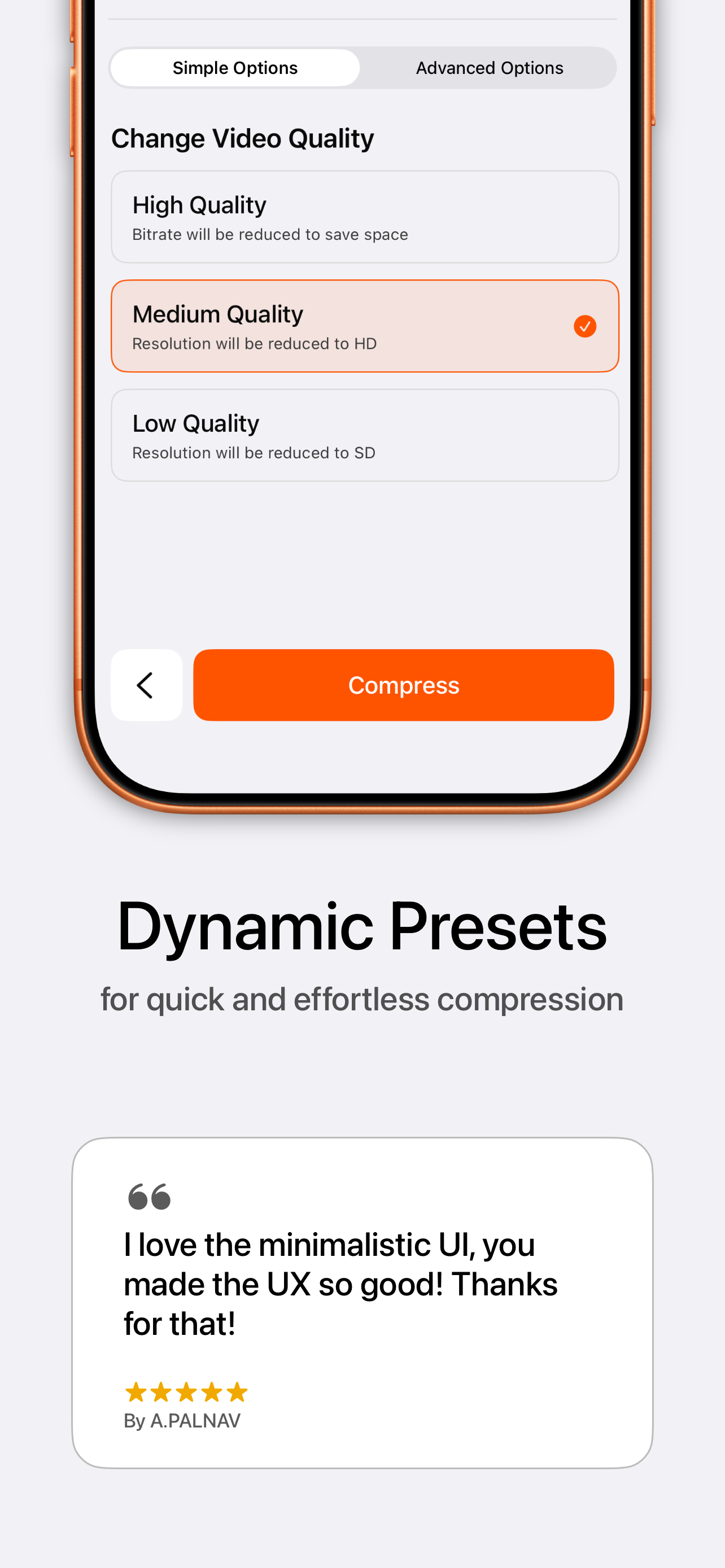
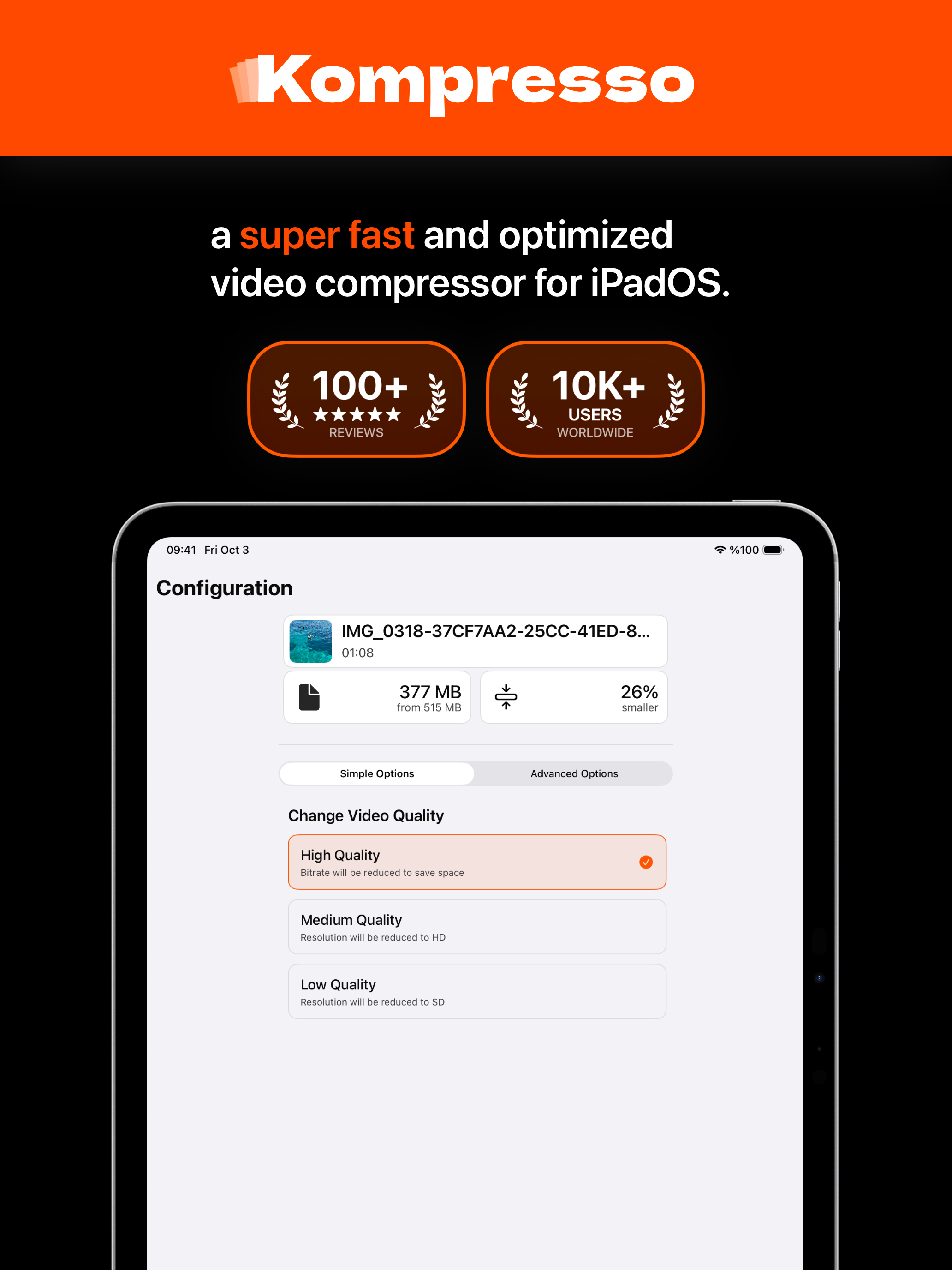
So many apps for video compression seem to be made with little thought that some people would want more than 2 options. The app I used to use before I found this app through a Reddit post when googling for a better app, only had small, medium, and big options for resolution and a bitrate slider, that’s it. This app actually allows you to choose video codec, bitrate, framerate, file container, and a specific resolution like 4K, 1080p, 720p, or original. I just starting using it and really wanna buy lifetime but I genuinely can’t afford it right now, the App Store page shows a $2/month tier which I planned to sign up for but sadly it’s only $2/week or $20/lifetime, which isn’t a bad price but I can only afford to buy the weekly subscription every once in a while and compress everything at once. The App Store showing $2/month did mislead me, I’m still very happy I downloaded the app however and hope I can afford to support the dev in the future, been looking for an iOS app like this for years. Would give this 4.5 stars for the misleading App Store in-app purchase menu but in lieu of that option, it still deserves 5 stars more than 4.
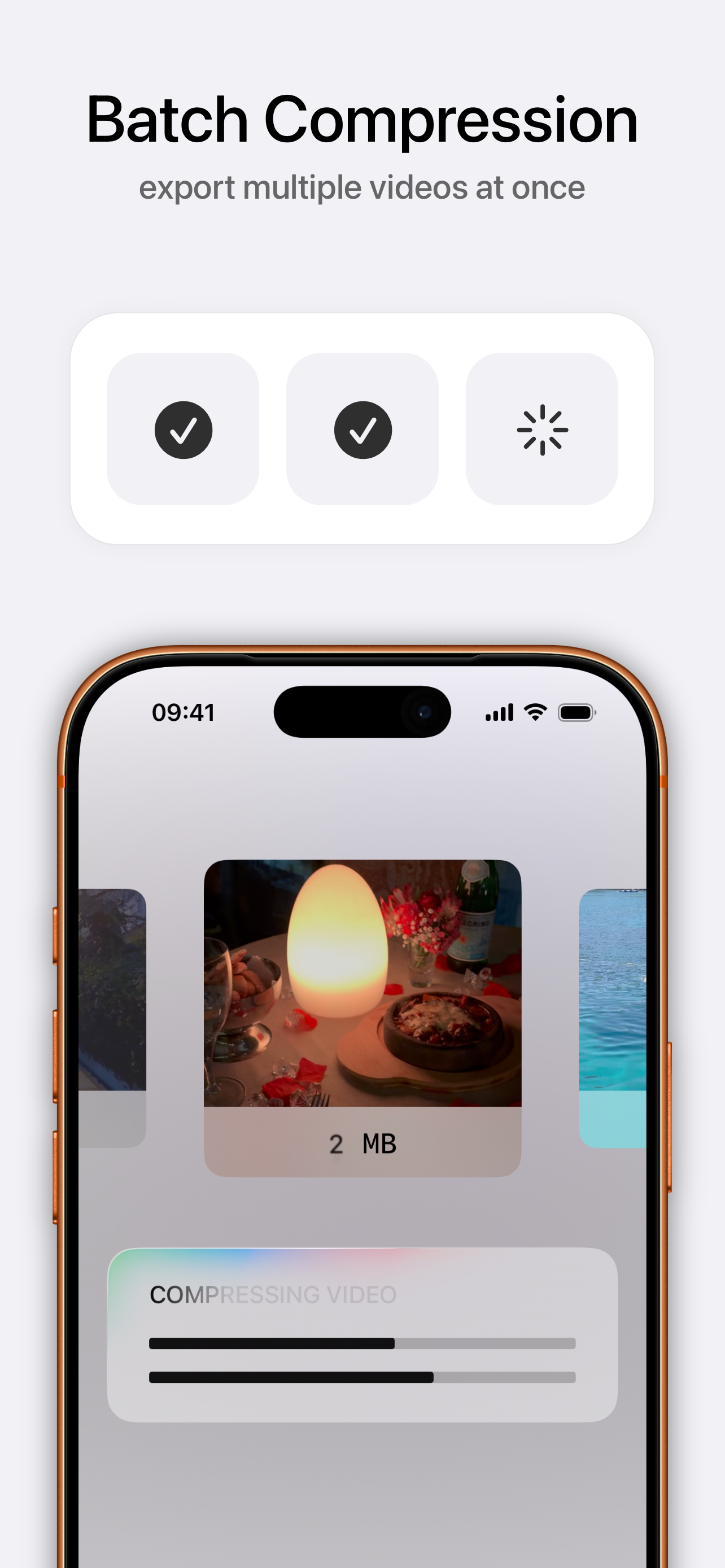
Kompresso is a versatile and powerful batch and single video compressor app designed to make video compression simple and accessible for everyone. Wit...
| Name | Price | Type |
|---|---|---|
| Kompresso+ (Weekly) | $1.99 | Weekly |
| Kompresso+ (Monthly) | $1.99 | Monthly |
| Kompresso+ (Lifetime) | $9.99 | One-time |
| Yearly Premium | $9.99 | Yearly |
| Kompresso+ (Annual) | $9.99 | Yearly |