
Check the acquisition promise
Read the store headline, screenshots and description. What problem is the app promising to solve?
Study the storefront ↗
VELUX · iOS
Explore the ad evidence, study the storefront, and build your next acquisition hypothesis.
01 / Creative research
Read the store headline, screenshots and description. What problem is the app promising to solve?
Study the storefront ↗Explore apps with direct store-link matches. Compare their hooks and formats without assuming the same approach works here.
Browse observed advertisers ↗Store rankings and revenue estimates describe market context. They do not establish ad spend, conversions or ROAS.
Review the market context ↗02 / Storefront & product
Study the product story and store experience behind the acquisition funnel.



03 / Market context
Keep revenue, downloads and store rankings separate from advertising performance.
Need more than maximum 90 minutes choice from sunset or sunrise I saw the battery info on solar blinds display once and I don’t know how/why, but that’s a great feature - don’t hide it! Show it all the time or let me choose to display it or not. So glad to have scheduled automations! HOWEVER, need the ability to turn on/off all automations with a single click. I’m talking about one toggle globally, not just the one toggle locally to each individual automation. For those of us with multiple automations a day and multiple velux products, turning them all on or off can be a real pain! On the main screen it would be nice if the group icon changed to match the status of the blinds in the group - if all are closed, show the closed blind icon instead of always showing the open blind icon.
It appears that the lock status icon is backwards. When the house is locked the lock status shows “unlocked”. When the house is unlocked the lock status shows “locked”. This is counterintuitive to me. It should display the current status, not the action you want to take. Please fix in future update. Thanks. Also, Allow landscape mode in iPad as most of us are now using iPads with keyboards like mini laptop computers. Having to turn the whole thing sideways to interact with an app which only allows portrait mode, like on the iPhone, is totally passé at this point. Make it work on the iPad in either Landscape or Portrait mode depending on the orientation of the device. Thanks.
I write software for a living and if only one created this in my company, they would be looking for work. Let’s start with internals. This app eats power. I have an older iphone but it ate 50% of my battery in an hour. Verified by looking at power consumption in settings. The actual interface for controlling the blinds is good employing the more modern minimalist icons but doesn’t adjust space for more than two skylights and blinds. There is plenty of room. The real problem is the complicated set of menus to configure rooms and uses computer ease like “bind” “equipment”. This isn’t 2010, it’s 2018. Just drag the blind on top of the skylight. Double tap to unbind. Hold a second or so to locate or if modern phone push hard. A tutorial comes up showing a drag and explains verbally and in text what to do. Lastly the interface to pick is sometimes unresponsive. The hardware interface is good, keep you engineers but the rule is NEVER let engineers anywhere close to user interface or user function. It’s clear their implementation percolated into user interface.
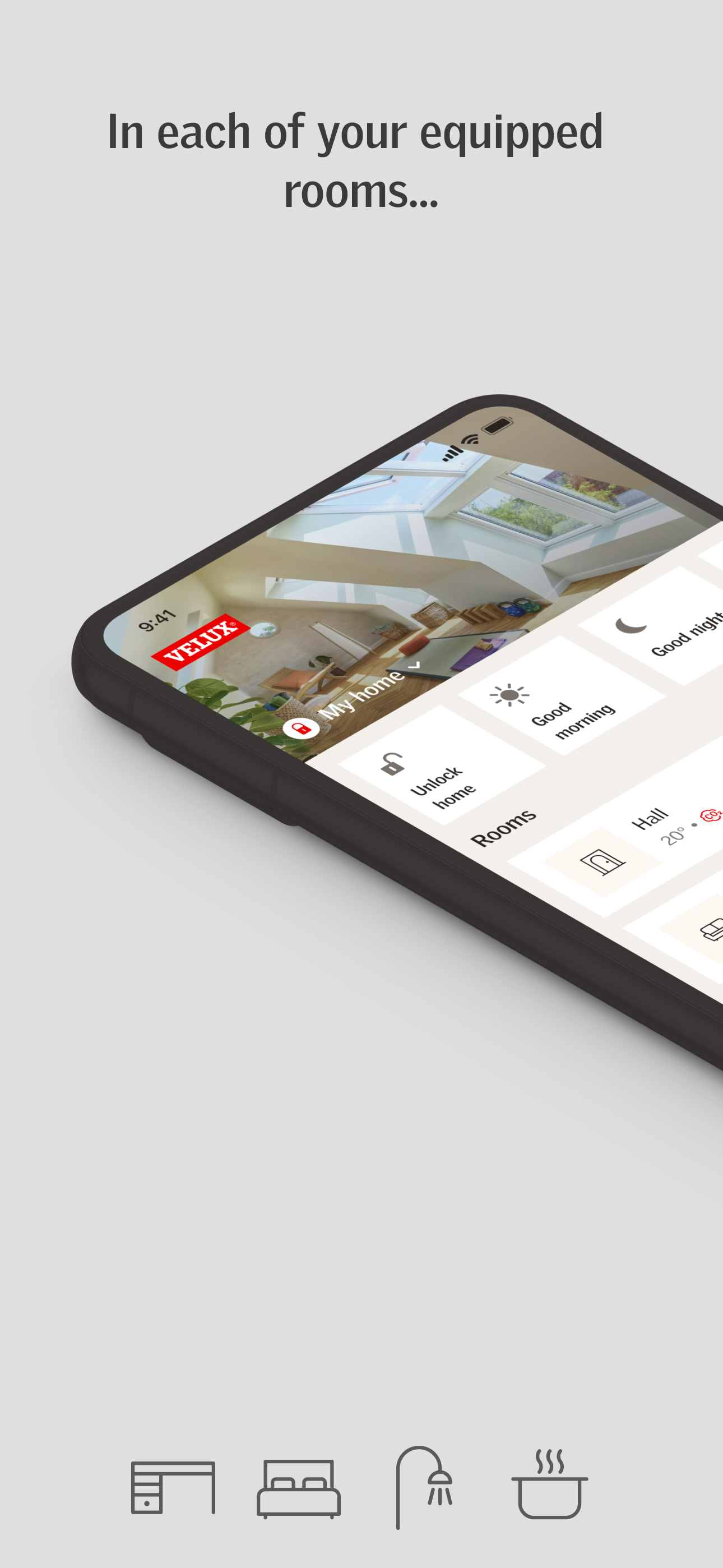
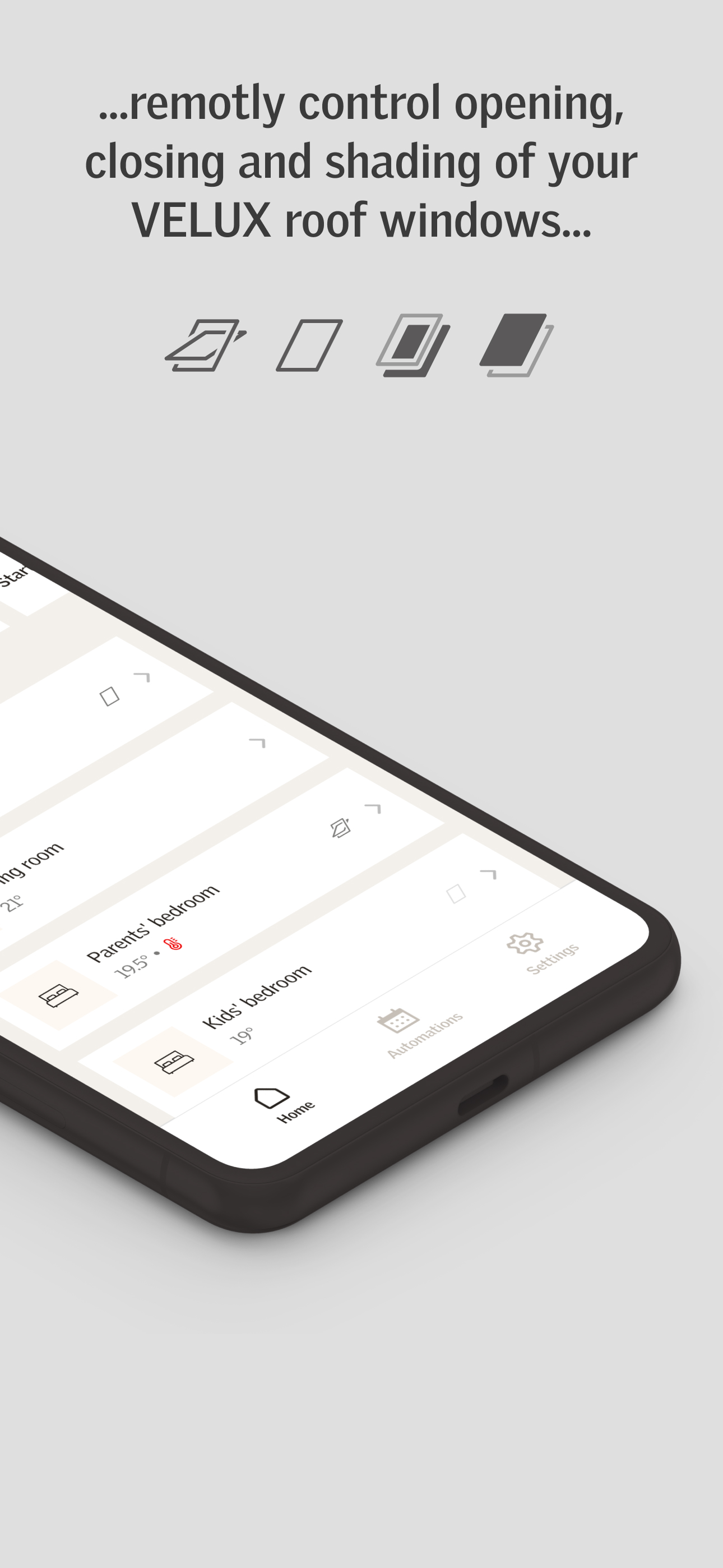
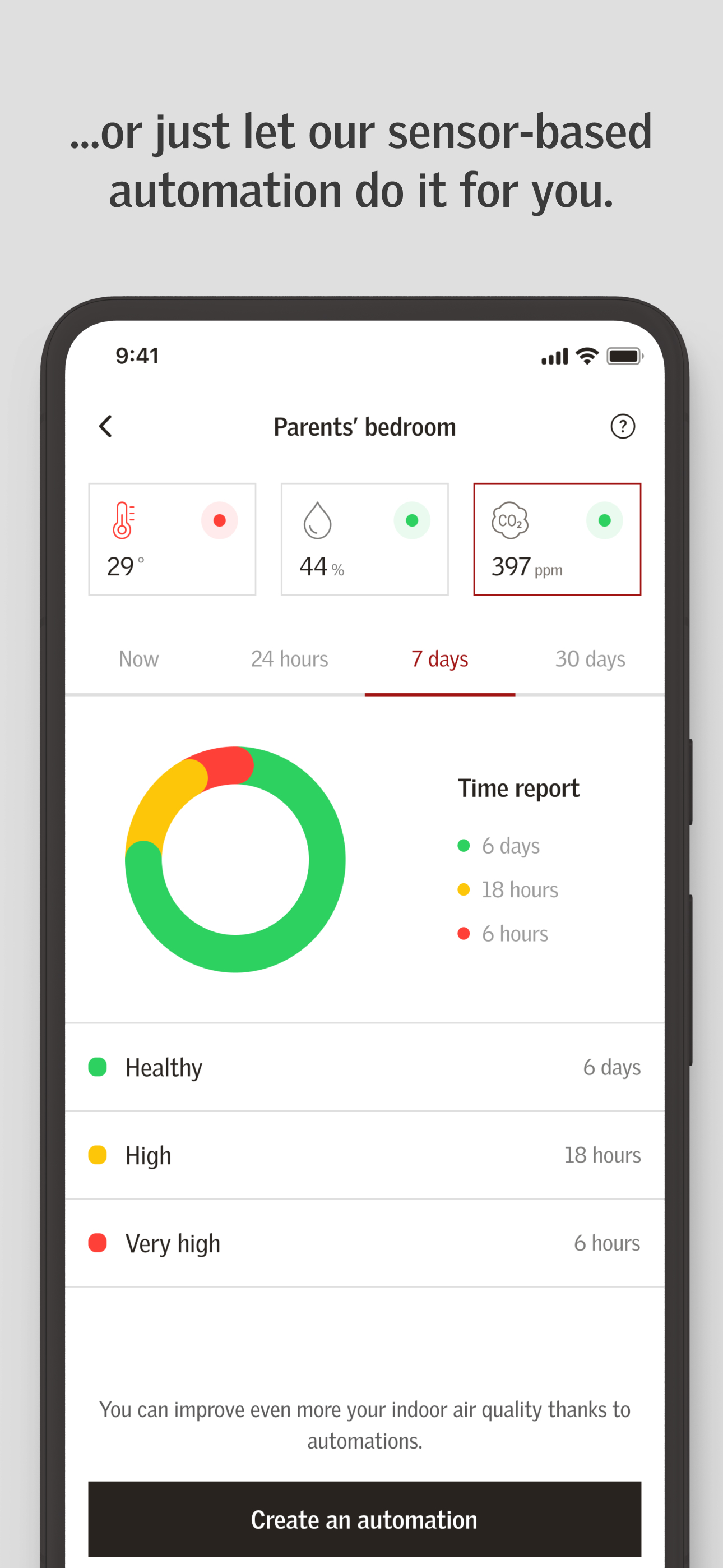
VELUX ACTIVE with NETATMO is the first smart home automated control of electric roof windows, blinds and shutters. ROOF WINDOWS CONTROLLED BY SENSOR...


