
Check the acquisition promise
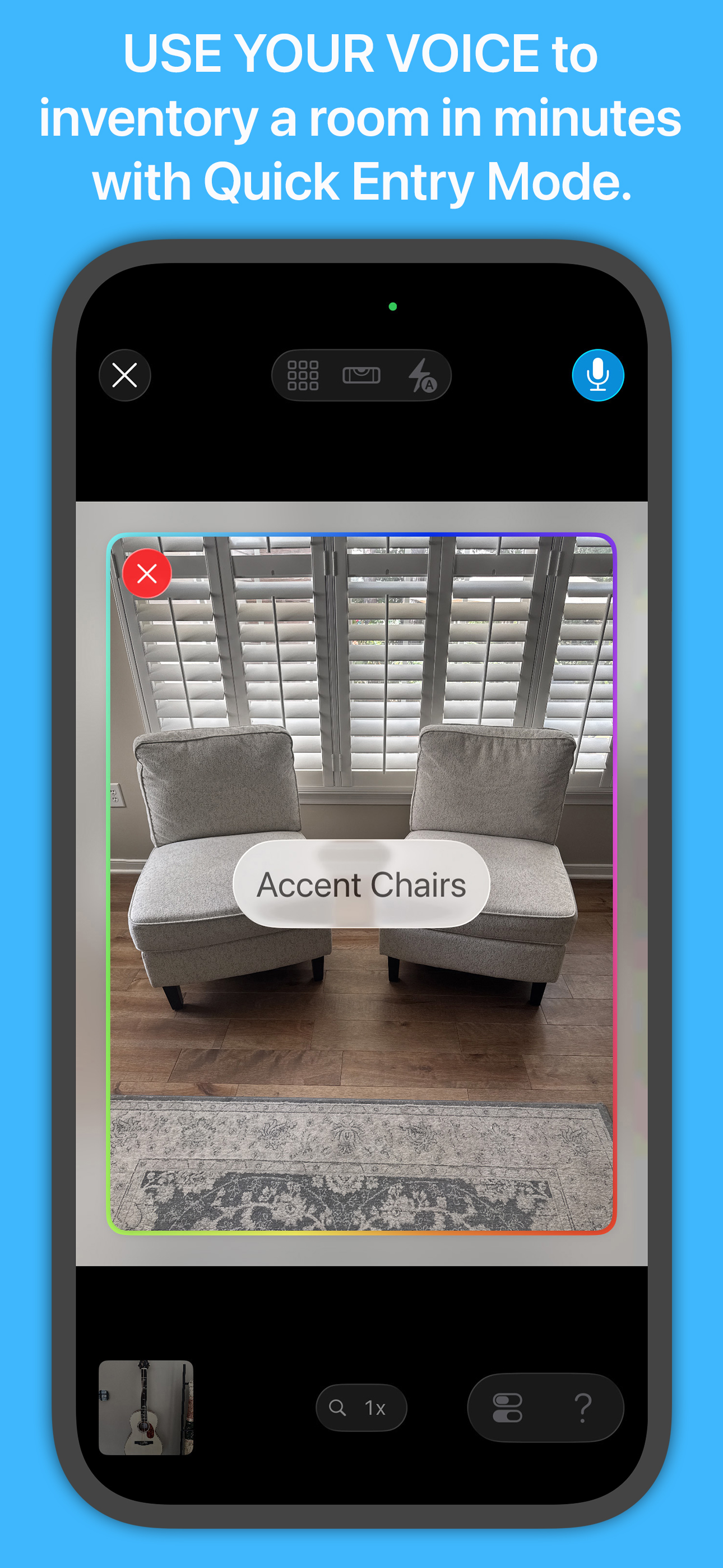
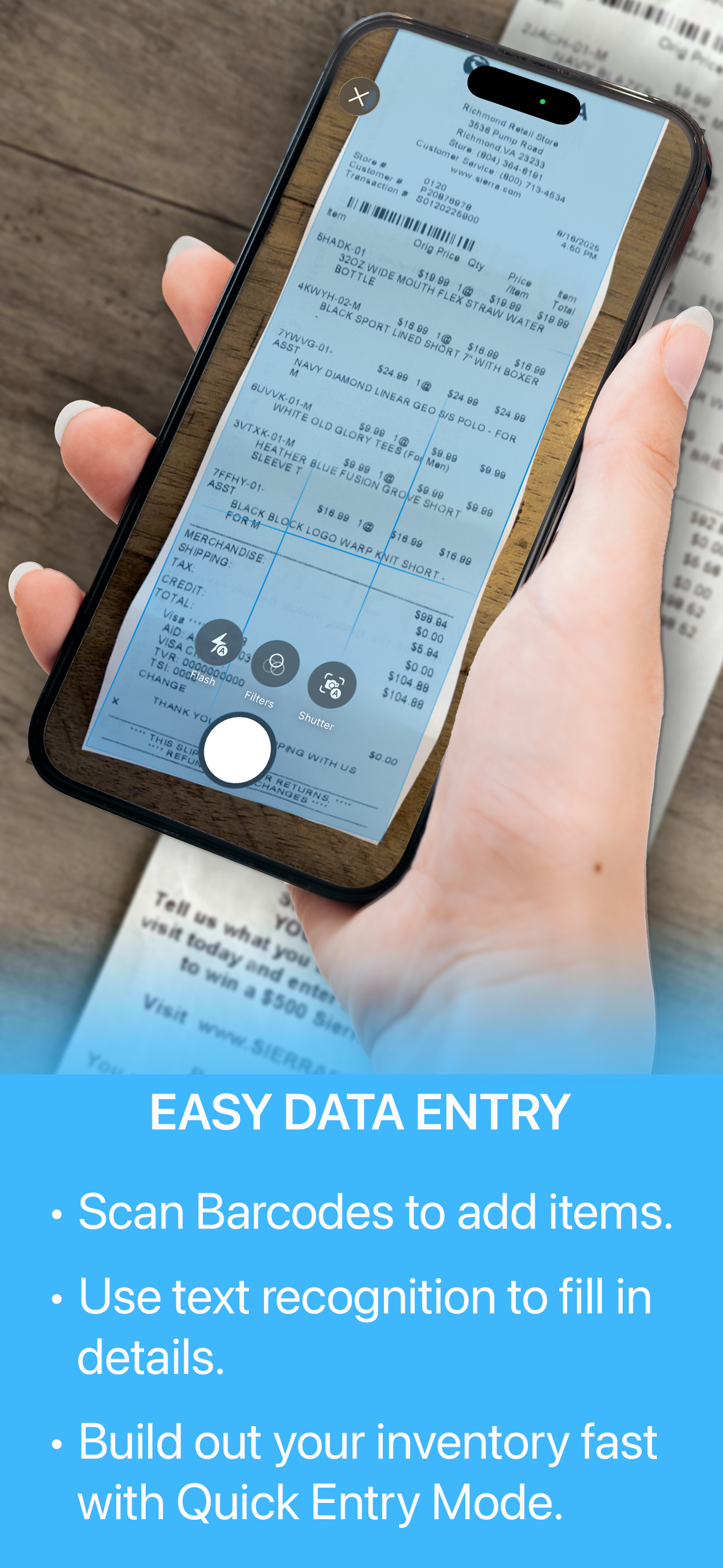
Read the store headline, screenshots and description. What problem is the app promising to solve?
Study the storefront ↗
Binary Formations, LLC · iOS
Explore the ad evidence, study the storefront, and build your next acquisition hypothesis.
01 / Creative research
Read the store headline, screenshots and description. What problem is the app promising to solve?
Study the storefront ↗Explore apps with direct store-link matches. Compare their hooks and formats without assuming the same approach works here.
Browse observed advertisers ↗Store rankings and revenue estimates describe market context. They do not establish ad spend, conversions or ROAS.
Review the market context ↗02 / Storefront & product
Study the product story and store experience behind the acquisition funnel.




03 / Market context
Keep revenue, downloads and store rankings separate from advertising performance.
After losing a small cabin to wildfire, my insurance company wanted a detailed inventory list before paying out on the contents portion of the policy. Needless to say, that task was difficult since I had to rely on memory and some photos. Since then, I’ve become focused on capturing the inventory in my primary home. I now have a place to store everything and to eliminate paper. Those 2-page assembly instructions? They are now scanned documents in the app and the paper is recycled. I’m a long time PC/Windows user but this is the only meaningful full-featured app for home contents. I ended up buying a MacBook Air just so I could streamline data entry. The barcode scanner is my favorite data entry method. And, when the info is in the app, I can lookup details about inventory when I’m buying extra parts (was that a 10” or 12” chainsaw chain I need to buy?) Trust me when I say the annual renewal fee is nothing compared to having a comprehensive list of contents in case of fire, theft or ensuring you do have adequate coverage.
I upgraded from Home Inventory in spite of the subscription modelbecuase I wanted the cloud based features. Unfortunately data entry has become much more tedious, requiring switching from keyboard to mouse too often and requiring extra mouse clicks to do the same things I could do easier with Home Inventory. If there is a drop-down category like Category, I can no longer tab to the field and either type in a couple of letters or use the down arrow key to select the category, I have to leave the keyboard and use the mouse to select the field (tabbing just skips over it), and then select from the drop-down list, which can be quite lengthy. Also cannot tab to the Tags abd start typing, but have to move to the mouse to even select the field and then find the right tab in the (graphic, not list format) display and click on it. Data entry is taking at least 25% longer per item. One thing I would like to see is two buttons instead of the single icon to add a new item. One button for a new blank recors (same as the icon) and another button for copy the last selected item into a new record, so that only a few fields need to be updated in the new record.
I've tried a few different home inventory apps, and Under My Roof is by far the best. It's easy to use, easy to customize, has a clean & simple interface. I got into it when I realized I needed to inventory my belongings for insurance -- I wanted a good and reasonably complete list of what I owned, so I could determine replacement value and make sure I had enough insurance coverage. Though I live rather simply and frugally, by myself in a small apartment, I soon learned I was underinsured. This app lets me list what I own, as well as upload photos, receipts, and user manuals, which sets me up pretty nicely should I ever need to make a claim due to loss. I especially live that I can set items up to hold other items, like my china cabinet and my storage totes. They each get values, photos, and receipts, and then I can catalog all the other items they hold. The only thing missing for my use is expiration dates. Along with the usual furniture, clothing, electronics, etc, I'd love to be able to catalog and track consumables -- like the large stash of batteries that have gotten me through some extended bad weather/no power events. While I can add a field for expiration dates, there's no way to easily view expiring items, so I'm having to use a not-nearly-as-good pantry tracking app for those things.
An App Store Editors’ Choice, Under My Roof® is the go-to app for organizing your home. All the details and important records you need to manage and m...
| Name | Price | Type |
|---|---|---|
| Monthly Subscription | $4.99 | Monthly |
| Yearly Subscription | $34.99 | Yearly |


