Check the acquisition promise
Read the store headline, screenshots and description. What problem is the app promising to solve?
Study the storefront ↗
NEGU Soft . · iOS
Explore the ad evidence, study the storefront, and build your next acquisition hypothesis.
01 / Creative research
Read the store headline, screenshots and description. What problem is the app promising to solve?
Study the storefront ↗Explore apps with direct store-link matches. Compare their hooks and formats without assuming the same approach works here.
Browse observed advertisers ↗Store rankings and revenue estimates describe market context. They do not establish ad spend, conversions or ROAS.
Review the market context ↗02 / Storefront & product
Study the product story and store experience behind the acquisition funnel.


03 / Market context
Keep revenue, downloads and store rankings separate from advertising performance.
It works quite well. I haven’t had any trouble getting it to work. The biggest complaint I have is it is missing certain keys from being configured to buttons, mostly symbols like .,’:; etc. If you could save assignments in profiles and quickly load them, the app would be far more useful. Each time I want to play a different game with it I have to reconfigure. Also being able to support sending the buttons as an xinput device rather than a keystroke would be a killer feature. If those things were added, it’d easily be a 5 star app.
At least it does works and stables connection than the kinoni app, but you can’t change the position of the button and also lacks some basic buttons of a xbox or ps4 controllers. Hope the dev still going to update the app P/s: after using it for a while, there are some more bugs like the buttons are getting stuck often and the app loses connection with the computer also frequently. I noticed that when I lost connection and reconnected, there are 2 devices showed on the driver ( I think this is a bug that caused interference )
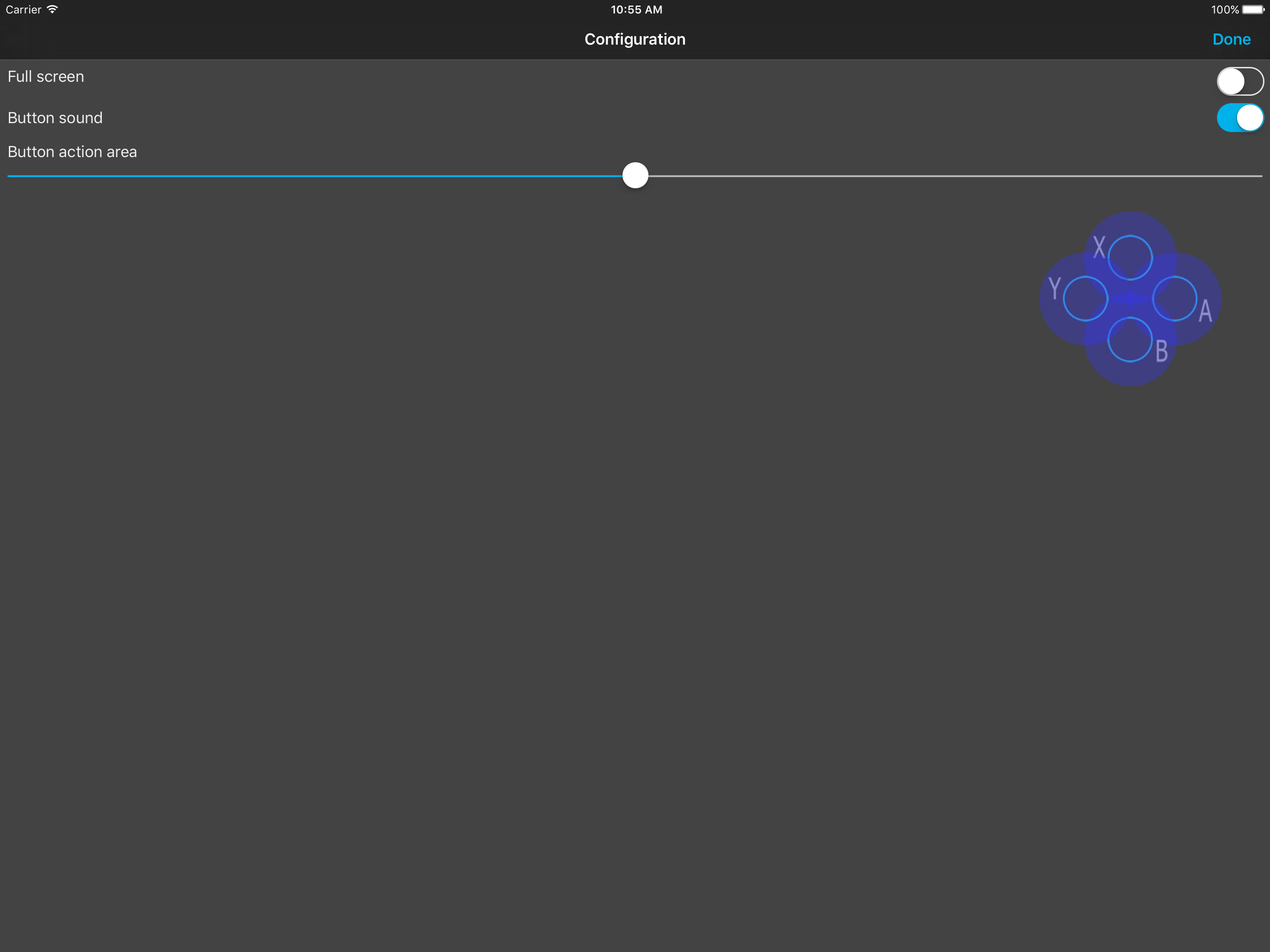
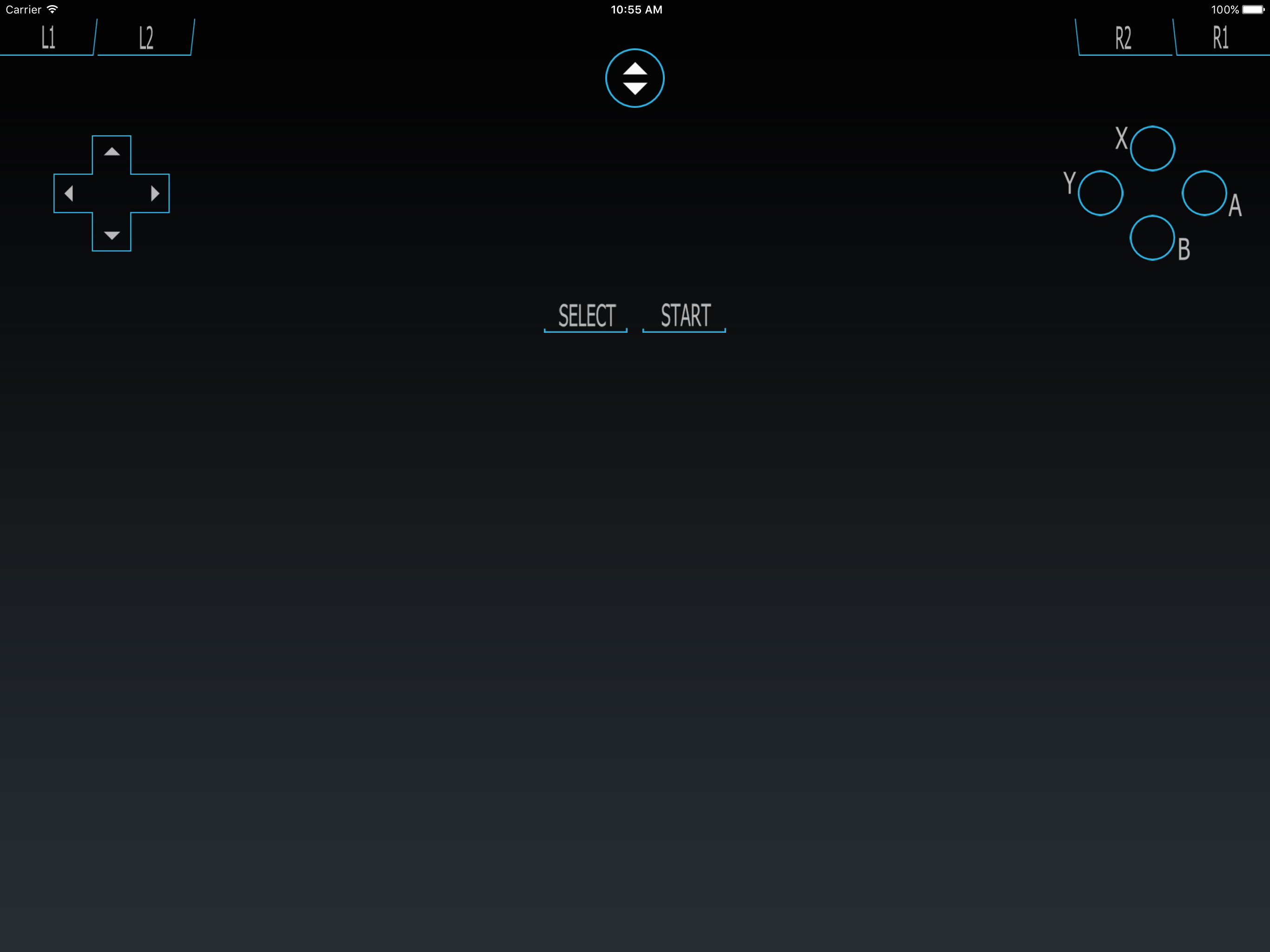
It's hard to find apps like this these days. It does what you want, it's easy to set up and it's totally free, not even ad supported. It is a basic gamepad with a 4 way D-pad and ABXY buttons, perfect for playing basic games like emulators on a computer.
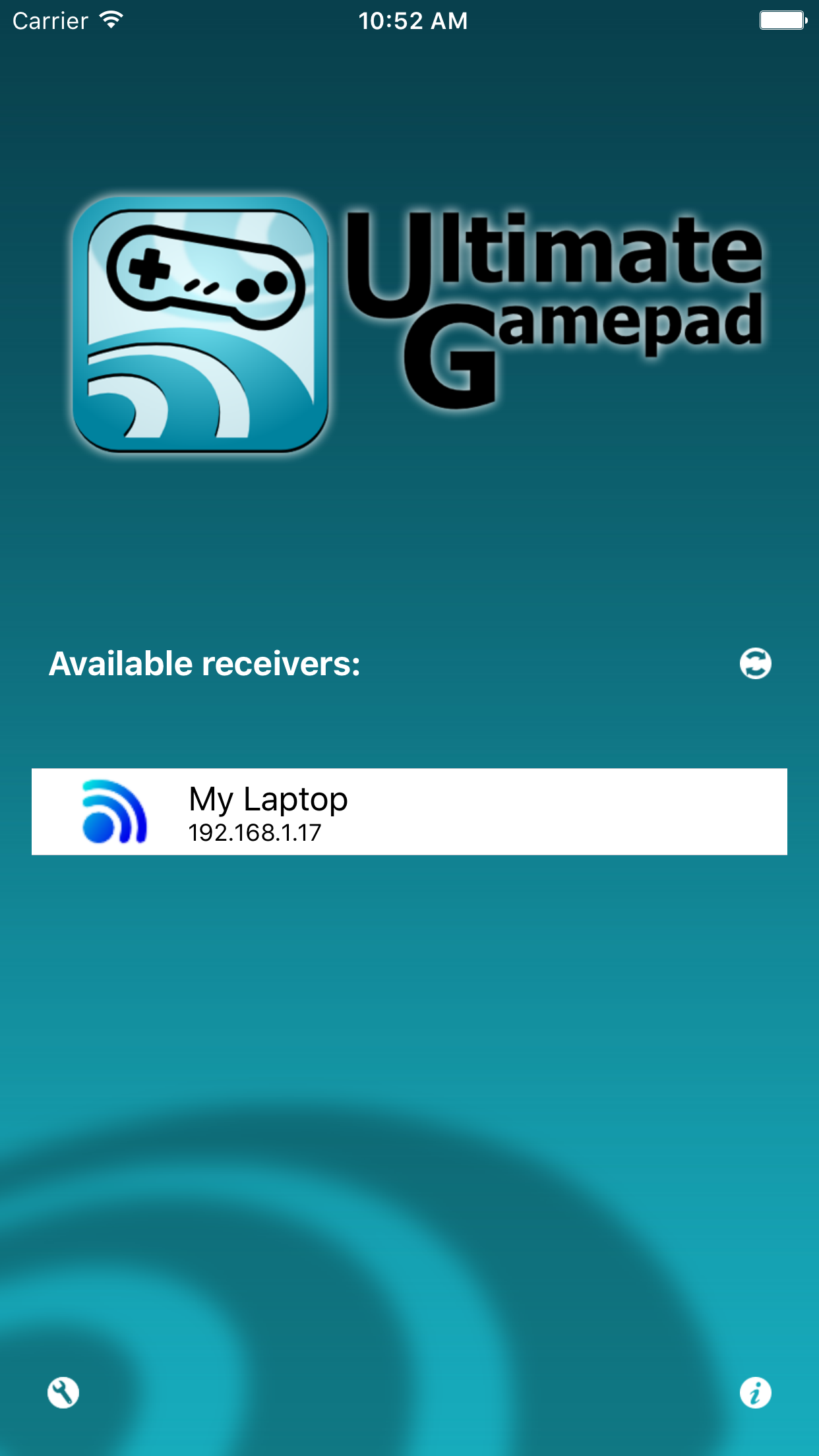
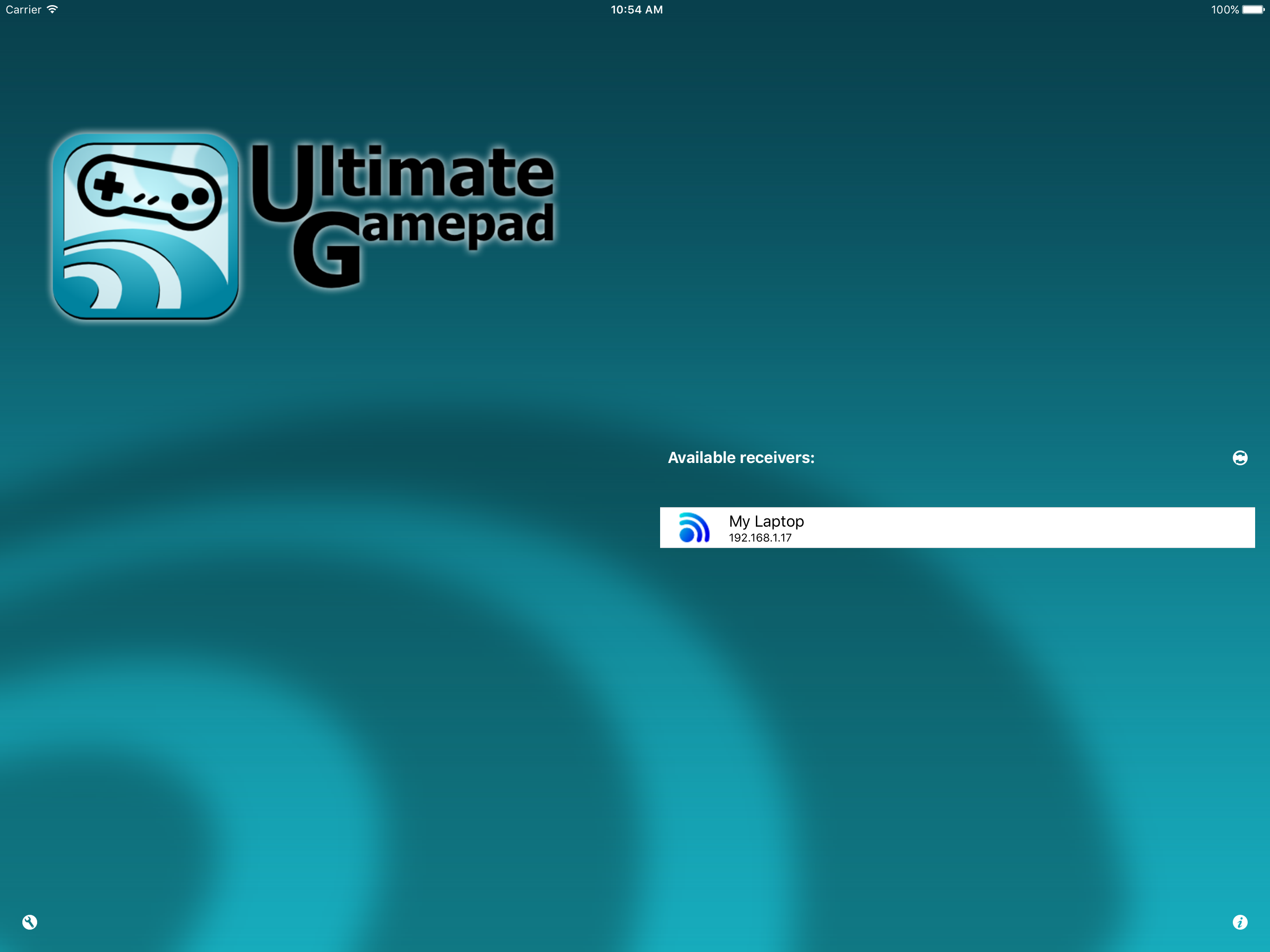
Turn you iPhone into a multitouch joystick! Connect through wifi in the most simple way. Install the Ultimate Control Receiver program on your compute...