Check the acquisition promise
Read the store headline, screenshots and description. What problem is the app promising to solve?
Study the storefront ↗
Pablo Paciello · iOS
Explore the ad evidence, study the storefront, and build your next acquisition hypothesis.
01 / Creative research
Read the store headline, screenshots and description. What problem is the app promising to solve?
Study the storefront ↗Explore apps with direct store-link matches. Compare their hooks and formats without assuming the same approach works here.
Browse observed advertisers ↗Store rankings and revenue estimates describe market context. They do not establish ad spend, conversions or ROAS.
Review the market context ↗02 / Storefront & product
Study the product story and store experience behind the acquisition funnel.



03 / Market context
Keep revenue, downloads and store rankings separate from advertising performance.
Works great! Cute and simple UI, and exactly what I wanted. All I needed was something minimal that could turn my images traceable with an iPad, and every other app I downloaded that looked free (other than this one) needed a subscription once you downloaded (which would end up about this cost monthly), or had ads that got in the way. So much easier to just have a small one-time fee for something that works easily and well. Kudos to the devs!
I love this app very much and it has been so helpful in transferring digital images onto canvas for painting. One thing I think would make this app even better is if you could add a ruler or measuring feature that tells you the physical dimensions of an image when it is enlarged within the app. It would take the guesswork out of scaling an image to fit a specific sized canvas.
Super happy I found this app. I'm usually scared to try out apps that have little to no reviews, but I was searching all over for light box apps. I really was just going to try and figure out how to lock the dang screen myself! Super simple. You have the choice of using a photo from your gallery or taking a photo. When you first load the app it gives you a detailed run through its icons and functions. When you choose your photo you can move it around and scale it smaller or larger. After you have the image you wish to sketch you just click the green check to lock it and start tracing! Additionally, you have the ability to play with your selected image by utilizing the sliders for lighting, color scale, and contrast. It's all single sliders so nothing too confusing. Only fault I have found is something similar in other lightbox apps. If you chose a picture you've taken yourself, it works fine... up until you use the sliders. Once you use the sliders, the image flips. So that's a bummer. Hope it gets fixed soon! I would've rated 4.5 stars if I could, but I had to go with 4 since I couldn't utilize all its functions. I also have an iPad Mini.
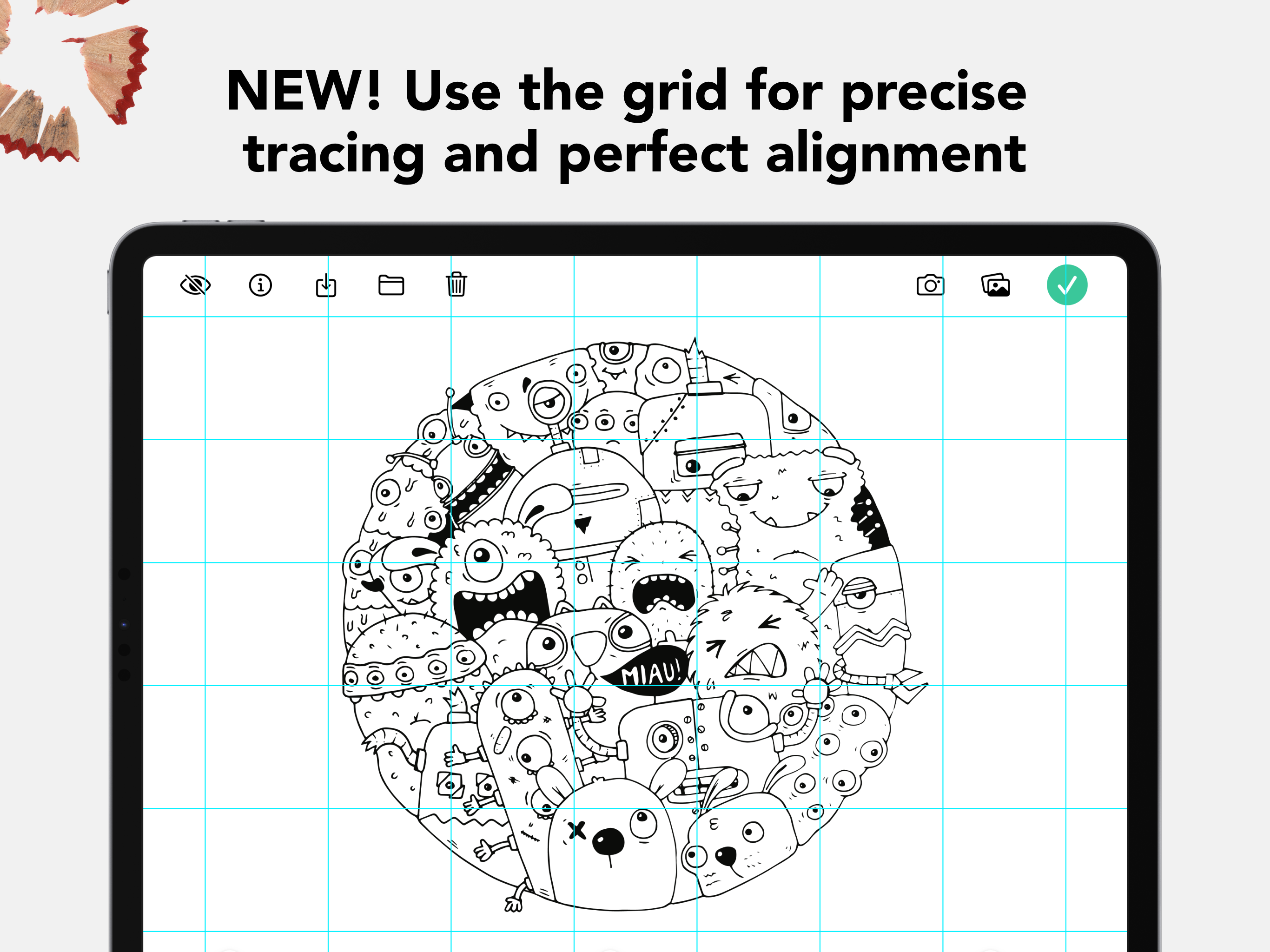
Tracing Board converts your iPad into an on-the-go light box. This is a tool for those of us who draw daily (wherever we are) and sometimes need to r...