Check the acquisition promise
Read the store headline, screenshots and description. What problem is the app promising to solve?
Study the storefront ↗
Troopmaster Software · iOS
Explore the ad evidence, study the storefront, and build your next acquisition hypothesis.
01 / Creative research
Read the store headline, screenshots and description. What problem is the app promising to solve?
Study the storefront ↗Explore apps with direct store-link matches. Compare their hooks and formats without assuming the same approach works here.
Browse observed advertisers ↗Store rankings and revenue estimates describe market context. They do not establish ad spend, conversions or ROAS.
Review the market context ↗02 / Storefront & product
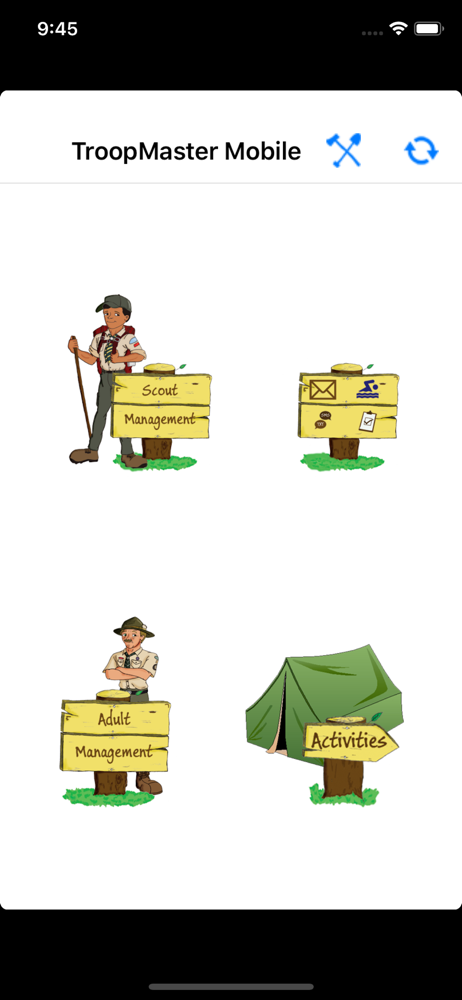
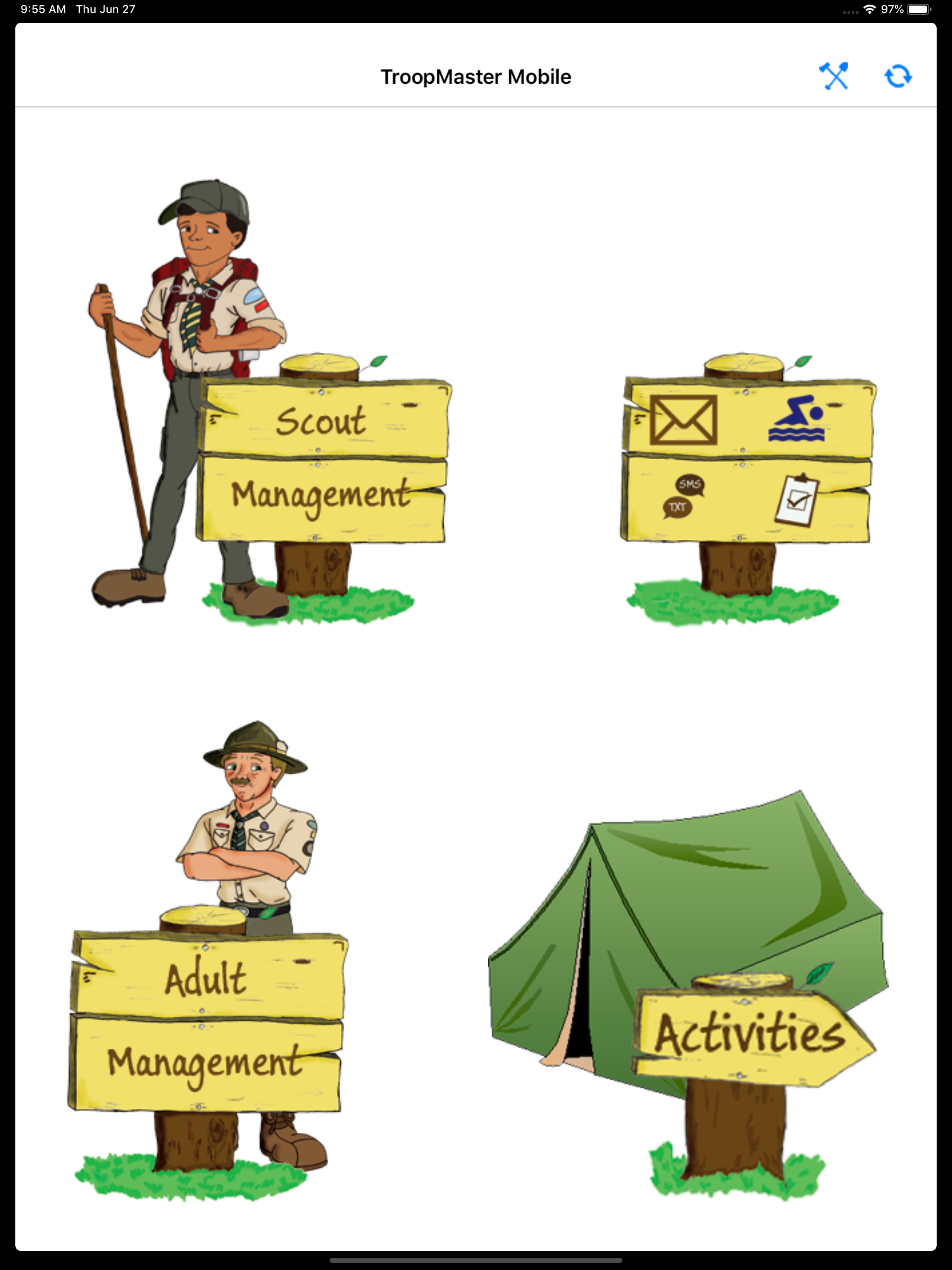
Study the product story and store experience behind the acquisition funnel.
03 / Market context
Keep revenue, downloads and store rankings separate from advertising performance.
The mobile app needs 2025 merit badge requirements loaded. I’ve been told by tech support on July 6, 2025, “the tools used to create the TMmobile app are no longer supported by Apple. We are looking into developing a new app.” Do we know when that will be completed? We love and depend on this app, so please hurry!
On my phone, the mobile app does exactly what I expect it would do. If I’m out camping, out of cell range, and need to add rank, or merit badge requirements, or attendance, I’m able to enter it on my phone, and sync it with the web data the next time I have cell coverage, or WiFi. If I was using BSA’s Scoutbook, that wouldn’t be possible. Where it needs connectivity.
This app is quickly falling out of date. It frequently won’t save attendance. There should be a save button to make sure check marks are saved. Requirements for merit badges need updating. The development and rollout of improvements and big fixes is very slow. It would be nice if more routine tasks were included in the app rather than the need to go to the TM website. Activities, requirements and additional features need the most work. How about a way to sign up for activities within the app. Forced or reminder syncing when connected to WiFi or cellular would help new users.
To view your account settings, Login to TroopMaster Web in your internet browser, then go to File>TM Mobile and click the instructions link at the top...