Check the acquisition promise
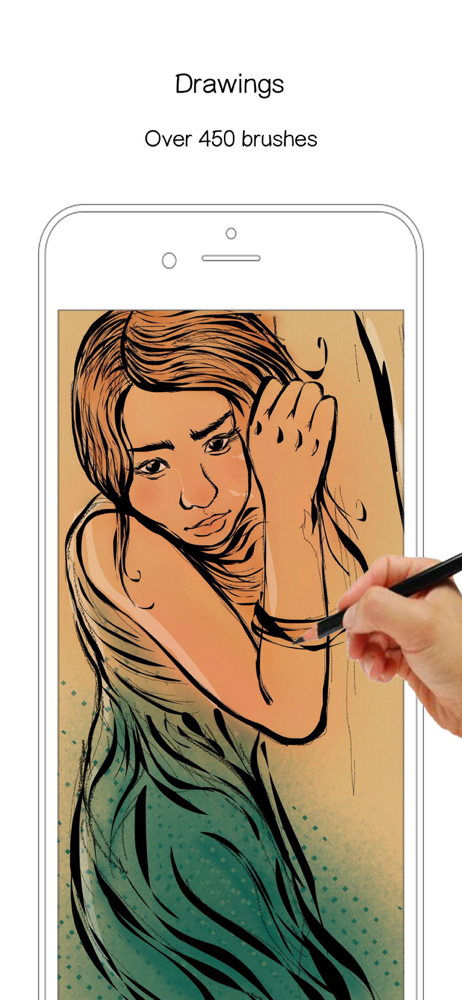
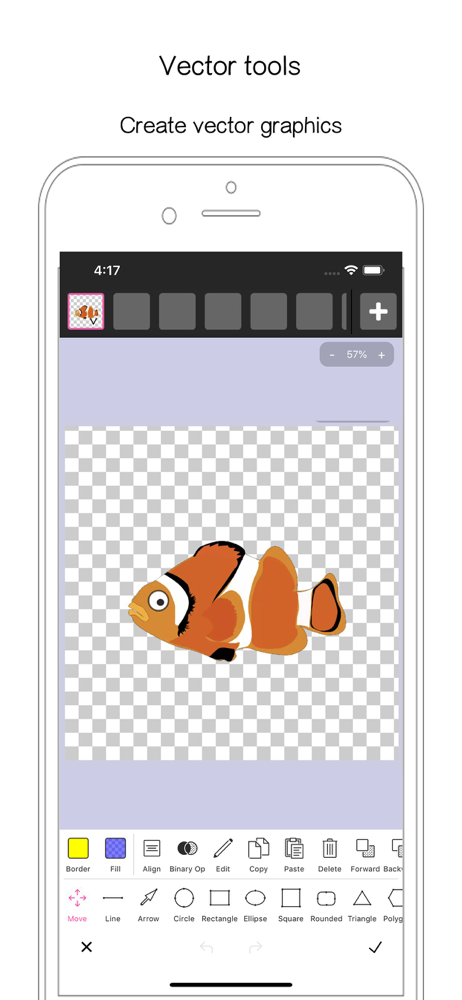
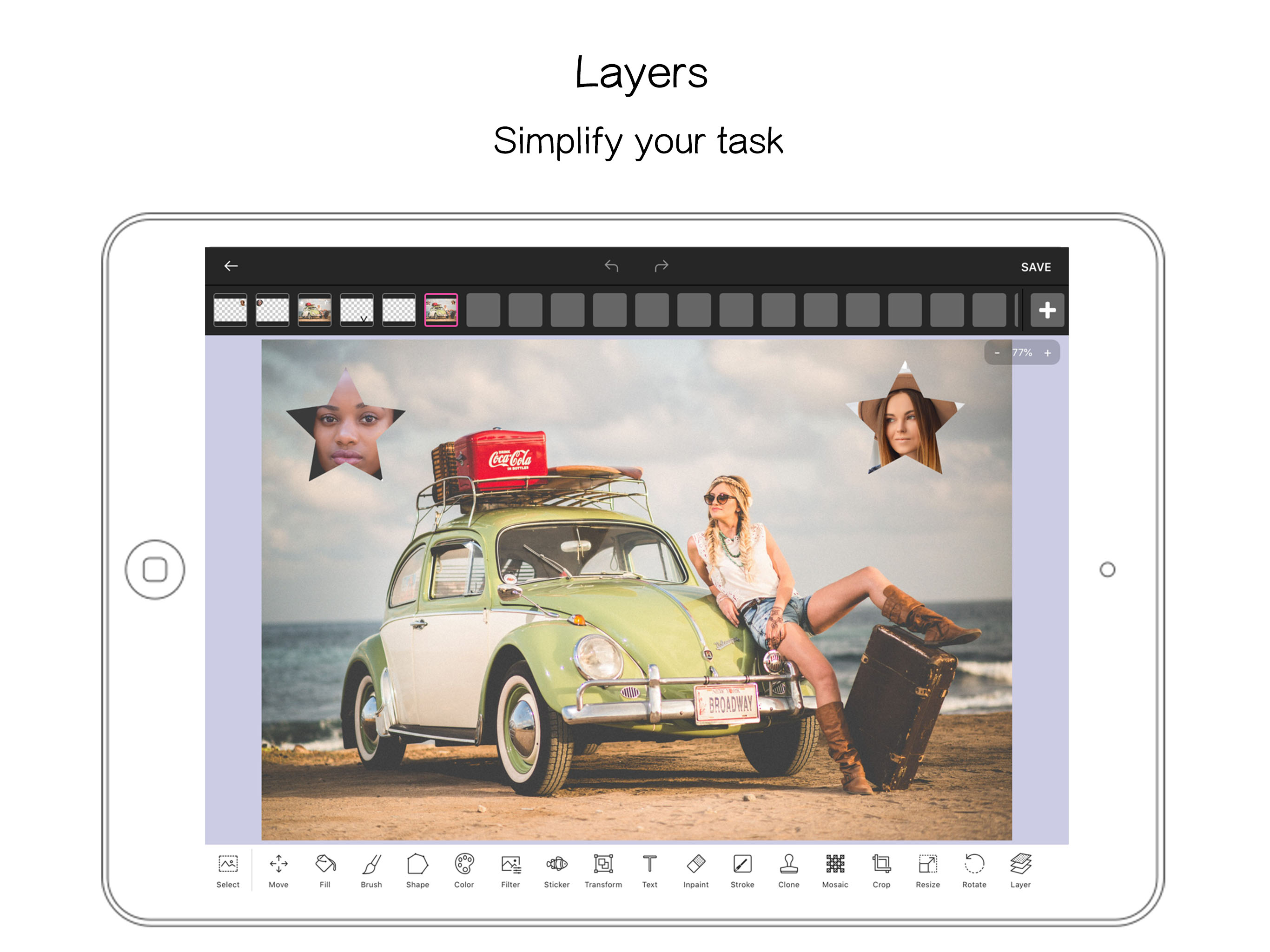
Read the store headline, screenshots and description. What problem is the app promising to solve?
Study the storefront ↗
80 Degree Photo Studio · iOS
Explore the ad evidence, study the storefront, and build your next acquisition hypothesis.
01 / Creative research
Read the store headline, screenshots and description. What problem is the app promising to solve?
Study the storefront ↗Explore apps with direct store-link matches. Compare their hooks and formats without assuming the same approach works here.
Browse observed advertisers ↗Store rankings and revenue estimates describe market context. They do not establish ad spend, conversions or ROAS.
Review the market context ↗02 / Storefront & product
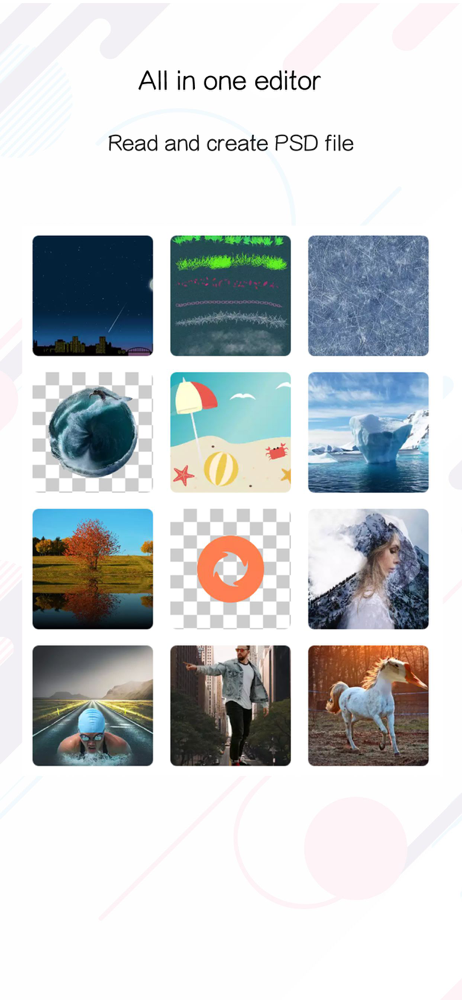
Study the product story and store experience behind the acquisition funnel.



03 / Market context
Keep revenue, downloads and store rankings separate from advertising performance.
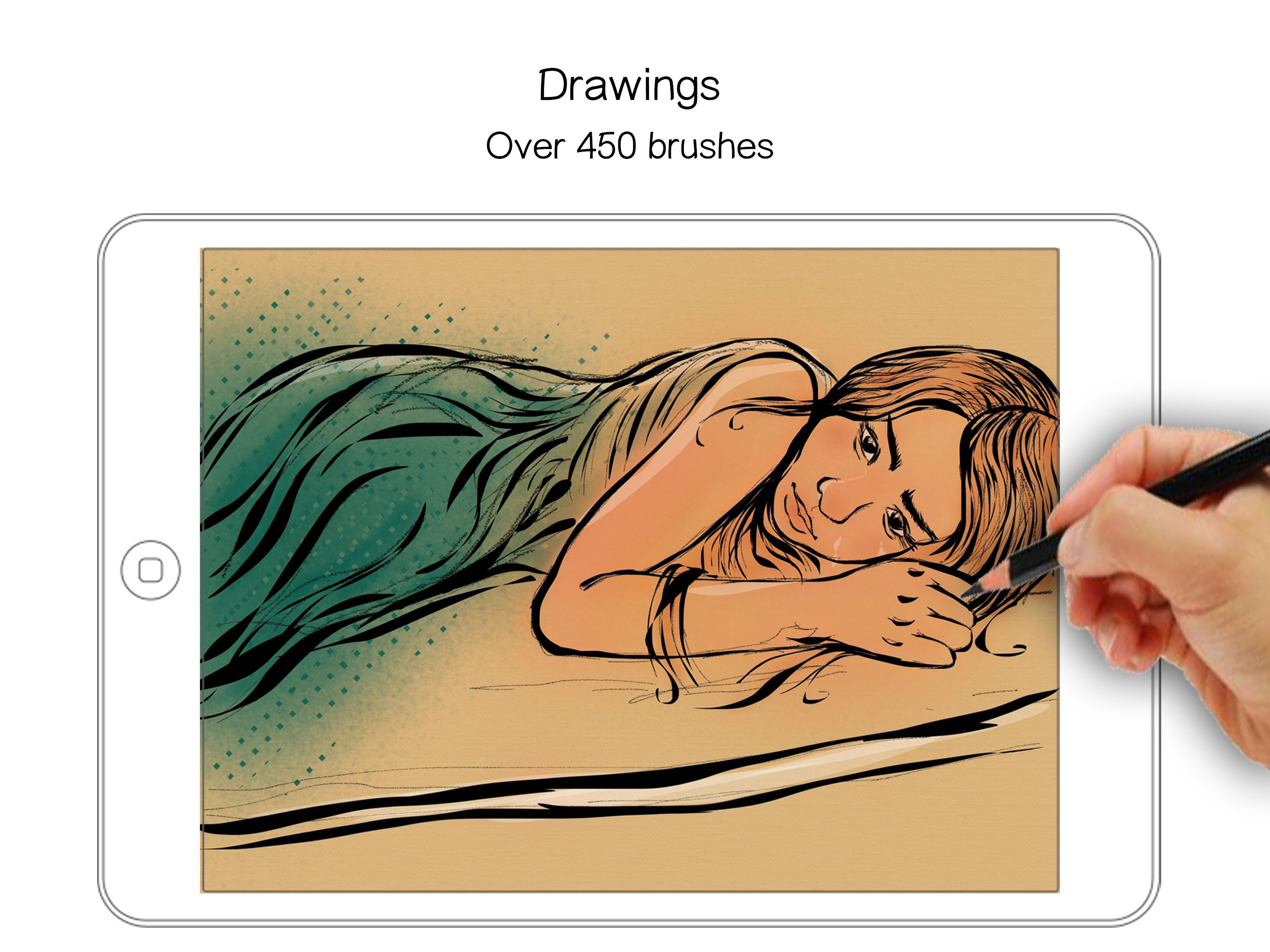
This app is great especially for beginners but there is one minor thing that bugs me about it when you are drawing they’ll be a lot of adds for tiny paint pro it will go away but it does bug you in the beginning quite a bit but eventually it will wear off One of the many factors of this app are the many different choices for brushes it will be hard to draw a fat Sal is just like many apps for drawing without a stylus
Where do I even begin?! While the app offers a variety of tools, it’s absolutely PAINFUL to navigate. As someone who has used free drawing apps before, I was fooled to believe it would be a more professional one with Instagram ads. The app logo should’ve been my first warning considering how the art was already, it looks like they used the program to draw it. The brushes are extremely shaky, and you can’t even save without getting the premium version. It looks angular and janky, and there was only one brush that felt good using. So if you’re someone like me who likes to come back to things.. you’ll be disappointed. Most of the features are restricted by the premium version. While I understand that with a lot of free drawing apps as they need to make money, this is too much. They even have limited layers! That’s a huge pain in the neck. Plus the crayon brush looks like some sort of disease-y thing that makes me sick just looking at it. All in all, there are better choices out there. Don’t be fooled by its high-rating.
This is a brand new program (when I first reviewed). The good: It has potential to run with the big paint apps. It keeps layers visible and has the fastest real-time line smoothing I've seen. It has shape tools, clipart and backgrounds like Drawing Pad, filters like Art Studio, many brushes like Procreate. Crop, resize, and clone. Works ios 9-11. I love the icon. Great competitive price: 5 USD The bad: Still needs a few things. Doesn't work in portrait mode. No Split-view Multitasking. No floating reference pic. No ruler/ graph grid (that I could find). Can export to iCloud Drive and other apps, but not IMPORT images or layered PSD from other apps or iCloud. Needs better instructions or tuturial. I had trouble getting Bucket Fill to color only inside shapes. Needs a better name to stand out in Appstore. How about Tiny Canvas? I'll be watching this one for improvements.
TinyPaint is an easy and full featured photo editor. Create, draw, design and retouch photos in minutes with TinyPaint! You won't believe how easy thi...
| Name | Price | Type |
|---|---|---|
| Unlock 450+ Paint Brushes | $0.99 | One-time |
| Unlock Elements & Filters | $1.99 | One-time |
| UNLIMITED ACCESS (6 Month) | $14.99 | Semi-Annual |