
Check the acquisition promise
Read the store headline, screenshots and description. What problem is the app promising to solve?
Study the storefront ↗
伟典 苏 · iOS
Explore the ad evidence, study the storefront, and build your next acquisition hypothesis.
01 / Creative research
Read the store headline, screenshots and description. What problem is the app promising to solve?
Study the storefront ↗Explore apps with direct store-link matches. Compare their hooks and formats without assuming the same approach works here.
Browse observed advertisers ↗Store rankings and revenue estimates describe market context. They do not establish ad spend, conversions or ROAS.
Review the market context ↗02 / Storefront & product
Study the product story and store experience behind the acquisition funnel.


03 / Market context
Keep revenue, downloads and store rankings separate from advertising performance.
I have messaged PW support about 2 or 3 times & honestly I’m not even sure why I’m wasting my time on it.. 🤷♀️ I just checked my email accounts to see if there’s been any response and it's actually 4 complete emails that I have sent to multiple support email addresses that I found for this app. Not once has anyone gotten back to me in any form. This developer is a fraud and a scammer. This app is not a drawing/art app. It used to be a simple painting app that had a couple cool features but nothing to write home about. They completely switched everything up and it’s no longer ‘pw drawing app’.. They have replaced it with a note taking app and I’m not trying to be funny or even mean but it’s an awful one at that😒🤭 Perhaps it’s better in Mandarin or Chinese or whatever their native language is but there’s misspelled words in every part of the app, it’s actually laughable. There’s glitches/bugs that make it unsuitable for anything other than making a quick note that you don’t need saved or will be upset if you lose it. The quality & resolution of the interface is pretty awful, even on an iPad Pro it looks like you’re using an 8 year old app. I paid for the year like 6 months ago, right before they changed the app so I paid for an app that they discontinued a couple weeks later. 🤦♀️ Then they direct you to go and download the new ‘pw draw’ whatever it’s called app and so I did, expecting that I would be able to ‘restore my purchase’ as I paid for the year for their drawing app but nope. I would have to purchase the premium again to use what I already paid for. That is fraud, no matter how expensive or inexpensive.
This game I WOULD recommend, but only for experienced and maybe even well known drawers. They call this “paintwork”, but it should be called “impossible little buttons that don’t save your work”. I made this beautiful piece of art and the second I pressed save, it asked “are you sure you want to delete?” And I freaked out and pressed “no” but it REALLY said “Do you NOT want this painting to be deleted?” And then my beautiful art that took me 2 WEEKS to finish was thrown in the garage. I mean, WHO PUTS THE GARBAGE BUTTON NEXT TO THE SAVE BUTTON?!? I was so upset, but at first tried to be thoughtful and not blame it on the game, so I decided to RESTART my drawing. 😫😫😫. That sucked. When I had finished the SECOND picture, I pressed save, and I got an email that was from the game that said, “Congratulations! You have finished your first picture!-“ (second because my other got DELETED) “-we would like to update the game to give you new brushes, canvases, and even unlimited access to you gallery pictures! Press the games link to update!” So I did what it asked and pressed the link and updated the game, and when I got back in the game, MY PICTURE WAS GONE!! That’s when it asked me the STUPID question, “hOw aRe yOu eNjOyiNg tHis aPp?” And I was like BRU 🤮🤮🤮 and that’s when I gave it ONE star and was like- yEaH fuAc* n0. -gameplayersara
Ok, my cousin told me about this game yesterday, and she said “it’s like procreate but free” well, she meant ALMOST like pro create, cause procreate has all these features like swirl, cutout, etc. But, when I started my first painting, I was like “wow!” And my cousin said, a feature this game has that procreate DOSEN'T have is eraser types it’s so cool! Because drawing games like this aren’t recommended to have this for FREE. And, I know it’s pro trial to make a paintwork instead of a new painting, but today I pressed paintwork ( pro trial ) and, it took me there! FORR FREE! Even though it was supposed to be money! I was so shocked, but apparently, new painting and paintwork are the same, with the same features, right? So I will just use both! Maybe it is just a glitch, I accidentally paid, or you made it free. If it’s not a glitch, or I accidentally paid, please make it stay! I am so happy about this game! I love it! - Sophie
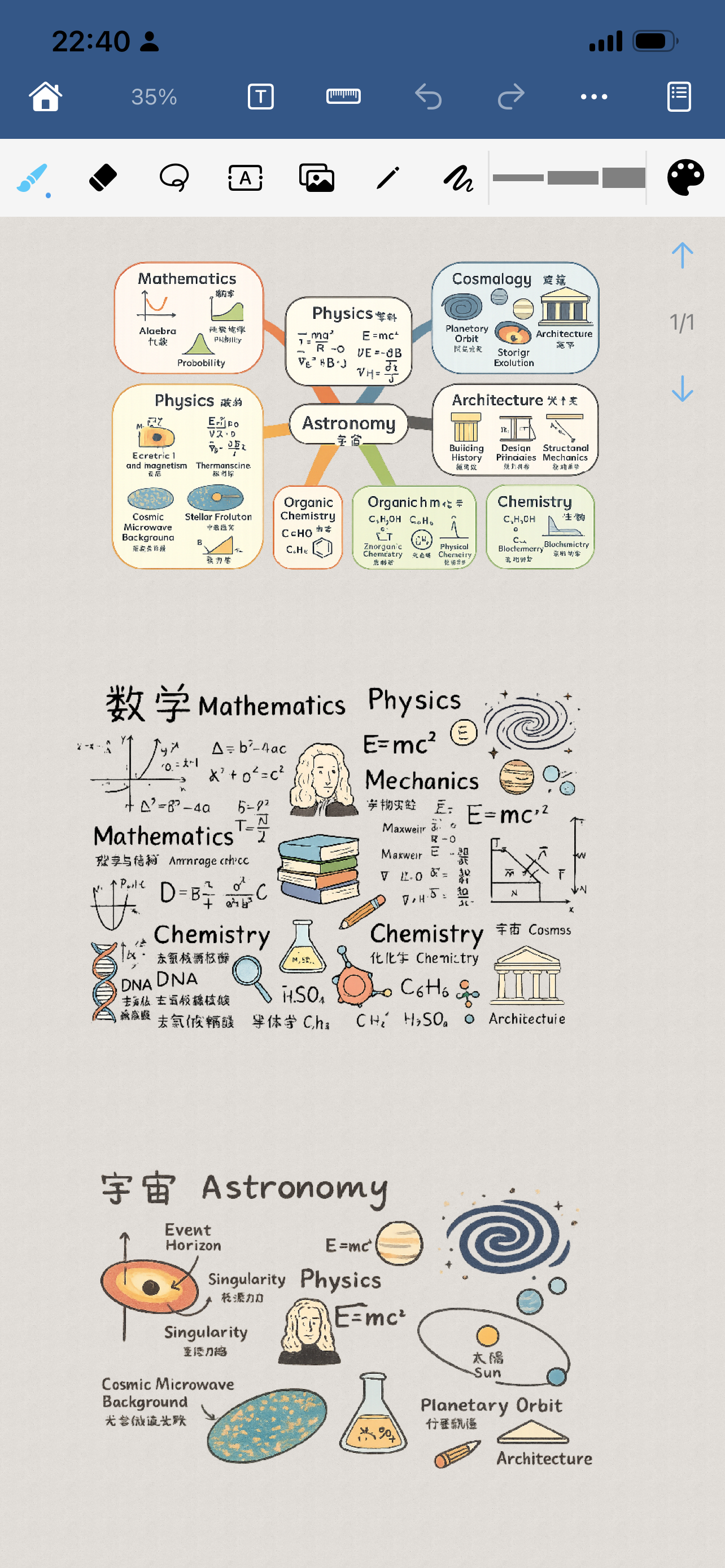
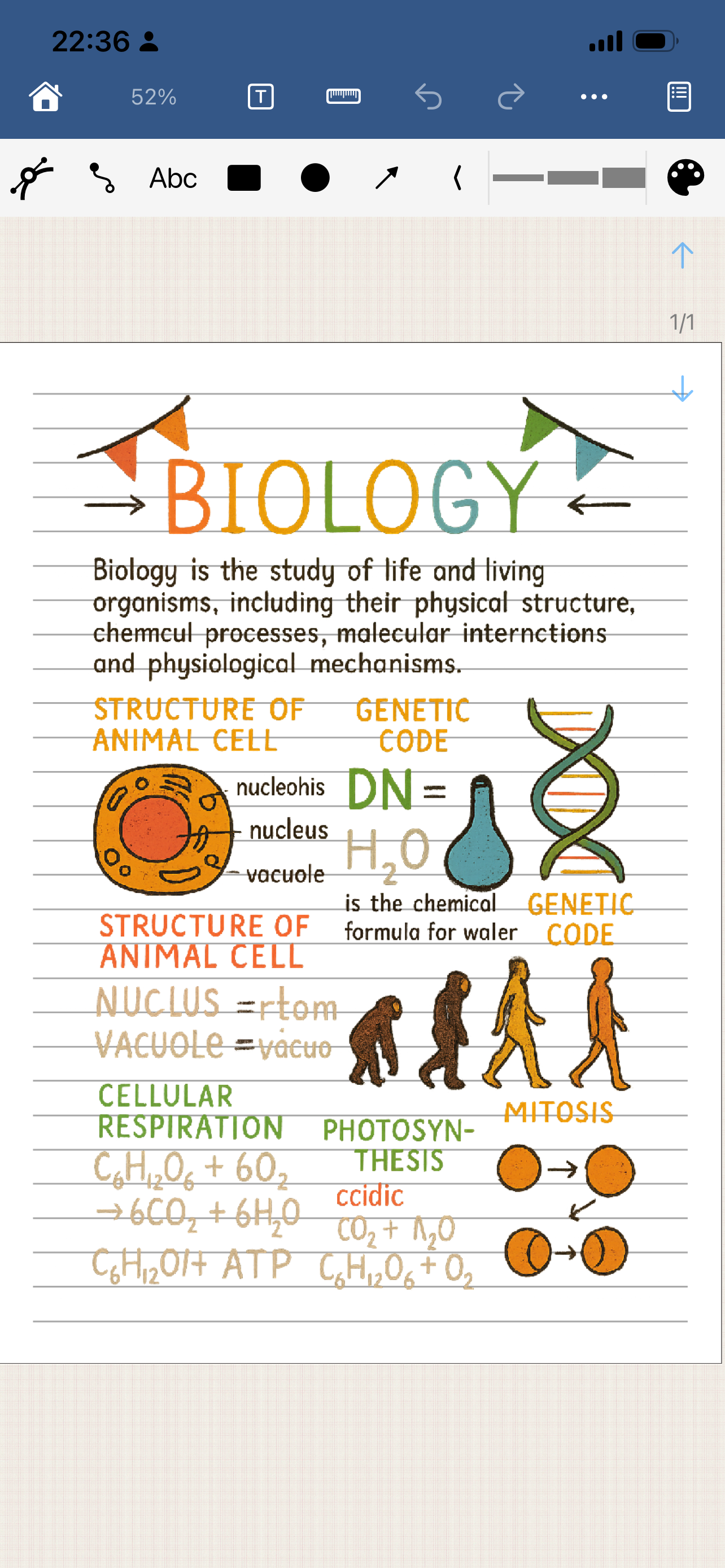
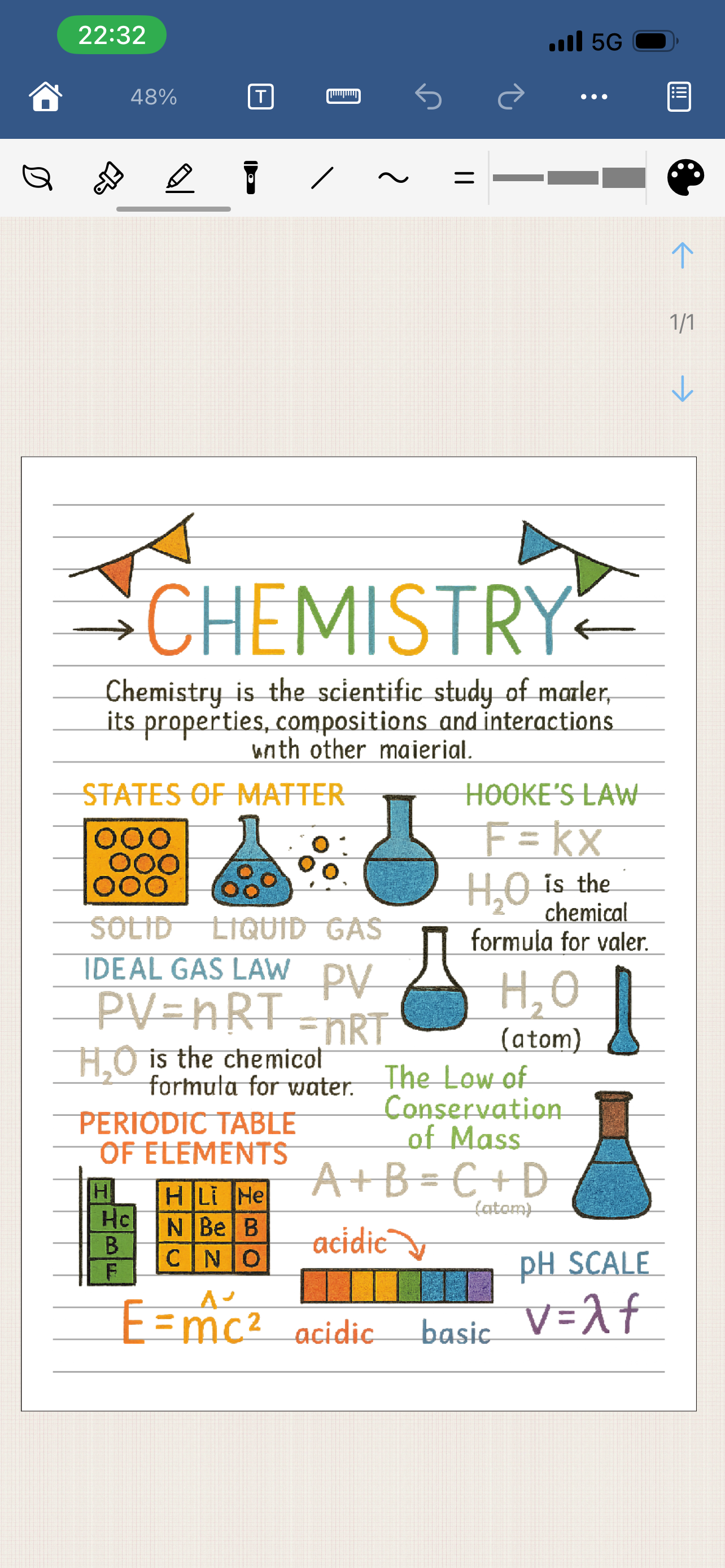
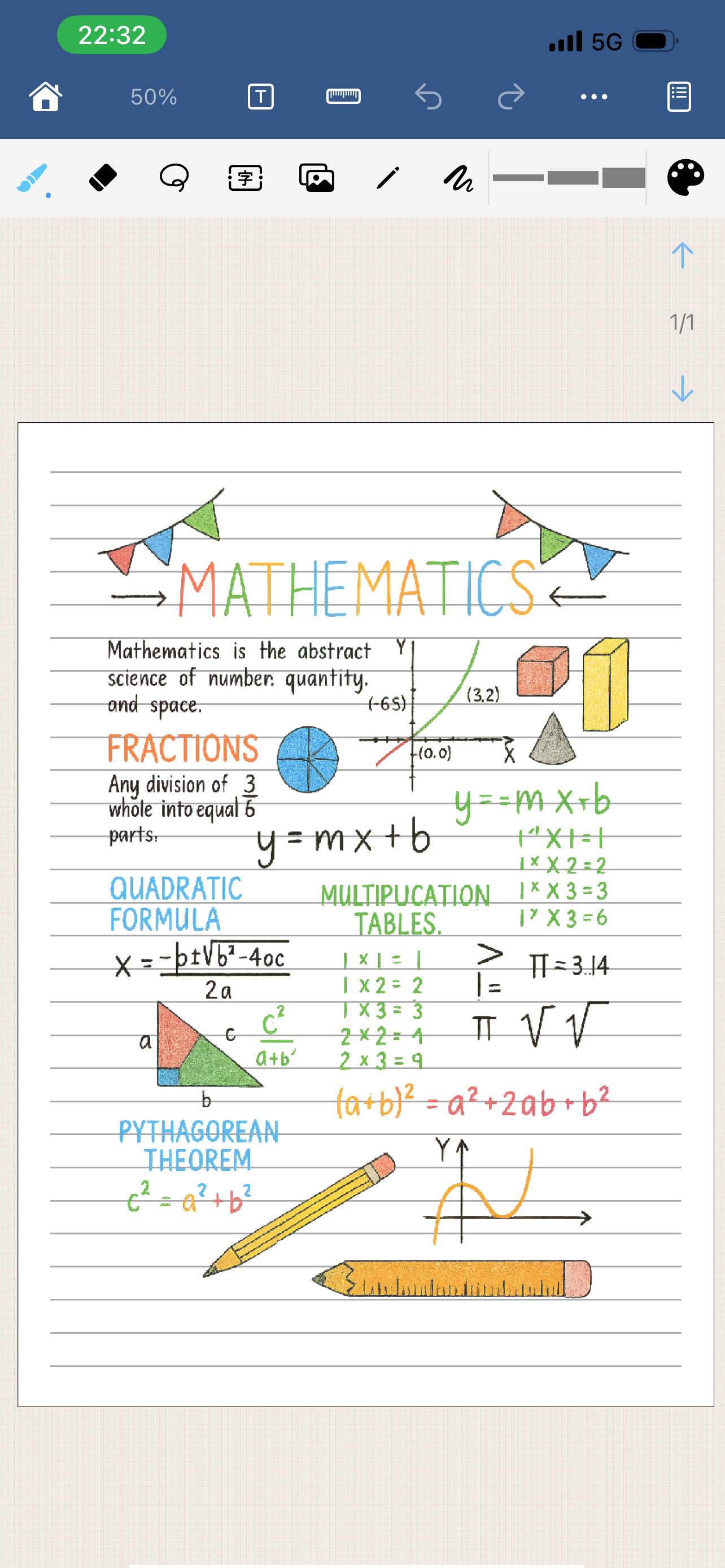
Paintwork is a simple and powerful software for handwritten notebooks, diaries, and hand drawn images. It includes functions such as: brush list (hun...
| Name | Price | Type |
|---|---|---|
| Unlock local version | $9.99 | One-time |


