Check the acquisition promise
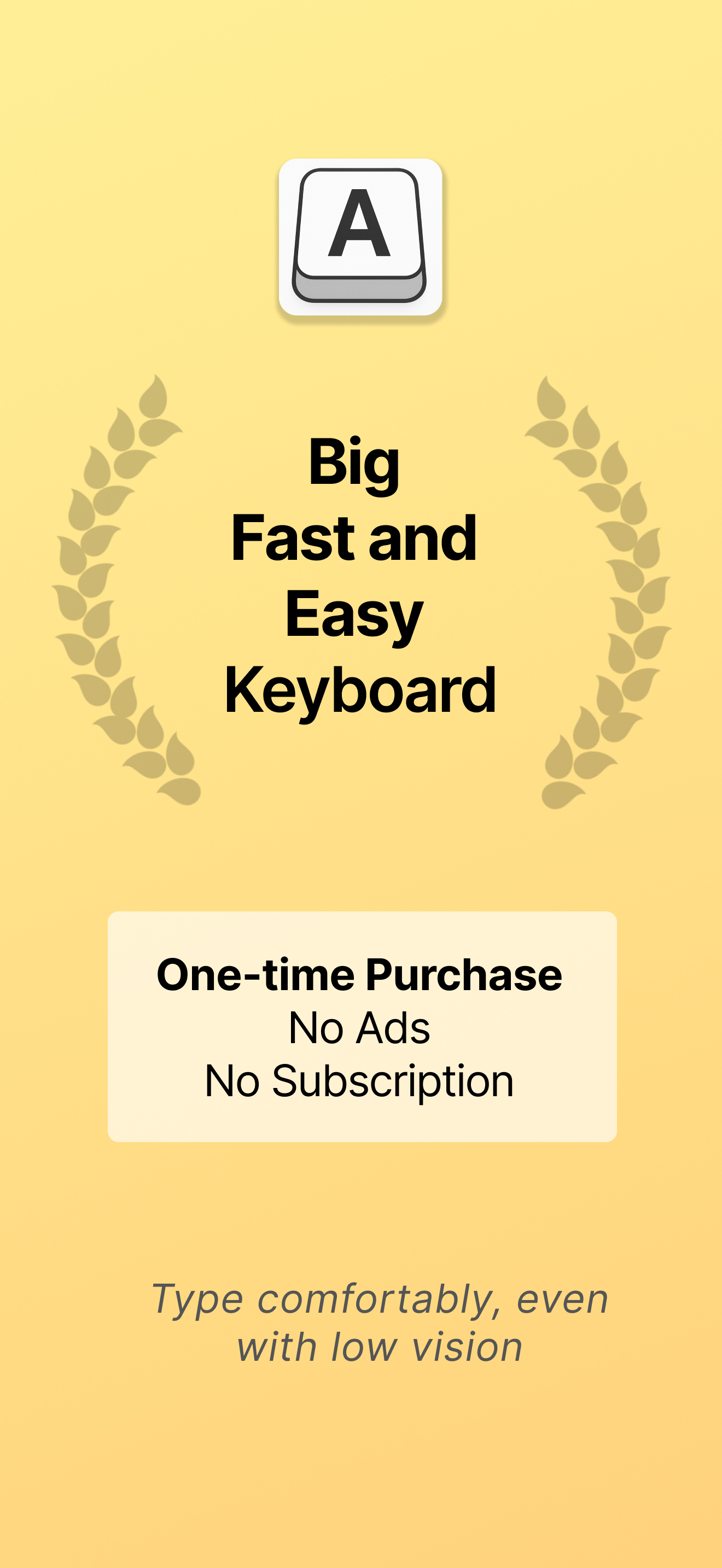
Read the store headline, screenshots and description. What problem is the app promising to solve?
Study the storefront ↗
Defriction LLC · iOS
Explore the ad evidence, study the storefront, and build your next acquisition hypothesis.
01 / Creative research
Read the store headline, screenshots and description. What problem is the app promising to solve?
Study the storefront ↗Explore apps with direct store-link matches. Compare their hooks and formats without assuming the same approach works here.
Browse observed advertisers ↗Store rankings and revenue estimates describe market context. They do not establish ad spend, conversions or ROAS.
Review the market context ↗02 / Storefront & product
Study the product story and store experience behind the acquisition funnel.



03 / Market context
Keep revenue, downloads and store rankings separate from advertising performance.
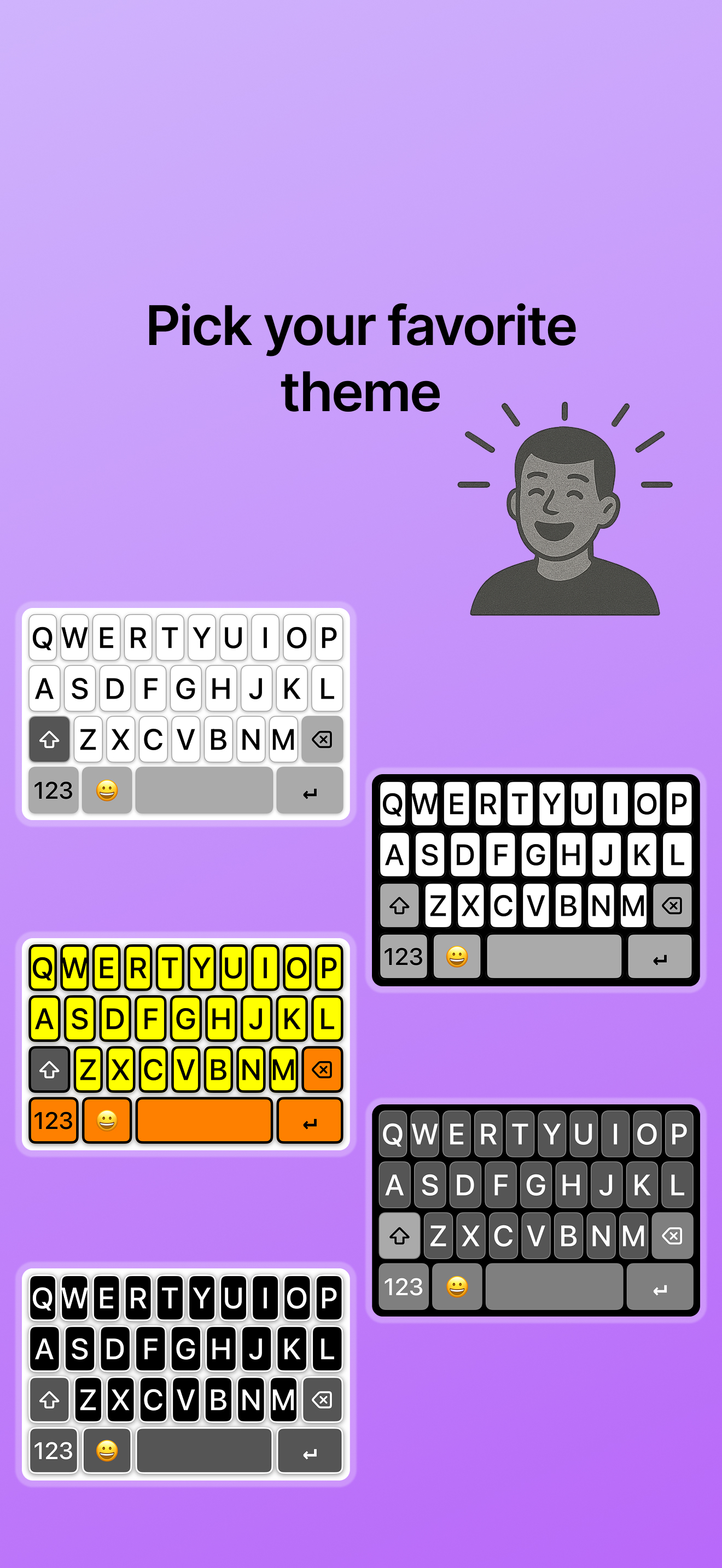
I am visually impaired and looking for a keyboard that can make bigger keys with high contrast. this keyboard doesn’t allow for haptic feedback unless you allow full access, and even with full access, it doesn’t seem to include auto correction as it claims. The high contrast features are also problematic because they display a stark white color behind the keys. This creates a sort of light static, which makes it difficult to use the keyboard with high contrast. The best option for my particular eyes is the dark theme, but even that isn’t ideal. disappointing since this is an app you have to pay for when there are other apps that are free that offer essentially all of the same things this app does.
I really love this app! The larger keys make it so much easier for me to see the letters, and it was super simple to start using right away. It makes typing much more comfortable and stress-free. Highly recommend!
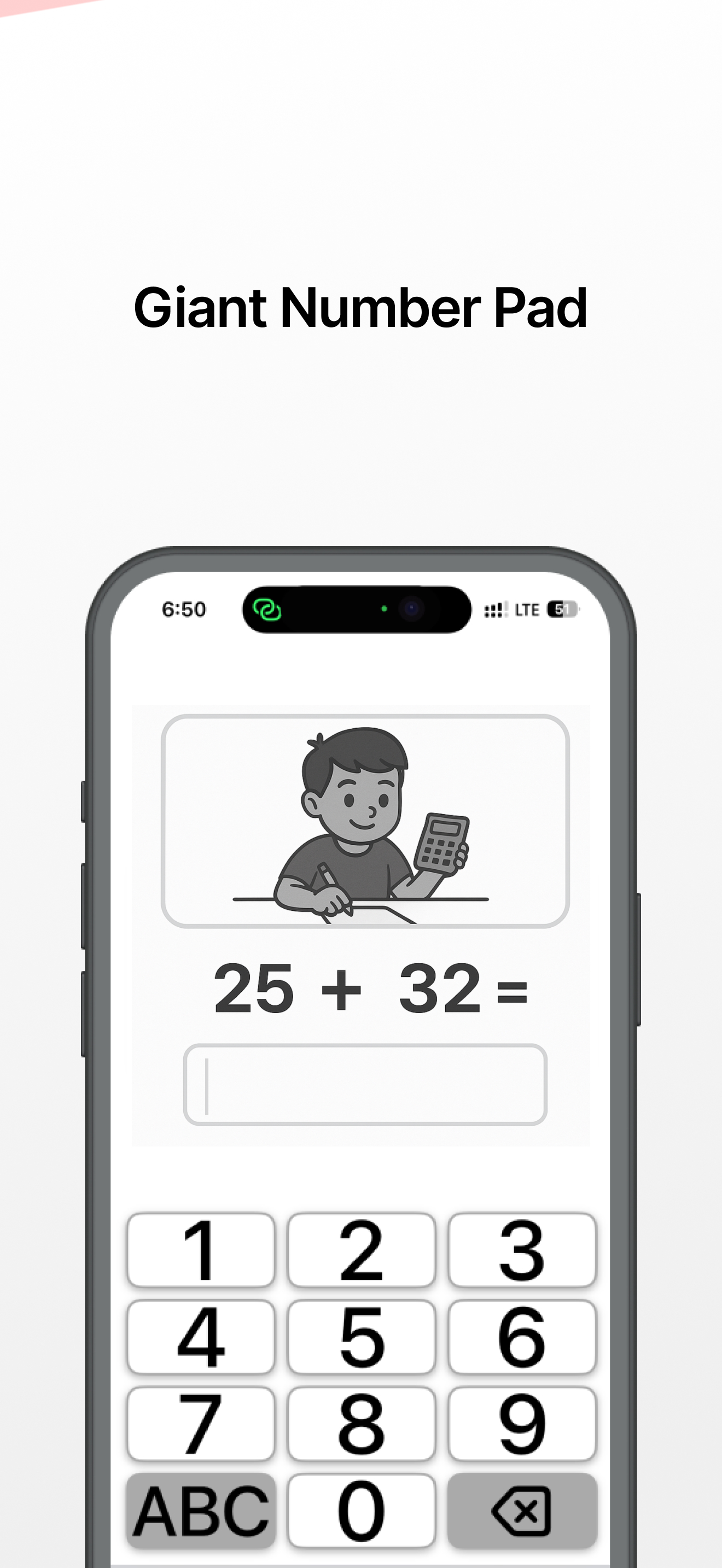
I don’t have perfect vision and always found myself squinting or hitting the wrong keys on the default keyboard. This app made a big difference. The text is way bigger (without blowing up the whole keyboard), and I can finally type without second-guessing every word. It also has arrow keys, a numeric pad, and all the emojis, which is honestly more useful than I expected. It just works—no weird settings or confusing setup. If you’re tired of tiny letters and constant typos, this fixes that.
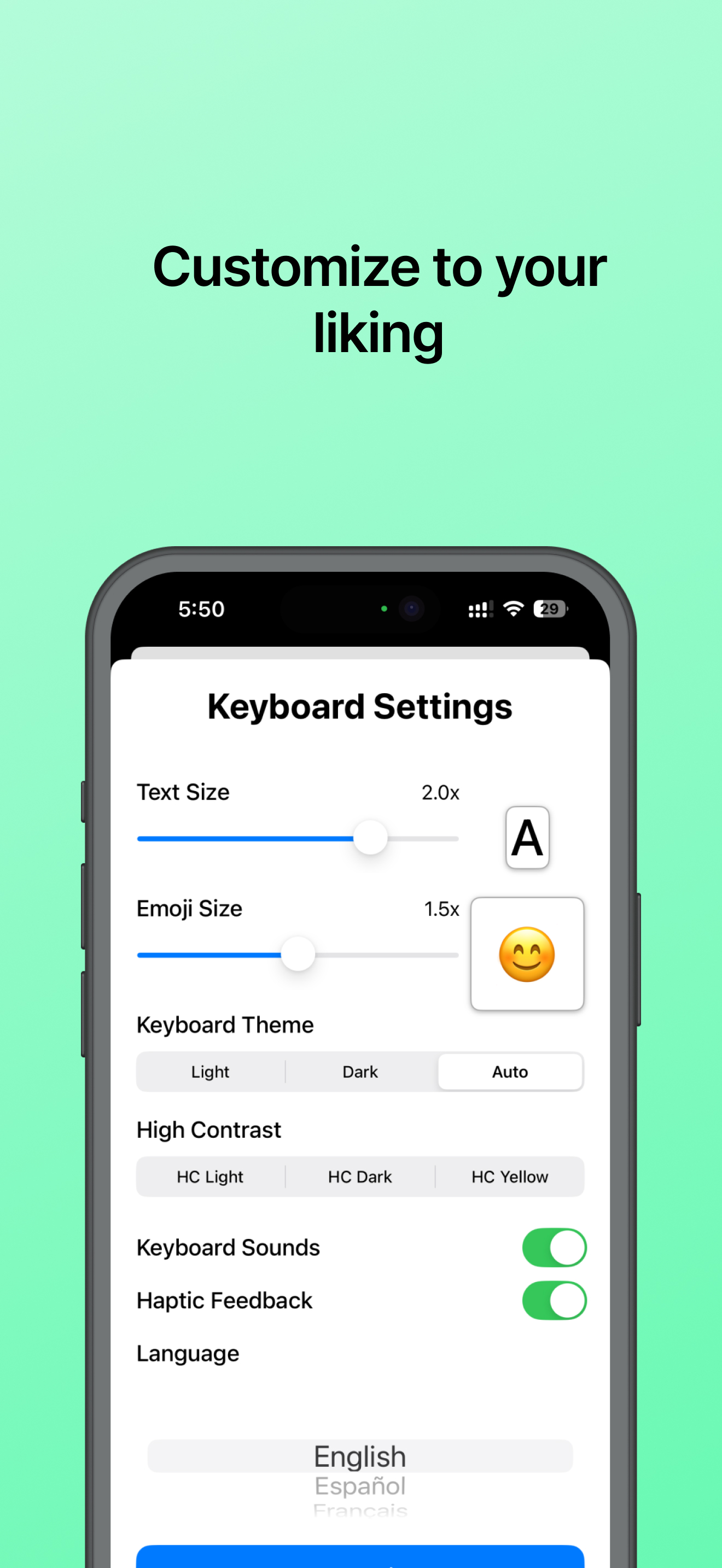
LARGE TEXT & BIG KEYS: Scale text size up to 2.5x larger - perfect for better readability Button sizes stay comfortable while text gets bigger No more...