Check the acquisition promise
Read the store headline, screenshots and description. What problem is the app promising to solve?
Study the storefront ↗
PAAL EIRIK PAULSEN · iOS
Explore the ad evidence, study the storefront, and build your next acquisition hypothesis.
01 / Creative research
Read the store headline, screenshots and description. What problem is the app promising to solve?
Study the storefront ↗Explore apps with direct store-link matches. Compare their hooks and formats without assuming the same approach works here.
Browse observed advertisers ↗Store rankings and revenue estimates describe market context. They do not establish ad spend, conversions or ROAS.
Review the market context ↗02 / Storefront & product
Study the product story and store experience behind the acquisition funnel.



03 / Market context
Keep revenue, downloads and store rankings separate from advertising performance.
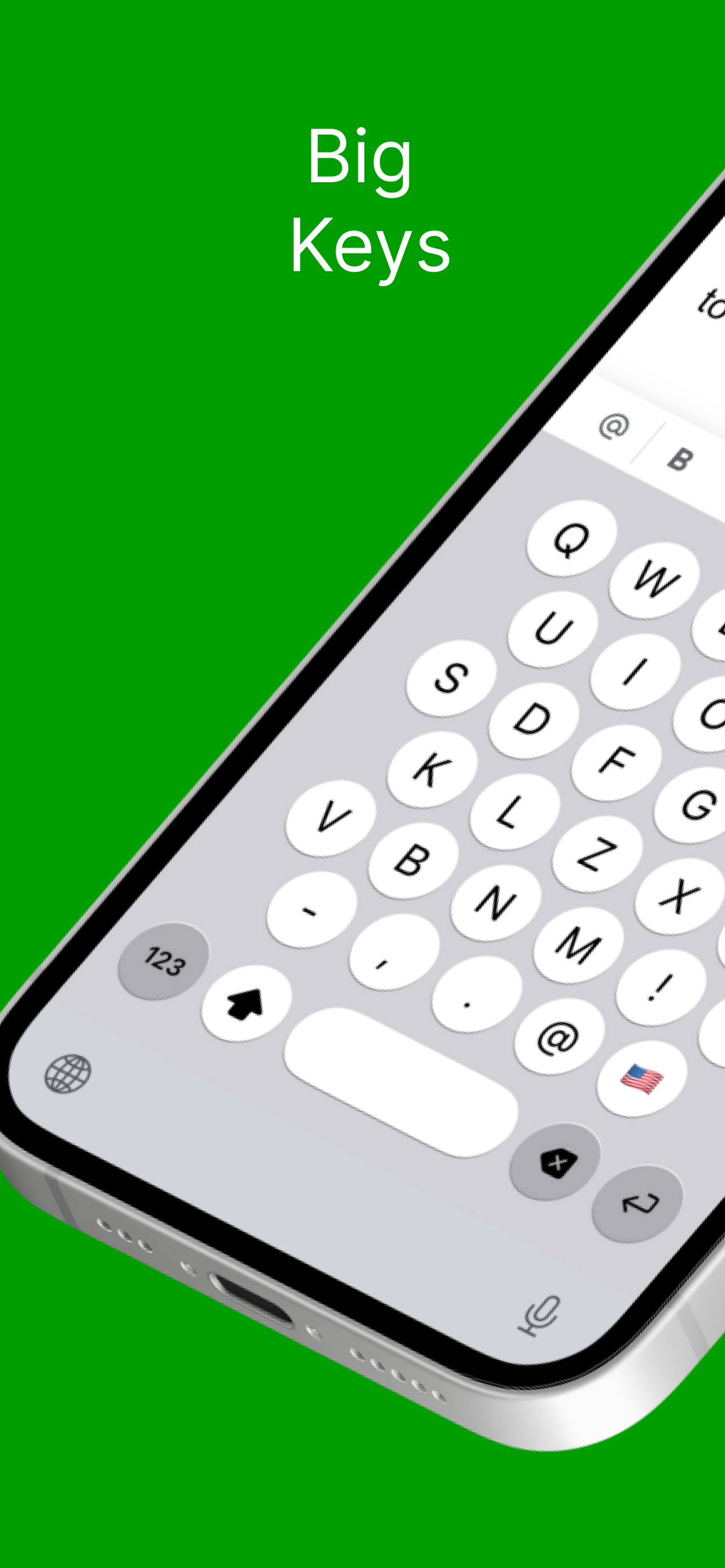
The image is shown on the app cell page display that you can make changes to it and that you can have it cord layout, but there’s no functionality for that once you’ve downloaded the app useless
This app could be an accessibility dream! I have binocular vision dysfunction and strain my eyes quickly so had high hopes for this extension even with the keyboard in alpha-order while phone is in portrait. But there is a lot missing, including important punctuation like the apostrophe. Disappointing.
The keys are certainly large, but it’s laid out A-to-Z and not in the typical keyboard format that everyone is used to.
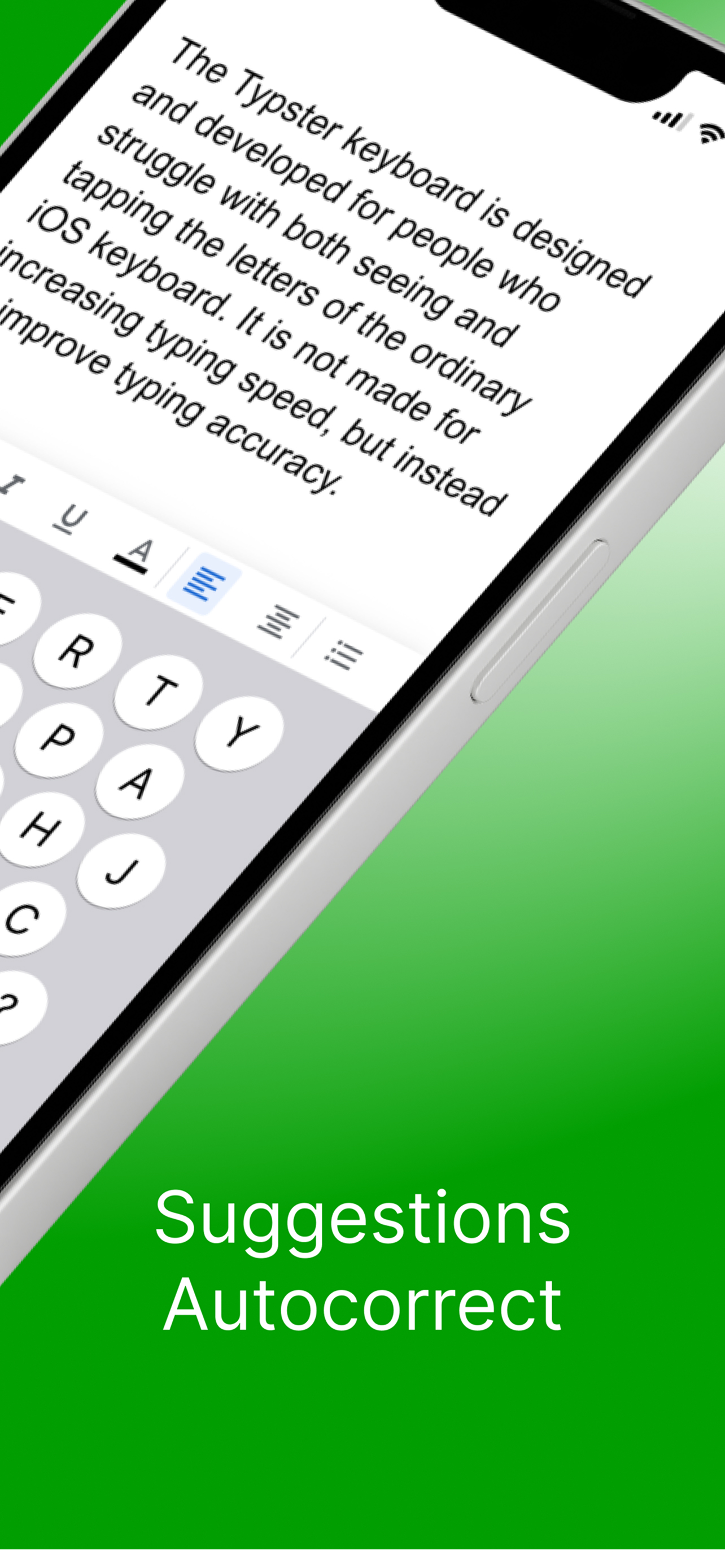
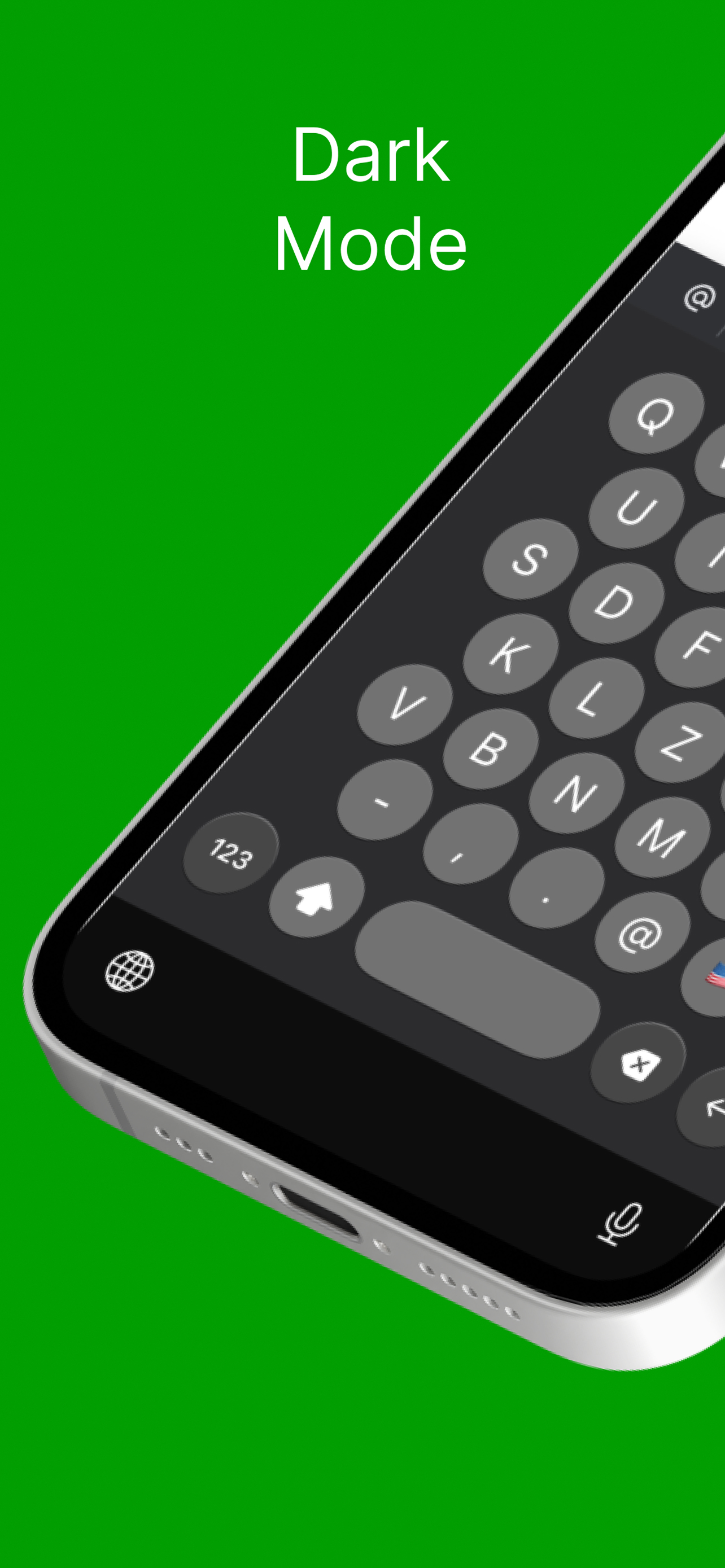
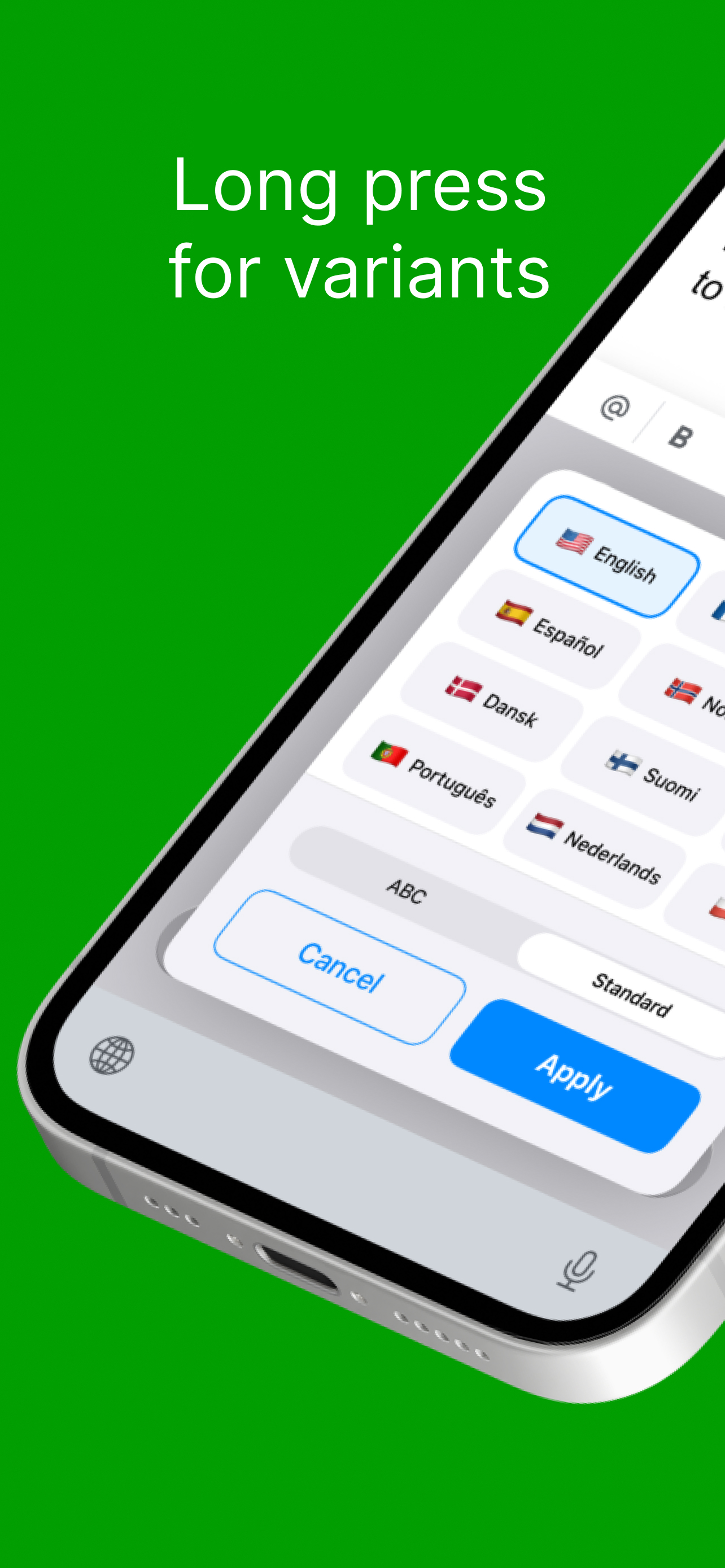
Typster is a fast, private keyboard built for people with vision and touch impairment. Switch between 13 languages with a single tap — English, Norwe...