Check the acquisition promise
Read the store headline, screenshots and description. What problem is the app promising to solve?
Study the storefront ↗
TeamViewer Germany GmbH · iOS
Explore the ad evidence, study the storefront, and build your next acquisition hypothesis.
01 / Creative research
Read the store headline, screenshots and description. What problem is the app promising to solve?
Study the storefront ↗Explore apps with direct store-link matches. Compare their hooks and formats without assuming the same approach works here.
Browse observed advertisers ↗Store rankings and revenue estimates describe market context. They do not establish ad spend, conversions or ROAS.
Review the market context ↗02 / Storefront & product
Study the product story and store experience behind the acquisition funnel.




03 / Market context
Keep revenue, downloads and store rankings separate from advertising performance.
I was just reading the last post about being able to see the circles and arrows to help explain whoever your helping but with face time zoom and straight up Pictures with the annotation ability this seems like re inventing a square wheel
I was testing this app on my own iPad to see if I could use it to support my Mother-in-law adventures in learning. How disappointed was I when all I could get this app to do was connect and crash. I am using TeamViewer in a Mac with the latates Mojave to connect to my iPad Air 2 running IOS 14.1. I also tried TeamViewer QuickSupport but the screen sharing drops after 10 seconds which would make it impossible to help her. Sorry to see such poor quality attached to the TeamViewer name.
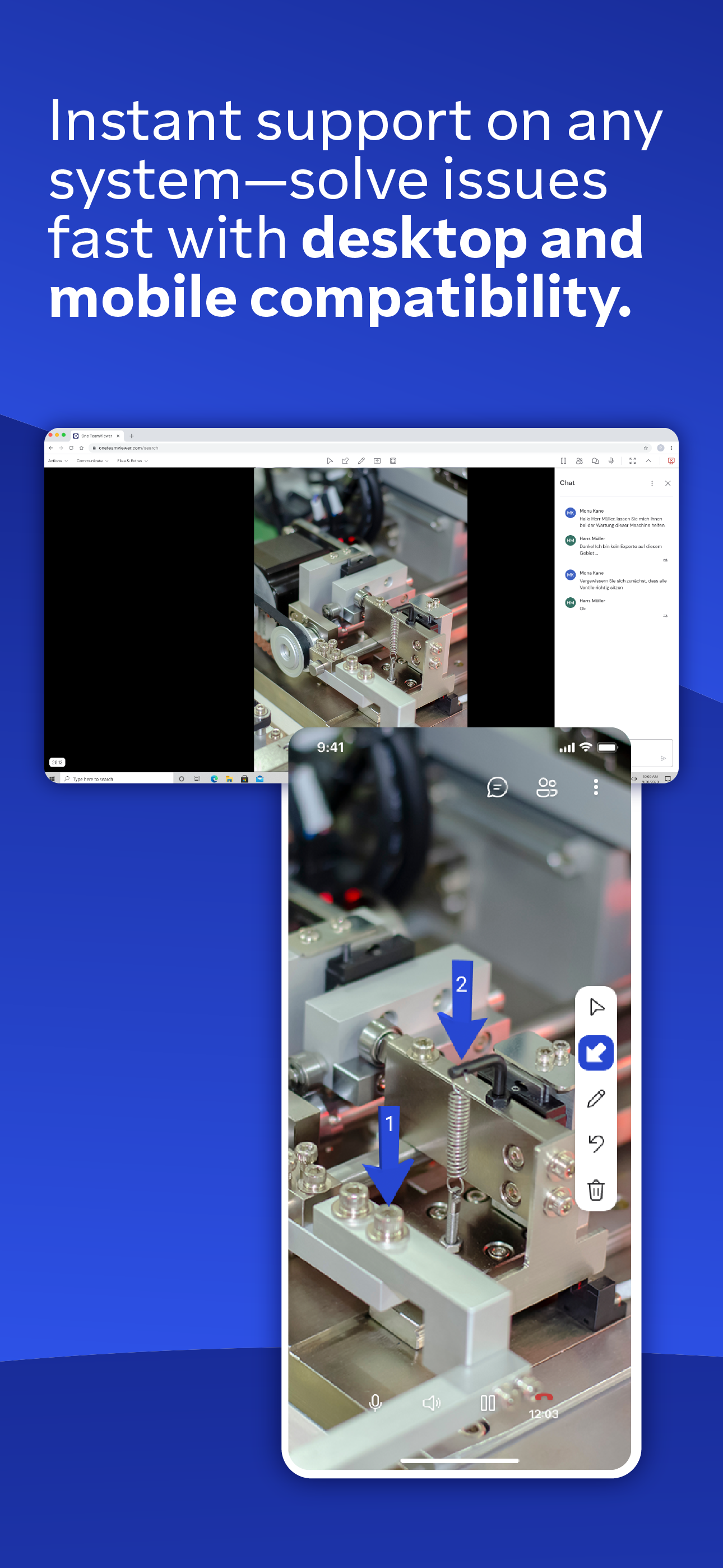
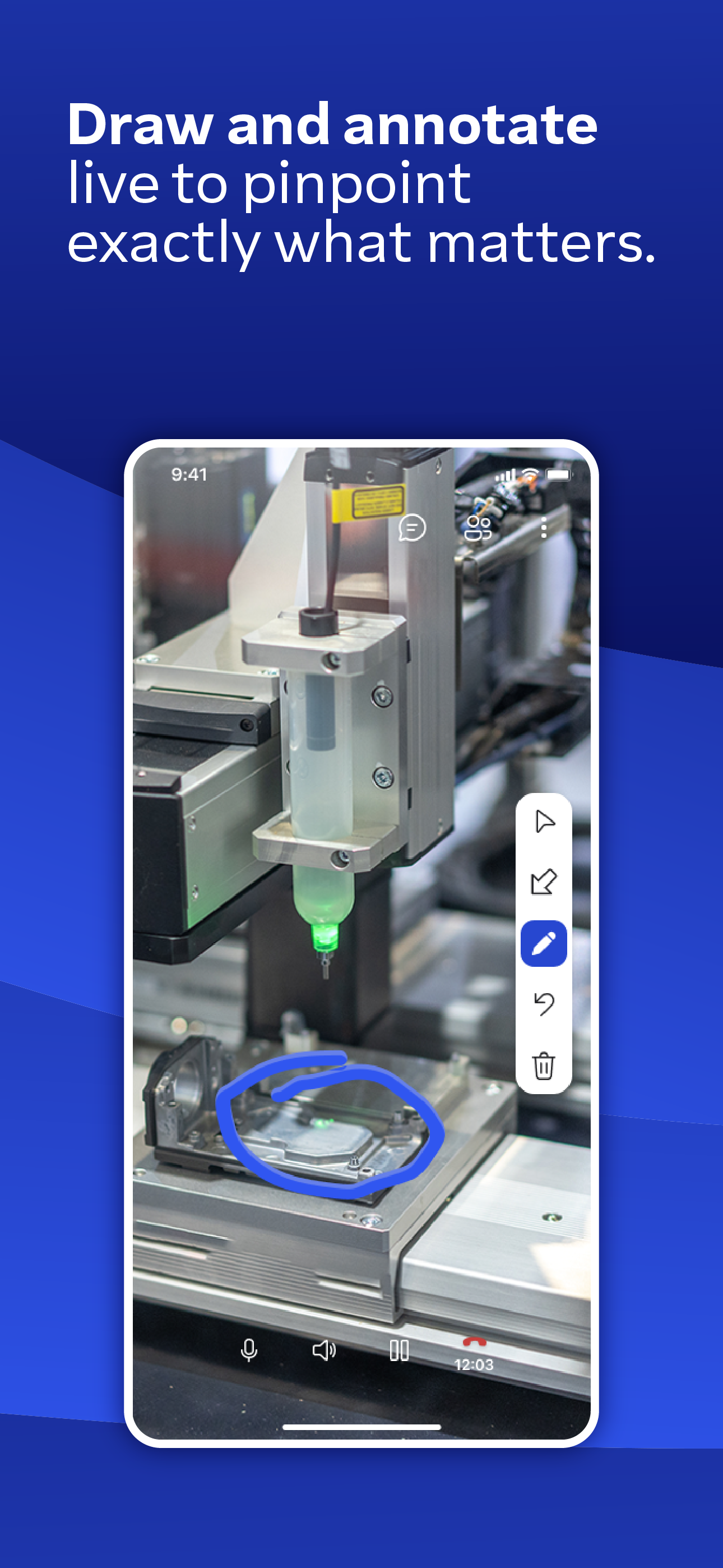
To everybody using/trying to use this app, remember this is the app the customer/client uses; as the technician/helper, you still use the normal TeamViewer app! This is NOT for sharing screens, as I normally do as a consultant, but for showing somebody where to plug a cable in, for example; they hold up their phone running this app, while you mark-up their desk/workspace/etc in augmented reality so they can see you circling and putting arrows on things, etc.
Use this app to receive remote assistance for all kinds of equipment, machinery, and infrastructure issues. • Simplify troubleshooting and improve pro...