Check the acquisition promise
Read the store headline, screenshots and description. What problem is the app promising to solve?
Study the storefront ↗
SKETCHES SRL · iOS
Explore the ad evidence, study the storefront, and build your next acquisition hypothesis.
01 / Creative research
Read the store headline, screenshots and description. What problem is the app promising to solve?
Study the storefront ↗Explore apps with direct store-link matches. Compare their hooks and formats without assuming the same approach works here.
Browse observed advertisers ↗Store rankings and revenue estimates describe market context. They do not establish ad spend, conversions or ROAS.
Review the market context ↗02 / Storefront & product
Study the product story and store experience behind the acquisition funnel.


03 / Market context
Keep revenue, downloads and store rankings separate from advertising performance.
I’ve been waiting and coming back to this app every so often because it’s one of the best caligraphy apps there is but what hurts it is that it still lacks basic import layer functions. Can’t import an alphabet or certificate to practice tracing. It’s mind boggling why. It has a great paper creating feature that is a very powerful that many drawing apps lack. But still missing ability to import. The developer responded to me a couple years ago so i help hope that they’d add the basic feature but the app appears almost abandoned. I hope all is well with the developer I understand sometimes health and life get in the way.
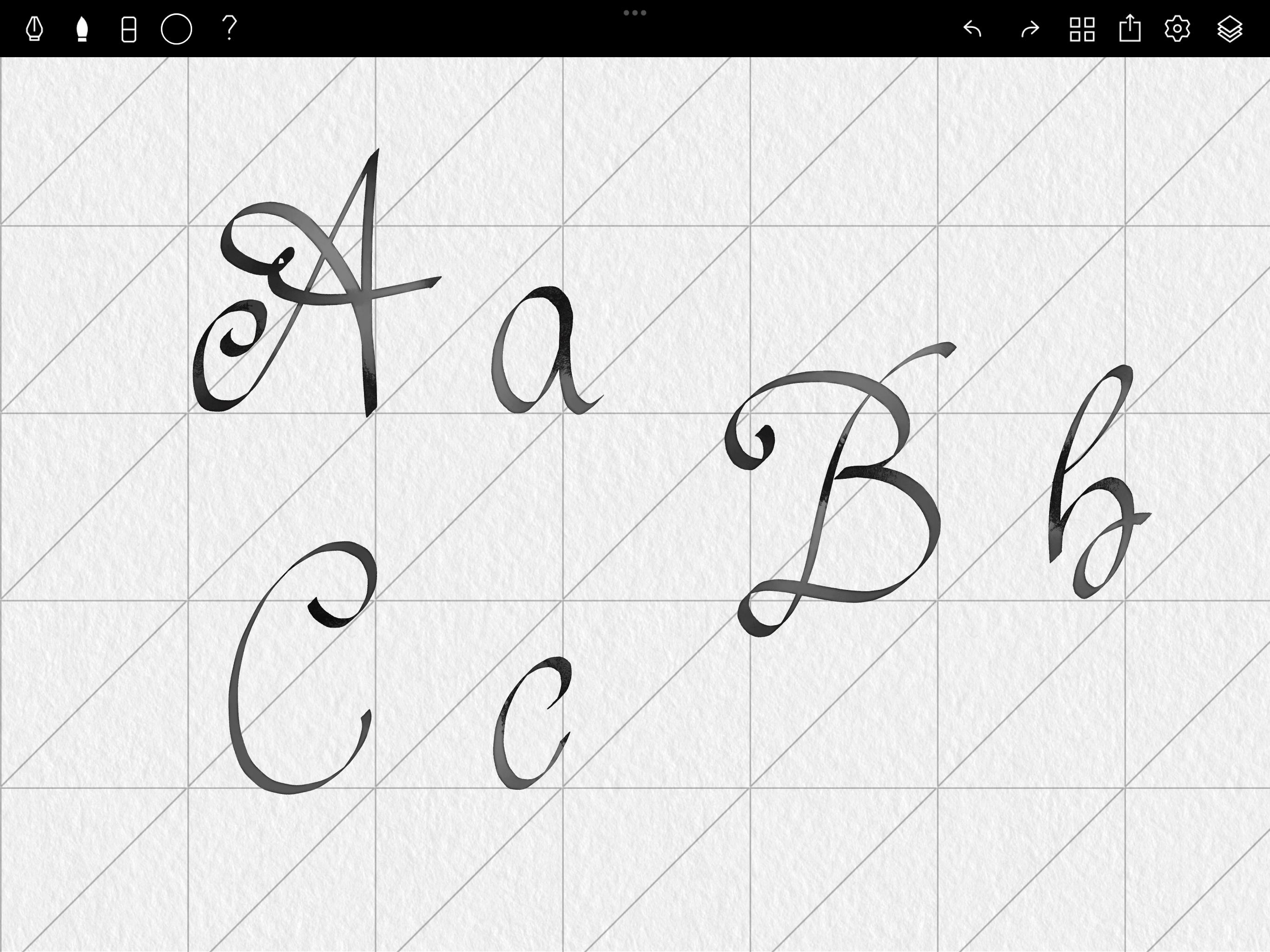
I feel quite limited by size of the canvas and the guidelines. The guidelines are way too big if you wanted to write anything more than a short word (55 slant). When I rotate my iPad to be in landscape mode it turns 55 slant into a 35 slant? Not sure why it does that. I also wish you could move the canvas similar to procreate. If I wanted to write on the left hand side I would need to zoom in. It won’t just let me center the left side of the canvas. Also zooming is kinda buggy.
I downloaded this on spec because I love Tayasui’s sketch apps on my iPhone. When I saw there was a calligraphy app compatible with Apple Pencil, I had to get it to break in my iPad Pro. I am a bit disappointed at how lite the features are here. There is not much control and my first few experiences with the app left me slightly disappointed. More features would be greatly appreciated. A few random thoughts and suggestions: my hand triggers the brush unintentionally sometimes when I use my Apple Pencil. A move tool and/or layers would be appreciated. Pressure sensitivity on the black letter brush doesn’t appear to work. More Apple Pencil compatibility, for example the double-tap on pencil function. I’ll keep playing with this app, and maybe I’ll get better. Thanks!
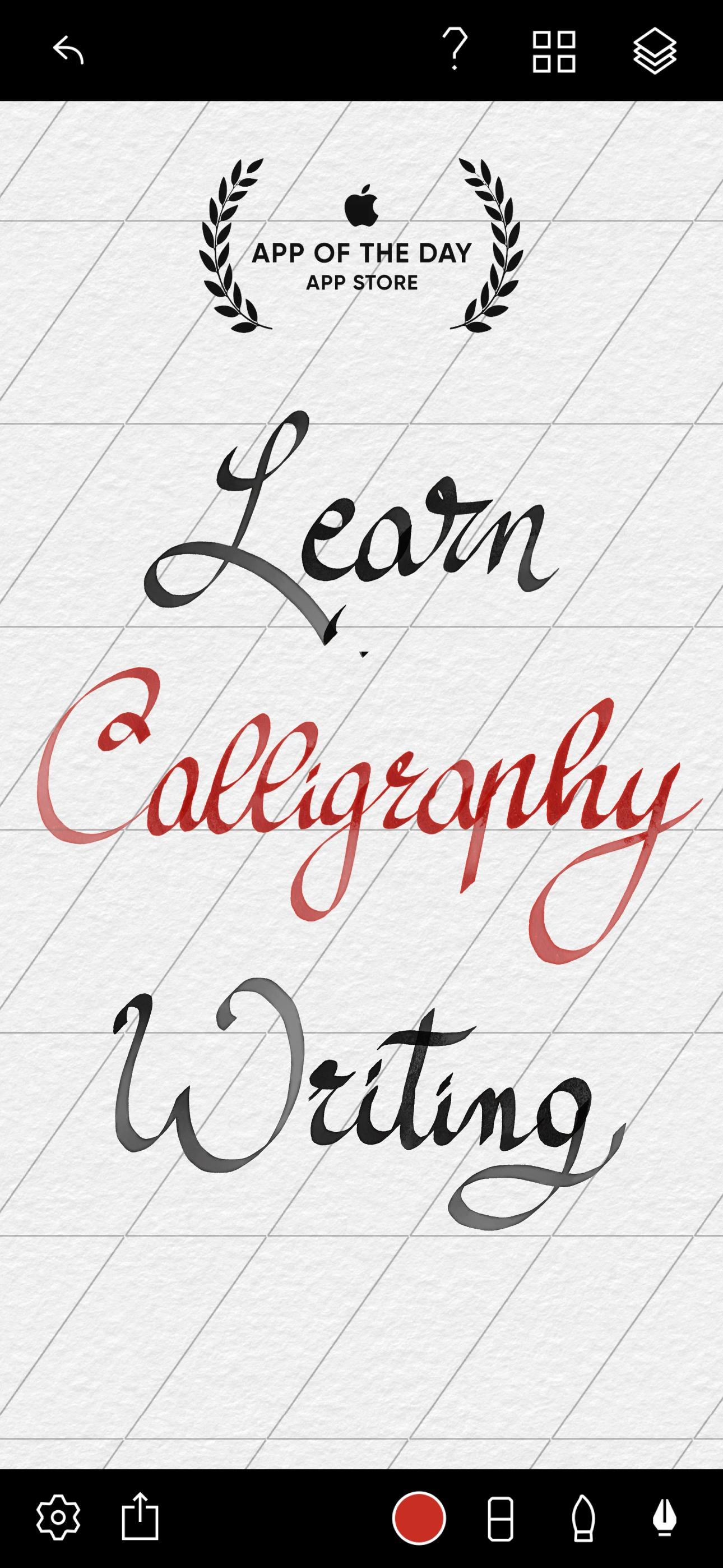
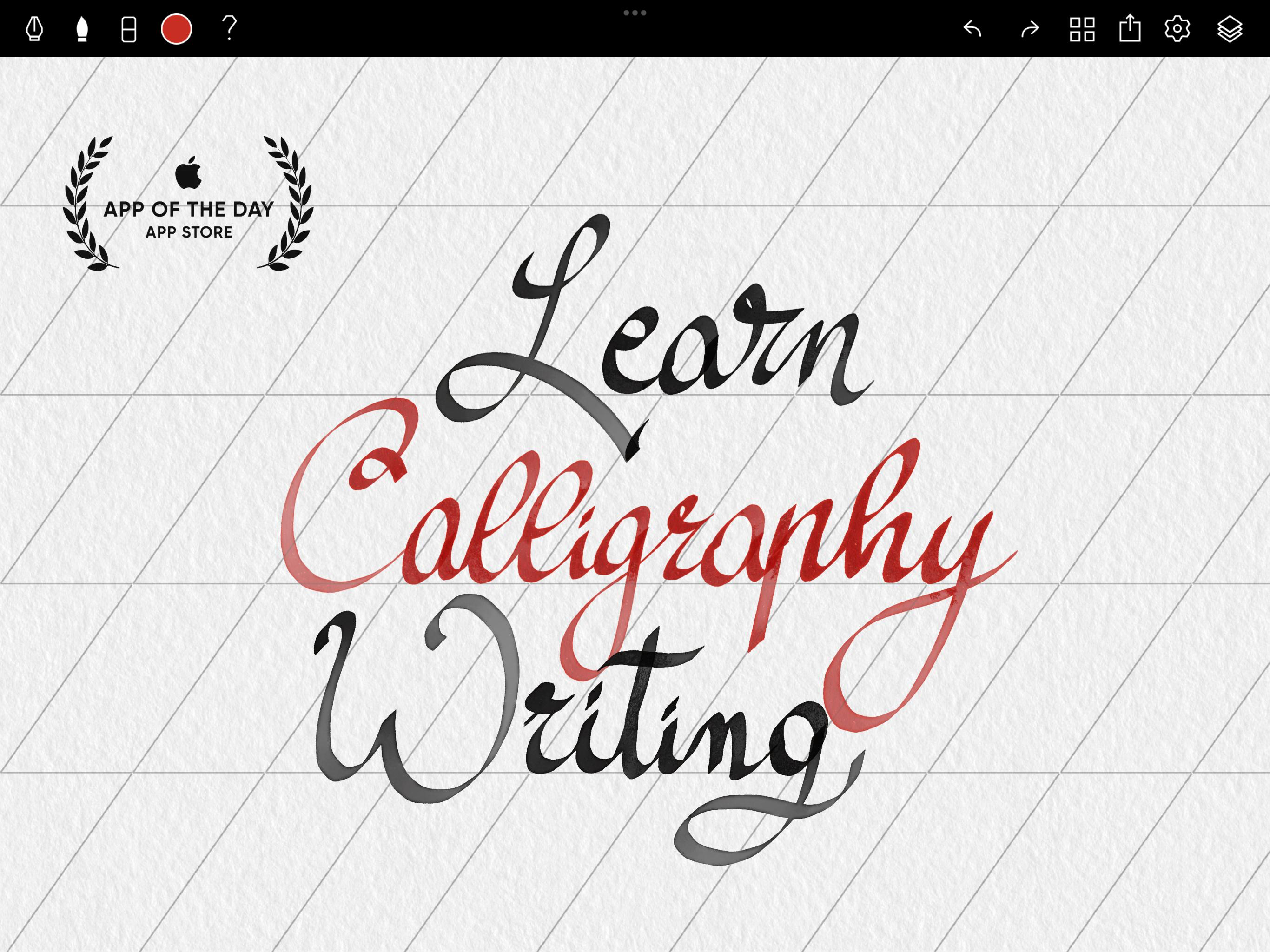
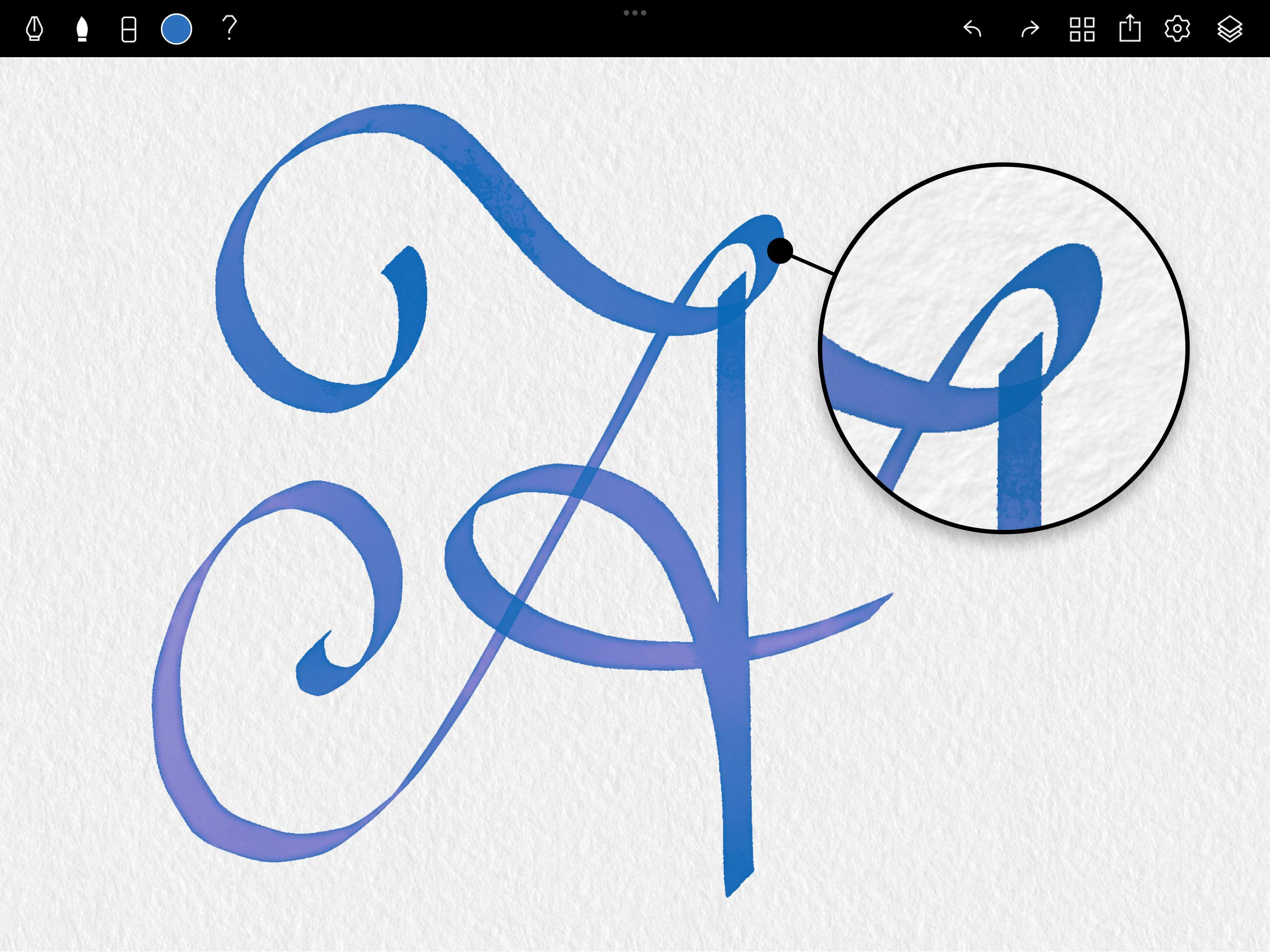
The most beautiful calligraphy ink pen and brush is available on any devices. Drawing harmonious curves and elegant lines has never been easier. With...
| Name | Price | Type |
|---|---|---|
| Monthly premium | $2.99 | Monthly |
| Monthly premium | $2.99 | Monthly |
| Weekly premium | $2.99 | Weekly |
| Weekly premium | $2.99 | Weekly |
| Weekly premium | $3.99 | Weekly |
| Weekly premium | $3.99 | Weekly |
| Yearly premium | $9.99 | Yearly |
| Yearly premium | $9.99 | Yearly |
| Yearly premium | $69.99 | Yearly |
| Yearly premium | $69.99 | Yearly |