
Check the acquisition promise
Read the store headline, screenshots and description. What problem is the app promising to solve?
Study the storefront ↗
Azhar Dewji · iOS
Explore the ad evidence, study the storefront, and build your next acquisition hypothesis.
01 / Creative research
Read the store headline, screenshots and description. What problem is the app promising to solve?
Study the storefront ↗Explore apps with direct store-link matches. Compare their hooks and formats without assuming the same approach works here.
Browse observed advertisers ↗Store rankings and revenue estimates describe market context. They do not establish ad spend, conversions or ROAS.
Review the market context ↗02 / Storefront & product
Study the product story and store experience behind the acquisition funnel.



03 / Market context
Keep revenue, downloads and store rankings separate from advertising performance.
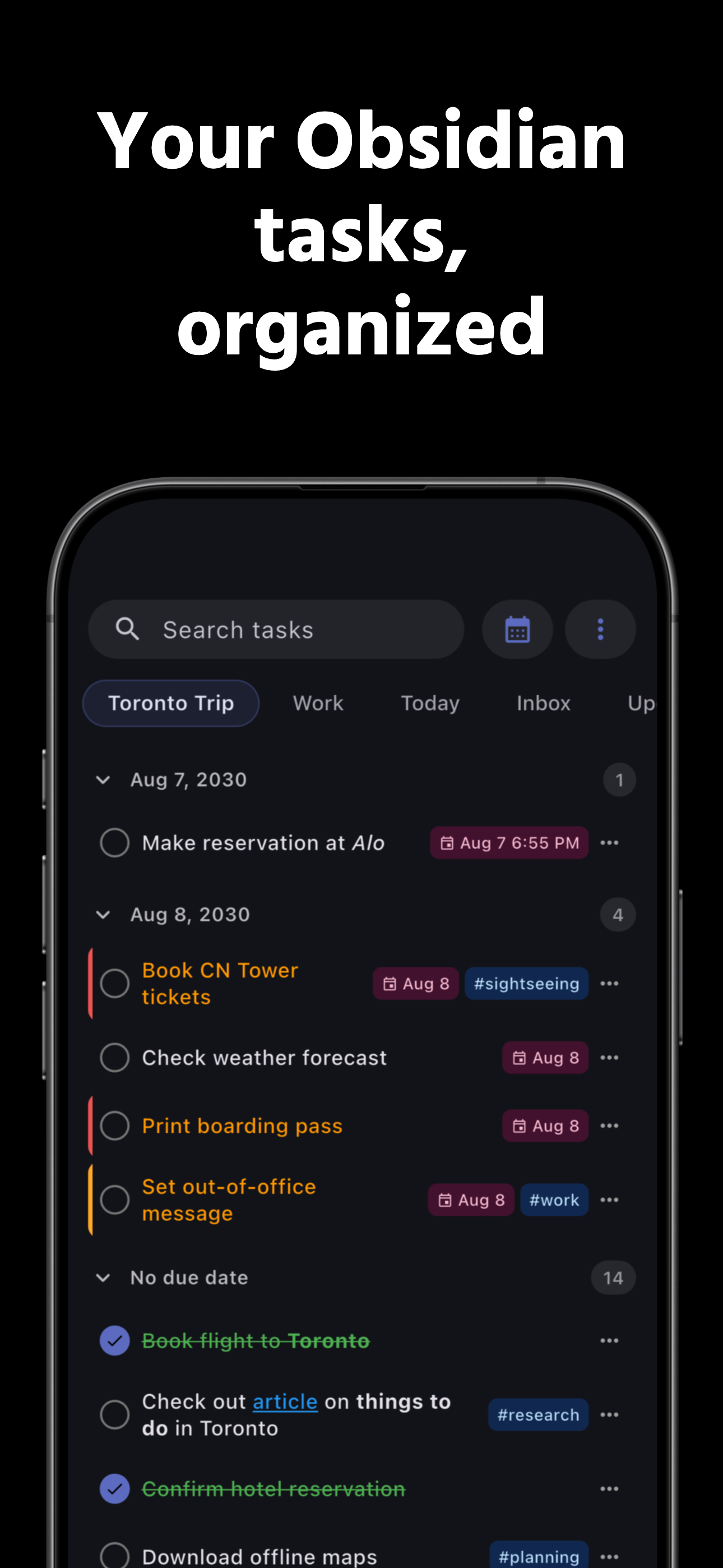
my TODOs are everywhere. thrown around random documents or "temporary" files. despite desperately needing to, in no world was i ever going to take the time to extract them to a proper task or project management app. i've dabbled in some task plugins to collect them all before, but i also greatly value good UX and pretty UIs, and unfortunately, all-but-one case couldn't meet my expectations without heavy manual customization. and the one that did, didn't work well on mobile. i don't have to compromise anymore. especially not on mobile. 😤 and it works well enough that i've transferred all of my non-project reminders over to it as well. dev seems to be pretty responsive, too, so that's always a huge plus. the only issue i've encountered is one i was expecting and the dev spelled out up front anyway: sometimes you need to open obsidian to sync everything. it happened two times before, but hasn't since i setup an automation to open obsidian daily. i'm not concerned. tl;dr it gives a lot of the power and customizability of a task management plugin without the manual work to setup good UX and UI
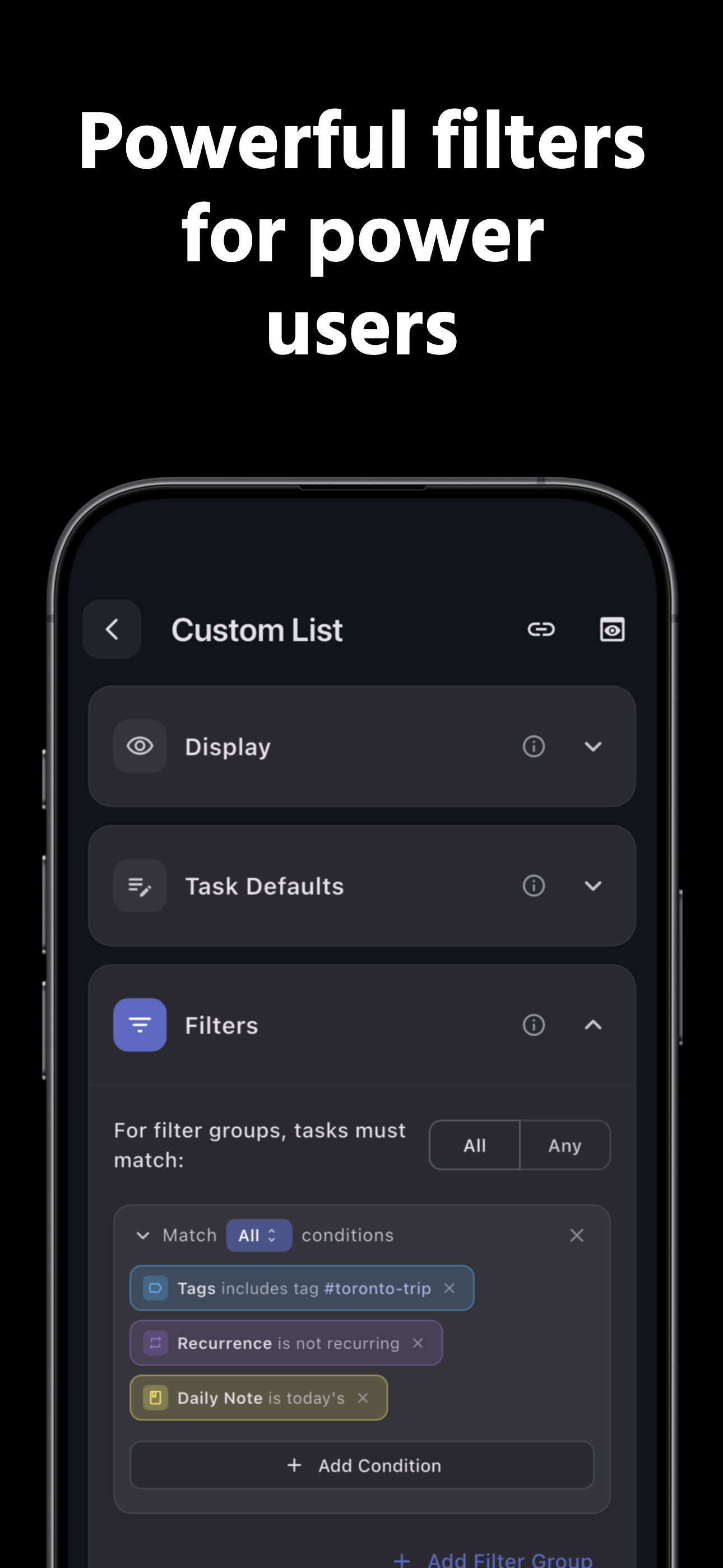
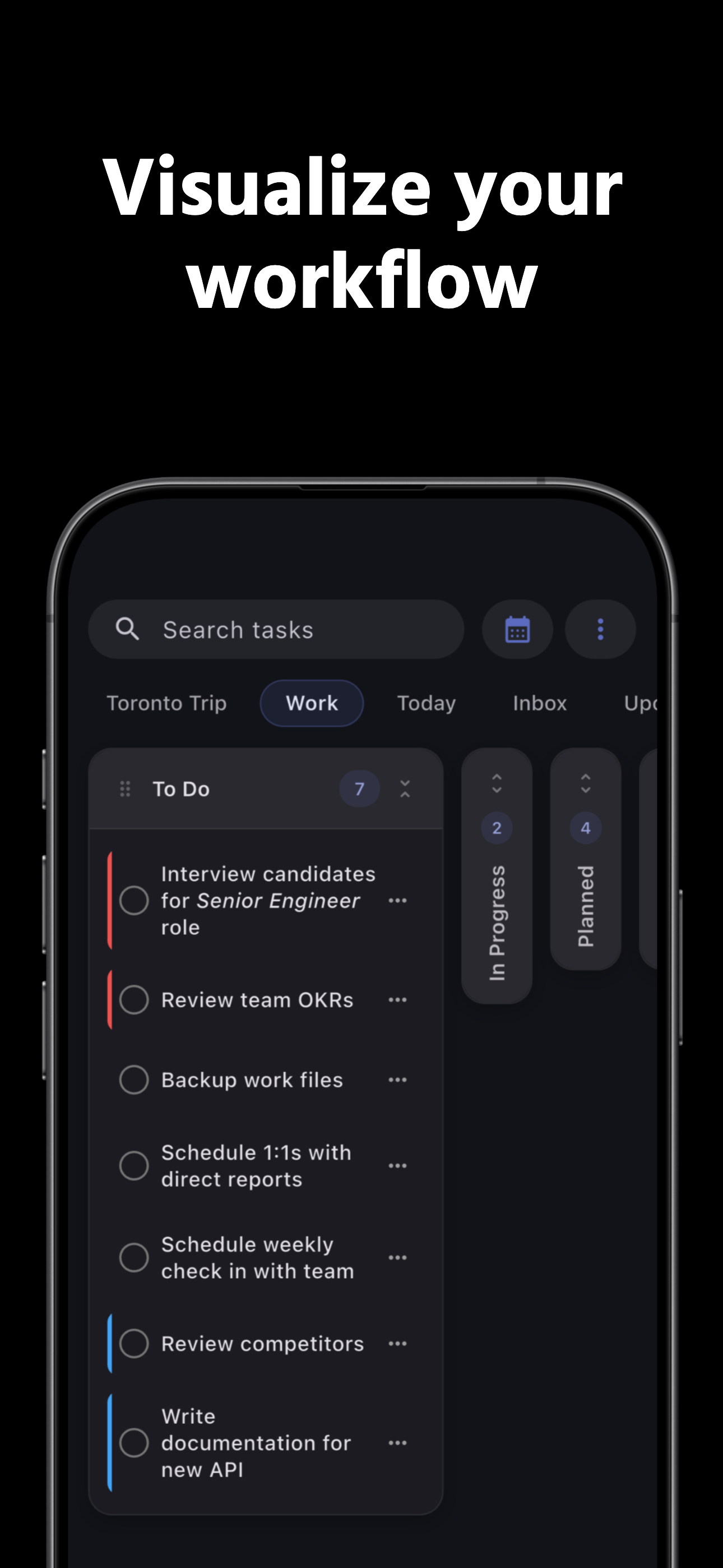
I’ve used many good task managers in the past, but for someone steeped in the Apple ecosystem and Obsidian (the plain-text, local notes app), TaskForge is amazing. It has integrated flawlessly with my note-taking workflow while providing me with a highly flexible and customizable task management solution. The developer is passionate about his product, lightning fast responding to support questions and issues, and is pushing new features on a sustainable schedule. There are occasional bumps, but they are quickly addressed. The new calendar integration is exactly what I had been looking for, and the complete freedom to group and filter tasks by custom properties means you can adopt any task management system you please. No lock-in, highly un-opinionated … and it just keeps getting better.
I have a certain amount of obsession with task manager apps. Usually what happens is I find something that works perfectly for every single thing in my whole life and it’s all I want to use forever. That is, until the gaps in the system eventually and inevitably show up. My main wish has always been to have my notes, my reminders, and my tasks all somehow integrated, but not kludged together in some unholy mess. This fills that need incredibly well. I can write down my daily notes in Obsidian, toss in a few tasks willy-nilly, and they magically show up in TaskForge. Add tags and set filters and custom lists, and the power starts showing. Reviewing my notes later and seeing exactly what I was doing without having to hold separate pieces of information in different apps and calendars is so enlightening and fun. Do I have a wishlist? Yes. Dragging tasks to reorder would be so nice. A little haptic feedback when a task is finished for my little dopamine hit would be pretty sweet. Being able to set multiple days for a task would be great for longer projects (and maybe this can be done somehow, I’m still exploring) You should get this app, try out the free premium trial for a week, and then absolutely subscribe, or, even better, buy the lifetime subscription. I did, and it’s worth it.
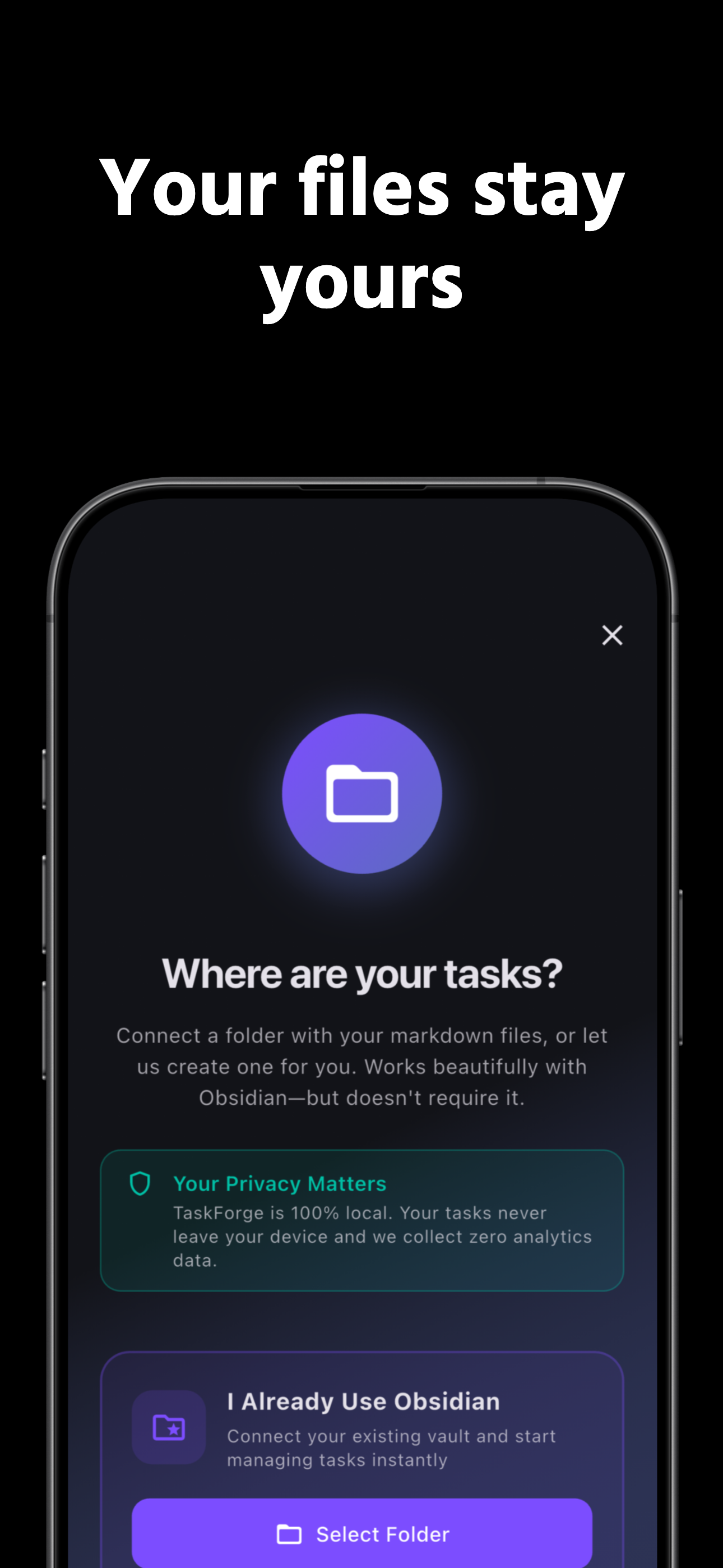
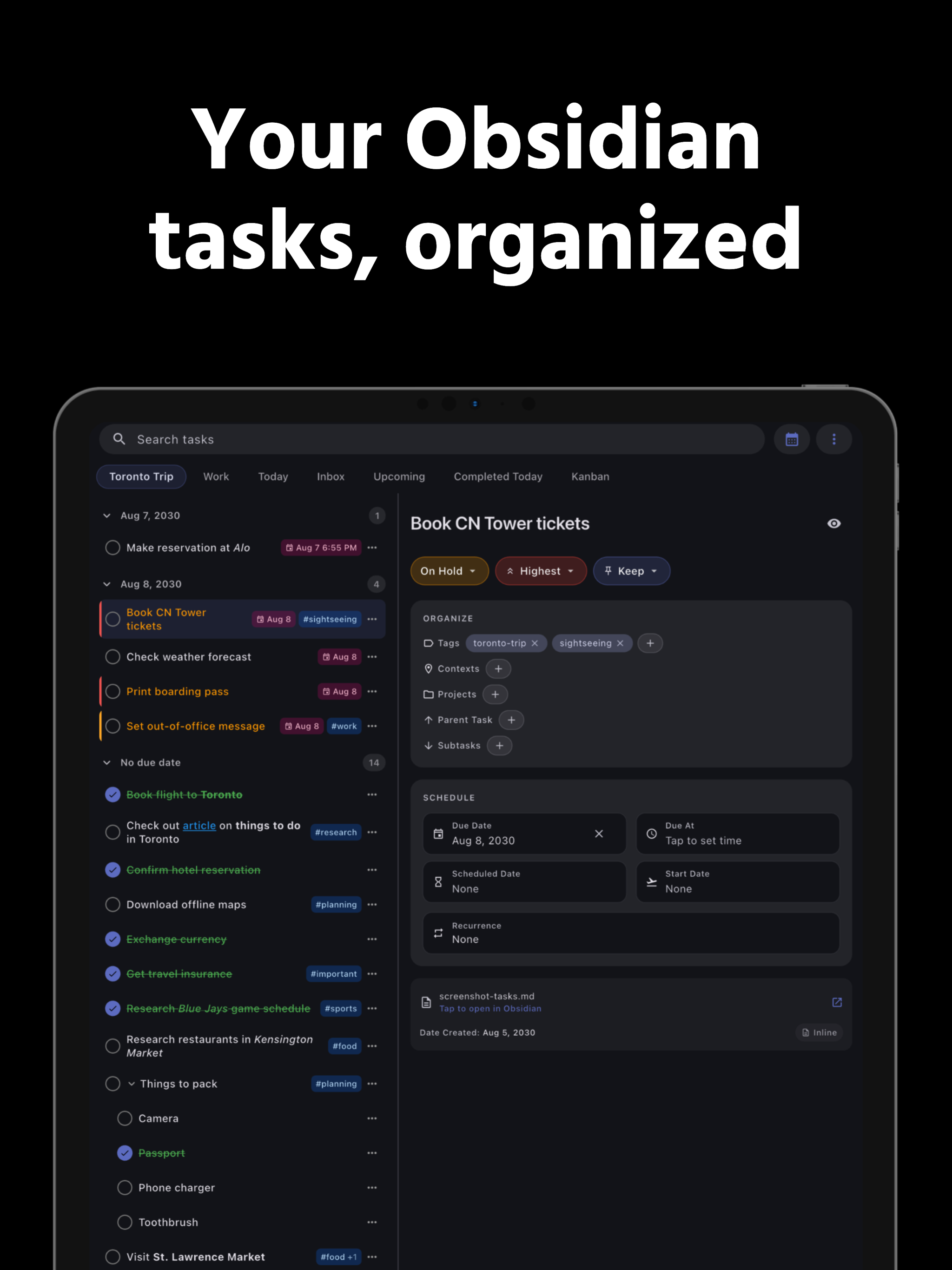
See your Obsidian Tasks on your Home Screen and get real mobile notifications for due & scheduled work. TaskForge reads & writes Markdown tasks in you...
| Name | Price | Type |
|---|---|---|
| TaskForge Premium (Monthly) | $1.99 | Monthly |
| TaskForge Premium (Yearly) | $19.99 | Yearly |
| TaskForge Premium (Lifetime) | $49.99 | One-time |


