Check the acquisition promise
Read the store headline, screenshots and description. What problem is the app promising to solve?
Study the storefront ↗
Carlo Zottmann · iOS
Explore the ad evidence, study the storefront, and build your next acquisition hypothesis.
01 / Creative research
Read the store headline, screenshots and description. What problem is the app promising to solve?
Study the storefront ↗Explore apps with direct store-link matches. Compare their hooks and formats without assuming the same approach works here.
Browse observed advertisers ↗Store rankings and revenue estimates describe market context. They do not establish ad spend, conversions or ROAS.
Review the market context ↗02 / Storefront & product
Study the product story and store experience behind the acquisition funnel.


03 / Market context
Keep revenue, downloads and store rankings separate from advertising performance.
This opens up the full flexibility of Obsidian for your shortcuts. My first use for this was for appending short text to a log section of my daily note. I couldn’t have asked for an easier way to do it than the “Append text to daily note” action. Well thought out, well documented app from a truly responsive developer.
I wanted a shortcut ala cgp grey, that let me enter text then decide where it goes. Enabling prepend or append to a given obsidian note is exactly what I needed! I’m sure this is a fundamental issue with interactions with iOS and Obsidian more than the app or app devs, but when the actions run, it flips back and forth rapidly between actions for obsidian and obsidian when it runs, and it lands on Obsidian each time it does this. But, with what I need this for, quickly hitting down ideas before I forget them, the flippy back and forth doesn’t matter since by the time it does the flippy, my part in writing is completely done
Scales Obsidian's power greatly, allowing for a multitude of workflow enhancements for the app on Mac and iOS. A few days after adopting it, can't imagine my Obsidian workflow without this tool. And the developer is excellent: Quick to reply to and address any questions or concerns. If you use Obsidian on iOS and/or Mac, this is an essential addition.
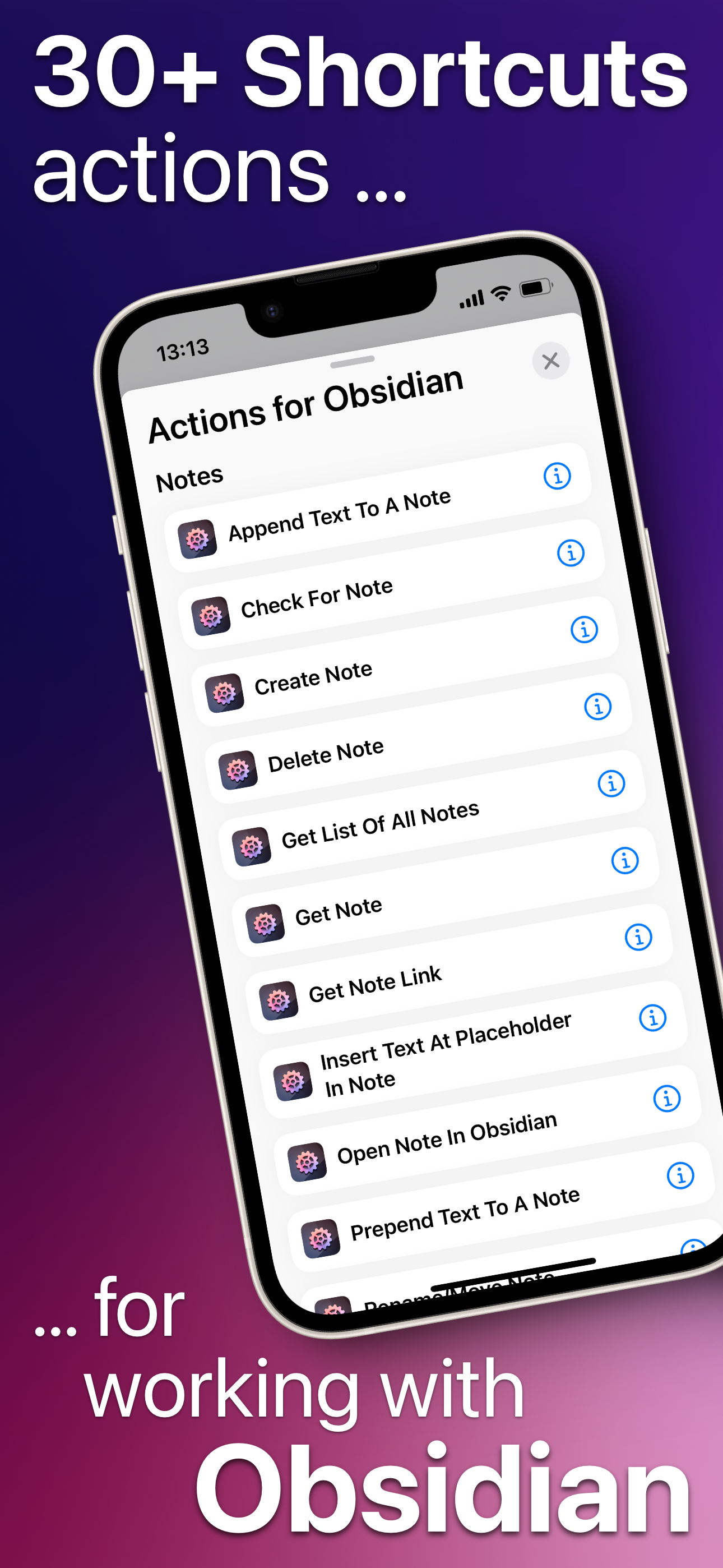
Actions For Obsidian integrates the personal knowledge management tool Obsidian with Apple's automation ecosystem. With 40+ Shortcuts actions, it brin...
| Name | Price | Type |
|---|---|---|
| macOS+iOS License Upgrade (S) | $7.00 | One-time |
| macOS+iOS License Upgrade (M) | $9.00 | One-time |
| macOS-only License (S) | $9.00 | One-time |
| iOS-only License (S) | $9.00 | One-time |
| macOS-only License (M) | $12.00 | One-time |
| iOS-only License (M) | $12.00 | One-time |
| iOS-only License (L) | $15.00 | One-time |
| macOS + iOS License (S) | $17.00 | One-time |
| macOS + iOS License (M) | $22.00 | One-time |
| macOS + iOS License (L) | $25.00 | One-time |