
Check the acquisition promise
Read the store headline, screenshots and description. What problem is the app promising to solve?
Study the storefront ↗
Cloudsight, Inc. · iOS
Explore the ad evidence, study the storefront, and build your next acquisition hypothesis.
01 / Creative research
Read the store headline, screenshots and description. What problem is the app promising to solve?
Study the storefront ↗Explore apps with direct store-link matches. Compare their hooks and formats without assuming the same approach works here.
Browse observed advertisers ↗Store rankings and revenue estimates describe market context. They do not establish ad spend, conversions or ROAS.
Review the market context ↗02 / Storefront & product
Study the product story and store experience behind the acquisition funnel.

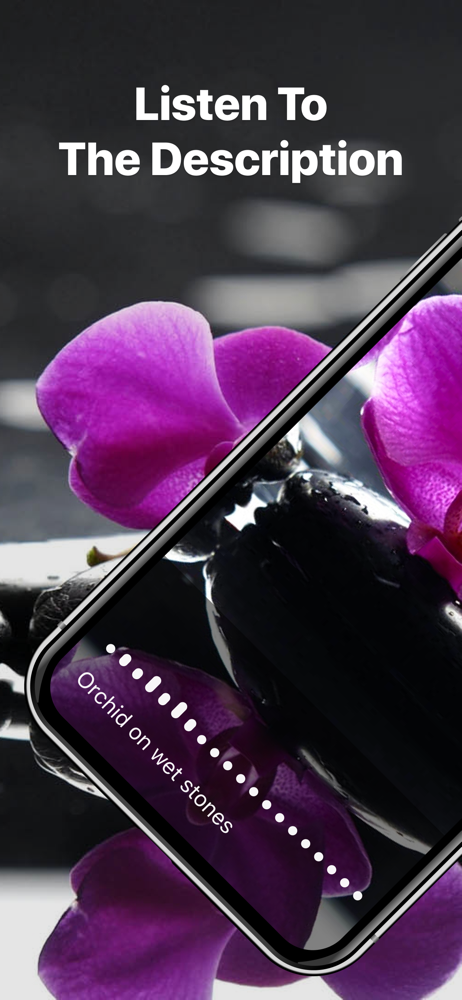

03 / Market context
Keep revenue, downloads and store rankings separate from advertising performance.
This app is great when it comes to acurate discription of objects and seens and such. It's really cool to point it out the window when I'm in a car or something and it tells me pretty accurately what's out there. Like "Brown field with green trees" or "Black car parked in front of store". It also is really good with discribing objects. I was in a dentist office and they had decorations all around of wrapped presents. I tryed to get seeing AI to tell me about the boxes but it kept focusing on other things like the chair or the table. But tap tap see said "Red and white striped box" which is exactly the information I wanted. I usually use Seeing AI for money and stuff because it's quick, but I use this one for objects because Seeing AI not very good. But, one time, I opened the app and it said something like "Tap the right side of the screen for pictures and left side for video". I was interested, and tryed it. But it just took another picture. I tryed it in landscape, but same thing. I even looked it up on the website and it said it could do 10 seconds of video, so I tryed again. Still, just a picture. I tryed doing a video with the Galory and I tryed that. Only pictures showed up. The video thing really got my hopes up but it doesn't work. Maybe something happened because it's not in the app discription. If it wasn't for this, it would be a 5 stars most definitly. But because of this it gets the rating it did. I really think if your going to make something for a visually impaired person, make some better directions or if it's not doing it anymore take those direction of the website. Again, I'm really sorry for this, but I think you shouldn't do that.
It usually takes a while, and many tries, to get a good picture, but it has come through for me on countless occasions. I would give it five stars if they would make it repeat more than just the last picture taken, because sometimes you take a picture, and while you’re waiting you take another one, and the second one comes in far faster than the first so that you missed what the first one was, but the repeat only does the second. That, or they could just list the history of the last five pictures taken or whatever on the screen in text form.
I think this is a pretty good app for a blind user to have to use for a lot of identification. I've used this app when it first came out or at least since I first heard about it back in 2012 on my iPhone 4s, I was much impressed at to what I heard and now I feel the app has much improved. In fact, the other day, I laid some hand towels out on my bathroom vanity and had the lights on, I needed to know the colors to sort them, since I already knew the colors of towels I had, but not knowing which one was which, I took several pictures with tap tap see and each item was correctly described of it's color, I managed to even get a pic of myself of my shirt I was wearing at the time, tap tap see woman wearing a white shirt,that was right too. I've used it in recognizing some items in my pantry as well. It's a good useful app for me, I am very glad it's still available, I had purchased the 100 picture pack, of course I am very glad to have the pictures free, but it would be worth it to me to pay again if that was necessary.
TapTapSee - powered by CloudSight.ai Image Recognition API ———— TapTapSee is designed to help the blind and visually impaired identify objects they...


