
Check the acquisition promise
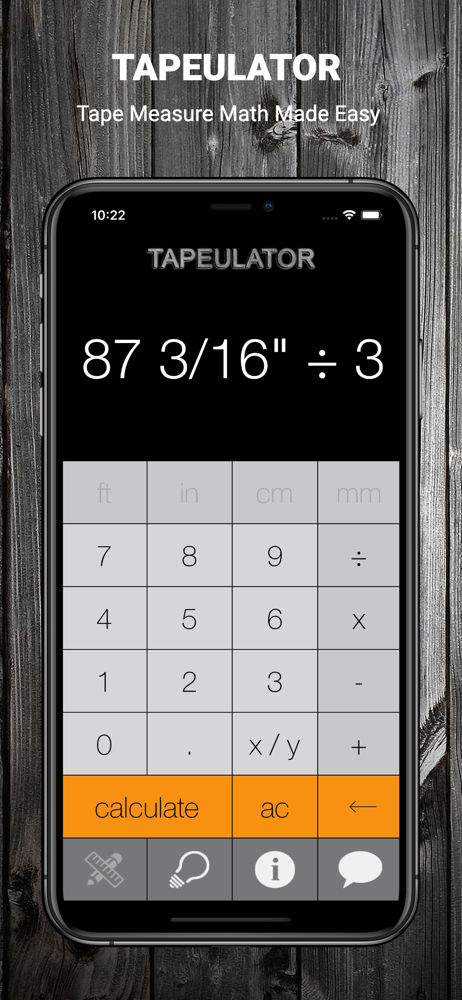
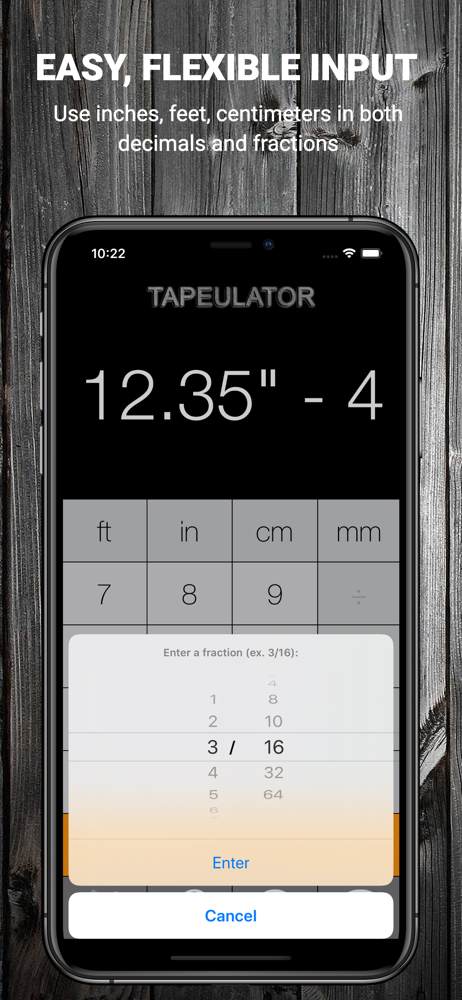
Read the store headline, screenshots and description. What problem is the app promising to solve?
Study the storefront ↗
Bugfoot Studios LLC · iOS
Explore the ad evidence, study the storefront, and build your next acquisition hypothesis.
01 / Creative research
Read the store headline, screenshots and description. What problem is the app promising to solve?
Study the storefront ↗Explore apps with direct store-link matches. Compare their hooks and formats without assuming the same approach works here.
Browse observed advertisers ↗Store rankings and revenue estimates describe market context. They do not establish ad spend, conversions or ROAS.
Review the market context ↗02 / Storefront & product
Study the product story and store experience behind the acquisition funnel.



03 / Market context
Keep revenue, downloads and store rankings separate from advertising performance.
I’m measuring a lot during the day. I calculate cut lists so I’m not crossing back and forth across our 8,000 sqf shop waisting time. I need to divide measurements and multiply measurements and having this app has saved a lot of my brain cells from short circuiting. A normal calculator gets frustrating because you’re going from 16ths(my general margin of error) to decimals and back and forth trying to apply decimals to what that means in inches and quite often the shop fairy swoops down and steals 1/4” or 1/2” or adds 1” and then I’m going back across the shop to grab another piece and over to the saw and someone notices and knows that the shop fairy struck again. It’s unbelievably convenient to have a calculator for anything down to 64ths if you need it. What’s 7 & 5/8” times 13? Take out the phone and 8 seconds later I’ve got my answer in inches. What’s 3/4” times 23? Boom! Down goes the shop fairy. It’s a tool in my arsenal like any essential tool and it’s definitely something I wish I’d started using much sooner because it makes things much quicker, mistake free and it makes me look more like a wise professional woodworker. Kind of like the Japanese pull saw🤔. I got a few of those in my arsenal now too. I still refuse to get a marking knife though. I like my pencil when I can find it.
This app has proven to be the most valuable app I have. It's user-friendly and easy to use. It’s nice to have it when I need to figure out different types of measurements Quickly and correctly. I have been building high-end furniture for a well-known furniture manufacturer for over 40 years. I wish I could have had this app a long time ago it would have saved me from the headaches and frustration that came with all the different types of measuring I've had to do throughout The years. If you do a lot of measuring you need to add This app to your tool arsenal you’ll be really glad you did when you need it.
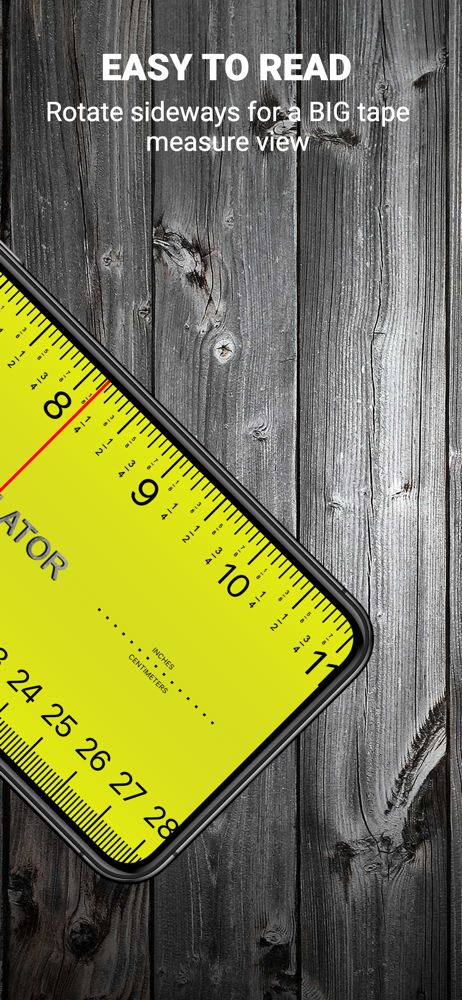
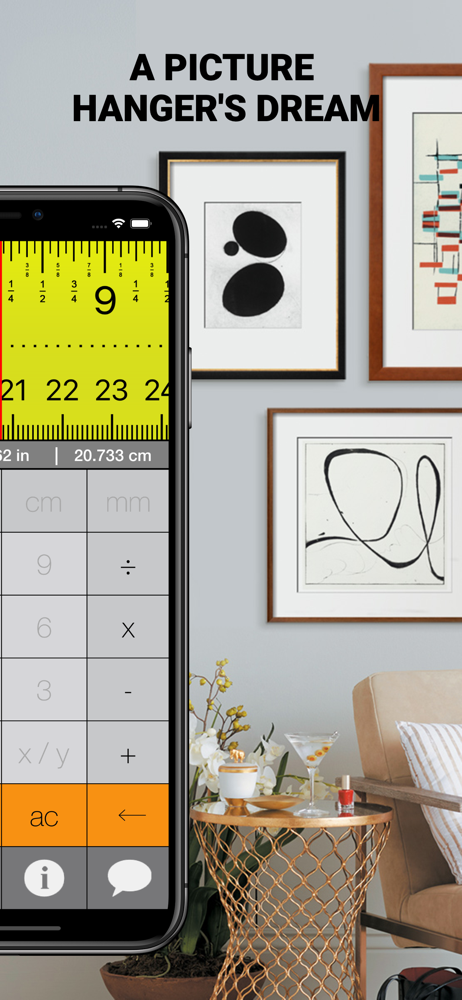
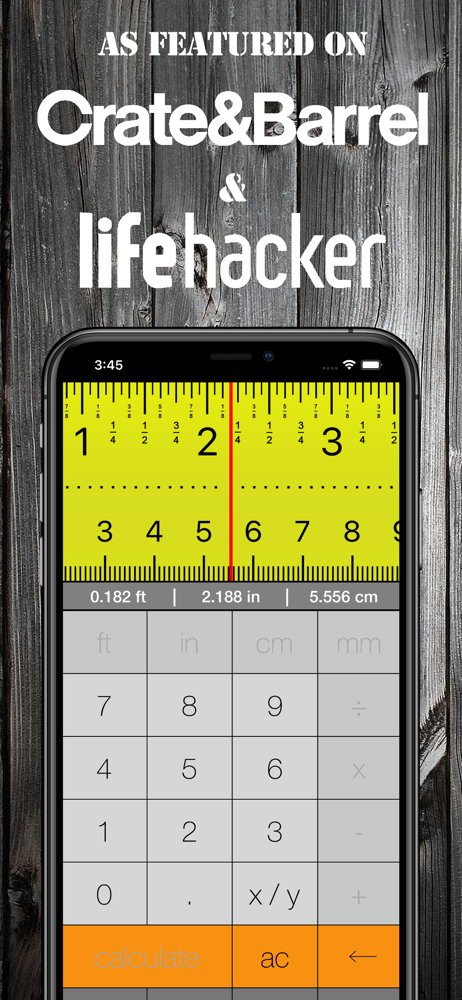
So I’ve had this app downloaded on my iPhone and iPad for some time now. I use it multiple times a day. It has always come in handy to have, and always been perfectly calibrated and on point. But I’ve noticed recently with my iPhone not on my iPad, that whatever equation I type in, or even if I type in a number like, 2 1/16” the tape measure at the top is off by a 1/16” of an inch. As if it’s not calibrated. I use this app to help my crew understand where I need a measurement done during loud work sites where showing them the spot to mark is easier than loosing my voice, or when it working with someone who’s I can’t communicate with, because of a language barrier. Even though it’s not something I would consider a deal breaker to discontinue use of the app, it’s definitely annoying to see that measurement line off on the ruler section. Otherwise, this app is a must have for anyone who frequently uses measurements for carpentry, or even craft projects- even those who drift more on the “better to have it and not need it than need it and not have it”
**Featured in Crate and Barrel's Home Catalog** Ever need to do math while using a tape measure? What is 25 3/8" ÷ 3, BUT on a measuring tape? Skip...


