Check the acquisition promise
Read the store headline, screenshots and description. What problem is the app promising to solve?
Study the storefront ↗
TAL Software GmbH · iOS
Explore the ad evidence, study the storefront, and build your next acquisition hypothesis.
01 / Creative research
Read the store headline, screenshots and description. What problem is the app promising to solve?
Study the storefront ↗Explore apps with direct store-link matches. Compare their hooks and formats without assuming the same approach works here.
Browse observed advertisers ↗Store rankings and revenue estimates describe market context. They do not establish ad spend, conversions or ROAS.
Review the market context ↗02 / Storefront & product
Study the product story and store experience behind the acquisition funnel.


03 / Market context
Keep revenue, downloads and store rankings separate from advertising performance.
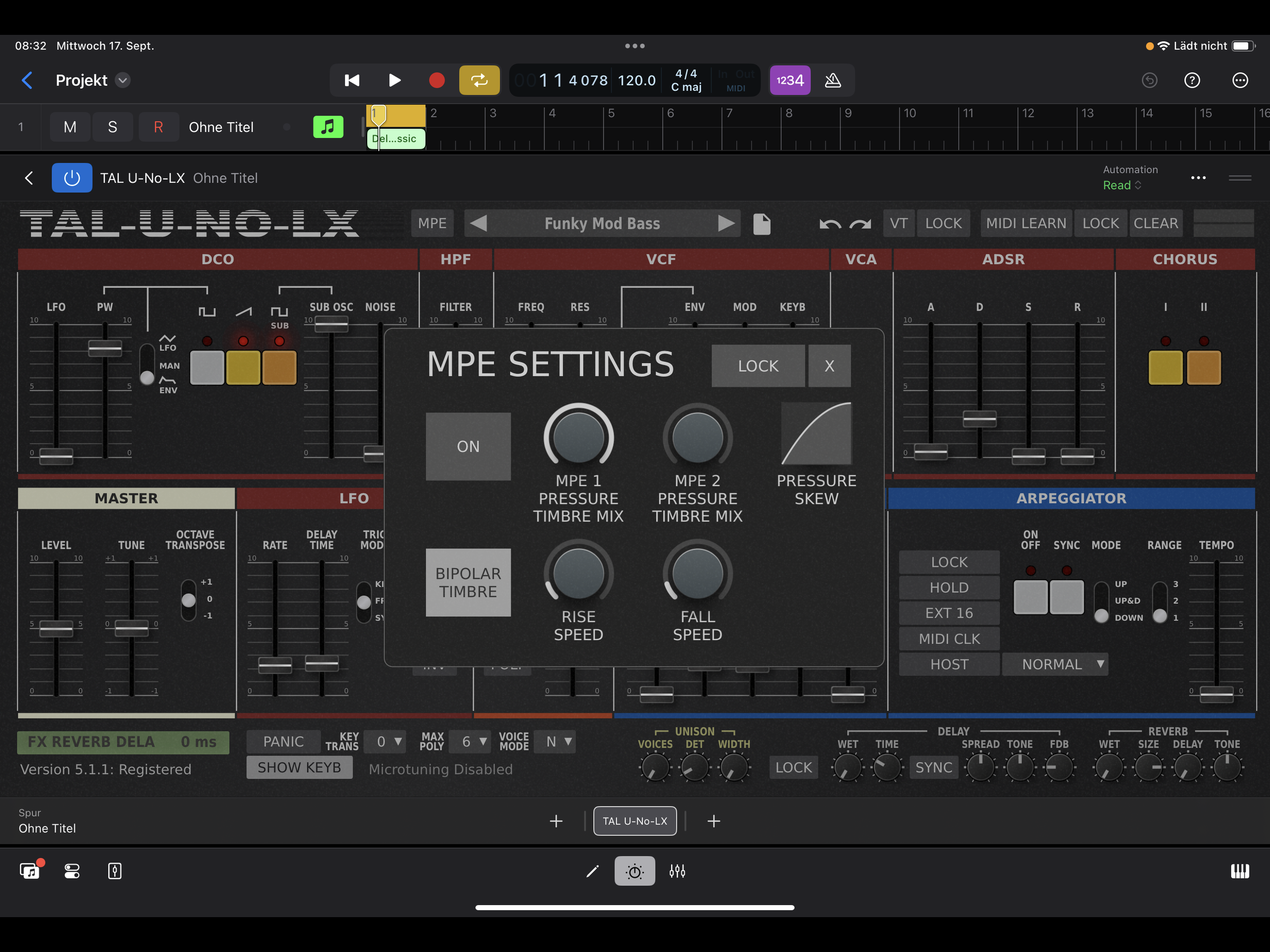
I’m giving TAL’s Juno 60 emulator 5 stars because I was able to replicate patches from my vintage Juno 60. To have my custom Juno 60 patches portable on the iPad is just astounding. Yes, there are minor tonal differences, but considering that I’m working within the limitations of the iPad audio out and, taking into consideration that there’s a certain full round warm quality to the Juno that is not replicable digitally, this app is still astounding. Only thing that could be improved is that the faders jump when starting to move them. A “soft takeover” on the faders is needed instead of a jump. Although’ to be fair, this is what happens on the real thing. It would be a nice feature though. As a vintage Juno 60 owner, I’m blown away.
First off, a huge thanks to the developer for porting this to over to iOS. I have waited for a fully editable Juno emulation for iPad since I really got serious with iOS music making. Never took the plunge with Syntronik, and you can get Juno-esque vibes with Lorentz, but having the second chorus makes all the difference. There are a few things that bother me about this initial release, though: I wish the full screen was used in standalone to give the faders more travel, the faders are a bit wonky and sometimes go in the opposite direction of your finger, there’s no local patch storage, and as another reviewer pointed out, loading user presets currently doesn’t work. HOWEVER, these issues will likely be fixed in future updates, and they don’t take away from the sound this thing offers. I’m incredibly happy and thankful to now have a legit Juno on iOS. Edit: With the latest update, everything I mentioned previously has been addressed and fixed by the developer, however, the saving and loading of user presets still doesn’t fully work. You can save patches just fine, but you can’t edit a pre-existing patch, and load the saved new patch afterwards. It will only load the original sound. So, when you’re designing patches, you have to start with the “startup” patch every time you want to create a new sound. Not necessarily a huge deal, but something to be mindful of. I’m sure it will be fixed soon. Oh, and a little tip: if the preset browser doesn’t seem to respond, you have to tap, hold, and drag to properly open up the different folders.
A few minor UI things could be ironed out in future updates but even if they never were I would still give this a 10/10 because all that matters is the sound and this synth is one of the best. I just checked my iOS synth folder and I have 74 iOS synths. All the best ones money can buy and this is without question in the top 3. If you guys bring Tal-Bassline to iOS I’ll buy it twice just to say thanks. The 101 is my favorite synth and there is no better recreation than Tal-Bassline. Thanks again to all involved with bringing this to us.
Step back into the '80s with TAL-U-NO-LX, a meticulously crafted Juno-60 emulator. Immerse yourself in iconic sounds, from ethereal pads to punchy bas...