
Check the acquisition promise
Read the store headline, screenshots and description. What problem is the app promising to solve?
Study the storefront ↗
T. Rowe Price · iOS
Explore the ad evidence, study the storefront, and build your next acquisition hypothesis.
01 / Creative research
Read the store headline, screenshots and description. What problem is the app promising to solve?
Study the storefront ↗Explore apps with direct store-link matches. Compare their hooks and formats without assuming the same approach works here.
Browse observed advertisers ↗Store rankings and revenue estimates describe market context. They do not establish ad spend, conversions or ROAS.
Review the market context ↗02 / Storefront & product
Study the product story and store experience behind the acquisition funnel.


03 / Market context
Keep revenue, downloads and store rankings separate from advertising performance.
The old T. Rowe retirement graph was a lot more intuitive in the app, but they changed it and now there’s a pop-up message every time I try to click on a level of the graph to see my past accrual history. It’s extremely annoying and it looks ugly in the UI. Plus, I can no longer scroll my finger across the screen to see the different accrual levels on the graph. I have to tap the screen repeatedly to see each accrual over and over again. The product person who thought this was an idea worth implementing in the app UI should be fired. This is redone in the laziest approach by 2025 app standards. I have a better time using the Fidelity app. I might as well just close my T. Rowe Price account and just transfer my money over there.
Compared with Fidelity, T. Rowe only updates the NAV and account values around 6-7 pm Eastern Time. Fidelity typically updates about 30-45 mins after market close. Morningstar and Marketwatch is often updated at least an hour before T. Rowe Price’s website and mobile app. Not sure how Fidelity has the ability to report / update 2 hours before T. Rowe. Many times, Capital Appreciation funds updates way late. Not sure why. Many someone has to count using an abacus.
I’d love to be able to get a better Snapshot of all the other kinds of accounts that T-Rowe Price has available, over and above just my company 401K account. Perhaps a separate area, where one could set up an additional log-in, so view other accounts one could establish for retirement, liquid savings, and any and all investment, savings products T-Rowe provides. Makes it much easier, simple, and quicker, than having to switch back and forth between programs, apps, on-line log-ins, etc. You might already posses this capability, and I just haven’t found it yet. I’m looking to set up investment accounts, or trusts for my grandkids, as well as my children. It’s not a lot of money, but will grow over time with deposits, and I’d like the comfort of knowing we’re all protected, should anything happen to us. If there is an estate planning section, or if you have reps that work in this field, it would be helpful to be able to find this info. quickly via the app already on my phone. Hope this helps you in any way to add value to the T-Rowe Price app. I tell everyone they should set up accounts with T-Rowe Price, as you’ve been solid as a rock, and remained very stable, even while other banks and investment firms didn’t fair so well during our last bad recession. I’ve always liked doing business with T-Rowe Price, and I think Costco made the best decision possible when they chose T-Rowe Price as the companies employee 401K provider. Thank you for asking what we think, and want. Most Sincerely, Marjorie Hill
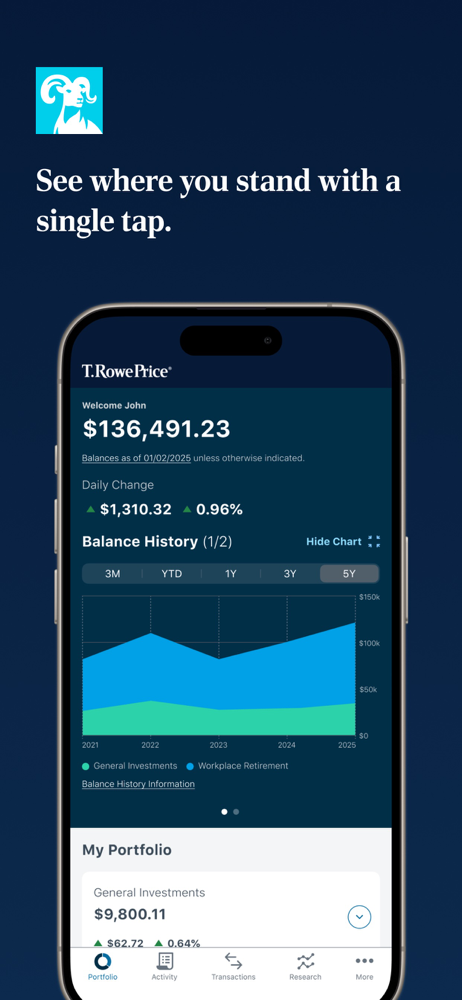
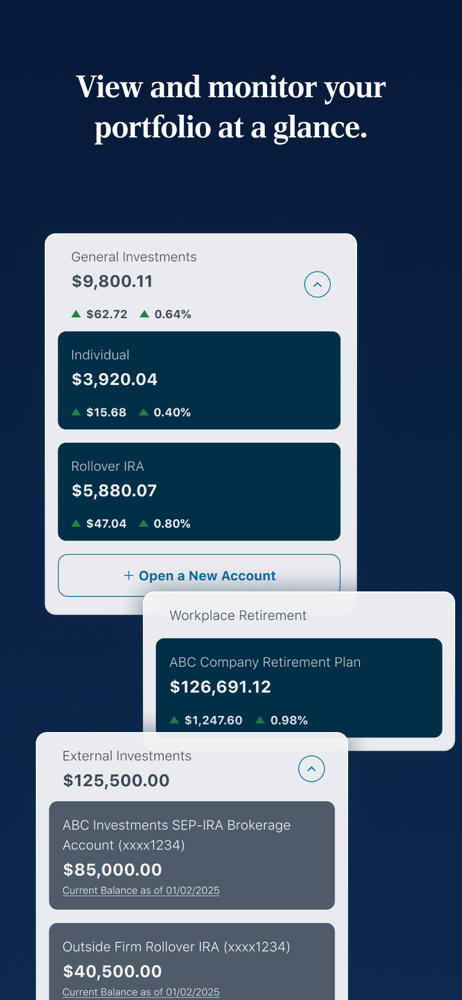
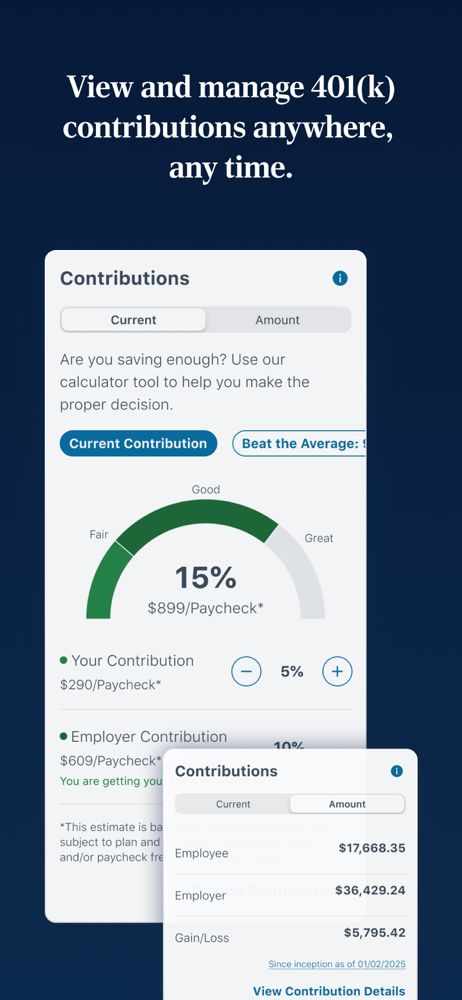
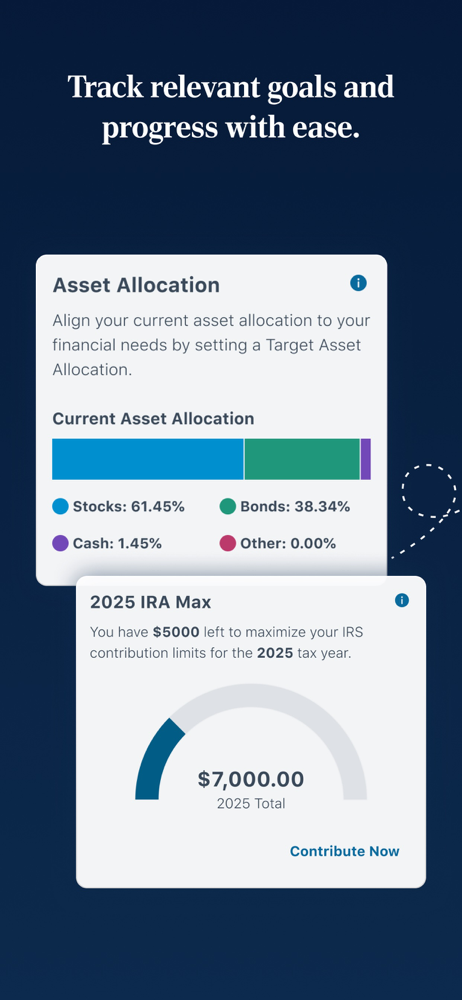
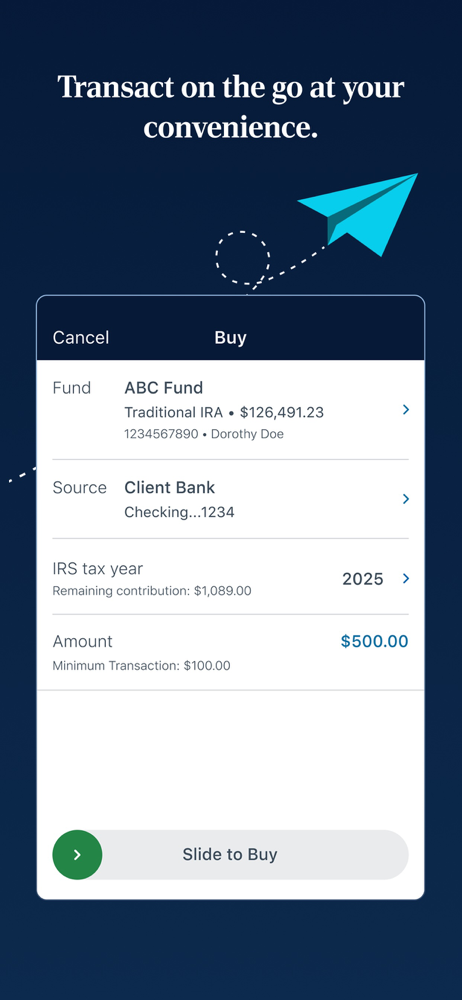
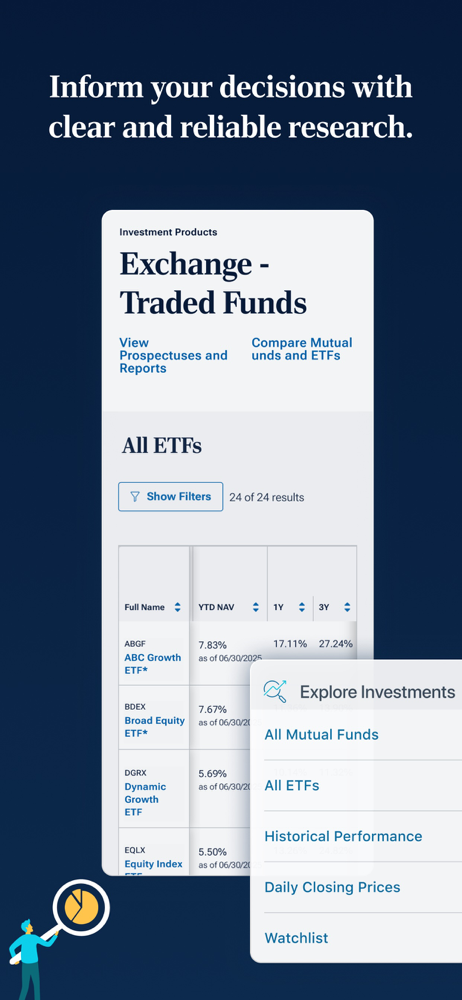
Put your financial future in your hands with the T. Rowe Price Personal® App—a secure, streamlined experience designed to help you easily track your e...


