Check the acquisition promise
Read the store headline, screenshots and description. What problem is the app promising to solve?
Study the storefront ↗
山 钟 · iOS
Explore the ad evidence, study the storefront, and build your next acquisition hypothesis.
01 / Creative research
Read the store headline, screenshots and description. What problem is the app promising to solve?
Study the storefront ↗Explore apps with direct store-link matches. Compare their hooks and formats without assuming the same approach works here.
Browse observed advertisers ↗Store rankings and revenue estimates describe market context. They do not establish ad spend, conversions or ROAS.
Review the market context ↗02 / Storefront & product
Study the product story and store experience behind the acquisition funnel.
03 / Market context
Keep revenue, downloads and store rankings separate from advertising performance.
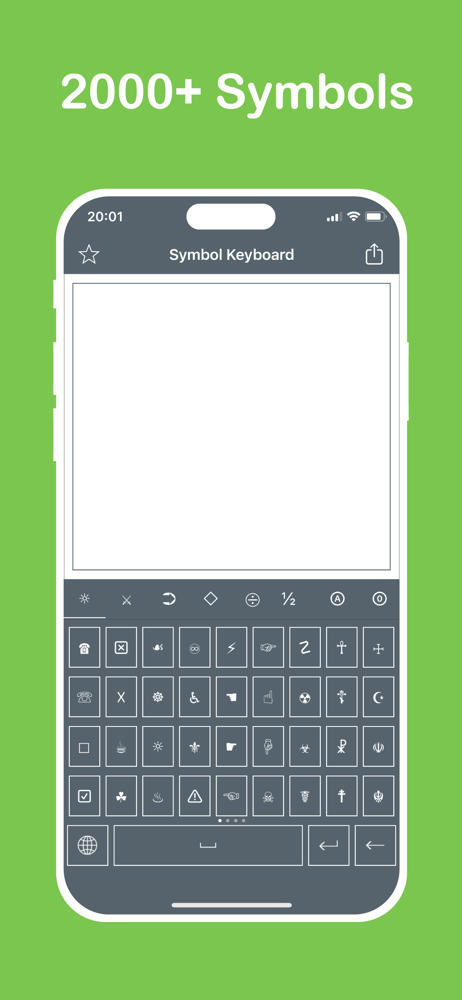
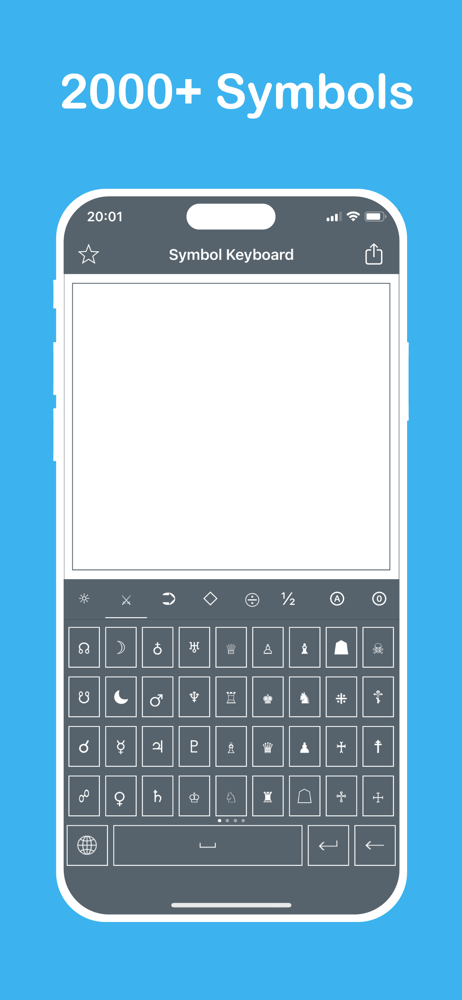
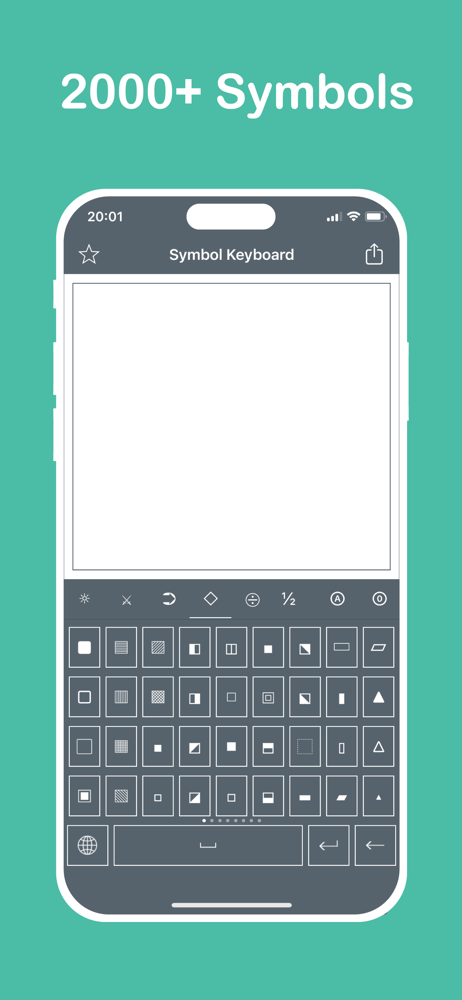
Okay. This is gonna be good review . I love the number of symbols it gives and I love the wide variety of symbols. The app in itself is simple and isn't a complicated UI, but why should it be? Here's my problem with this. I imagined this would be a KEYBOARD app and as soon as I downloaded the app, I just went into my settings hoping to add this as a keyboard and be ready to use it but it isn't. I don't understand why the intergration hasn't happened and I can understand if the keyboard wouldn't be able to simply insert these characters into text messages or text boxes where they might be, but a keyboard format which would copy the Unicode symbol allowing us to choose which symbol we want, whenever we want, and then letting us paste it where we want. That simple intergration would make this app an instant hit and would be amazing. It's the non keyboard format which really annoys me. Like. How is it a keyboard (I know it's built into the app and has a different method of coding) in the app but not a keyboard when I need it. Even tho all of this does sort of makes me sad, I would recommend this to everyone. Dear App Devs, Please make this into a real keyboard. The app already has an amazing response from the audience and the common con of this app is the fact that this ISN'T a keyboard
In summary, good app for copy and paste symbols which are not available in default iphone keyboard. However, every time i open the app, i would be viewing ads which is a bit annoying. I notice in your in-app purchase list that can either remove ads and unlock all features. The question is how i am able to pay for these features but there are no specific buttons in the app that would redirect me to do purchase the in-app features?
(Developers, People) Ok so, everything is amazing, everything is cool, no ads, and a whole bunch of free different symbols to choose from. I understand, adding that as a setting is going to be a difficult task, such as having a few bugs due to that, but currently, and ever since I got the app, I was wondering if there was a way you could go to settings, and add it as a keyboard, because I don’t feel like going back and forth with the app just to copy it, is an option. I’m not comfortable with that use, but I really want to have an ability to do so, as letting go of a perfectly packed app is a let go. No, I must keep this app, but for keeping it long, I recommend this.
This app gives you extra keyboards with symbols. √ over 2000 symbols