
Check the acquisition promise
Read the store headline, screenshots and description. What problem is the app promising to solve?
Study the storefront ↗
SXSW, LLC · iOS
Explore the ad evidence, study the storefront, and build your next acquisition hypothesis.
01 / Creative research
Read the store headline, screenshots and description. What problem is the app promising to solve?
Study the storefront ↗Explore apps with direct store-link matches. Compare their hooks and formats without assuming the same approach works here.
Browse observed advertisers ↗Store rankings and revenue estimates describe market context. They do not establish ad spend, conversions or ROAS.
Review the market context ↗02 / Storefront & product
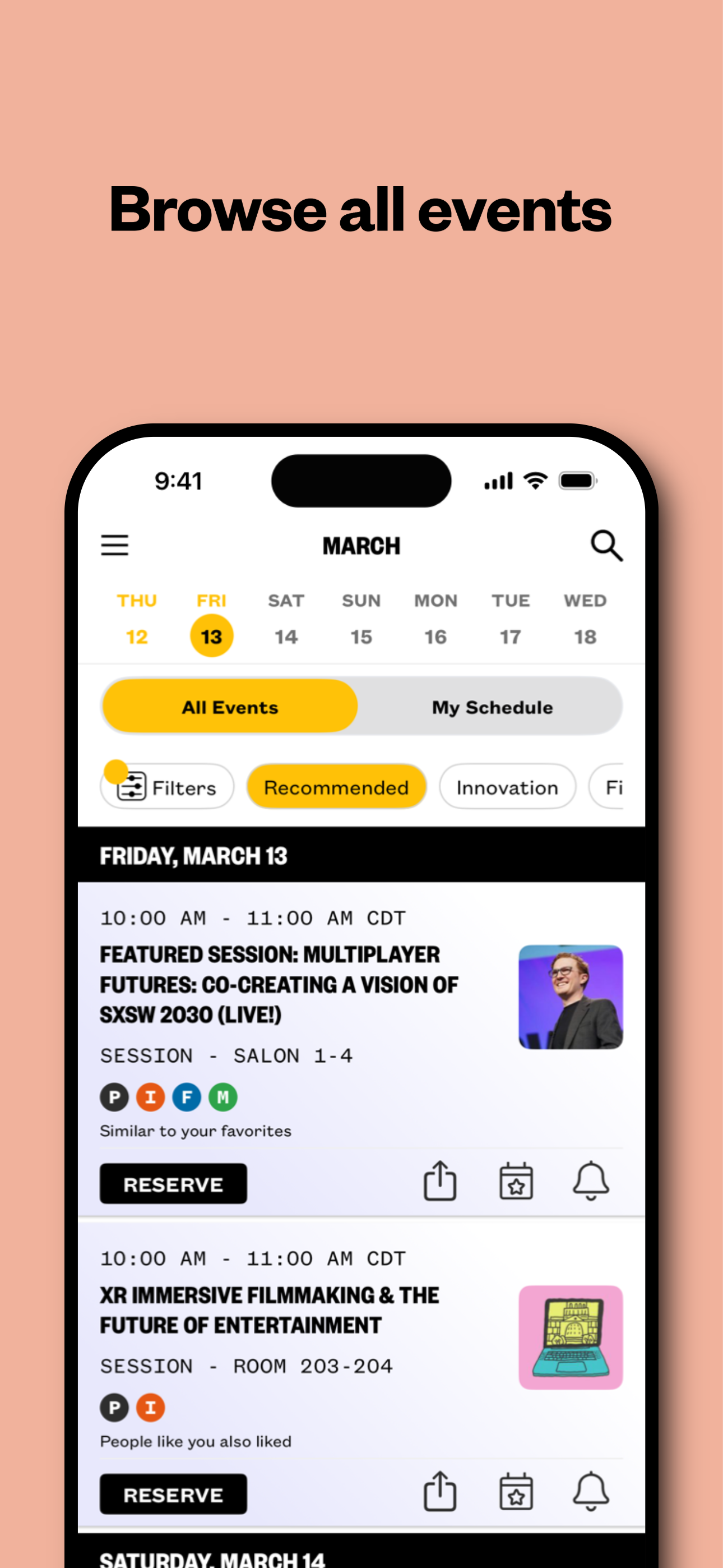
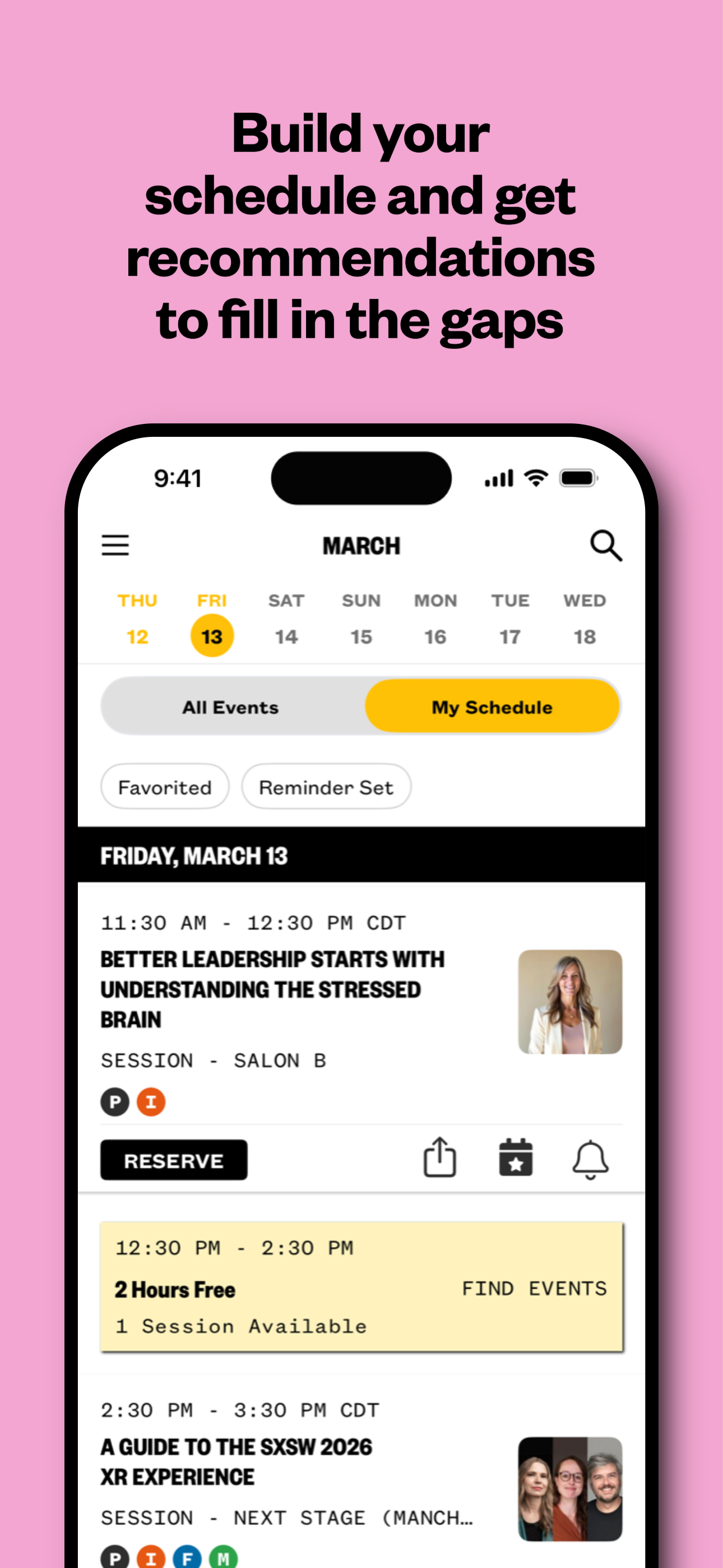
Study the product story and store experience behind the acquisition funnel.




03 / Market context
Keep revenue, downloads and store rankings separate from advertising performance.
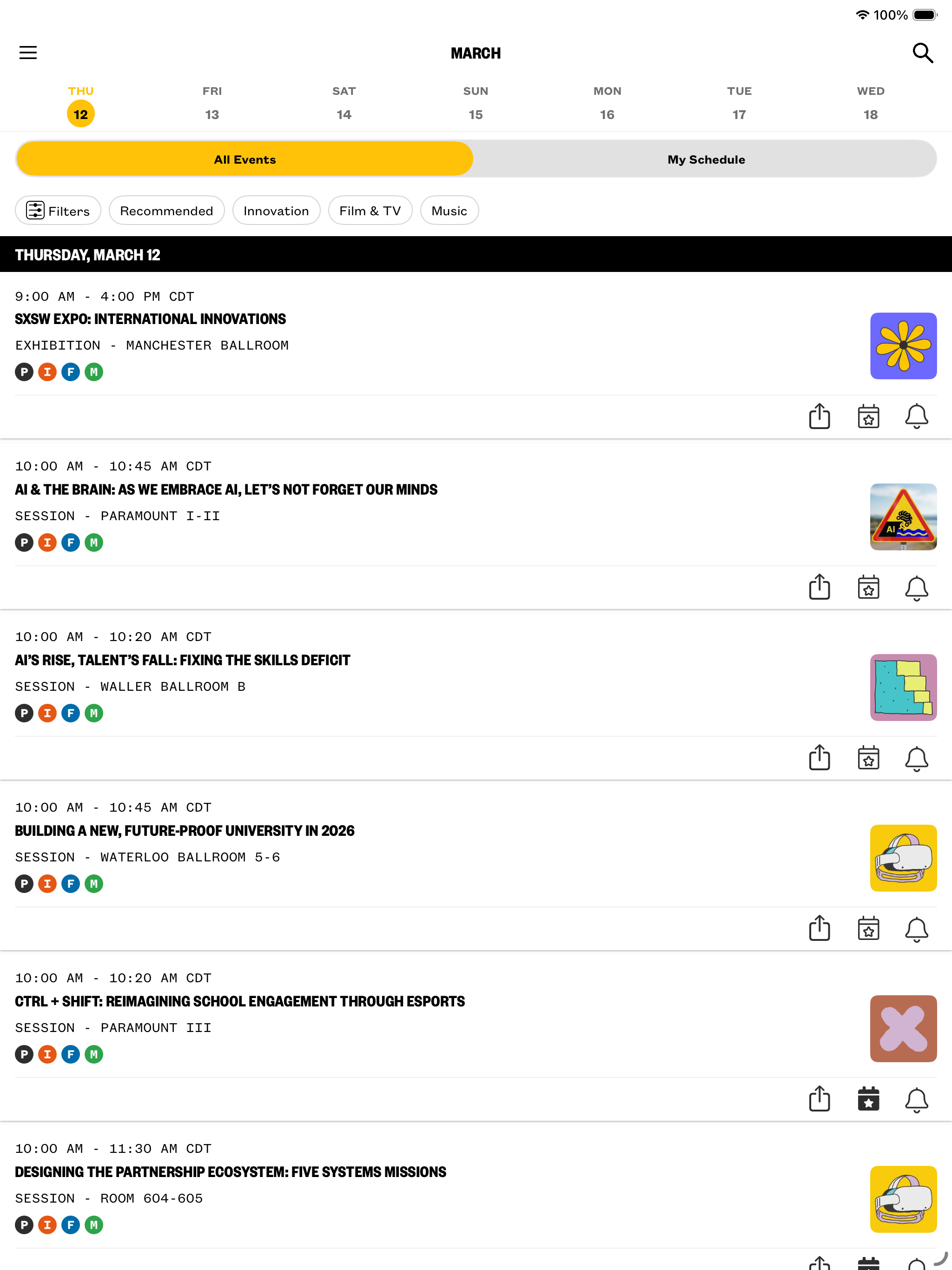
I’ve been starting my planning for this this year South by Southwest. But the schedule feature keeps force quitting on me in the middle of my research. it makes it quite difficult to look through the schedule. Look someone up online come back into the app and then continue if the schedule quits every time I look. I’m having is with the search in general. For example I was looking up Passion Pit as they were announced today to be performing. The results had anything that contains the word passion not passion pit. I know we’re still a week out and so things will still continue to change and get added to the schedule, but it’s been difficult to do my pre-research this year
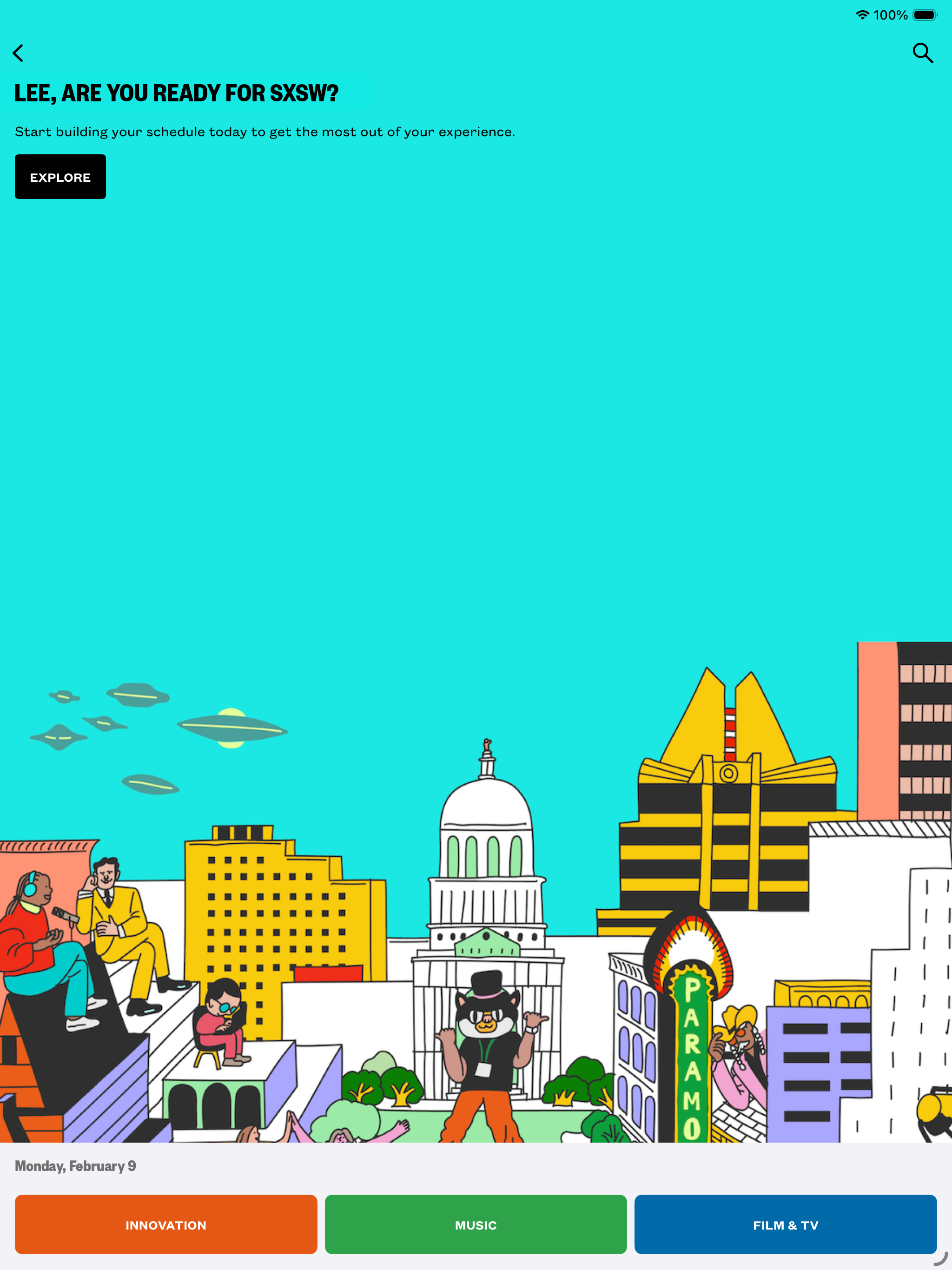
PLEASE, just let me open the app to the last thing I was looking at! Every time I open it it takes me back to home page where I have to click on the “go to schedule” button, tap on my schedule, tap on the date, and scroll down. It would be great if the app would just open on the last thing you were looking at! Sure, serve me the same yellow jackets ad I’ve seen a million times already but please don’t make me start over every time I open the app!!! Also the search should be optimized a bit to include any word/person/place of the sessions. For instance, I would search “ballroom D” and random things would pop up but not the room page where I can see the sessions that will happen there. Hope this is helpful!
Content organization is still confusing and app is buggy. It isn’t properly syncing my favorites from my tablet—only some of them, so I don’t have a complete schedule with me. The list of events is also unwieldy and difficult to scan six lines at a time—it doesn’t scale for the growth of the content. Then it reloads every time a schedule update completes, losing my place! Links with more info for event descriptions don’t actually like anywhere, and the full-page recommendations cards are slow to load and a pain to scroll through. After all these years, why is this app still so problematic?
SXSW® GO, presented by Paramount+, is the official mobile app for getting the most out of attending SXSW 2026. With SXSW® GO, you can explore our list...


