
Check the acquisition promise
Read the store headline, screenshots and description. What problem is the app promising to solve?
Study the storefront ↗
ParentSquare · iOS
Explore the ad evidence, study the storefront, and build your next acquisition hypothesis.
01 / Creative research
Read the store headline, screenshots and description. What problem is the app promising to solve?
Study the storefront ↗Explore apps with direct store-link matches. Compare their hooks and formats without assuming the same approach works here.
Browse observed advertisers ↗Store rankings and revenue estimates describe market context. They do not establish ad spend, conversions or ROAS.
Review the market context ↗02 / Storefront & product
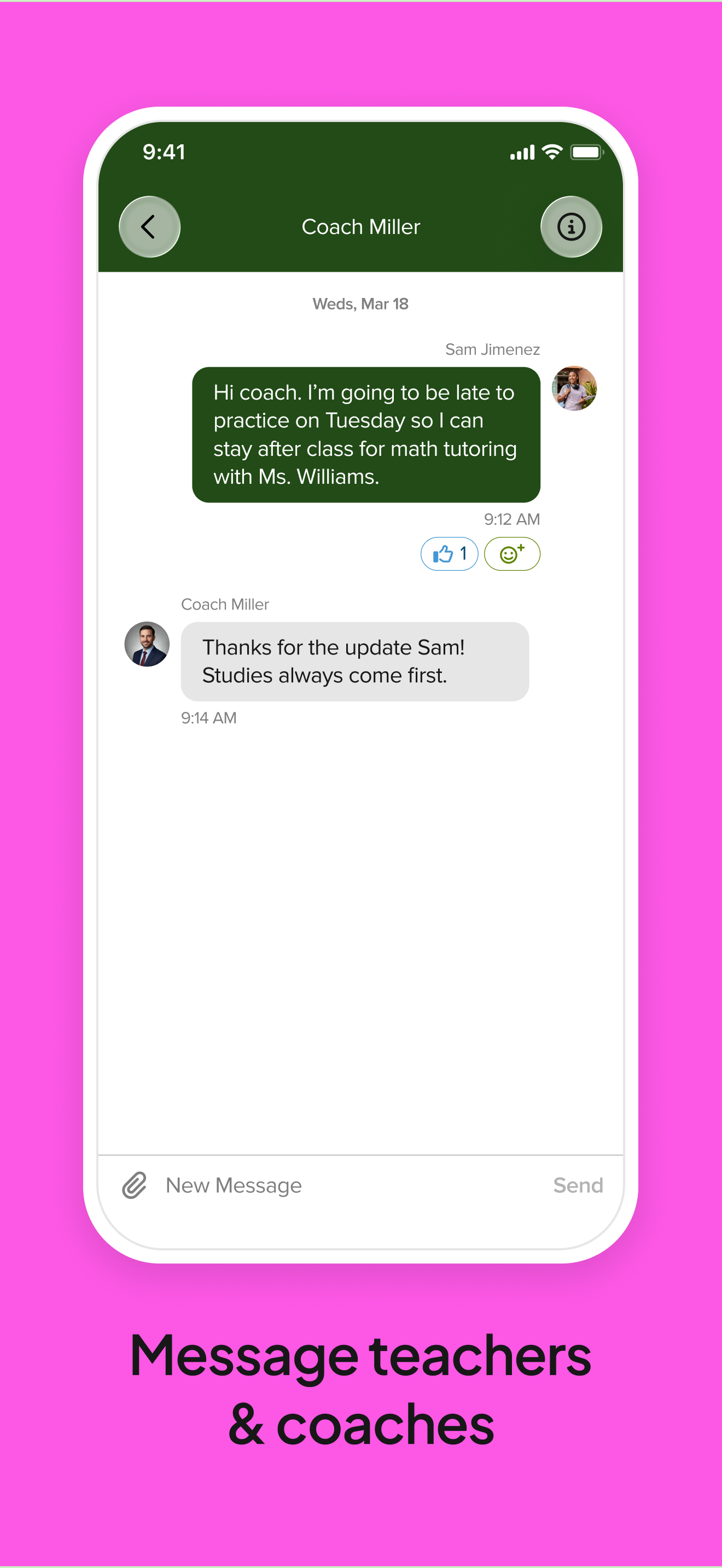
Study the product story and store experience behind the acquisition funnel.



03 / Market context
Keep revenue, downloads and store rankings separate from advertising performance.
I’m a student and I use SS for all of my classes. But, it should also have more improvements to it. For example, if I’m in a class for a certain teacher who uses StudentSquare, it should be in its section. Like what I mean by it is, let’s say my teacher’s class teaches math, right? It should give a drop down of the teacher’s name and the subject in it. So whenever I need to check something, I don’t have to scroll all the way down to find that exact post.
This app works wonders for my daughter to communicate with her teachers. It is mandatory for softball so when she started she downloaded it. It also works out so she knows when schools events and other important things are. In all, this app is amazing and it helps for me not having to tell her everything because she can get notified when stuff like permission slips or event locations and times come out. I would recommend this for all schools.
I have StudentSquare for one class. That’s it. And yet as soon as I logged in and everything was set up, it said I have a notification, so I click the button and go to student notices and there’s nothing there. It says nothing was notified so I left and the red icon still said I had a notification. I have pictures of this, it is so frustrating. I have tried everything to get rid of it and nothing works. Very frustrating and a horribly annoying interface. When I went to see if there was some kind of help section, the only site I could find was one called “Frequently asked questions.” Are you kidding me? I’m at least hoping someone will reply to this review and fix it or tell me how to fix it but at this point I doubt it.
StudentSquare, the student communication companion to ParentSquare, helps students stay connected and informed—all in one easy place. Whether it’s a q...


