
Check the acquisition promise
Read the store headline, screenshots and description. What problem is the app promising to solve?
Study the storefront ↗
Neil Sardesai · iOS
Explore the ad evidence, study the storefront, and build your next acquisition hypothesis.
01 / Creative research
Read the store headline, screenshots and description. What problem is the app promising to solve?
Study the storefront ↗Explore apps with direct store-link matches. Compare their hooks and formats without assuming the same approach works here.
Browse observed advertisers ↗Store rankings and revenue estimates describe market context. They do not establish ad spend, conversions or ROAS.
Review the market context ↗02 / Storefront & product
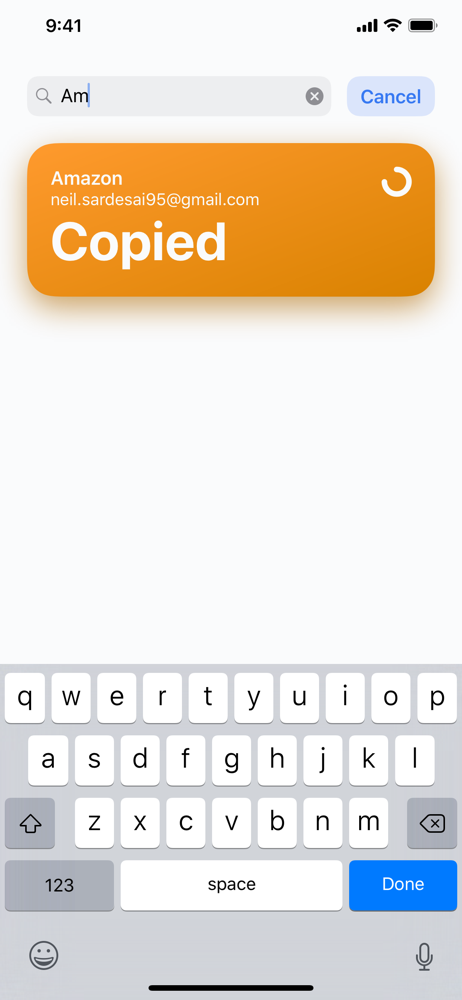
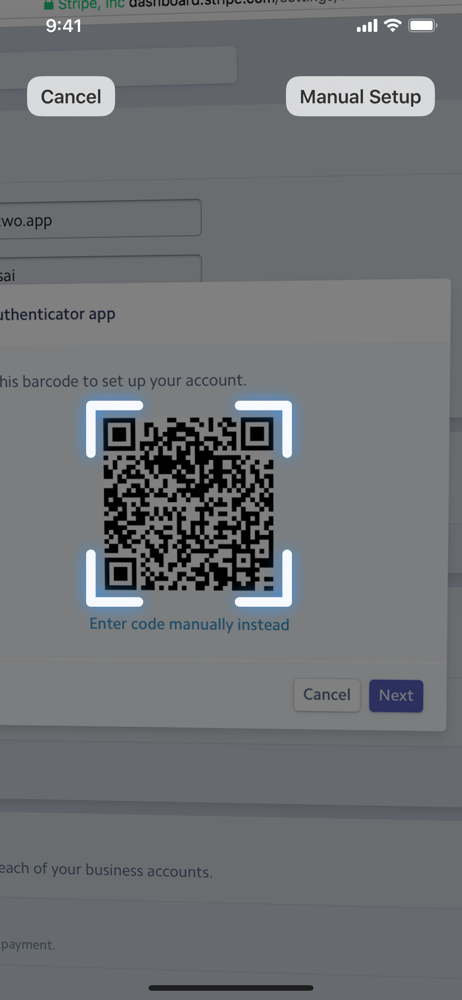
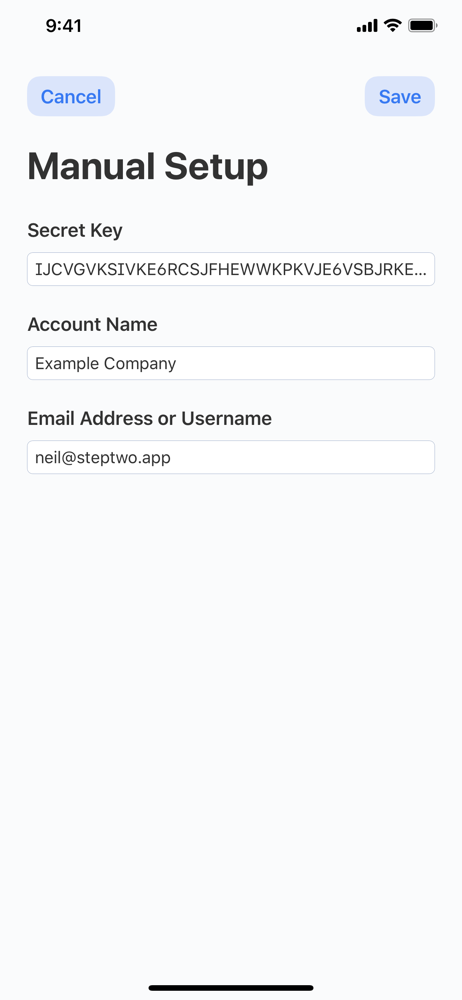
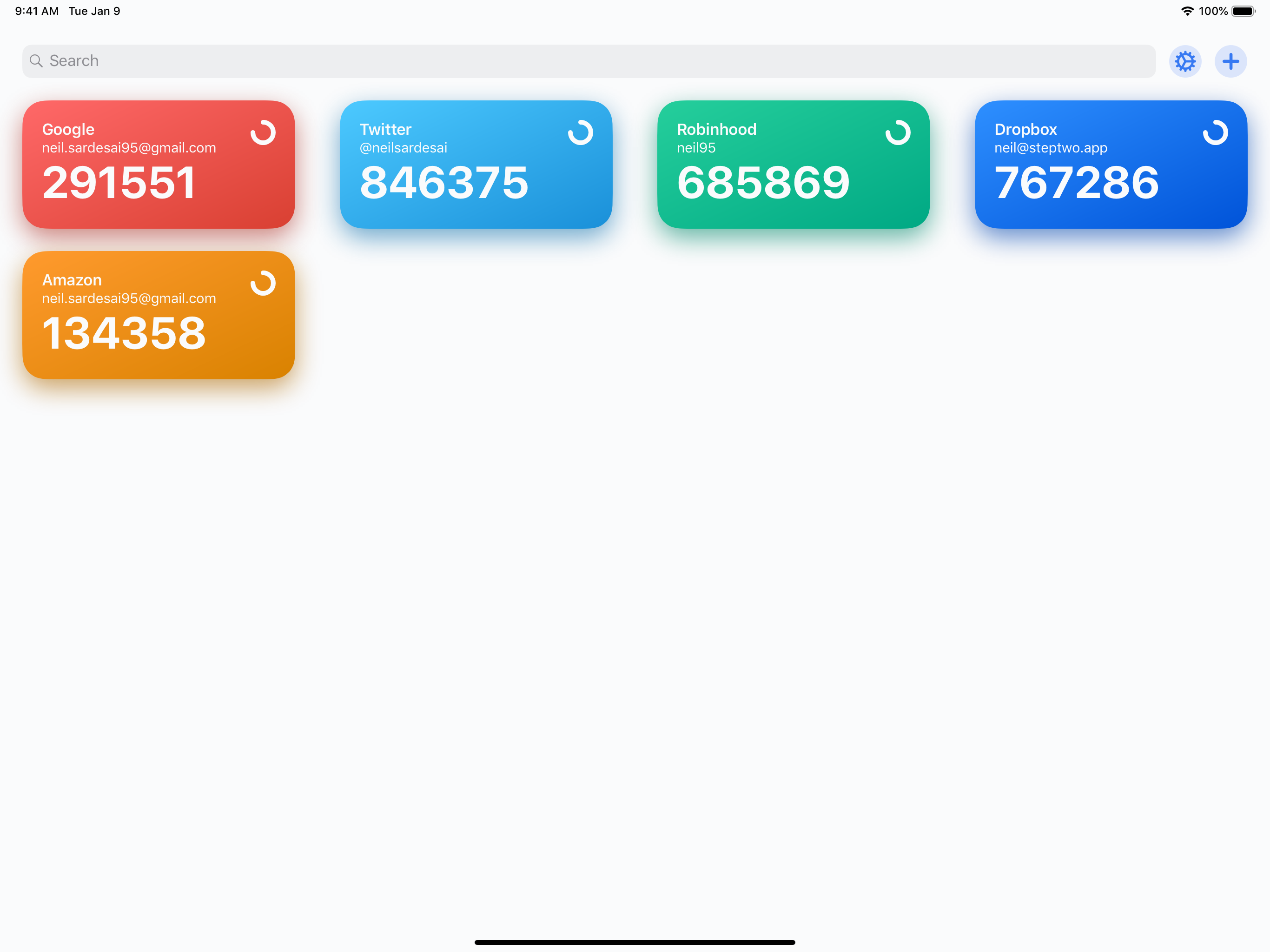
Study the product story and store experience behind the acquisition funnel.




03 / Market context
Keep revenue, downloads and store rankings separate from advertising performance.
As someone who (1) is very irritated by having to do MFA, and (2) has gone through a couple in search of the least abrasive one, Step Two is in the all-time favorites for my apple devices. Everything is simple to look at, big without being clunky, and copies just by tapping the numbers. I don’t have to look at or click through anything I don’t want to. It syncs seamlessly, and the Apple Watch integration is a godsend. My one request would be further integration with the Shortcuts app, or some optional keybinding - a shortcut to automatically copy a pre-set account would truly make this perfect. Someone else mentioned a FaceID lock - would be cool, but would have to be optional or I take back everything imo.
I wanted an authenticator that is synced with my iPad, iPhone and most importantly, Apple Watch. I recently had to set up 2MFA with a website that, said in its help pages, ONLY with google authenticator. I used Step Two instead of google authenticator and it worked! I could use Microsoft authenticator but it has a large app footprint. I prefer Step Two for small installation footprint and ability to use with any of my Apple devices. If I lose all of my devices, I can still buy another apple device and still access my Step Two codes.
I’ve been waiting a long time for a single app on my iOS devices and my Macs that can handle OTP codes and that syncs through iCloud. Those that have already been out I shy’ed away from due to the privacy policys listed for the app. After using it for just a day I purchased the pro version and set up all my accounts for this app. It’s become a daily user and it’s worked like a charm and syncs perfectly across all my devices. Only suggestion I’d make it to add the capability of making an encrypted backup. The backups are easy to make but having the option to encrypt them would give some peace of mind in archiving my backups.
Step Two is a beautiful, modern two-step verification app. Its friendly and intuitive design makes two-step verification easy to use. It comes with a...
| Name | Price | Type |
|---|---|---|
| Unlimited | $9.99 | One-time |


