Check the acquisition promise
Read the store headline, screenshots and description. What problem is the app promising to solve?
Study the storefront ↗
Roland Moers · iOS
Explore the ad evidence, study the storefront, and build your next acquisition hypothesis.
01 / Creative research
Read the store headline, screenshots and description. What problem is the app promising to solve?
Study the storefront ↗Explore apps with direct store-link matches. Compare their hooks and formats without assuming the same approach works here.
Browse observed advertisers ↗Store rankings and revenue estimates describe market context. They do not establish ad spend, conversions or ROAS.
Review the market context ↗02 / Storefront & product
Study the product story and store experience behind the acquisition funnel.


03 / Market context
Keep revenue, downloads and store rankings separate from advertising performance.
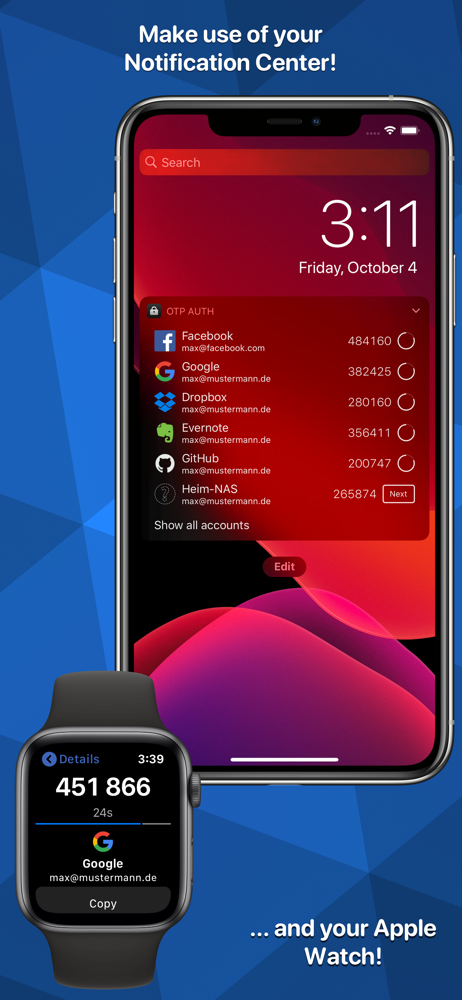
I’m an avid fan of Steve Gibson’s podcast Security Now. I’ve been using OTPs for awhile now, but have yet to find the best solution for myself. For awhile I was keeping them stored in my Bitwarden vault, but that always felt a little dirty because I felt like I was removing one of the important parts of multifactor authentication. Then I moved to Raivo. Raivo is a beautiful app, and I love it. Has an awesome feature that sends the OTP to your MacOS clipboard when pressed on the iOS app. Recently that has stopped working for me, but I’m sure it’ll get fixed. So why am I here now? Well Steve Gibson used this app, so I figured I should give it a shot. It’s nice and simple, but most importantly it has a good Apple Watch app. I downloaded the app, and now that I can quickly get my codes on the Apple Watch I think I’ve found my happy spot for convenience and security with MFA. I went ahead and got the pro version mainly to support the Dev because I really appreciate the work done to give me this solution. I can’t guarantee I’ll be here forever, if more apps start offering AW support I’m sure I’ll try them. For now though this is the perfect solution for my security needs. Highly recommend.
Wayyyy better than Google Authenticator, that’s for sure. I’ve been using this for a while and have never encountered a single problem with it, so I keep using it and have no real reason to try any other 2FA apps because this one does everything it’s supposed to do and does it well. If you also enjoy the app, I highly recommend either donating to the developer (via in-app purchase) or leaving a 5-star rating and review! I’m pretty picky with 2FA apps usually, so it really says a lot that I can’t think of a single negative thing to say about OTP Auth. If you’re in need of an authenticator app for whatever reason, or if you’re unsatisfied with the one(s) you’re currently using, definitely give this one a try. It’s simple, easy to use, and user-friendly while also being robust (it has more options than most other similar apps but is also somehow super easy and quick to figure out). Thank you, developer(s), for creating this app! And for not charging a million bucks just to use it! 🙃😅😋
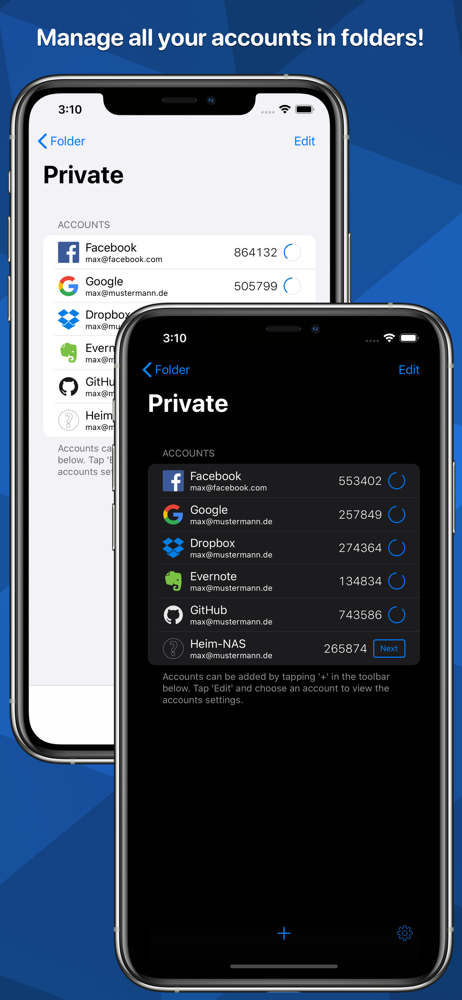
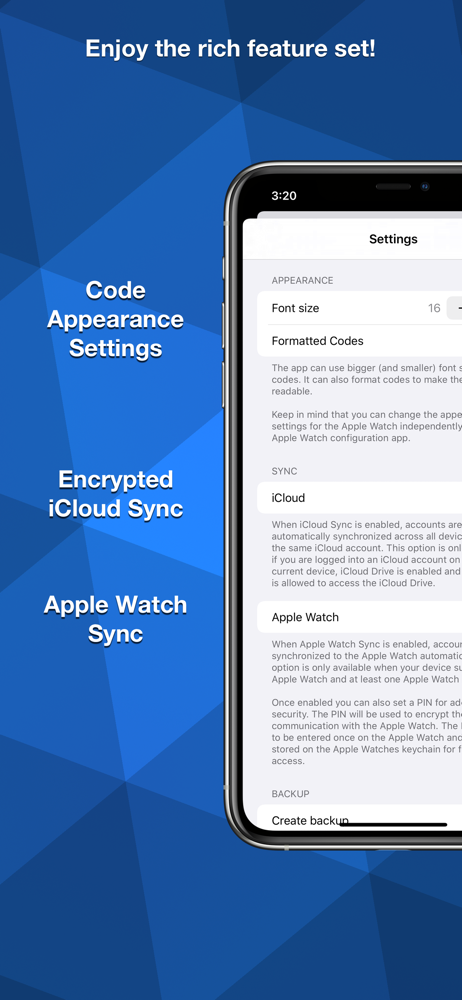
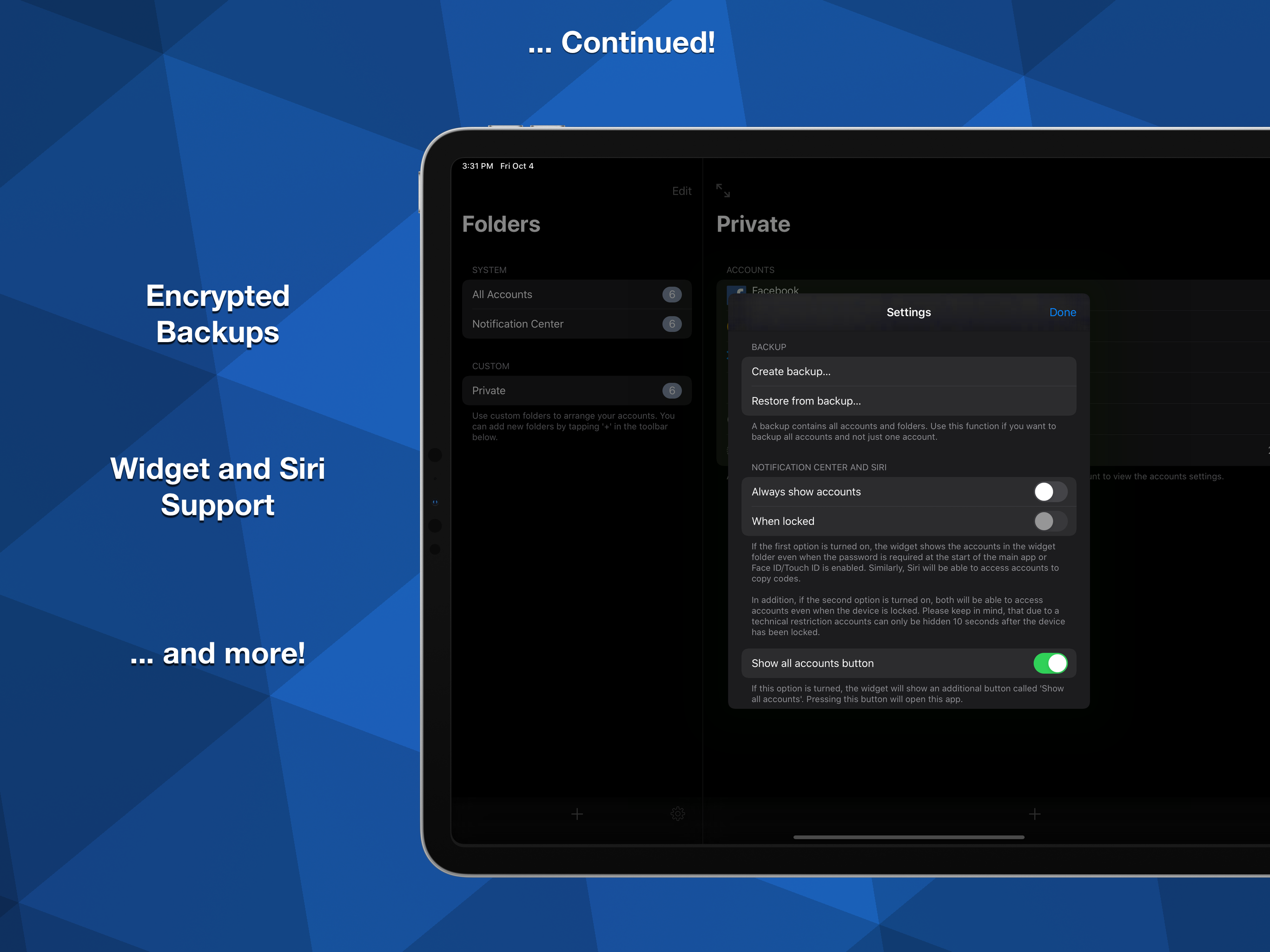
After having tried about a half-dozen similar apps, stumbled upon this simple authenticator that works great. I like the ability of adding an entry one one of my iOS devices, and have it sync to all my other iOS devices. Another nice feature is that I can sort my entries, and add categories (folders) to put them in, so I can have a folder for home (personal) sites, another for work ones, and yet another one for rarely-used sites, etc. It is capable also of allowing me to change the icon of each entry with an icon of my choosing, and I can rename the name of each entry, as well as the email address associated with each entry. As for support, the author was quick to reply to my requests for help on a couple of occasions (when I had issues due to my own stupidity, I might add). The icing-on-the-cake of this app, is that I can also see all of my entries on my Apple Watch, with the press of an icon on my watch face. Well-worth the cost of the Pro version of this app!
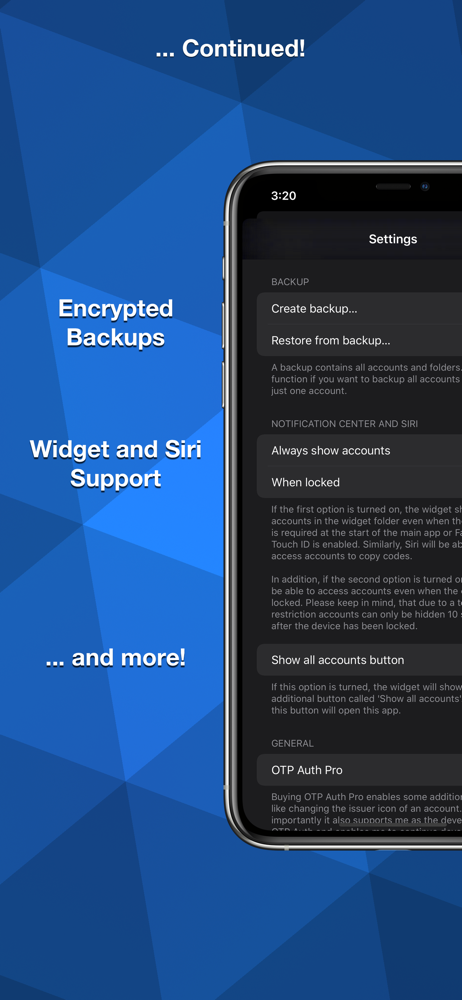
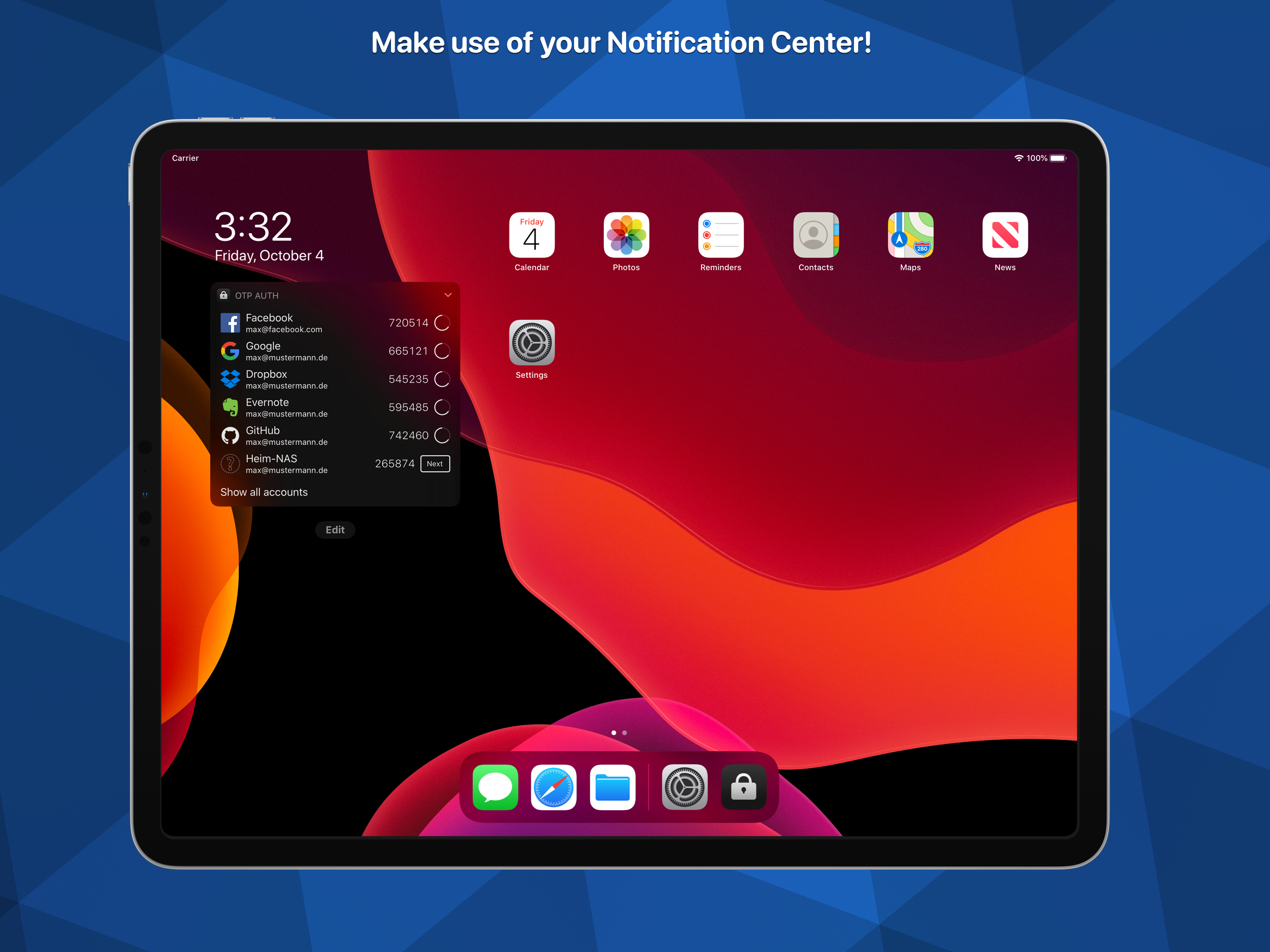
OTP Auth adds support for two-factor authentication to your iPhone and iPad. It can be used with Dropbox, Facebook, GitHub, Google Mail and many more....
| Name | Price | Type |
|---|---|---|
| OTP Auth Pro | $3.99 | One-time |