Check the acquisition promise
Read the store headline, screenshots and description. What problem is the app promising to solve?
Study the storefront ↗
Softorino Inc. · iOS
Explore the ad evidence, study the storefront, and build your next acquisition hypothesis.
01 / Creative research
Read the store headline, screenshots and description. What problem is the app promising to solve?
Study the storefront ↗Explore apps with direct store-link matches. Compare their hooks and formats without assuming the same approach works here.
Browse observed advertisers ↗Store rankings and revenue estimates describe market context. They do not establish ad spend, conversions or ROAS.
Review the market context ↗02 / Storefront & product
Study the product story and store experience behind the acquisition funnel.


03 / Market context
Keep revenue, downloads and store rankings separate from advertising performance.
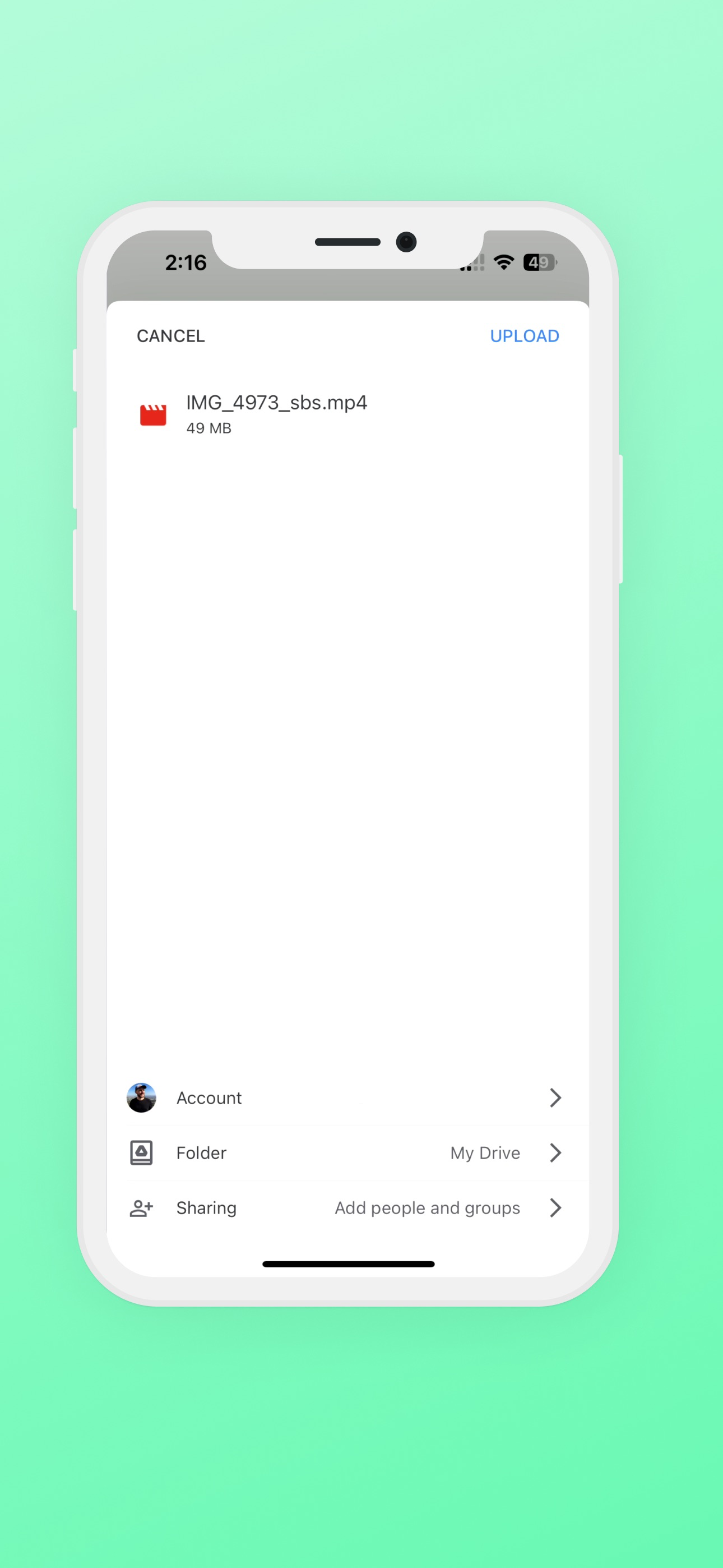
I was excited about the possibility however I couldn’t get it to work. Google blocks the app: This app is blocked. This app tried to access sensitive info from your Google account to keep your account saved. Google block this access.
The left eye is significantly more pixelated than right eye due to hardware limitations on all iphone 15 pros. This is not a problem with the app which does a good job converting MV-HVEC to Full SBS. Since it’s free I can’t complain. It does give you an idea of what videos are like in 3d and frankly at this point I prefer 4k/60fps vs 1080p/30p/3D even if the left eye being more pixelated were to get fixed.
Doesn’t do what it says. This app transcodes the spatial videos into side-by-side mp4 video for the companion VR app. The VR app will not actually play the real spatial video format. In addition, it doesn’t respect aspect ratios and distorts the image. Useless and misleading.
Spatial Viewer for iOS is made to convert your Spatial Videos from your iPhone camera roll, and make them viewable on your Meta Quest headset. In 1-t...