Check the acquisition promise
Read the store headline, screenshots and description. What problem is the app promising to solve?
Study the storefront ↗
Marcus Pleintinger · iOS
Explore the ad evidence, study the storefront, and build your next acquisition hypothesis.
01 / Creative research
Read the store headline, screenshots and description. What problem is the app promising to solve?
Study the storefront ↗Explore apps with direct store-link matches. Compare their hooks and formats without assuming the same approach works here.
Browse observed advertisers ↗Store rankings and revenue estimates describe market context. They do not establish ad spend, conversions or ROAS.
Review the market context ↗02 / Storefront & product
Study the product story and store experience behind the acquisition funnel.





03 / Market context
Keep revenue, downloads and store rankings separate from advertising performance.
I have dozens and dozens of apps, and this is the first review I’ve ever written. Like all of you, I’m solicited to write reviews, sometimes multiple times a day. I just wanted to pay props to the developer for not only creating this incredible app, making it straightforward to adding two front speakers and adding a second Gen 1/2 sub, staying engaged with his community, and more. I’ve only scratched the surface of all the features his app provides, but the two aforementioned additions (which the official Sonos app does not allow) has made my TV/movie/music experience significantly richer. Thank you, Marcus!
I saw discussion of SonoSequencr on forums talking about using the app to add dedicated front right/left speakers to a Sonos soundbar and decided to give it a try. WOW! I’m blown away by the results. Setup wasn’t difficult with the app and a few searches on the forum for tips, and I’m blown away by the results. Incredible sound now from my Sonos home theater system. Why this isn’t supported on the official app is beyond me. The developer provides feedback and is constantly improving the app - which easily justifies to me that this is a paid app. Keep improving and engaging with users and I’ll keep evangelizing your app. Sonos really needs to hire this guy to fix their first party app and add these features, but maybe it’s working out well for both sides being like this.
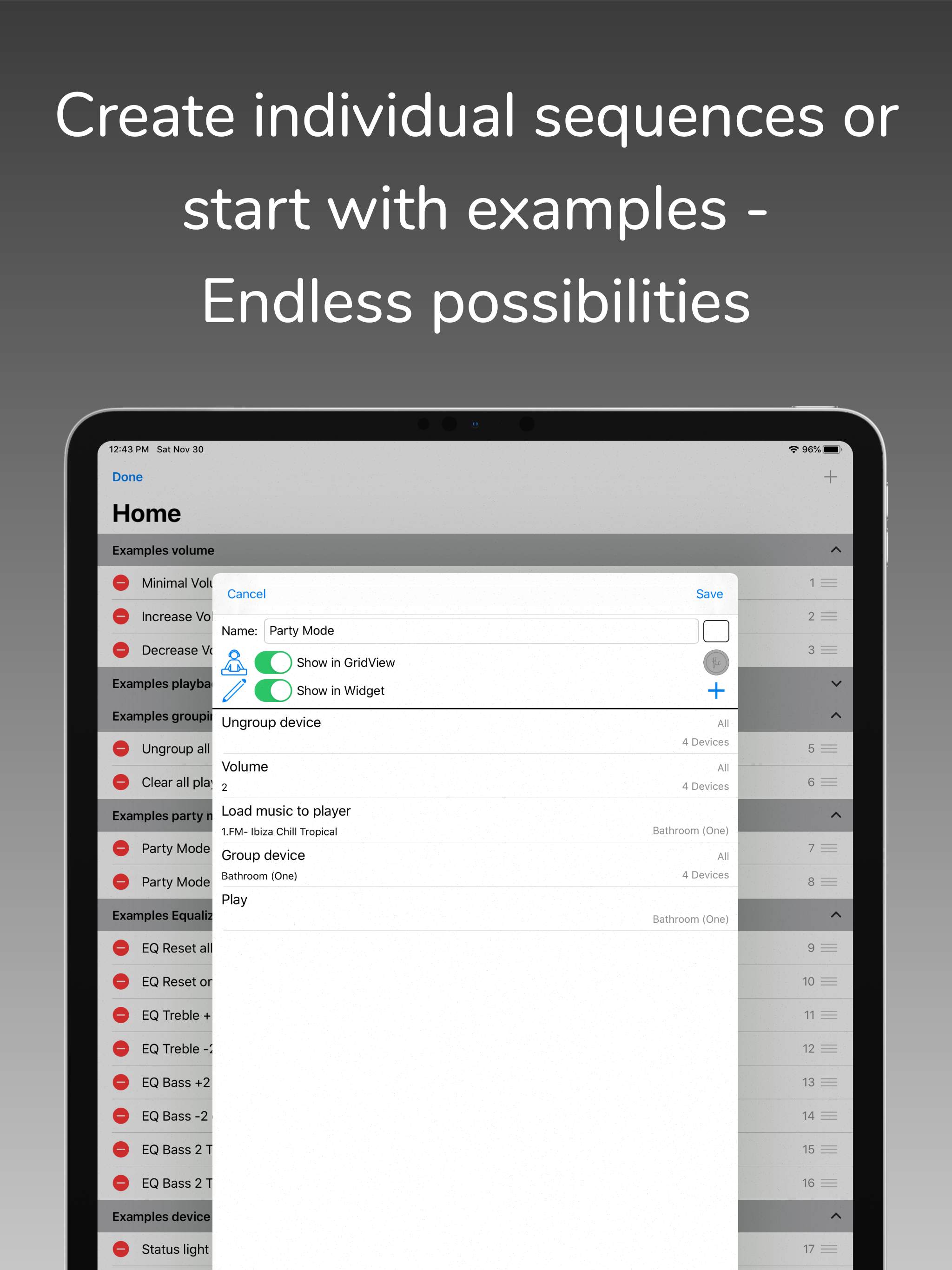
I consider this app essential when you own multiple sonos devices. For me what it does better than anything is perform common actions that I do with my music in a much quicker way than the official app. Example: my morning routine is a single tap: group my downstairs speakers, load up my morning internet radio station, set the volumes as I want them, and then start the stream. If I do this via the sonos app, not only is it many actions, but just loading the app and having it discover the environment again takes 5-10 seconds on my phone (iPhone 11 pro). This is because the sonos app appears to not cache environments like SonoSequencr does, so it goes through a whole discovery every time. It does take a little bit of a learning curve but if you are someone that likes to program sequences for your devices then go get this immediately. I haven’t subscribed to it because I am yet to really take advantage of the situational sequences (third party stuff) but I may.
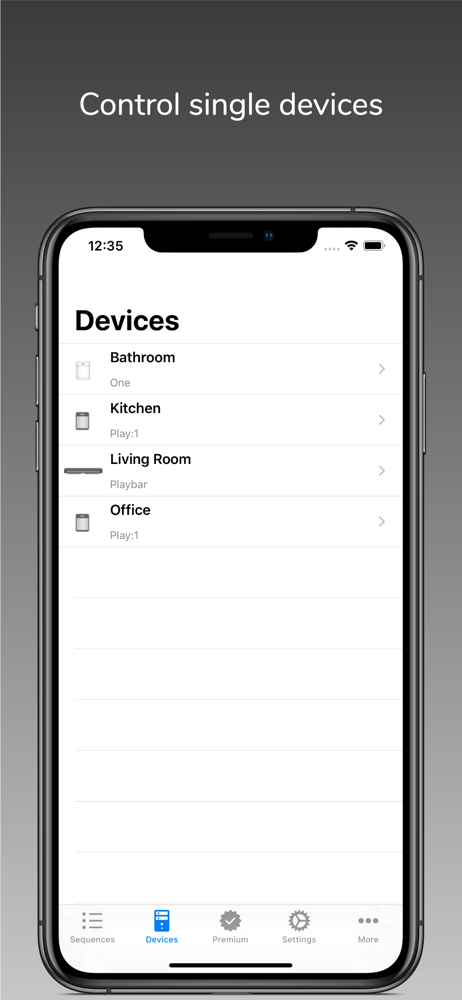
With SonoSequencr you can create individual sequences to perform recurring tasks with just one click. If you have multiple Sonos devices and want to...
| Name | Price | Type |
|---|---|---|
| Premium 1 month | $0.49 | Monthly |
| Premium 6 months | $2.49 | Semi-Annual |
| Small donation | $2.99 | One-time |
| Premium 12 months | $4.49 | Yearly |
| Mid donation | $5.99 | One-time |
| Big donation | $9.99 | One-time |