
Check the acquisition promise
Read the store headline, screenshots and description. What problem is the app promising to solve?
Study the storefront ↗
Scribble Together · iOS
Explore the ad evidence, study the storefront, and build your next acquisition hypothesis.
01 / Creative research
Read the store headline, screenshots and description. What problem is the app promising to solve?
Study the storefront ↗Explore apps with direct store-link matches. Compare their hooks and formats without assuming the same approach works here.
Browse observed advertisers ↗Store rankings and revenue estimates describe market context. They do not establish ad spend, conversions or ROAS.
Review the market context ↗02 / Storefront & product
Study the product story and store experience behind the acquisition funnel.





03 / Market context
Keep revenue, downloads and store rankings separate from advertising performance.
Update: They’ve fixed pretty much everything I originally had an issue with—I still think this is one of the best whiteboard apps out there! This is by far the best white board app I’ve found on the white board so far, but there are a few things that are missing. First, there should be a way to select the color theme manually. My iPad is always on dark mode, but I’d much rather write on a whiteboard than blackboard. Also, there should be a clear canvas option. I use this app a lot for jotting down scratch work and it’s really annoying I always need to use the selection tool to clear the canvas. And why does pressing on one of the buttons below open (like the marker button) always open up the additional options? It’s a small thing but it really bugs me; it should be a double tap to open up additional options since I don’t want to see those every time I change from the pen to eraser. If these things are fixed I’d be more than happy to give this app 5 stars.
*UPDATE The developer did reach out and changed the background option which I really appreciate. I still think offering 1 more payment option would still be helpful. I do take back the greedy part cause apps like these are far and few and I can imagine the amount of work to develop it to be as simple and seamless is very difficult especially as an app. As a designer that works with an international team...this app is invaluable but I don't use it that often. if it had more designer friendly features, I can easily see myself paying for the annual subscription. Developers....hint, hint There are some big cons with this. First will be pricing...I like the app but the pricing is a bit outrageous cause I would only use the sharing feature every once in a while so being forced into a subscription plan or paying close to 50 bucks for the annual is ridiculous imo. Offering another option to pay for those who wouldn't use it regularly would be great. I hate feeling locked into things. My second gripe is the obnoxious glitter background that makes my eyes go blind. I prefer a simple clean look or at least give the user the option to change the background. We're not all kids using this. Also the laser feature is too thick and needs options as well. I think the idea is great, but the price is a bit greedy and it still needs work.
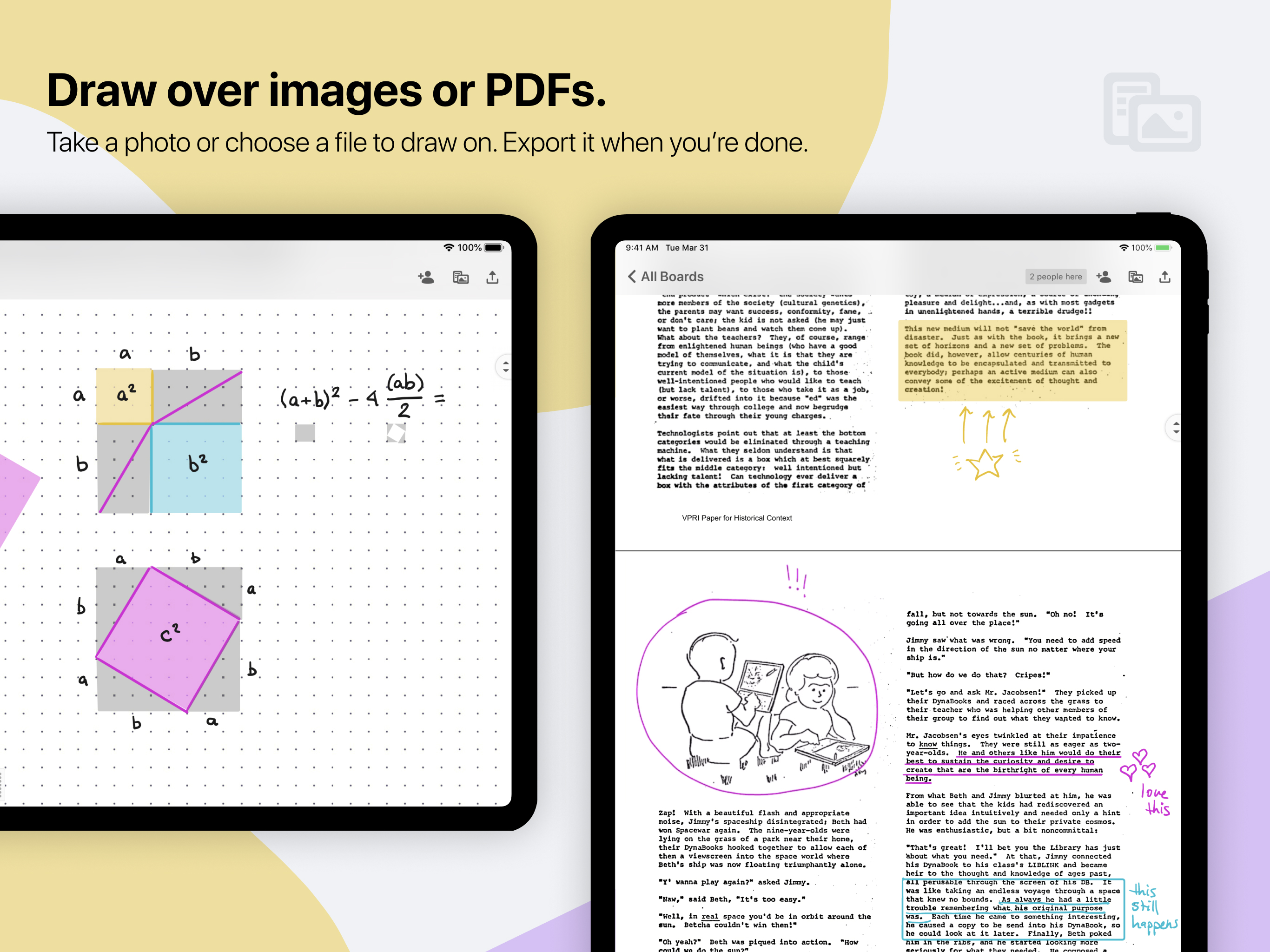
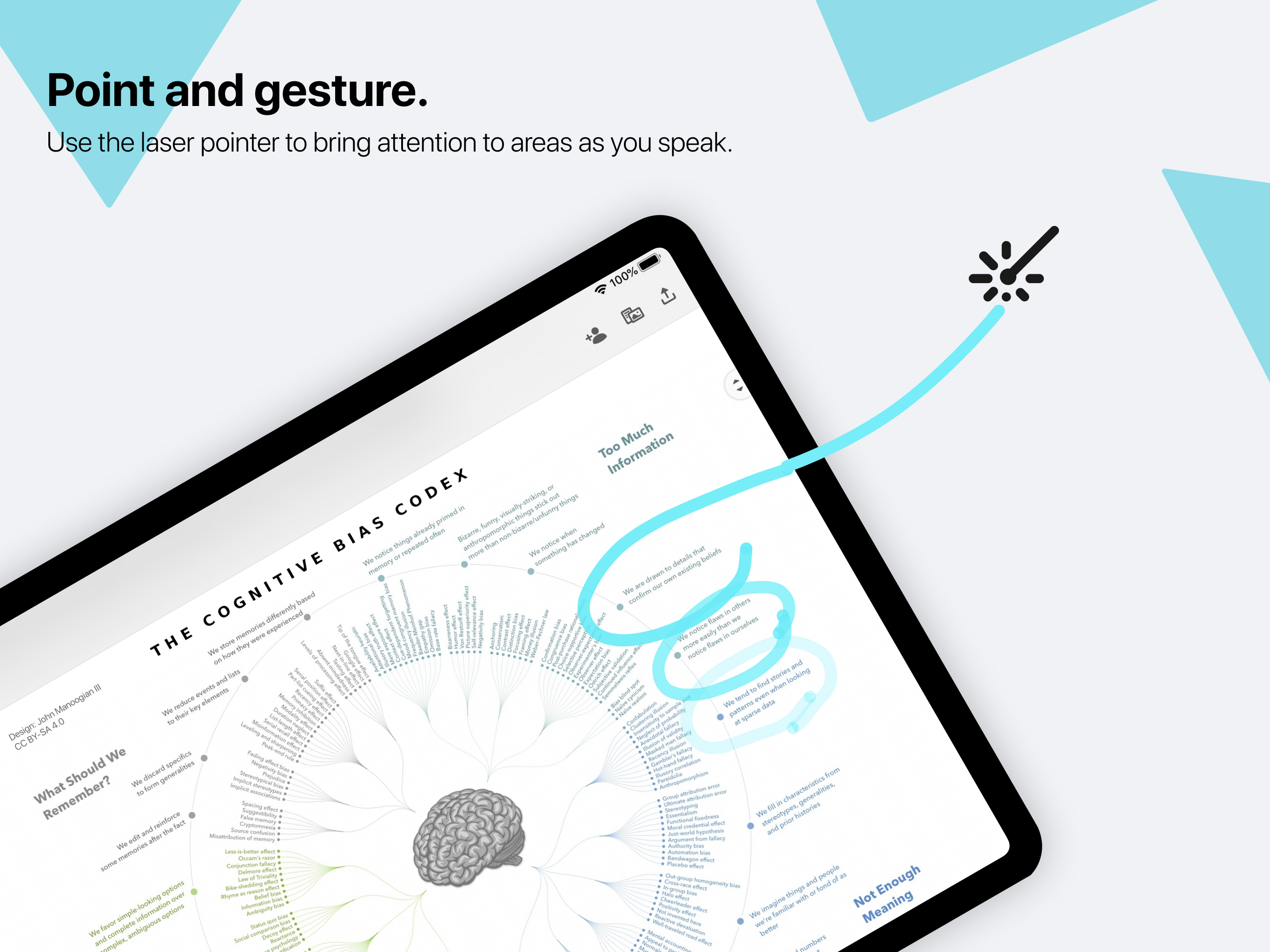
Scribble Together has been an indispensable tool enabling me to tutor my students in mathematics. My student and I can work on the same digital page as we talk via voice phone. We can see each other’s stylus strokes real time. The laser pointer is great to guide my student to understanding. I appreciate the pen options: colors, stroke width, shapes - being able to make my lines and polygons straight is useful. I can switch between tools with ease as I talk to my student, bringing our work to life. Controls are just right - not too much, which would make navigating cumbersome. It’s a great utility that I can import a worksheet PDF or a photo, and we can work on the sheet together. The app allows great platform flexibility: I run the app on my iOS, while students are able to access it on webpage (for example, using a Surface). Thank you!
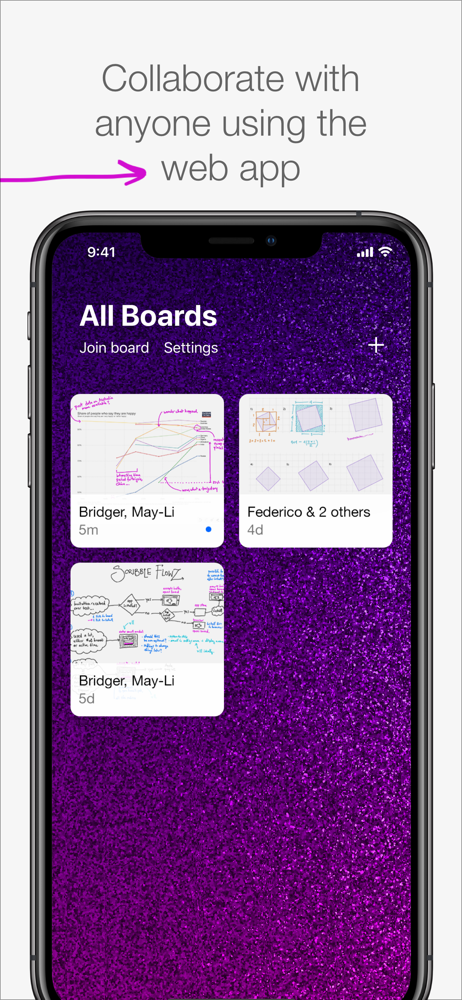
Draw together in real time, from anywhere! In seconds, anyone can follow along with your drawing or draw with you from the app or on the web. Use...
| Name | Price | Type |
|---|---|---|
| Collaborate Live With Anyone (Monthly) | $4.99 | Monthly |
| Collaborate Live With Anyone (Annual) | $49.99 | Yearly |


