
Check the acquisition promise
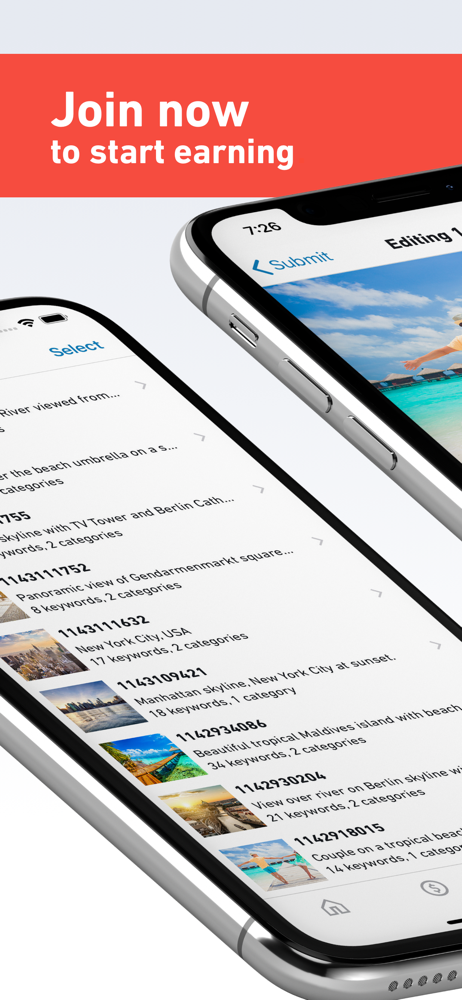
Read the store headline, screenshots and description. What problem is the app promising to solve?
Study the storefront ↗
Shutterstock Inc. · iOS
Explore the ad evidence, study the storefront, and build your next acquisition hypothesis.
01 / Creative research
Read the store headline, screenshots and description. What problem is the app promising to solve?
Study the storefront ↗Explore apps with direct store-link matches. Compare their hooks and formats without assuming the same approach works here.
Browse observed advertisers ↗Store rankings and revenue estimates describe market context. They do not establish ad spend, conversions or ROAS.
Review the market context ↗02 / Storefront & product
Study the product story and store experience behind the acquisition funnel.


03 / Market context
Keep revenue, downloads and store rankings separate from advertising performance.
I sold photos on this platform for nearly a decade. One day I tried signing on but my account was suspended. Of course I contacted “support” for an explanation and the “support” team claimed that one of my photos was flagged for copyright infringement. I not only provided the information they requested (copy of the raw file in question) but I provided raw copies of the entire shoot. I waited almost 4 months for a reply and was informed that I would have to delete my account of another stock image platform I used because images from the same shoot were available on it, which is complete nonsense since shutterstock is partnered with that particular stock agency! The laziness and blatant incompetence on display throughout the process would have been amusing had it not been so irritating. Several of my images are still listed for sale on shutterstock and when I requested information on the hypocrisy, I was told that my case was being sent to the same incompetent “support”team so that they may complete the same process already done a year ago. Do yourself a favor and use another stock agency.
Overall the app is a great idea. Yet, lots of problems still. Would say this is a MVP at best. 1. Let me work on more than 10 pictures at the time. 2. Let me copy keywords. 3. Let me not just save multiple at the time but also submit them all at once. UX on this is pretty disappointing. 4. App crashes frequently or tries to upload for several days (not a network issue, other apps uploading don’t have issues and tested connection) saying “starting upload...” as it is loading...for hours per picture. 5. Why can’t I change profile settings (such as payment details) in the app? It’s always opening a browser window. If I keep getting redirected to the website I can just use my browser from the start and skip the app. Please take this feedback into consideration and make some serious improvements to the app, for the benefit of you (Shutterstock) and me (user/customer). Would be very appreciated!
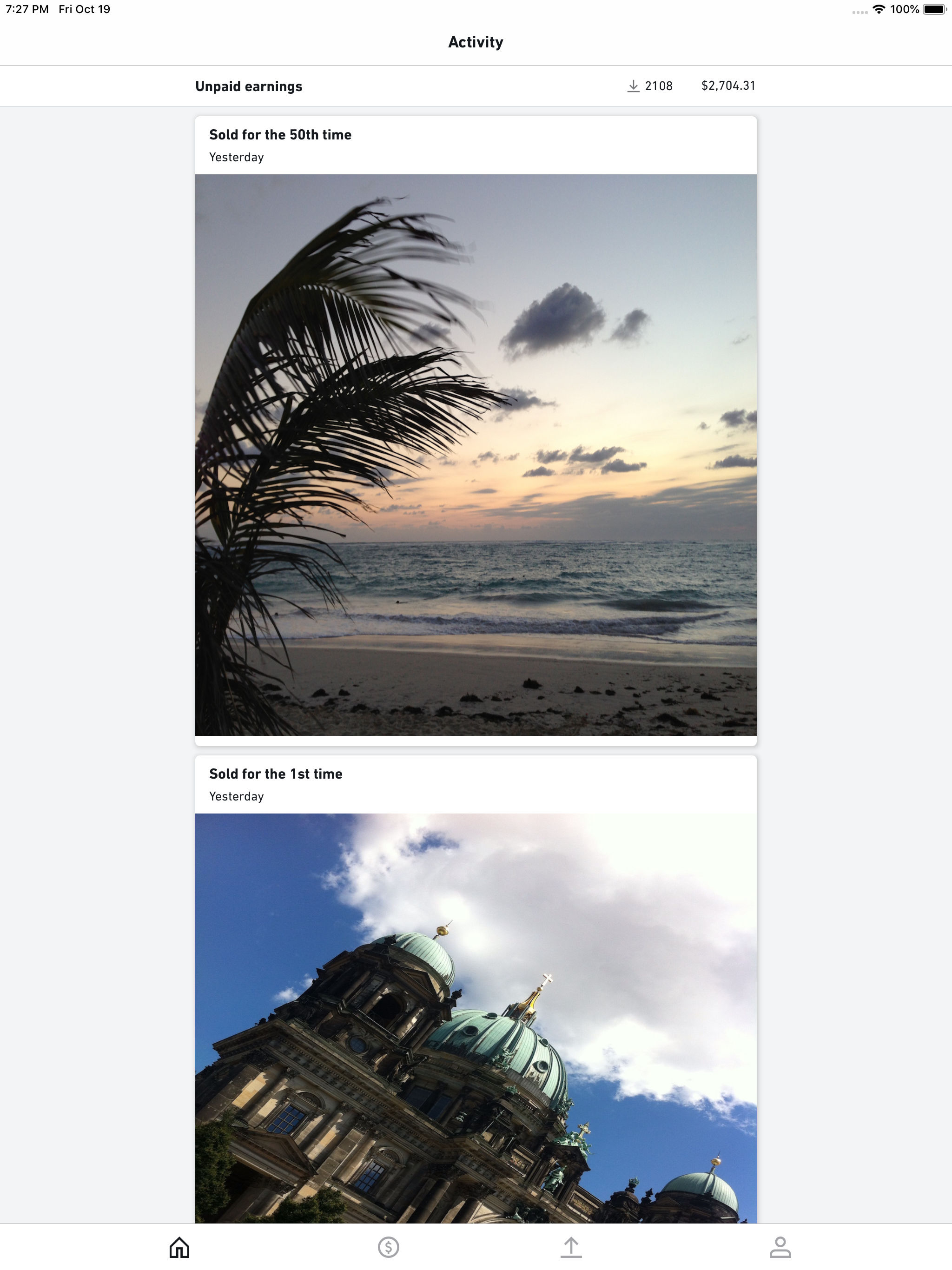
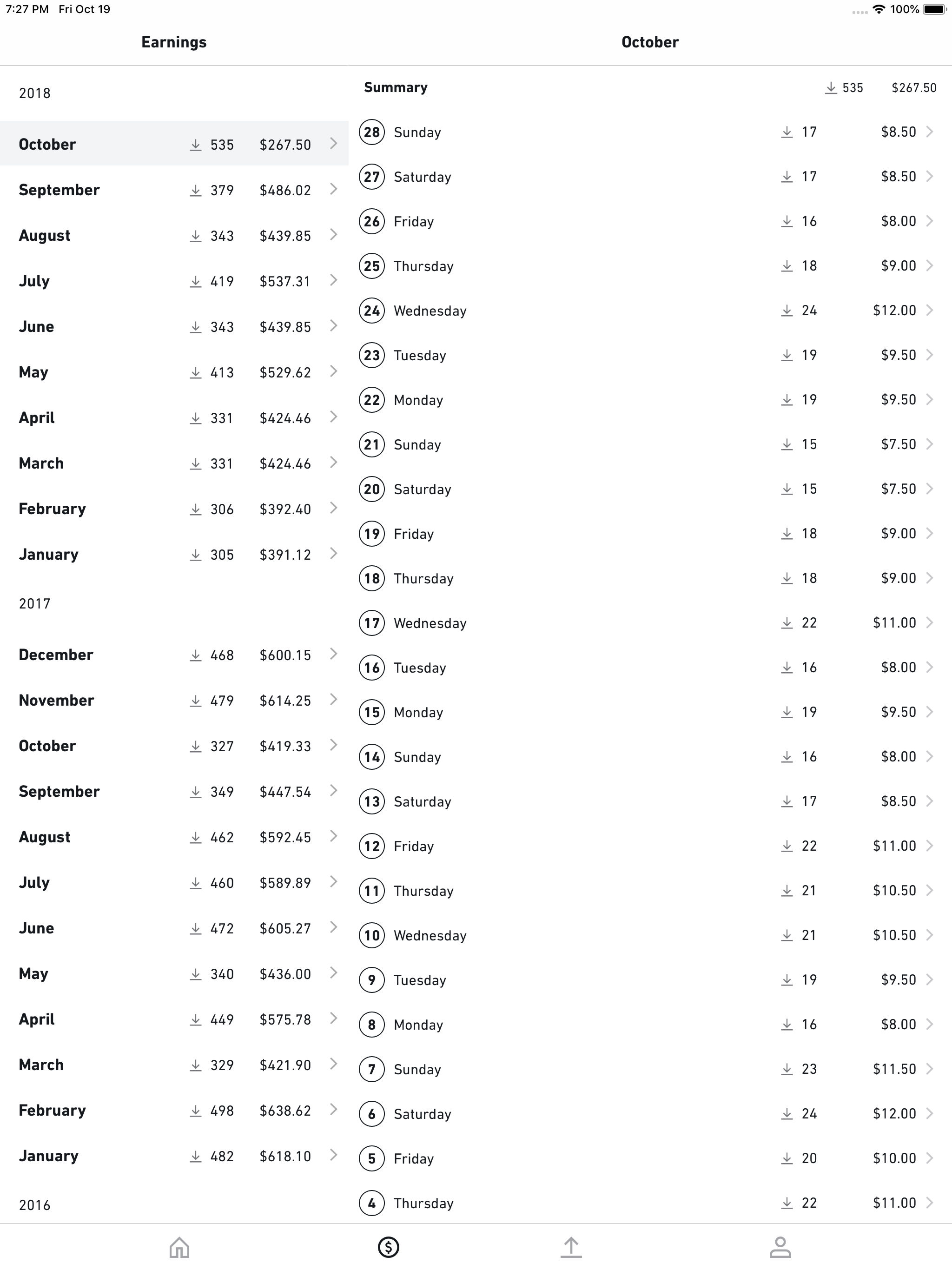
I went 4 stars only because the app is little limited. Otherwise I am very satisfied! PRO: The huge advantage IS being able to upload while on the road. As long as you have wifi or data, it works well. I have heard some people think it is compressing images, but when I double check on my computer, they look fine to me! That could be their device settings, not the app. It also updates earnings and sales, sometimes before I even get notification of a sale on my phone. Phone is set for notifications and not my iPad. Just an FYI, notifications seemed to blank out volume in spots when shooting video footage! CON: Does not have all the options of the browser version. I wish I could move photos to the published folders on the app! Still logging in computer for management.
Visual artists, photographers, and content creators- earn money in your creative field no matter where you are in the world. This is the Shutterstock...


