
Check the acquisition promise
Read the store headline, screenshots and description. What problem is the app promising to solve?
Study the storefront ↗
Accurence · iOS
Explore the ad evidence, study the storefront, and build your next acquisition hypothesis.
01 / Creative research
Read the store headline, screenshots and description. What problem is the app promising to solve?
Study the storefront ↗Explore apps with direct store-link matches. Compare their hooks and formats without assuming the same approach works here.
Browse observed advertisers ↗Store rankings and revenue estimates describe market context. They do not establish ad spend, conversions or ROAS.
Review the market context ↗02 / Storefront & product
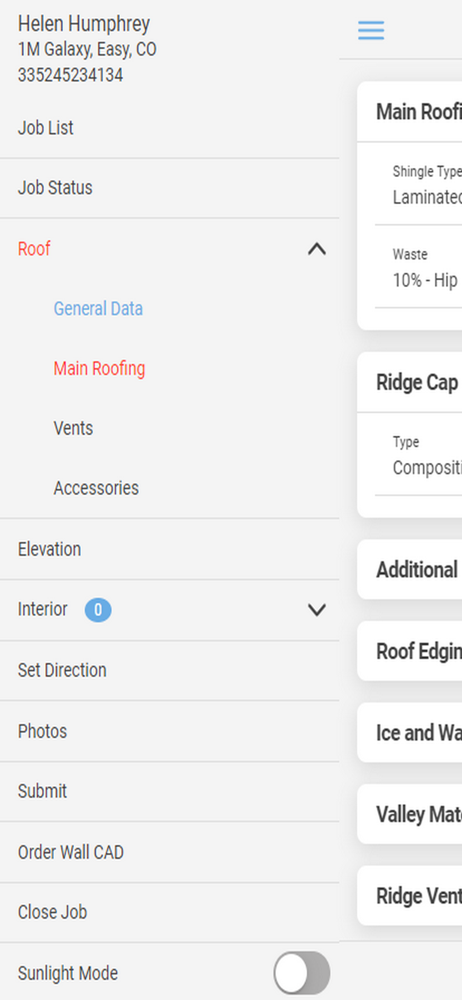
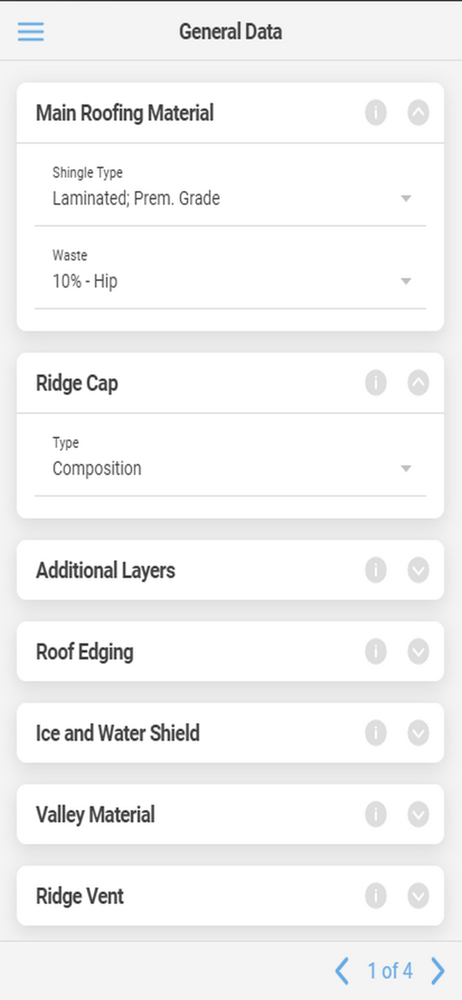
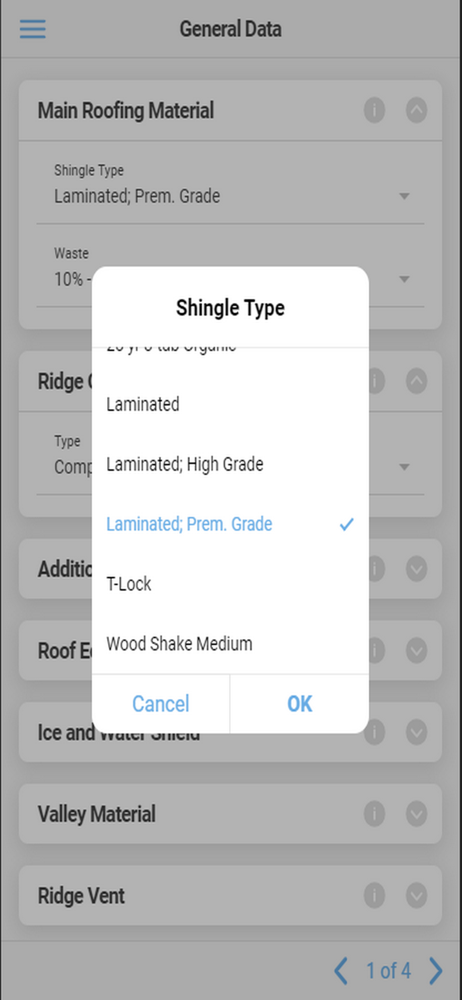
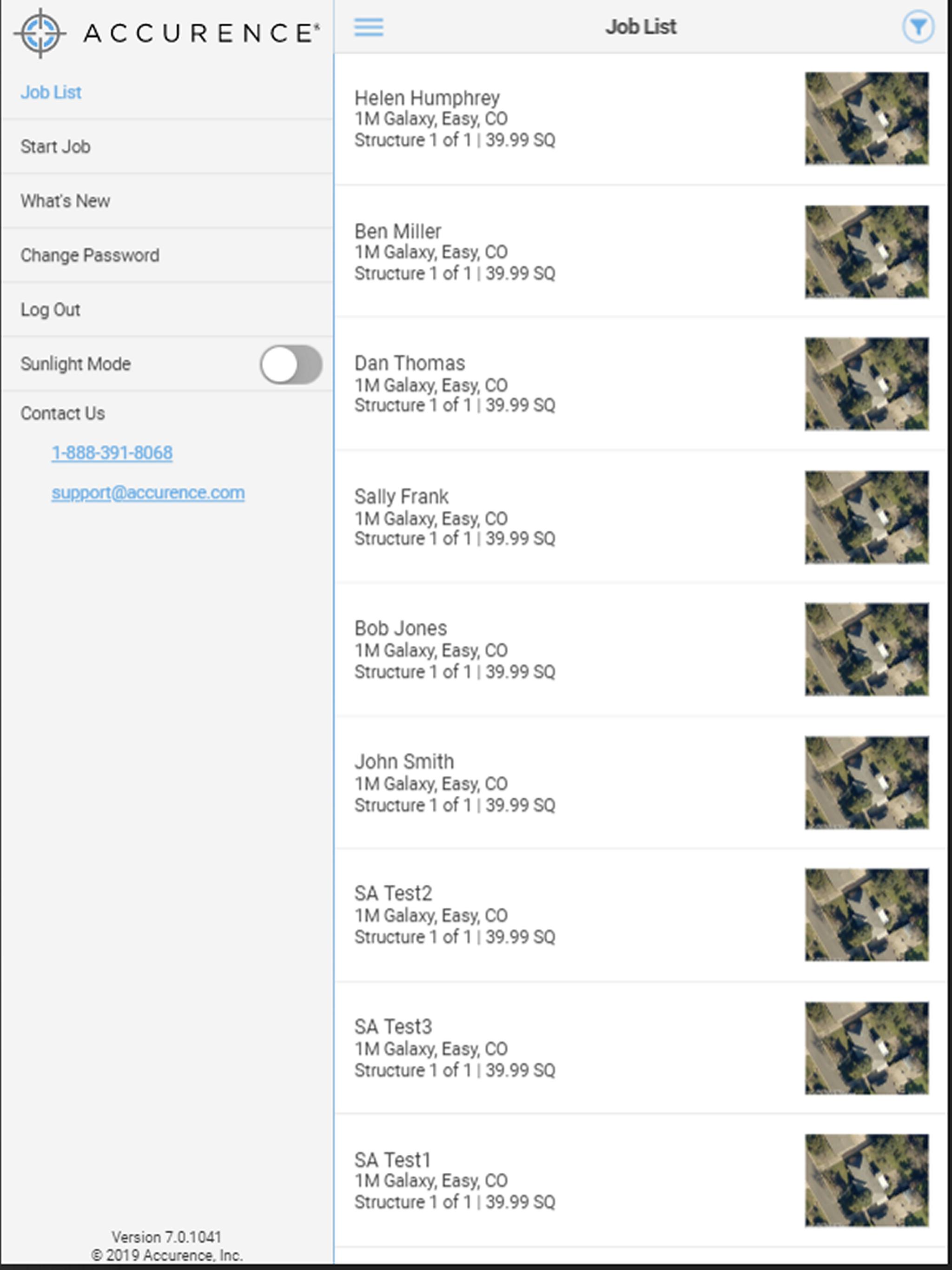
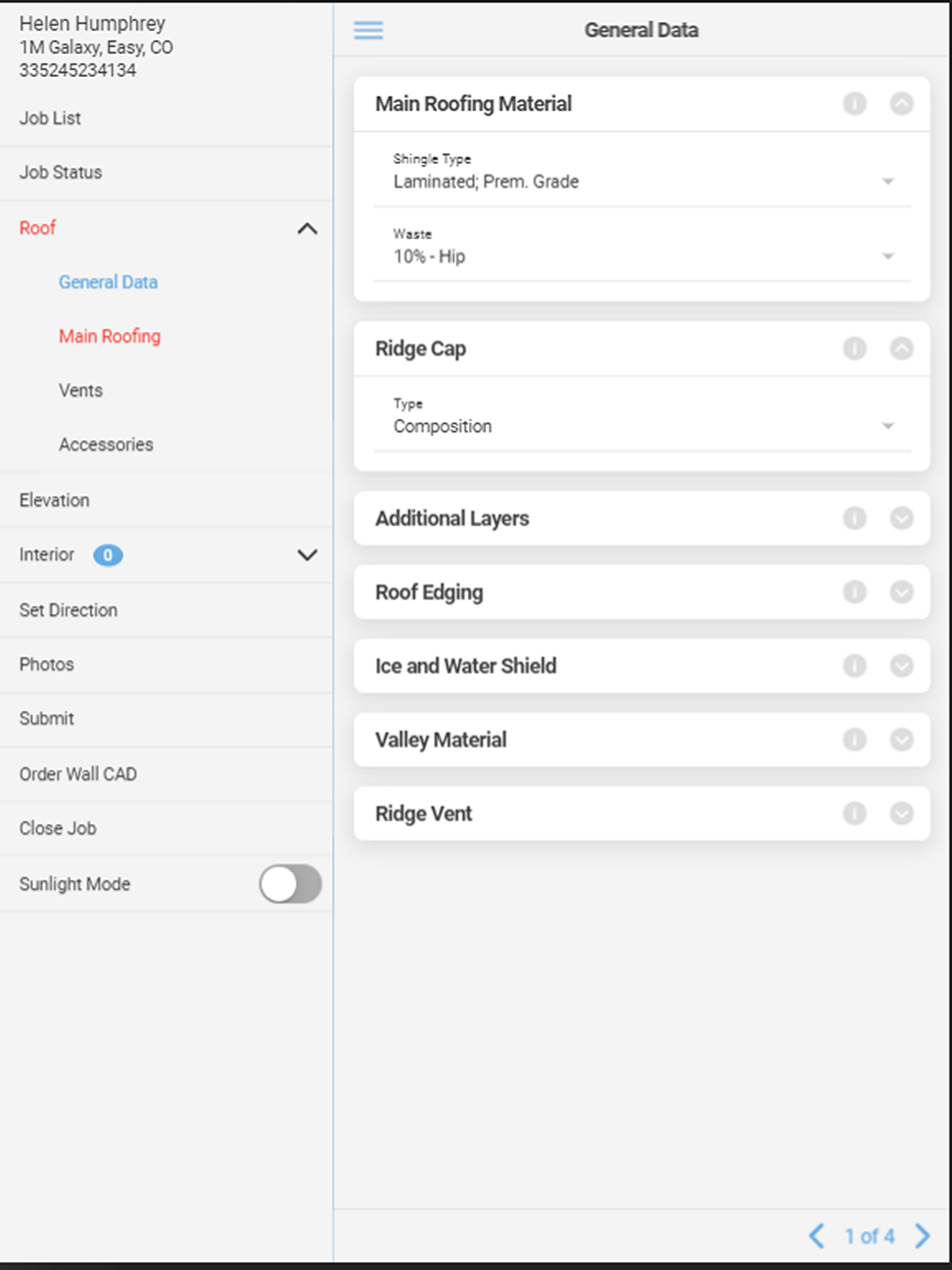
Study the product story and store experience behind the acquisition funnel.



03 / Market context
Keep revenue, downloads and store rankings separate from advertising performance.
Used the app for multiple years and there’s so many things that could be updated for better work flow that never get done. Passwords are the most annoying thing… you can’t use previous 12, if you accidentally enter it wrong 3 times you have to call an 800 number. For some reason they can’t figure out how to use faceID. The app never updates minor things like why do I have to select guttering on each elevation? Why doesn’t it let you have an “apply to all elevations” option? A couple phones call with real life adjusters could make this app much easier to use it feels like. One good note the 800 line customer service people are always friendly.
I use the app because I have to. It can come in handy, but in my opinion a macro can be easier. This app frustrates me mainly because of the lack of opening with Face ID, it’s so common on most apps. And the fact that my password expires over time is annoying and that it cannot be the same as my last 12, yes 12 passwords. Who seriously is stealing a persons phone only to hack into this app and write an estimate for someone? Frustrating, next time I use the app I will likely have to reset my password, because I won’t remember which of the 12 passwords I’m up to on my next log in.
I have used this application prior to the iOS 13 update. Since I have updated to iOS 13 the application is next to useless, due the voice dictation not working correctly. I have contacted upper management with accurace, and they have advised it is not a real problem. They also advised there is no update or fix in the works for the current application I am using. I don’t know about everyone else, but most carriers are actually making us use this faulty application. The next time I am dangling on a 14/12 pitch roof, it would be soooooo nice to be able to promptly label a photo using one button and my voice. Just in case you are wondering- the other hand is holding a rope hooked up to a safety harness with a braking system. The failure point of the application is forcing adjusters to use two hands to enter detailed information applicable to the photos being taken. Absolute shame on accurance for not providing a simple fix to THEIR application we are being forced to use. I guess it will take someone being seriously injured, who has an attorney on retainer like me, to have the issue corrected. Point blank accurance has been advised of the safety issues regarding their application and iOS 13. If someone is injured as a direct result point your attorneys to this review where it has been made clear that the voice dictation failure is a major safety issue. I hope I am not the only one that feels this should be resolved immediately.
The Accurence app simplifies inspecting the exterior of homes and residential buildings for hail or wind damage. The app supports both SettleAssist a...


