Check the acquisition promise
Read the store headline, screenshots and description. What problem is the app promising to solve?
Study the storefront ↗
Ketan Appa · iOS
Explore the ad evidence, study the storefront, and build your next acquisition hypothesis.
01 / Creative research
Read the store headline, screenshots and description. What problem is the app promising to solve?
Study the storefront ↗Explore apps with direct store-link matches. Compare their hooks and formats without assuming the same approach works here.
Browse observed advertisers ↗Store rankings and revenue estimates describe market context. They do not establish ad spend, conversions or ROAS.
Review the market context ↗02 / Storefront & product
Study the product story and store experience behind the acquisition funnel.



03 / Market context
Keep revenue, downloads and store rankings separate from advertising performance.
I have used your app and it is great.... except when I try to open an imported project it says to move it out of inbox. However, there seems to be no way to do this. Please fix this.
It is useful for learning the basics like assigning values to arrays, indexing, etc. building basic functions. It didn’t however have a random number generator. I tried to shuffle an array using arc4random_uniform() but it wouldn’t let me. I’m still a beginner so it could be user error too.
I have been looking for a compiler type simulator app for Swift to play around in learning beginner concepts and syntax. I agree that it was difficult to edit at first but I click edit then cancel and it resets the text editing. I see good potential for the first compiler simulator for Swift in iPhone AppStore. Looking forward to updates. I'll contribute by paying for ad removal UPDATE: Just wanted to add that I've been happy with this app more and more. There's a decent reference for syntax but with practice now I don't need it for switches, declaring dictionaries, arrays, variables, and more since things like syntax in Swift seem to follow a nice predictable pattern. I have read the Swift manual from iBooks to get the full grasp of this but actually typing without reference was more difficult. This helped me type it out and test usability without having a MacBook. Also the error messages are helpful when learning optionals. Sometimes I was force unwrapping the wrong parts of the statements. Thank you!
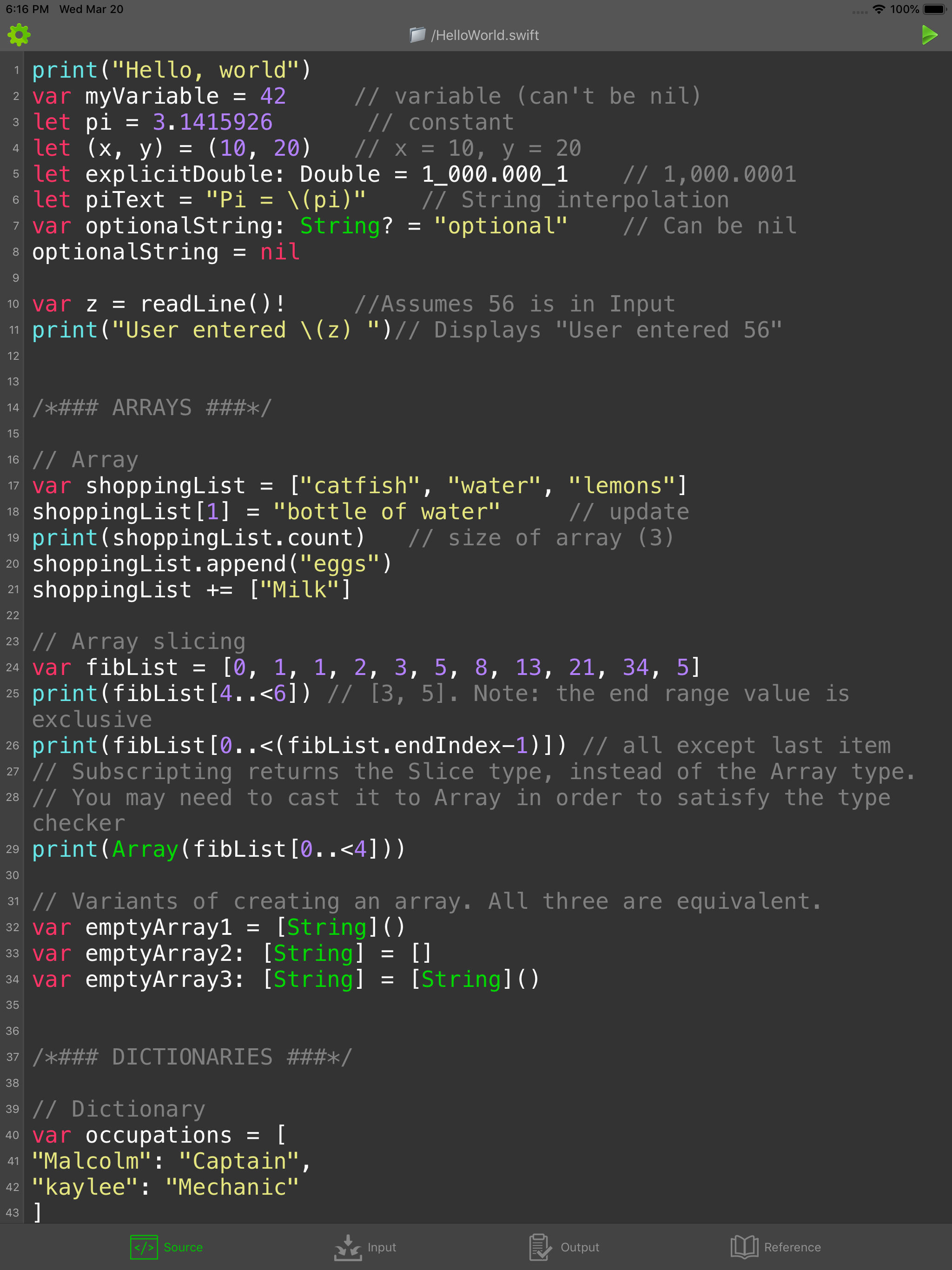
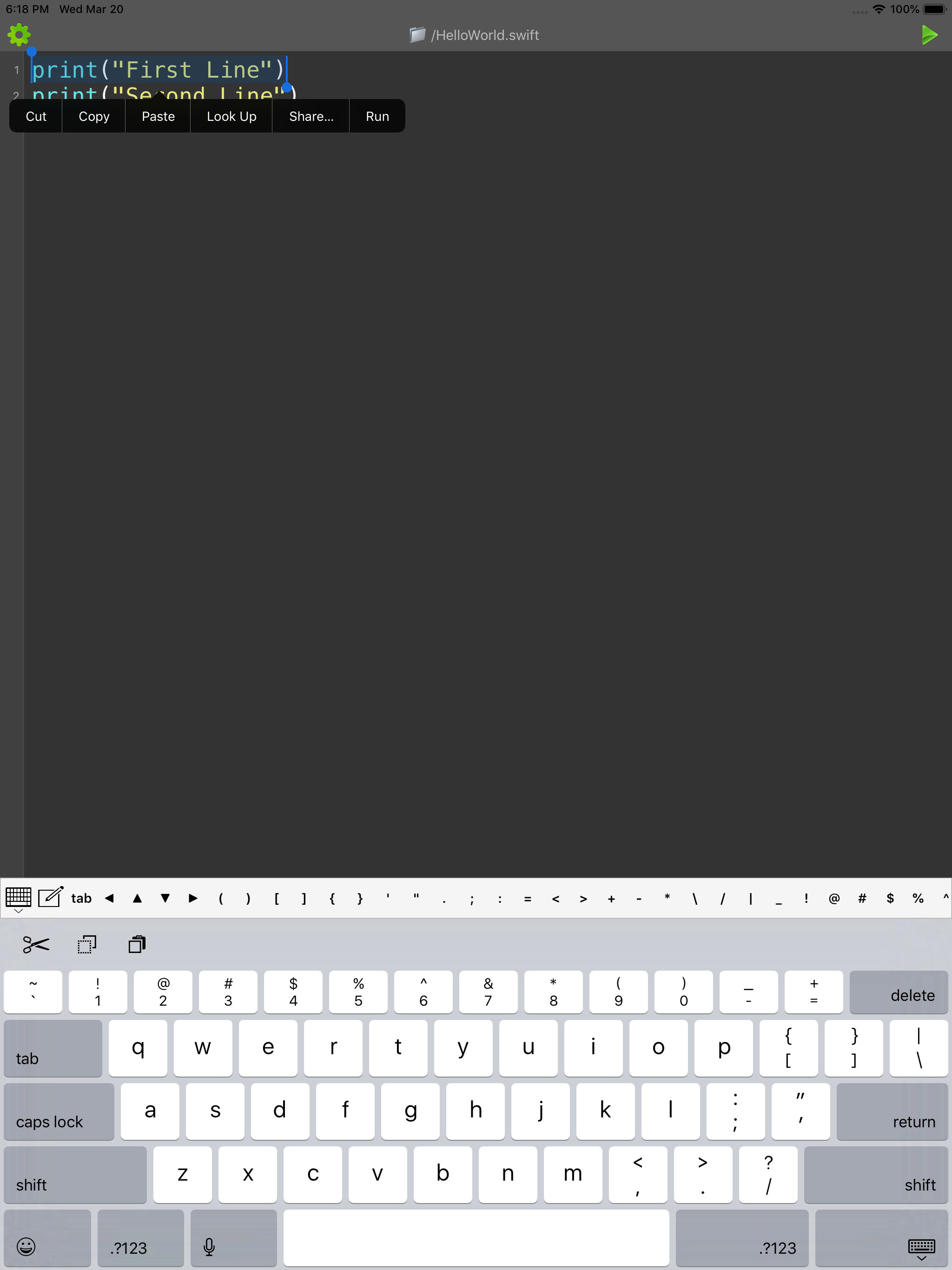
Write Swift code directly on your iPhone, iPad and iPod Touch! This app supports the latest Swift syntax and it is ideal for learning and testing code...
| Name | Price | Type |
|---|---|---|
| Upgrade | $2.99 | One-time |