Check the acquisition promise
Read the store headline, screenshots and description. What problem is the app promising to solve?
Study the storefront ↗
MeisterApps BV · iOS
Explore the ad evidence, study the storefront, and build your next acquisition hypothesis.
01 / Creative research
Read the store headline, screenshots and description. What problem is the app promising to solve?
Study the storefront ↗Explore apps with direct store-link matches. Compare their hooks and formats without assuming the same approach works here.
Browse observed advertisers ↗Store rankings and revenue estimates describe market context. They do not establish ad spend, conversions or ROAS.
Review the market context ↗02 / Storefront & product
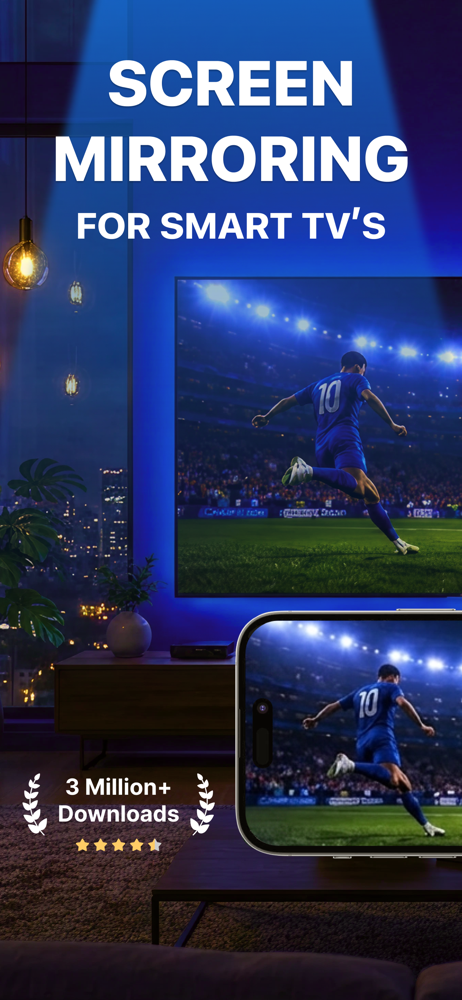
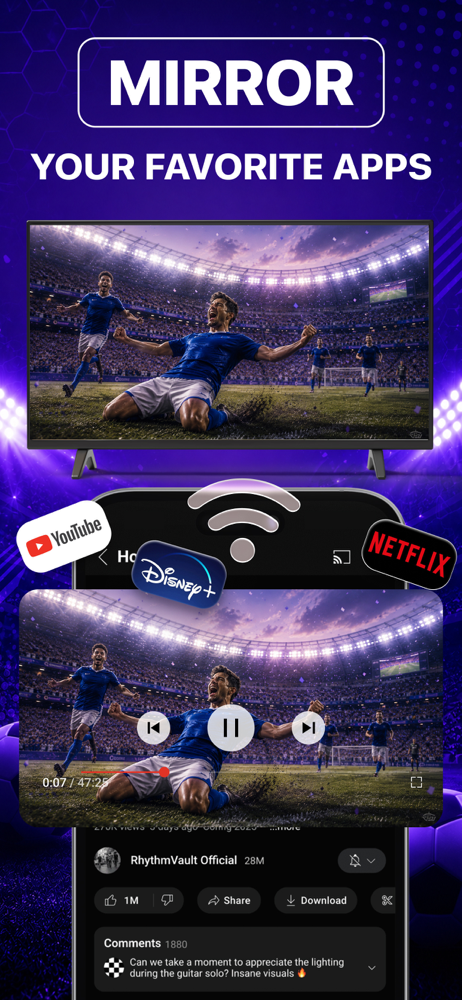
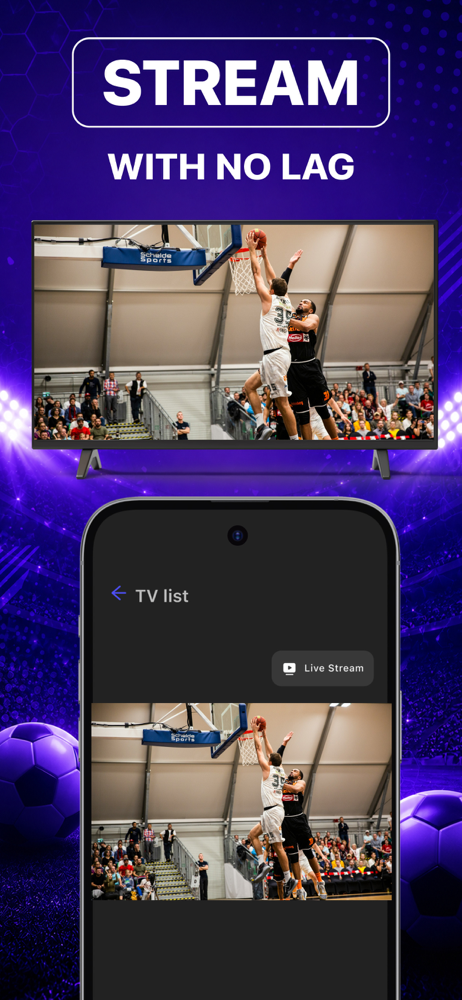
Study the product story and store experience behind the acquisition funnel.



03 / Market context
Keep revenue, downloads and store rankings separate from advertising performance.
Purchased with idea of using mirroring over hotspot network but that did not work and after speaking with tech support found out hotspot is not supported. Tried using with home wifi and it worked only after other tv on wifi network was removed. But it did work as advertised, albeit with some caveats. Tech support was great!
If you’re enthusiastic about a casting experience characterized by a consistently degraded, laggy, and clunky picture that struggles to sync with your TV’s audio, then the Screen Mirroring Cast app by Meisterapps BV could be your paradoxical paradise. In a world where digital reliability should be as ubiquitous as the air we breathe, this app astoundingly underdelivers, masquerading as a technological solution while offering a user experience that harks back to the early days of buffering videos. After a thorough test drive, including the premium features trial, the app demonstrated a slight improvement, akin to a band-aid on a leaky dam. Even the premium features, which one would expect to elevate the functionality significantly, fall short of justifying their existence, offering only a marginally less mediocre performance than the free version. In an age where alternatives abound, it’s puzzling to witness an app that seems to hinge on users succumbing to a forgetful moment, thereby trapping them into a subscription for a service that delivers minimal value, if any. The recommendation? Spare yourself the digital heartache and opt for a different app that fulfills its promises, or embrace the old-school reliability of an HDMI cable, which, unlike this app, is guaranteed to mirror its description in performance.
I have an older Roku TV that doesn't support AirPlay, so I bought this app. It works well. My family can share the app across our household Apple devices. There is a bit of a delay from MacBook to TV, but that really is not a problem. The free trial version lets you mirror your screen for 5 minutes. I wish the trial had been a few minutes longer, as it took me a while to figure out how to get the sound to come out of the sound bar instead of my laptop. There's a free plug-in you download in order to mirror sound along with the screen. Not hard to do at all--you just have to start the program, find the sound option, and click through to download the plugin. Restart the app, and everything works great. But I was almost finished with the trial period before I was able to get the sound to work. The price is similar to other apps like this. You can pay monthly, yearly, or one time. While it's not a cheap app, it's definitely cheaper than a good HDMI cable, and much more versitile.
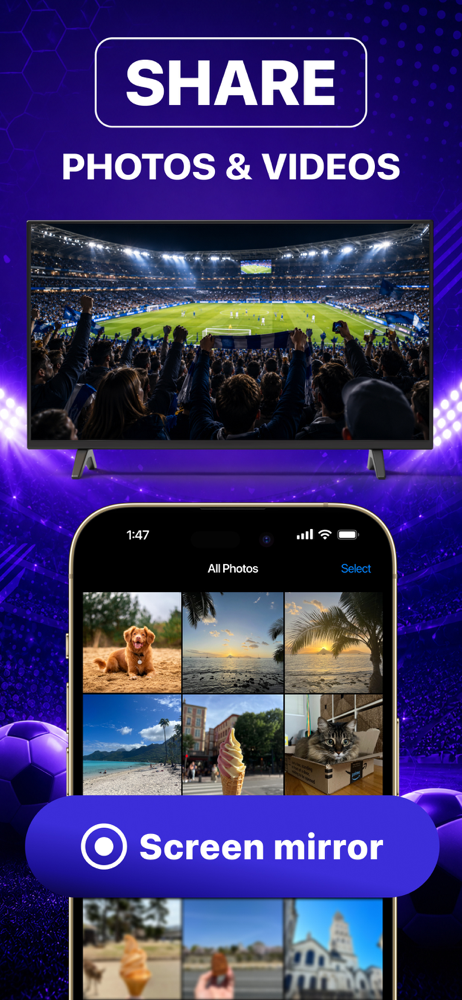
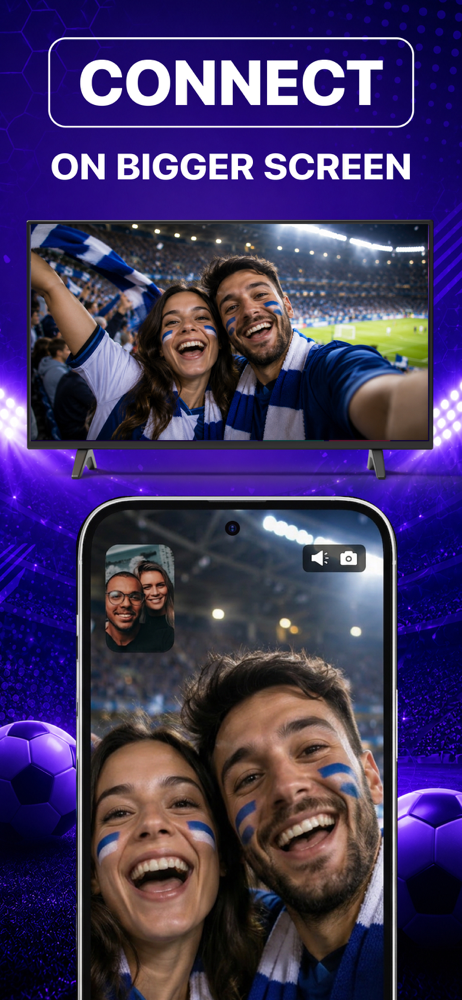
There's no need to use tiny screens, annoying HDMI cables or expensive hardware. Prevent eyestrain, save money and get rid of those unsightly & unsafe...
| Name | Price | Type |
|---|---|---|
| Annual Plan: Special Discount | $7.99 | Yearly |
| Monthly | $9.99 | Monthly |
| Weekly: All Features | $9.99 | Weekly |
| Pay Only Once: Special Offer! | $14.99 | One-time |
| Pay Only Once: Special Offer! | $23.99 | One-time |
| Annual Plan: All Features | $39.99 | Yearly |
| Pay Only Once: All Features | $59.99 | One-time |