Check the acquisition promise
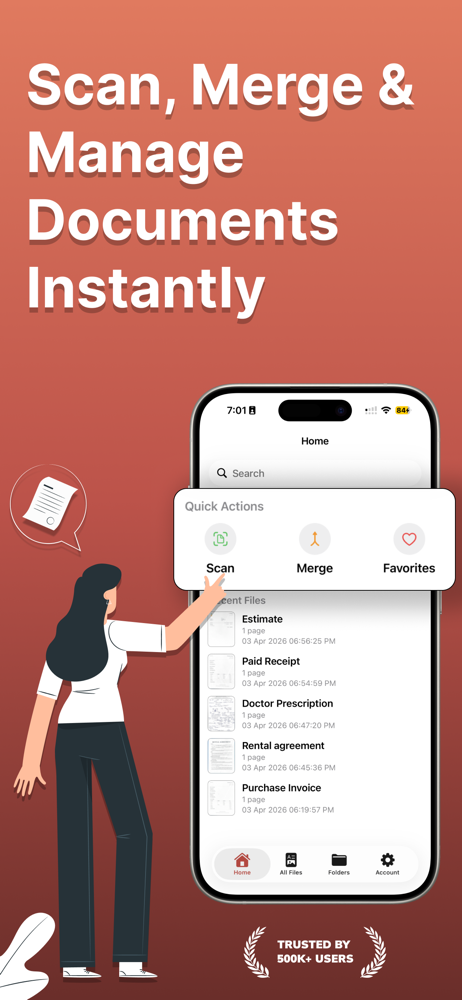
Read the store headline, screenshots and description. What problem is the app promising to solve?
Study the storefront ↗
Ravi chandran M · iOS
Explore the ad evidence, study the storefront, and build your next acquisition hypothesis.
01 / Creative research
Read the store headline, screenshots and description. What problem is the app promising to solve?
Study the storefront ↗Explore apps with direct store-link matches. Compare their hooks and formats without assuming the same approach works here.
Browse observed advertisers ↗Store rankings and revenue estimates describe market context. They do not establish ad spend, conversions or ROAS.
Review the market context ↗02 / Storefront & product
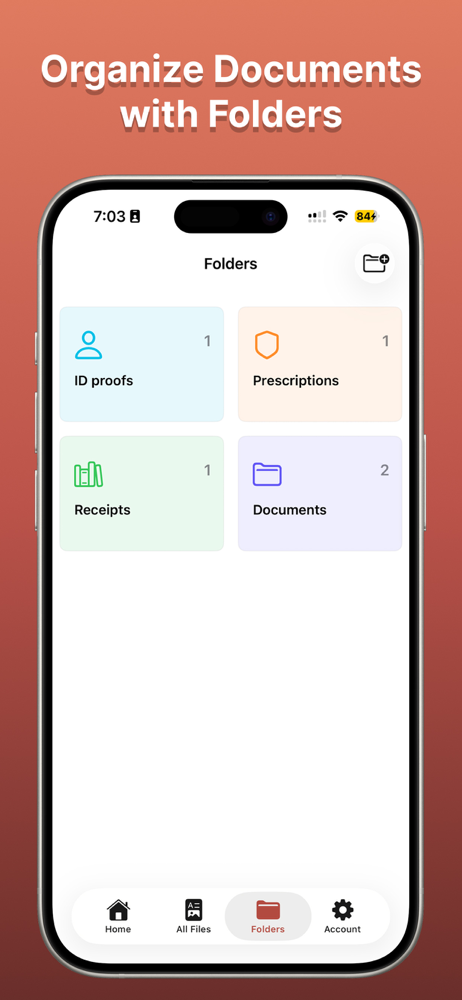
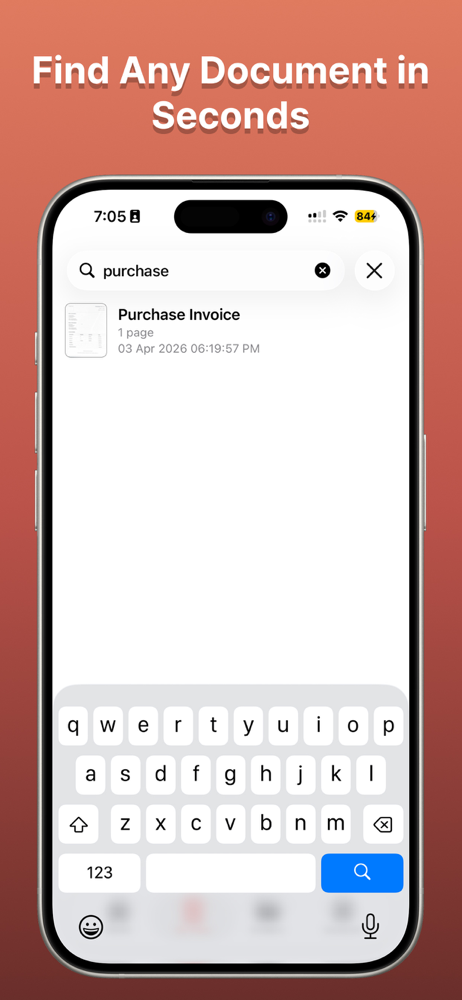
Study the product story and store experience behind the acquisition funnel.





03 / Market context
Keep revenue, downloads and store rankings separate from advertising performance.
1. Sometimes the app is too quick to scan that it doesn’t allow my camera to aim properly, leading to additional steps to retake the scan for a better clarity. 2. When I scan the documents in the order I desire and click save, I like how it leads me to a page where I can change the order of pdfs. However, the order displayed is reversed, so I must manually reorder each scans back into the order I took them, which is a little annoying. 3. After scanning, I would like to see the naming tab so I can name the document before I save, instead of having to go through the file full of unorganized pdfs assigned with unnecessarily long numbers. Whether it’d be similar to iPhone memo where it detects the first sentence of the document and use as the temporary title, I want to be able to distinguish the pdf I just took.
I’ve downloaded a slew of scanner apps that claim to be easy to use and I almost always end up trying them out, getting frustrated with them, and deleting. Then going back to just taking a regular photo of the document I’m wanting to scan! Which also isn’t the best because it ends up looking unprofessional without being cropped properly. Now with this scanner app i downloaded it from “apps gone free” on a day I could get a lifetime pass for the pro version of this app for free. It’s been exactly what i wanted in a scanner app. Simple and to the point but with an auto scan feature that works really well. I then can share it via Gmail directly from the app and the timesheets my boss needs are all done and taken care of just like that. I’ve probably written maybe 2 other app reviews in my entire life so for me to be compelled enough to take the time should speak volumes about this app.
Been looking for a scanning app that just scans and does it well. This is perfect! I can easily scan my files and airdrop them to my computer with ease. Thank you!
Scan PDF -Convert Document is your ultimate document management tool! Transform your Phone into a powerful scanner app for documents and enjoy seamles...
| Name | Price | Type |
|---|---|---|
| Monthly Plan | $9.99 | Monthly |
| Lifetime Plan | $29.99 | One-time |
| Yearly Plan | $29.99 | Yearly |