
Check the acquisition promise
Read the store headline, screenshots and description. What problem is the app promising to solve?
Study the storefront ↗
Stephen Bodnar · iOS
Explore the ad evidence, study the storefront, and build your next acquisition hypothesis.
01 / Creative research
Read the store headline, screenshots and description. What problem is the app promising to solve?
Study the storefront ↗Explore apps with direct store-link matches. Compare their hooks and formats without assuming the same approach works here.
Browse observed advertisers ↗Store rankings and revenue estimates describe market context. They do not establish ad spend, conversions or ROAS.
Review the market context ↗02 / Storefront & product
Study the product story and store experience behind the acquisition funnel.

03 / Market context
Keep revenue, downloads and store rankings separate from advertising performance.
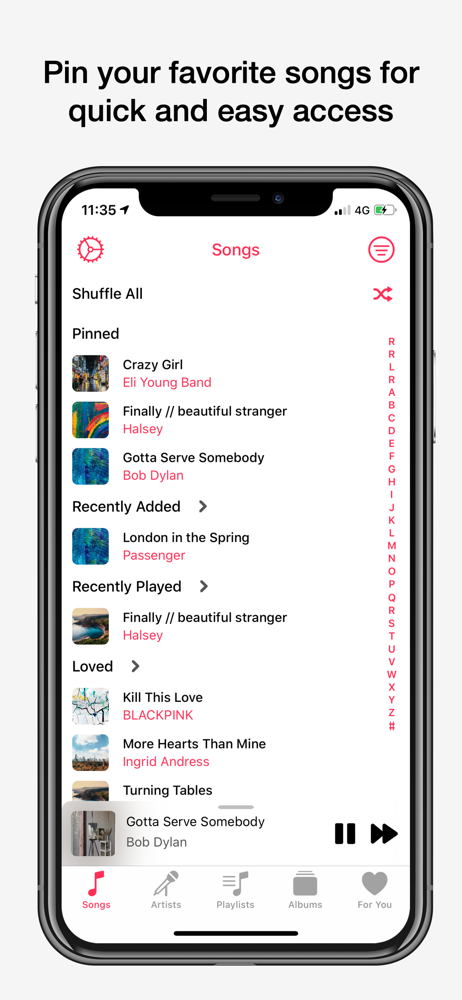
I absolutely love the UI here, and I’ve been looking for a decent music player with queue functionality for ages so this one was a no brainer. I just wish the settings menu was more accessible since the only way to access it (that I know of) is in the songs tab. I like to fiddle around with colors and themes a lot so this is a minor annoyance to me, but I doubt others have much of a problem with it. Also the touch+drag areas to rearrange the menus are nearly invisible on dark and true black mode.
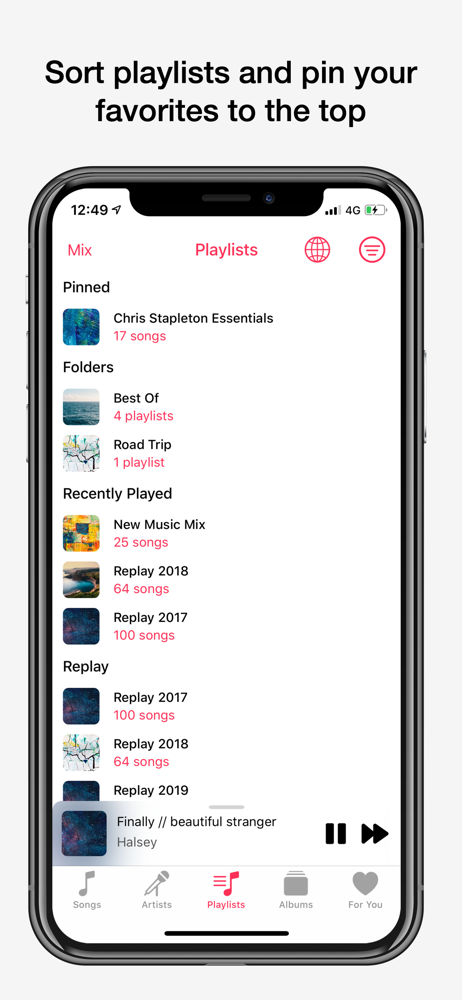
The app so far is beautiful and functional. The pinned albums feature is one of the best features I never knew I wanted, as well as the ability to jump straight to a song's album from the Now Playing screen. The app is missing some minor features compared to other players that I wish it had, such as: - The ability for the rewind playback button in the Now Playing view to replay the same song rather than immediately go to the previous song - Displaying seperate "discs" inside of an album would also be a plus - The ability to skip increments of the song by double tapping the rewind/forward buttons Overall though, Sathorn is a beautifully designed app with plenty of customization options to satisfy most people.
Pros: -I can sort by liked songs(!) -Customizable interface with true black -still gives me access to all my Apple Music recommendations while putting more focus on my existing library Cons:-ui navigation is kind of a screaming nightmare. Sometimes you can swipe back, sometimes you can’t. Sometimes you can long press a song, sometimes you can’t. A lot of areas you swipe to access but can’t swipe out. It’s really in-cohesive and coming from the default Apple Music player it’s really, really cumbersome. -sometimes elements look really great, sometimes the aesthetics make it look like the app is bugging out. -adding songs to ‘play next’ has the tendency to stop or restart the song currently playing. This one is a MASSIVE pain, though one I would consider equal to the others noted above. -you can’t add songs to play next if you search for them- just goes along with the other noted inconsistencies in how you can interact with different things. -lack of consistent ui navigation leads me to constantly play songs I didn’t mean to because I was trying to do a gesture that’s intuitive in Apple apps but just does nothing in this app. (Example: if you open an album and scroll down you cannot swipe back. You have to scroll all the way to the top to swipe back.) Overall I’m sticking with it and hoping it gets cleaned up because, if tightened up, this could be the best way to use Apple Music.
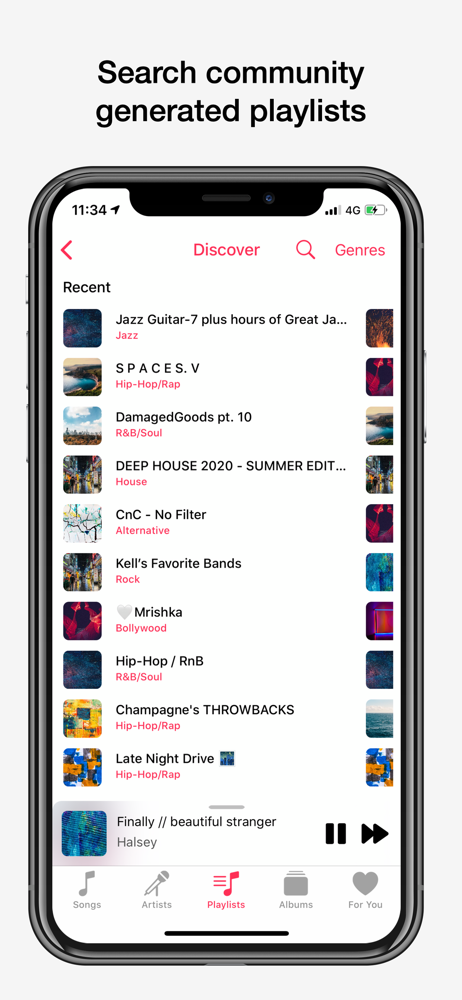
Sathorn is the most feature rich Apple Music client for iOS, as well as the only one with Apple Music Radio. Features: Apple Music: - Personalized...
| Name | Price | Type |
|---|---|---|
| Sathorn Premium | $4.99 | One-time |


