Check the acquisition promise
Read the store headline, screenshots and description. What problem is the app promising to solve?
Study the storefront ↗
General Printing & Design, Inc. · iOS
Explore the ad evidence, study the storefront, and build your next acquisition hypothesis.
01 / Creative research
Read the store headline, screenshots and description. What problem is the app promising to solve?
Study the storefront ↗Explore apps with direct store-link matches. Compare their hooks and formats without assuming the same approach works here.
Browse observed advertisers ↗Store rankings and revenue estimates describe market context. They do not establish ad spend, conversions or ROAS.
Review the market context ↗02 / Storefront & product
Study the product story and store experience behind the acquisition funnel.



03 / Market context
Keep revenue, downloads and store rankings separate from advertising performance.
Update: Year 3 of using Rocketbook with my high school classes. I have kept so much paper out of our waste system. 🌱🌲🌳🌻🌊 The company has gotten even cooler by sharing ways to use their app without the notebook. I want to buy another notebook to support them but mine still works great. Update: More than a year later and I’m still loving my Rocketbook. I’ve also grown to appreciate the company that freely shares other page formats and adds new features (like the live option that can work like a document camera in a pinch) to an app I already love. I’ve been using a Rocketbook for the first month of the school year and it has been working effortlessly. I teach high school science and write class notes under a document camera. Then at the end of the day I choose the best version and *boom* in seconds it’s a pdf titled with the date and in a google drive folder. On my class resources page, (my school uses Canvas but it would work anywhere) I have a link to the notes google folder labeled “click here for class notes” so I don’t have to constantly update that page. This replaced a multiple step process I used last year. 10 minutes saved every time we have class notes really adds up. And the material get online quicker since I don’t have to put it off until I have more than 30 seconds to deal with it. I’ve also trimmed the borders off of a problem or two on a worksheet and laid the piece of paper in the middle of a blank Rocketbook page and *viola!* the solutions are popped in the folder for students. Fan-freaking-tastic. My only complaint is that the frixion pens are will smear when you try to erase immediately after you write. You almost have to wait a few seconds before erasing which isn’t ideal when you’re in front of a class.
As an college engineering student, I use a TON of paper, especially for notes and practice problems. We are asked to use engineering paper, which can only reasonably be used on one side. Because of this, I ended up using around 500 sheets of engineering paper in the first few weeks of school. My binders were giant, my backpack was heavy, and my mind kept thinking that there had to be a better way. While sitting in Calculus one day, my class mate was using this thin notebook that had plastic sheets instead of paper. When I touched the sheets, I couldn’t believe it, and then he erased it with water, and I was sold. I love my Rocketbook so much!!! I carry around a 1/2 inch binder with paper homework, my laptop, my Rocketbook, a calculator and iClicker and some pens. That’s it. My backpack is so much lighter and less cluttered with this amazing invention. I’ve already convinced a couple of friends of get them and I was so excited one day that I talked to our college bookstore sales rep about it! The only issue I have with them is that the ink runs out REEEAAALLLYYY fast. I probably use one pen every 1-2 weeks if I’m using it heavily (15 credits worth of notes and practice homeworks). I would recommend getting the cheaper capped pen with cartridges rather than all of the clicker pens. Also, the pages can bend and crease, so you need to be careful while cleaning it off. Other than that, it has been life changing. Highly recommend for college students and anyone who is looking to go paperless or cut the clutter!
As a college student, the majority of my homework is online and any actual work that I do is not collected. This notebook (and the corresponding app) makes it easy to write out homework problems and not waste paper, it’s all stored in google drive (or whatever other cloud service you prefer to use). Plus, the update that allowed the PDFs to be bundled made it easy to keep homework and notes in one file for easy viewing and reviewing. The notebook itself is incredibly lightweight and while I do carry spare notebook paper just in case I have to turn in something that class, it saves me from having to haul around heavy notebooks all day (no lockers in college, you know, when we finally have more than 4 minutes to go to a locker). I’d say the only downside is that I do take a lot of notes and have a lot of homework so I fill up the notebook in about a week-1.5 weeks and scanning and erasing the entire notebook can be very time consuming, especially when you still have a lot of work to do, but it is still totally worth it for the amount of paper I save by having electronic notes. I really wish this notebook had been around in High School when I used even more paper, but I’m glad I have it for college.
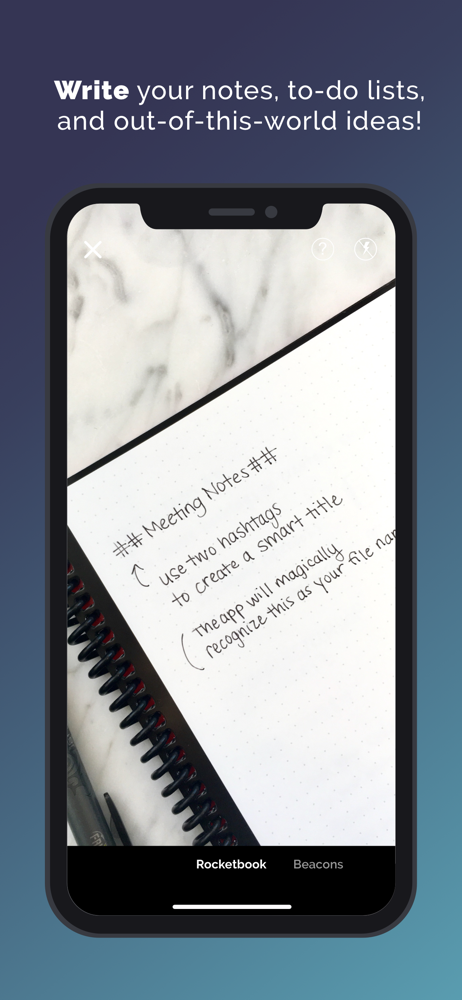
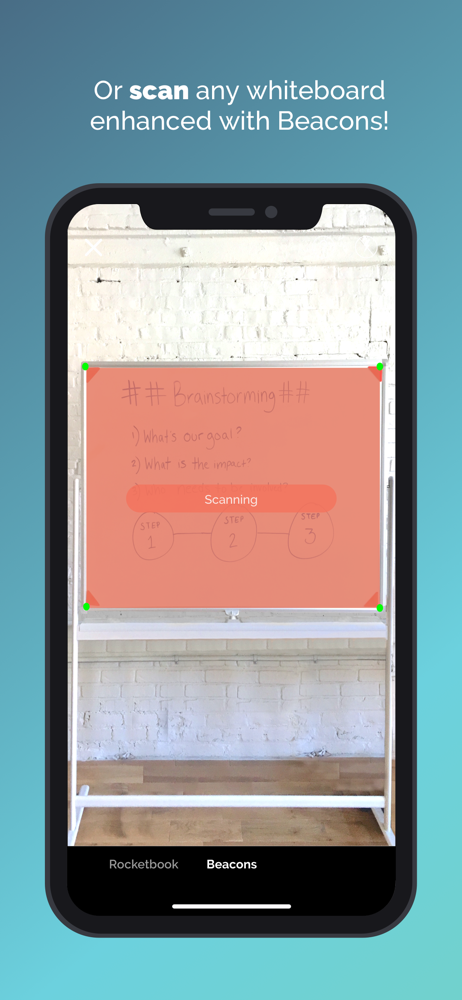
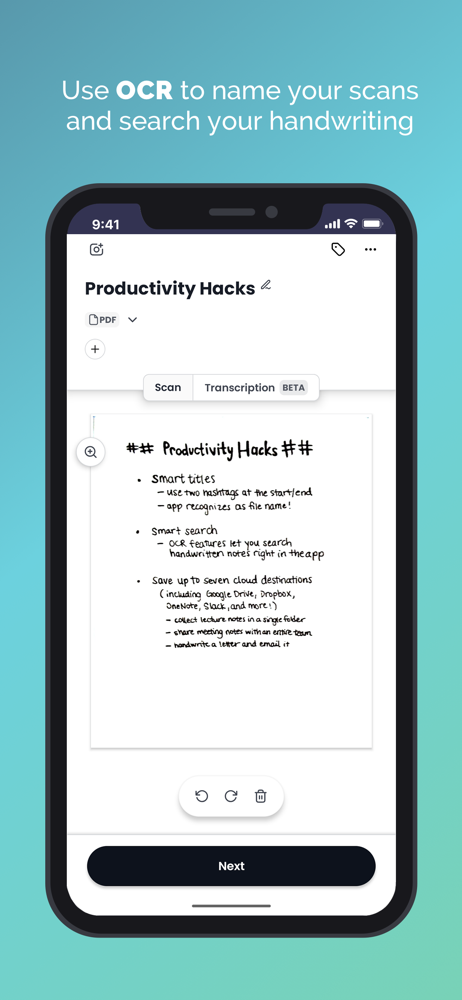
The Rocketbook app instantly sends your Rocketbook pages and whiteboards enhanced with Beacons to your favorite cloud services. Access and share them...