
Check the acquisition promise
Read the store headline, screenshots and description. What problem is the app promising to solve?
Study the storefront ↗
Unroll.Me · iOS
Explore the ad evidence, study the storefront, and build your next acquisition hypothesis.
01 / Creative research
Read the store headline, screenshots and description. What problem is the app promising to solve?
Study the storefront ↗Explore apps with direct store-link matches. Compare their hooks and formats without assuming the same approach works here.
Browse observed advertisers ↗Store rankings and revenue estimates describe market context. They do not establish ad spend, conversions or ROAS.
Review the market context ↗02 / Storefront & product
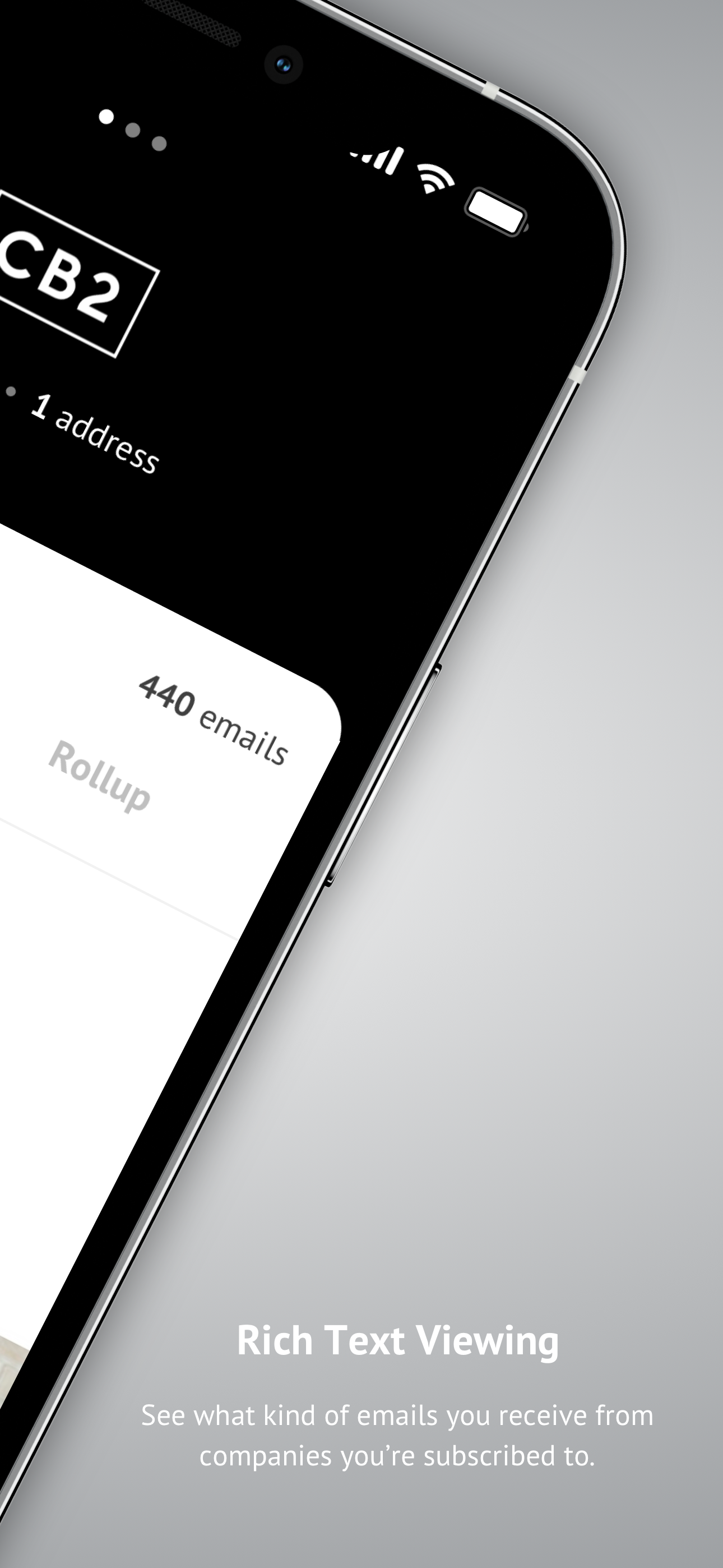
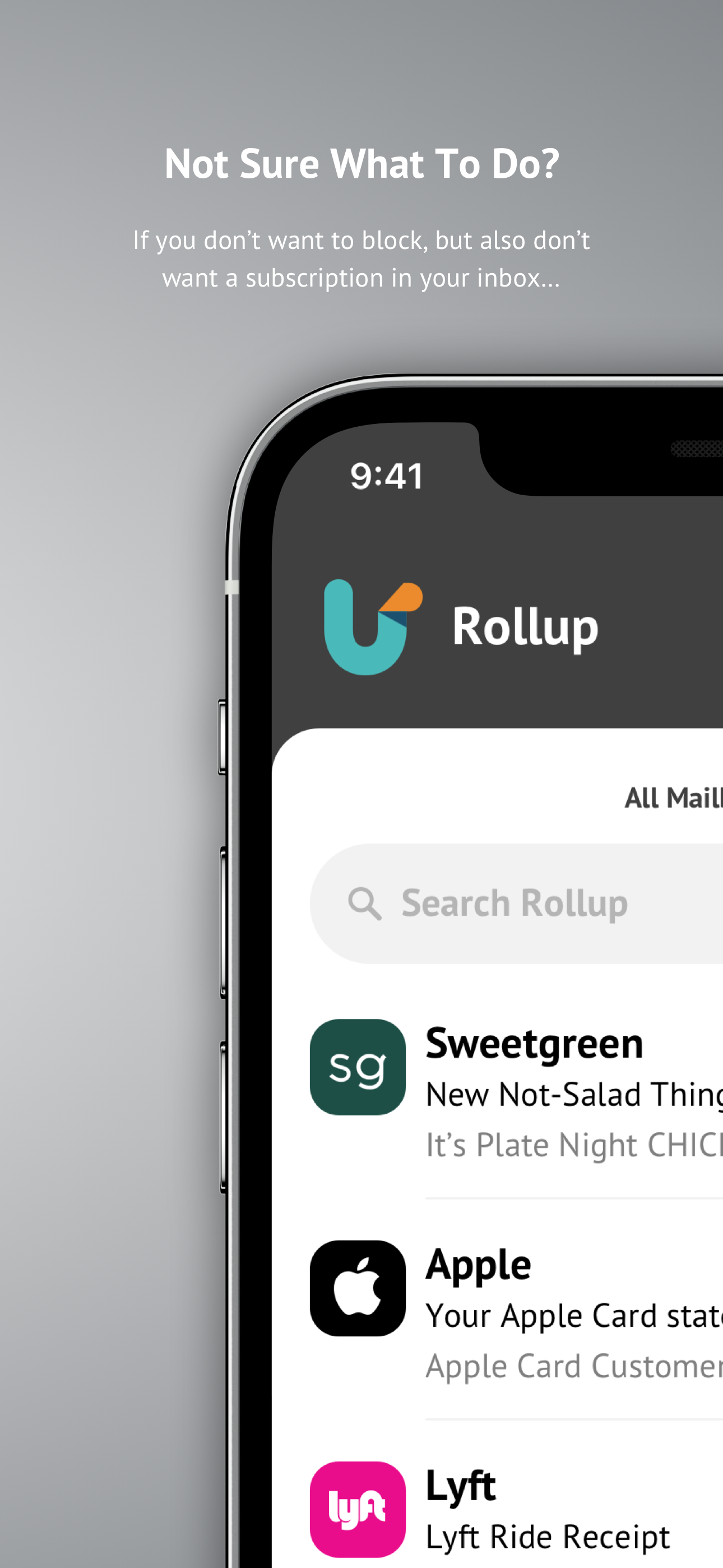
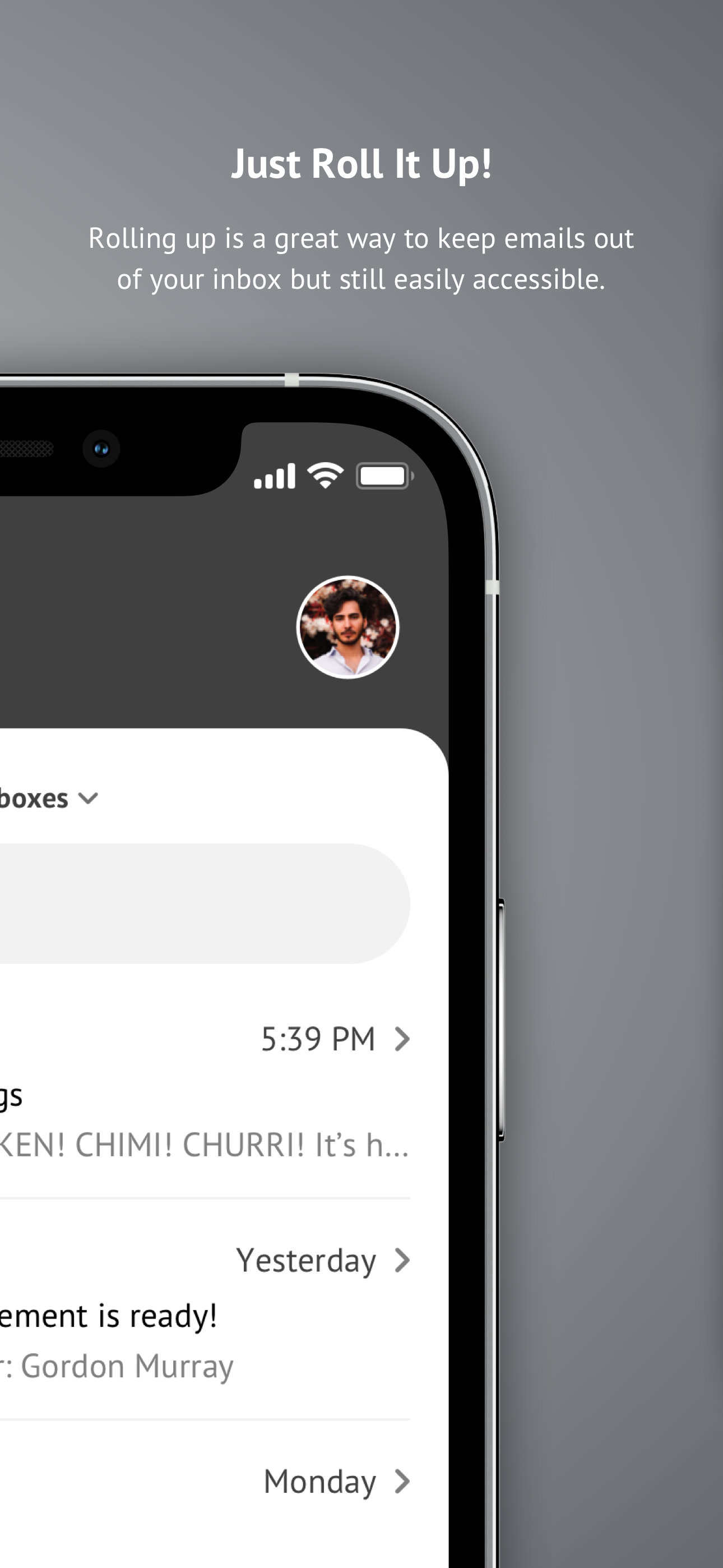
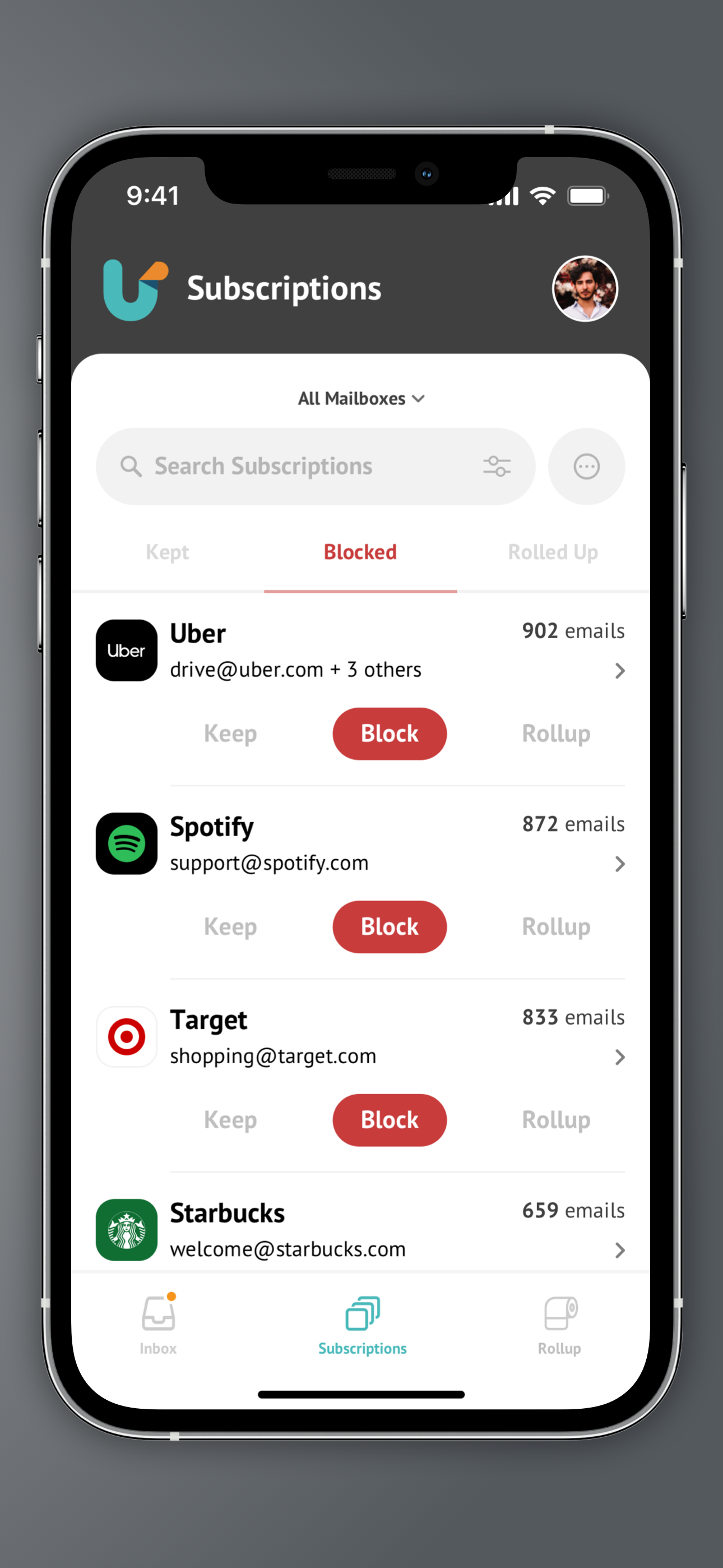
Study the product story and store experience behind the acquisition funnel.
03 / Market context
Keep revenue, downloads and store rankings separate from advertising performance.
I started using this app a couple years ago actually. And at first it was great because I would get all my important emails in one email. But then slowly overtime I would keep getting more and more junk in my inbox. So I go on the app and an unsubscribe. But then it seem to be more and more each time I unsubscribe. And then all my important emails would go in to my trash directly or my spam. My inbox was all junk email over and over. So then I was looking into it and I realized that when you click on that unsubscribe button in a spam email it's just confirming to the spammer that the email is active. So basically for the last few years I've dealt with the headache of all these spam emails because of this app. It's horrible!! I finally deleted my account, then deleted the app- and now I am getting my emails again to my inbox! Very little spam makes it to my inbox. Don't use this app. I thought this was a hotmail issue for so long, because my gmail isn't like this. Nope- it's the app!! They also get all the permissions to read and see all emails. Trust me here- save your time and don't do this. If you already have, make sure you delete your account then the app! Just deleting the app won't do it. Also remember if you use it, you give them permission to sell your info which is why so many spams keep coming as well.
So I downloaded this after reading some reviews first. Mostly good, a few not so good but decided to give it a try. Why not right? So at first it worked great. It was unsubscribing from emails I don’t read anymore and gave me a sense of organization when it came to my inbox. Now I’ve always been careful to not really give my email out too much so I don’t get a lot of spam. But I’ve realized that ever sense I downloaded this app, I have been getting NONSTOP SPAM emails from spamming accounts for stupid things and no matter how much I was “unsubscribing” it seemed to keep getting worse and worse to the point my phone would constantly be blowing up and I couldn’t keep track anymore. I did a little more digging and realized I’m not the only one experiencing this with this app and I did more research on the app itself and I found out it I cades your privacy by selling your information to other companies and possibly hackers. I have had two social media accounts hacked recently (could be unrelated as I can’t prove it is this app, but I wouldn’t be surprised if it is). I just deleted the app and I’ve been blocking those spam emails. I’ll update this when I notice a stop in these emails. I don’t know if it does this to make you feel like you are cleaning out your mailbox and you’ll use it longer (which almost worked on me) or what but please stay safe and keep your information safe.
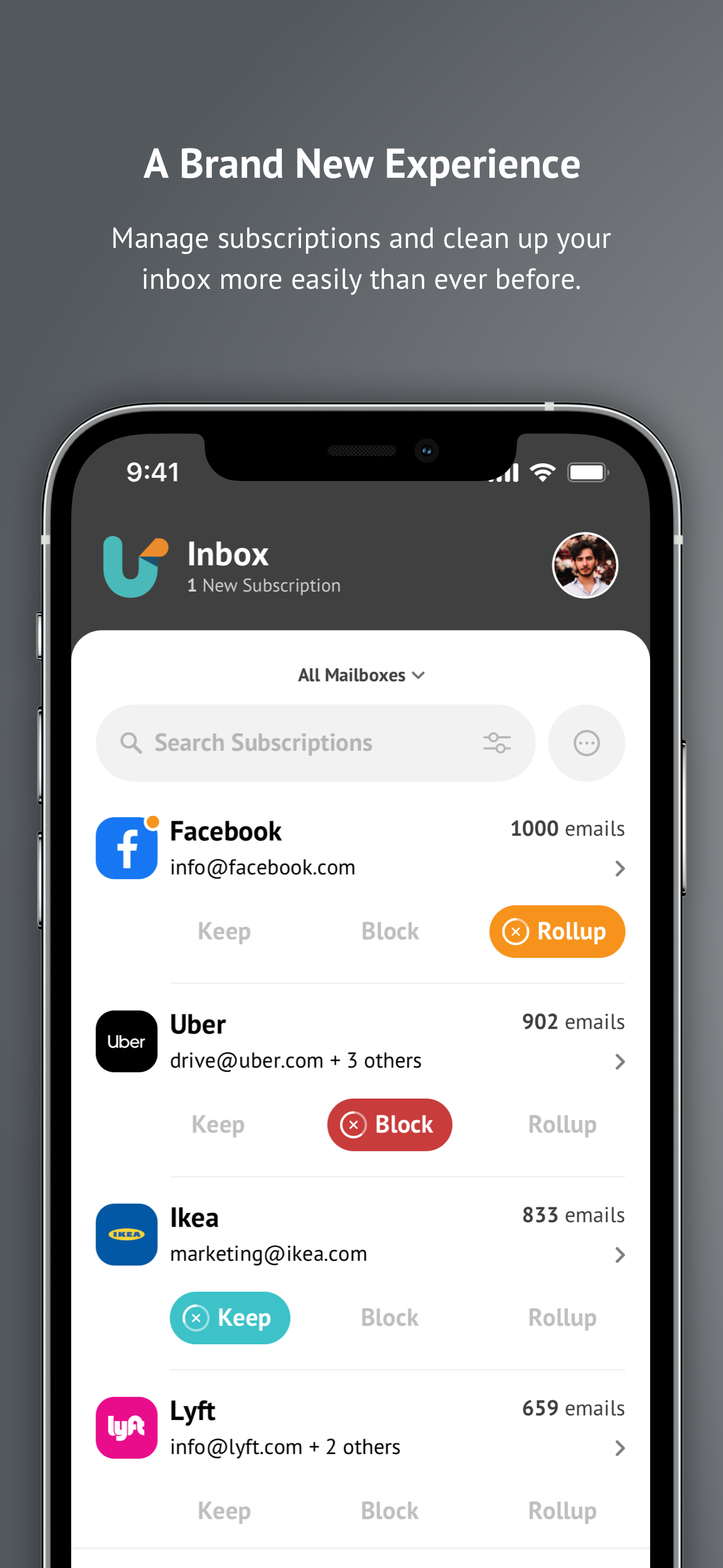
I like this app a lot. I am able to roll up the emails from stores, sites, catalogs in which I shop from. This way I keep them for when I really need them to search deals/discounts however they do not clog up my email. They come every morning in my daily roll up email (one email includes all I wanted to roll up). The app allows me to unsubscribe from sites that I do not want emails from (spam/junk). They will go directly to my deleted box if they show up again. I did notice that these emails sometimes show up again in my inbox and am thinking they are now like robo calls in which they use a slightly different email to get through. I just go in and delete that one too. My only issue is I had accidentally unsubscribe to a couple of businesses I like and when I find they had gone directly to my deleted items folder I try to put in in my in box but it will just go back to the deleted folder and I can't figure out how to change my preference.
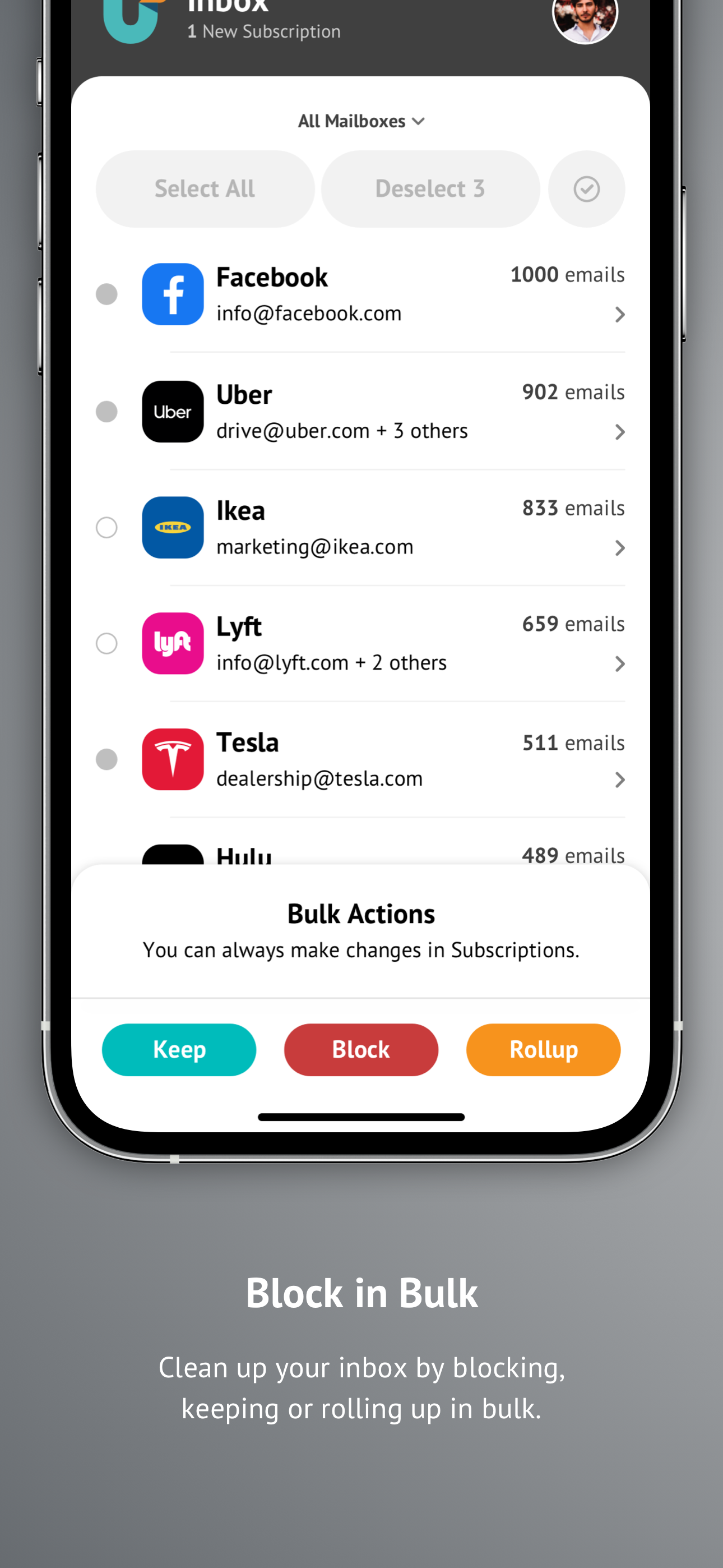
Are spam and subscription emails flooding your inbox? Do you have hundreds, if not thousands, of useless emails making your cluttered mailbox impossib...


