
Check the acquisition promise
Read the store headline, screenshots and description. What problem is the app promising to solve?
Study the storefront ↗
ADVANCED MAGNETIC INTERACTION, AMI · iOS
Explore the ad evidence, study the storefront, and build your next acquisition hypothesis.
01 / Creative research
Read the store headline, screenshots and description. What problem is the app promising to solve?
Study the storefront ↗Explore apps with direct store-link matches. Compare their hooks and formats without assuming the same approach works here.
Browse observed advertisers ↗Store rankings and revenue estimates describe market context. They do not establish ad spend, conversions or ROAS.
Review the market context ↗02 / Storefront & product
Study the product story and store experience behind the acquisition funnel.

03 / Market context
Keep revenue, downloads and store rankings separate from advertising performance.
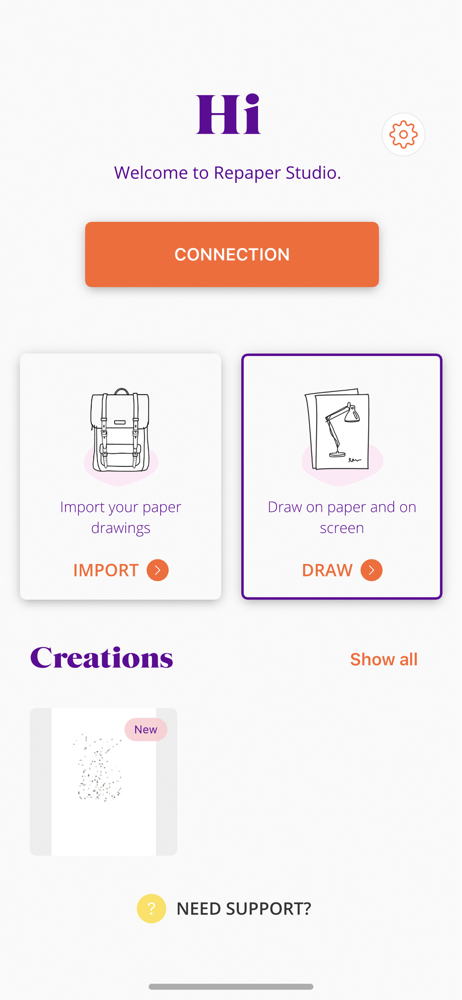
I think some people are confused on how to connect it and not gonna lie. I was too, but then I realized that after you turn it on, you have to hold down the power button again for a short amount of time so basically you hold it down to turn it on like to turn it to connection mode then it will connect. I find this to be a great app and the tablet it comes with is amazing amazing quality all of one thing that I would change about the tablet if I had to is that whenever it’s done charging it shows a green light instead of just the standard yellow one, but I understand I mean they already made it so then whenever it’s done charging the light turns off, which I find to be pretty cool but overall great tools, great and if the up and the tools, the whole company just has their own style. If there are more stars, I could read it. I would I would write this 10 out of 10 I think overall underrated app and tool. I think people are just confused. on how to use it overall five stars.
I just received my kit in the mail today. I went all in with buying extra rings, assuming I’d be able to also draw with both hands as I do. Was going to take it into the lab for some work that we are doing with cross-disciplinary and well… it looks like I’ll be returning everything. But, I’ll be doing an online demo and review to share an honest review because the demos are a bit deceiving.
Whenever I open the app, I keep getting stuck on the initial “Dear User, we care about your data on Imagink” screen. I am using an iPhone 5s with iOS 12.1 installed, I do not see a “back” or “accept” button anywhere on that screen, please implement it. Last time I checked, iPhones don’t have a back button like other phones do.
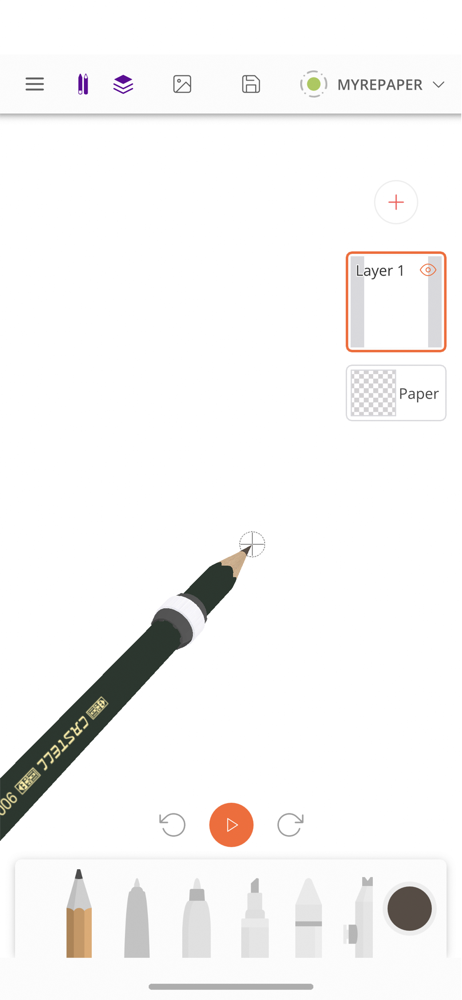
The Repaper Studio app is a drawing application that can go everywhere with you to bring your pen and paper ideas and creations to life. Layer managem...


