Check the acquisition promise
Read the store headline, screenshots and description. What problem is the app promising to solve?
Study the storefront ↗
GlavSoft, LLC · iOS
Explore the ad evidence, study the storefront, and build your next acquisition hypothesis.
01 / Creative research
Read the store headline, screenshots and description. What problem is the app promising to solve?
Study the storefront ↗Explore apps with direct store-link matches. Compare their hooks and formats without assuming the same approach works here.
Browse observed advertisers ↗Store rankings and revenue estimates describe market context. They do not establish ad spend, conversions or ROAS.
Review the market context ↗02 / Storefront & product
Study the product story and store experience behind the acquisition funnel.




03 / Market context
Keep revenue, downloads and store rankings separate from advertising performance.
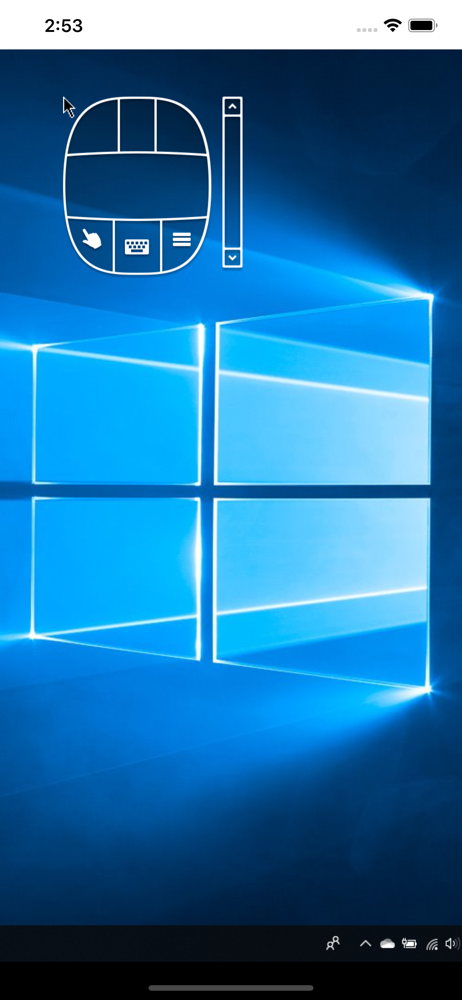
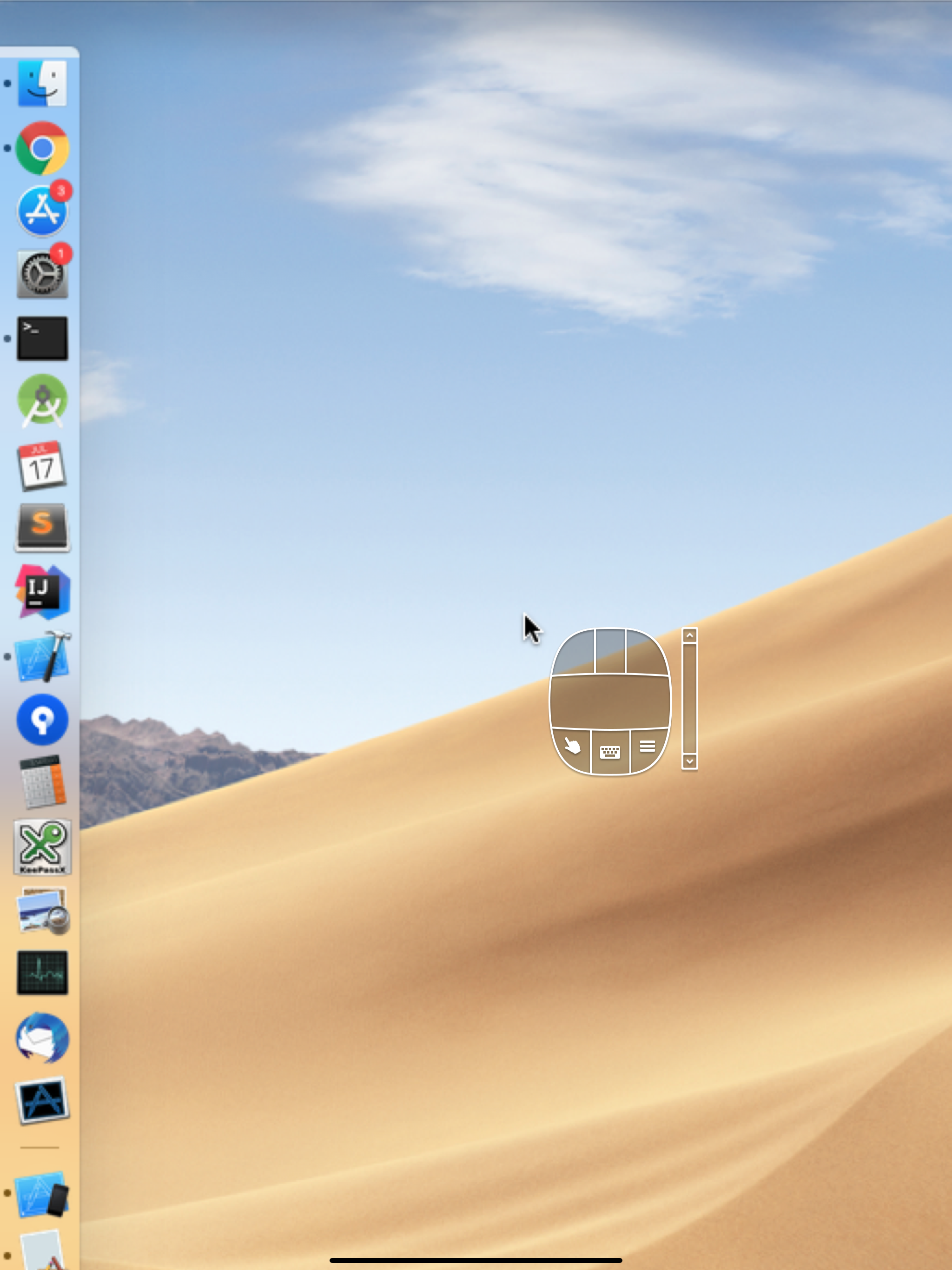
The connection to my Mac Mini works really well - host information, then password, and you’re in. However, this app is not optimized at all for the Magic Keyboard. You need to manually enable keyboard input using the on screen mouse (what?) and if the on-screen mouse happens to be in the way of what you want to click on (which includes the Apple Menu and numerous close/minimize/fullscreen buttons on macOS windows) you have to manually move it out of the way, or use IT to click what it’s blocking. I figured after years of working on TightVNC that the UX would be just a little bit more refined than what was acceptable back in the day. Apparently not.
Contected quickly to tight vnc servers. I just use it to check on my local computers to see task progress so it's good enough. Don't expect to navigate a desktop os easily obviously but this is good enough for some tasks and it's free.
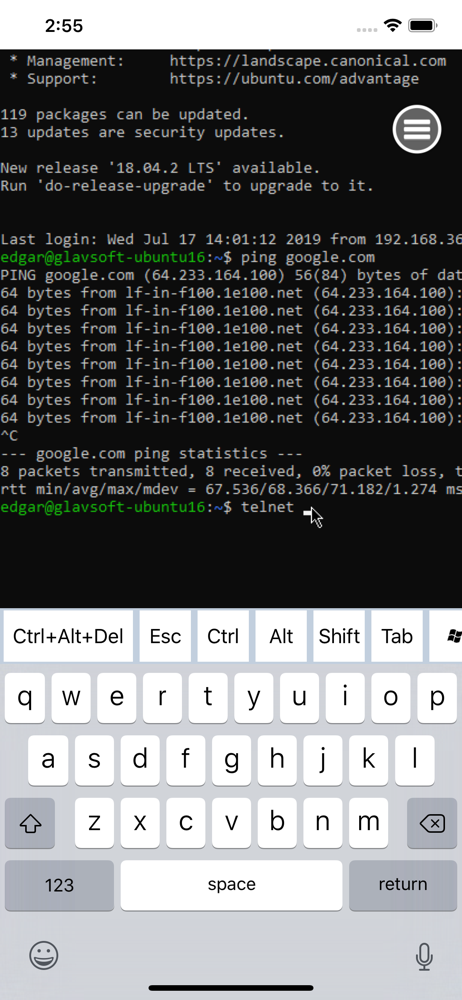
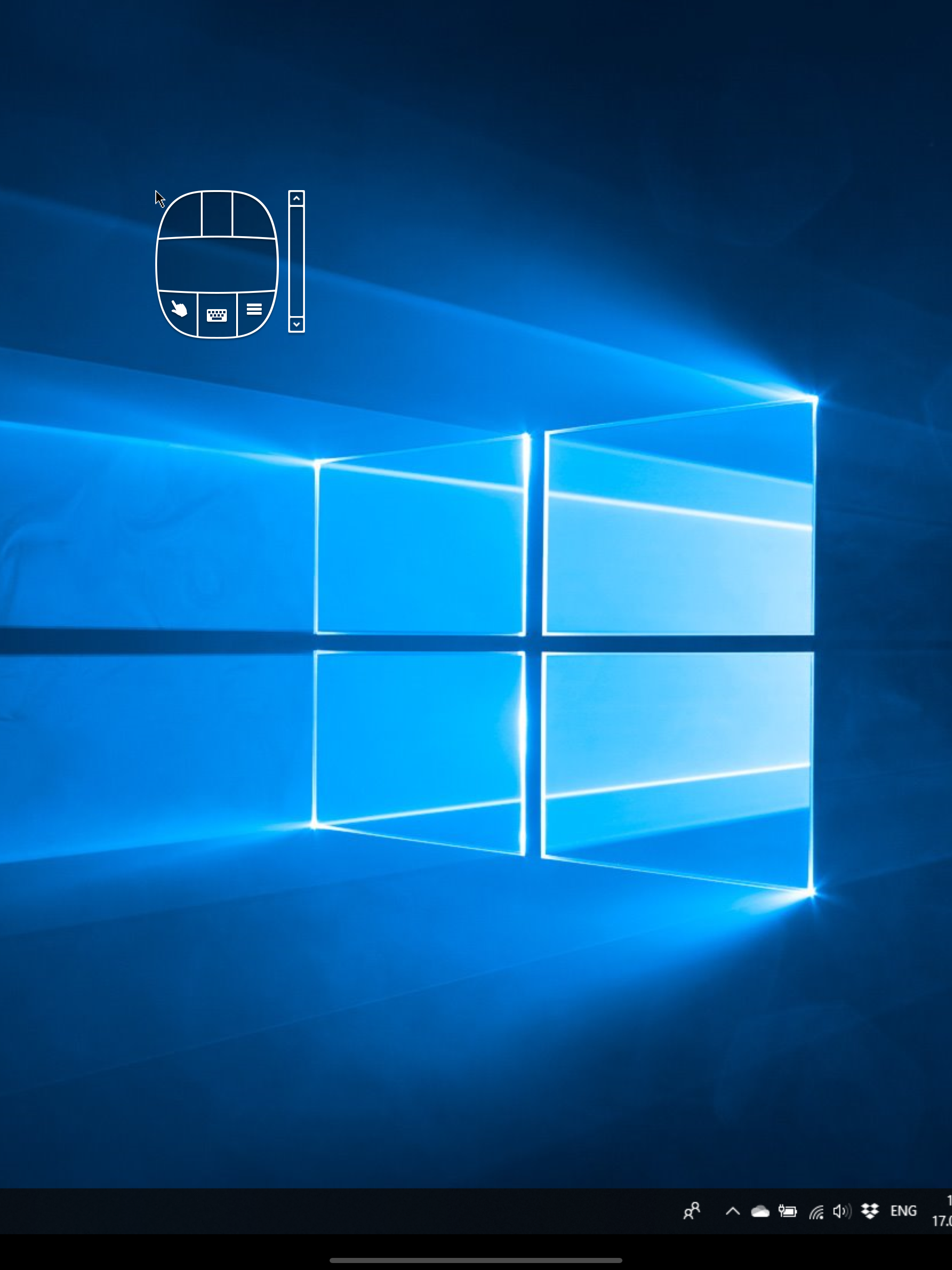
This almost works. The screen looks good; it has a mostly usable virtual keyboard, and you can navigate a “Start Menu” by touching the screen. But as others have said, there is no scaling control. The app seems hard coded to magnify a small peephole from the desktop to fill the iPad or iPhone screen. I tried reducing my actual desktop resolution but never got it small enough. 1440 x 900 x desktop didn’t fit on the 2160 x 1600 iPad screen. Looked like maybe 1200 x 800 would have fit. I played with encoding and image quality settings; no effect on the scaling. Also I couldn’t execute a right-click. The mouse pointer would go to a location I touched on the iPad screen. But when I then touched the right-click button on the mouse widget, the pointer would first jump to that place (the spot under the mouse widget) on the remote screen, and THEN execute the right-click. The client shortcomings turned out to be irrelevant in my particular situation. I had hoped to watch “Forged Alliance Forever” replays on the iPad screen. FAF ran but the refresh rate was about 3 seconds / frame. Probably a server limitation. So, Remote Ripple did allow me to learn my idea wouldn’t work, at zero cost.
Fast remote desktop client from the developers of TightVNC. It allows you to access, view and control your PC, Mac and Unix systems remotely. As compa...