Check the acquisition promise
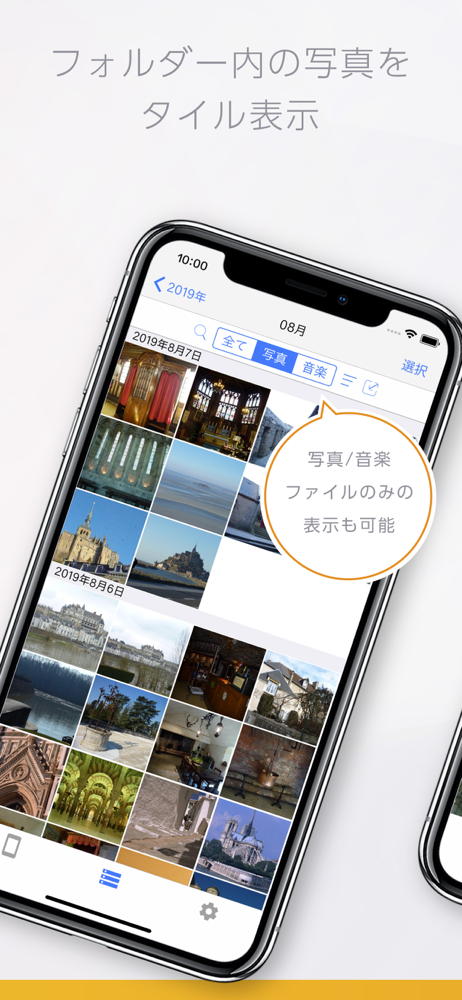
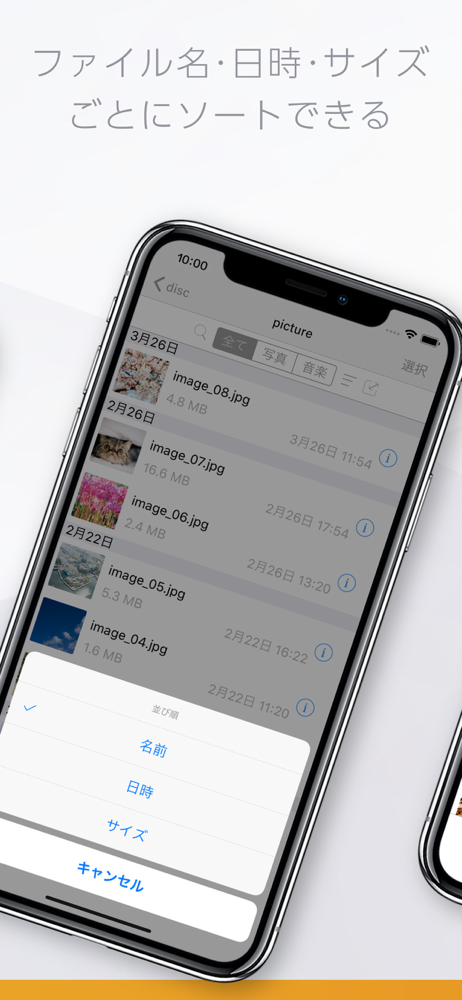
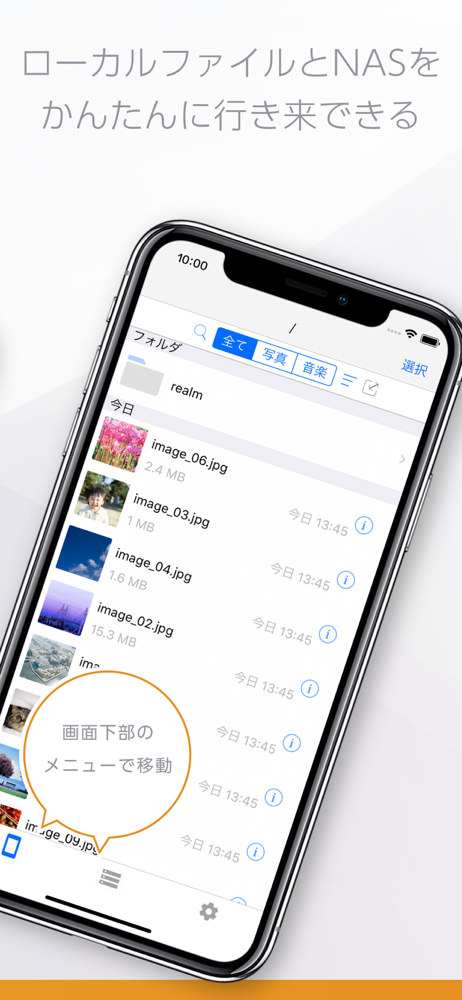
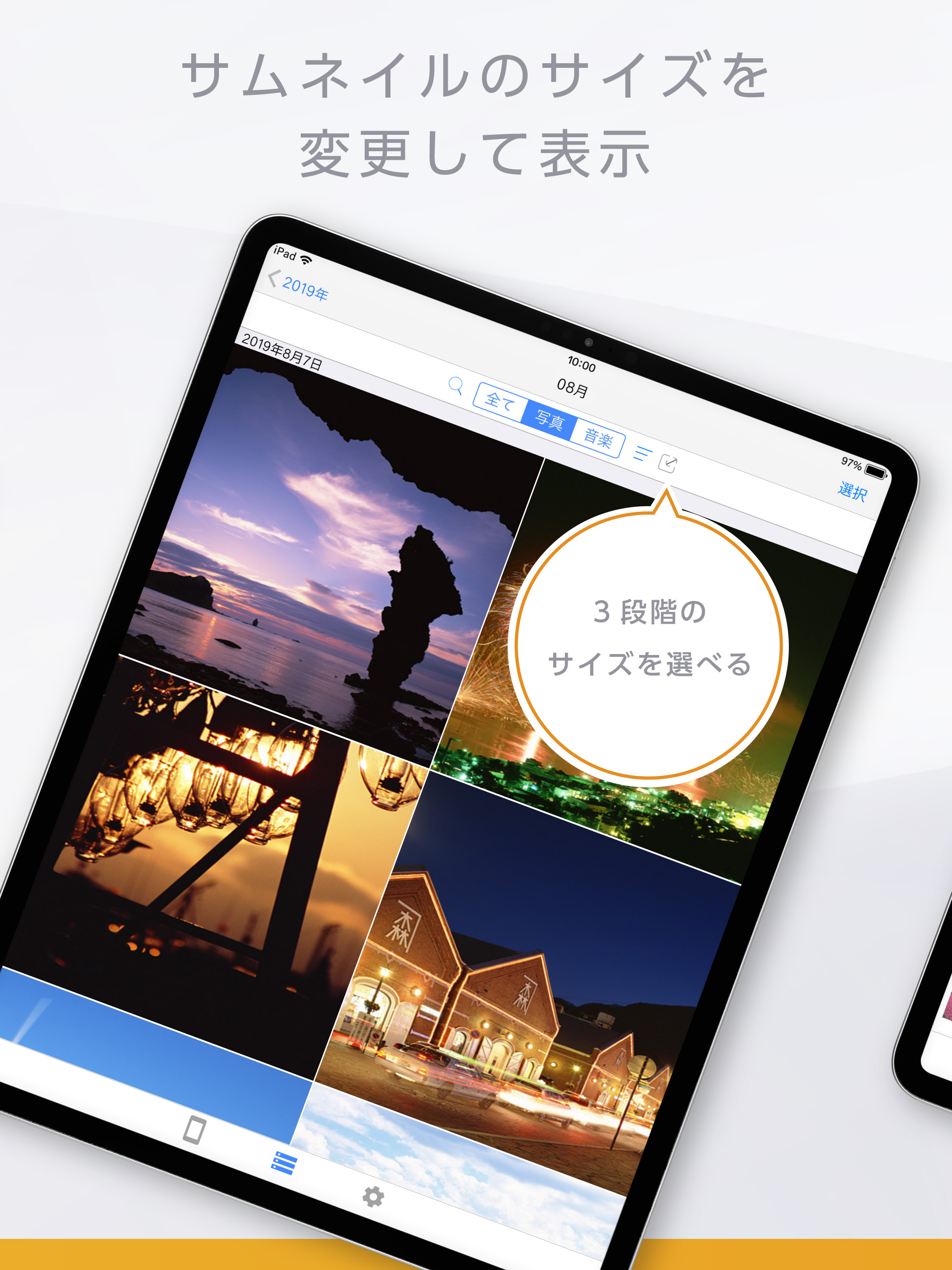
Read the store headline, screenshots and description. What problem is the app promising to solve?
Study the storefront ↗
I-O DATA, INC. · iOS
Explore the ad evidence, study the storefront, and build your next acquisition hypothesis.
01 / Creative research
Read the store headline, screenshots and description. What problem is the app promising to solve?
Study the storefront ↗Explore apps with direct store-link matches. Compare their hooks and formats without assuming the same approach works here.
Browse observed advertisers ↗Store rankings and revenue estimates describe market context. They do not establish ad spend, conversions or ROAS.
Review the market context ↗02 / Storefront & product
Study the product story and store experience behind the acquisition funnel.




03 / Market context
Keep revenue, downloads and store rankings separate from advertising performance.
現在、ネット環境の良いところではなんとか繋がる状態です。 最近のアップデートでjpg、png、pdf画像の表示が極端に小さくなりました。全画面にして欲しい。 それから当初からですが、設定が非常に複雑。購入後、暫くiOSの設定が分からなかった。素人でも概要が分かる説明ってできないでしょうか? MacOS-15、iOS-18で使用中です。
まず、性能面でファイルアクセスが遅い! そしてアプリを閉じたり開いたりするとアクセスが止まる。 次に機能面。LAN Diskに保存した写真をiPhoneの「写真」に保存することができない。 逆に「写真」から、出力先をこのアプリにしたらLAN Diskに保存されるのかと思いきや、このアプリ内のローカルに入るだけで機能不足。 純正だからと言って、敢えてこのアプリを使う意味は無い。 「File Explorer」等のアプリの方が動作も早いし、ファイルのやり取りもやり易いのでそちらの使用をオススメします。 iPadユーザーなら、iPad用の純正「ファイル」アプリの方がよっぽど優秀です。
サポ専担当者によると、iphone ipad からnasへアクセスができない状態に陥ってるらしい(証明書のインストールが毎回でるのはそのせい)。この情報にたどり着くまでに無駄に時間をとった。iOS上ではRemote Link3 が機能していない状況なのだから、ホームページなどに情報としてあげるべきでは?と要望したが未だスルー。Remote Link3 (バージョン1.00)のまま。まいった。ちなみnasはHDL-AA2。
Remote Link Files なら、外出先から対応のストレージに簡単アクセス。 ファイルの出し入れやストリーミング再生ができます。 旅先で撮った写真や動画をすぐにアップロードしたり、会社にあるファイルにアクセスし、客先でプレゼンテーションに活用したりできます。 複数端末から同時アクセスできるの...

![ATOK [Professional] 日本語入力キーボード](https://is1-ssl.mzstatic.com/image/thumb/Purple221/v4/14/80/7c/14807c19-872b-0f34-d655-5f93069e578b/AppIcon-0-0-1x_U007emarketing-0-8-0-0-0-85-220.png/150x150bb.jpg)