Check the acquisition promise
Read the store headline, screenshots and description. What problem is the app promising to solve?
Study the storefront ↗
NEC PLATFORMS, LTD · iOS
Explore the ad evidence, study the storefront, and build your next acquisition hypothesis.
01 / Creative research
Read the store headline, screenshots and description. What problem is the app promising to solve?
Study the storefront ↗Explore apps with direct store-link matches. Compare their hooks and formats without assuming the same approach works here.
Browse observed advertisers ↗Store rankings and revenue estimates describe market context. They do not establish ad spend, conversions or ROAS.
Review the market context ↗02 / Storefront & product
Study the product story and store experience behind the acquisition funnel.




03 / Market context
Keep revenue, downloads and store rankings separate from advertising performance.
今までは大人の端末や、子供の端末等設定が簡単にできたが、最近急に設定できなくなった。 iPhoneのiOS アップデート等の兼ね合いか何かなんだろうか。 とにかく不便になりました。 こんな様子じゃAtermももう買わないかも。
⭐︎を一つもつけたくないんですが…。 動作を継続できず、終了しますと出て強制的に落ちてしまいます。何のためのアプリなのか、わららない。
子ども安心ネットタイマーの設定に簡単にアクセスできるだけで、ブラウザ開くのかいww 普通にブクマで対応できるやん 全く意味なく容量無駄遣いなので、すぐにアンインストール! ここに限らず、OSアップグレードしたらアプリが対応できなくなったって言ってる人たくさんいますが、 そもそも新しいOSが公開されてからアプリが対応してアップデートがあるはずなので、いつも使うアプリがアップグレードするOSへの対応が出たかどうか確認してから、OSをアップグレードしたらいいだけでは? アプリのアプデが公開されたら、自動でインストするよう設定してる人って、ダウングレード出来ないデメリットわかって設定してんのかい? そして、アプリのバージョン履歴見れば、そのデベロッパがどれくらいの頻度で更新してるかも分かるし、アプデする前にそれぐらい見てからやれと言いたい
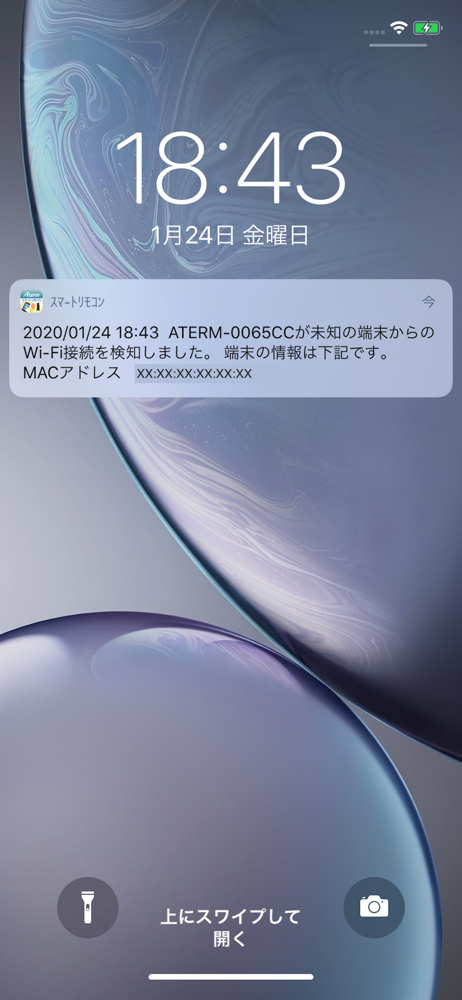
Atermと無線通信を行い、「見えて安心ネット」「こども安心ネットタイマー」設定画面や「クイック設定Web」画面をブラウザに表示します。 また、「見えて安心ネット」対応のAterm利用時のみ、端末の検知機能を利用し、あらかじめ設定した条件に合致したらメール通知やプッシュ通知を行うよう設定できます。...