
Check the acquisition promise
Read the store headline, screenshots and description. What problem is the app promising to solve?
Study the storefront ↗
Easy Tiger Apps, LLC. · iOS
Explore the ad evidence, study the storefront, and build your next acquisition hypothesis.
01 / Creative research
Read the store headline, screenshots and description. What problem is the app promising to solve?
Study the storefront ↗Explore apps with direct store-link matches. Compare their hooks and formats without assuming the same approach works here.
Browse observed advertisers ↗Store rankings and revenue estimates describe market context. They do not establish ad spend, conversions or ROAS.
Review the market context ↗02 / Storefront & product
Study the product story and store experience behind the acquisition funnel.



03 / Market context
Keep revenue, downloads and store rankings separate from advertising performance.
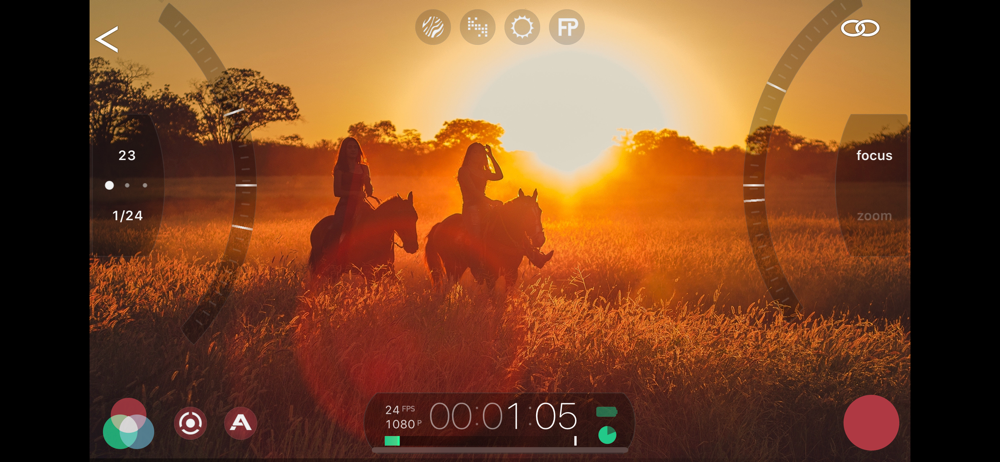
I’m changing my review after getting really great tech support from the Filmic crew. I had an issue of the remote not being able to control both the iPhone 12 and 13 Max Pro as camera A and B because it was calling them the same name, and still doing so after I changed the names of both phones to be different. Turns out the app was using the old names from cache inside the Filmic Pro app - so reinstalling the remote app was not getting it to see the new names! I reinstalled Filmic Pro on both phones and it now sees the new phone names and allows me to control both phones. Thank God they explained it to me and that resolved the issue, now I can control both phones and all is well with the remote app again. Being a one man film crew, I use this app on my iPad to lock the exposure and focus with me as the subject from both camera angles, and for this the app is great!
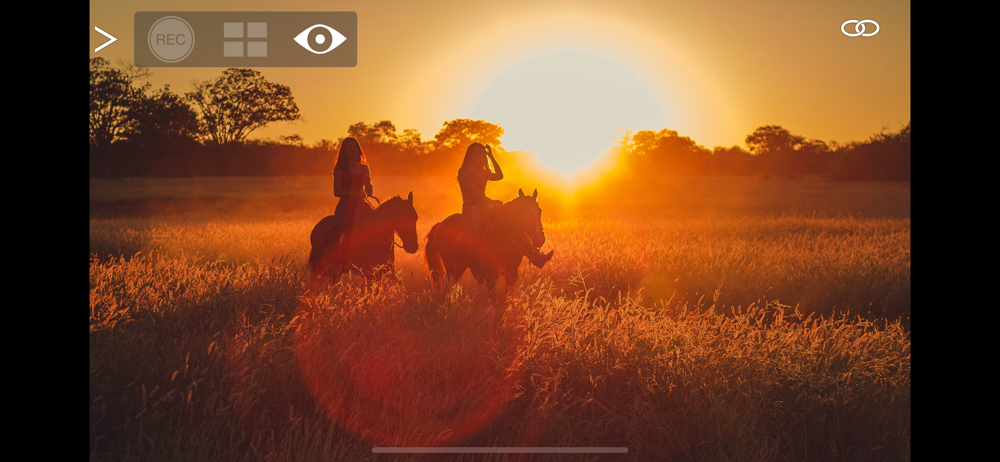
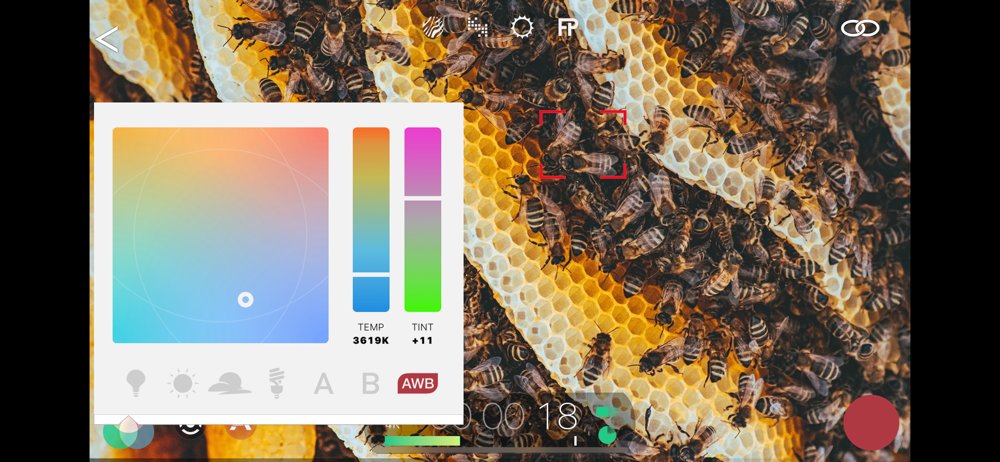
I was very excited to use the app. I wanted to use my iPad as a monitor screen and a remote so that there was no camera shakiness when adjusting focus on the screen and when pressing record on a perfectly framed shot… well, the app stays the same size on your iPad screen as your iPhone so it didn’t work as a good monitor, and the lag is insane. I tried to adjust focus on a still shot using my iPad as the remote… it just skipped the whole transition of focus so it went from the object being in focus to out of focus in the snap of your fingers. I want my money back that I spent on filmic pro. The only reason I got the app it was for the manual focus and it is not worth it without a remote. I would rather spend money (like $300) on an iPhone rig like a beastcage, get real camera lenses, and hook up a tilta nano nucleus to actually adjust the focus of the lens itself instead of the focus of the iPhone camera. The $15 or whatever I spent on this is not worth it. And another thing, the added “color effects” on this app are not any better than the iphones standard effects that you can turn on before recording on your regular iPhone camera. And if you are interested in focus peaking, filmic pro’s focus peaking is just incorrect. It’s supposed to highlight areas that are in focus.. it oftentimes just highlights the borders of whatever objects it sees. i never write reviews but I thought I would help whatever early stage filmmaker out there to not waste their money… surprisingly online filmic pro is renowned as the best filming app for iPhone… don’t be fooled. As of right now there is no such thing as a great filming app for the iPhone. If anything, the only good thing about this app is that can do auto white balance and it’s easy to set the exposure.
I certainly appreciate being able to frame a shot on the bigger screen of my iPad, but I downloaded this so I could adjust focus while recording without having to tap the screen and create that little shake in my video. For this, it’s useless. Here’s why. I want to gently and smoothly go from focused on a character in the foreground to the one in the background. Filmic pro has this feature. You can set two focal lengths and set a speed to go from one to the other. It can go fast or very slow or everything in between. It’s buttery smooth. BUT!!! When you use the remote to do this, the lag makes it so that when you start the buttery smooth process of changing from one focus to the next, the signal from the remote doesn’t change the focus smoothly. The phone gets no signal to change for a moment, so nothing does, then, when the remote device is done with the smooth change it focus, that signal gets sent to the recording phone. So when you play back the video, what you have is the opposite of buttery smooth. It is a jagged snapping from one focal length to another. It makes the best feature of the remote literally unusable. It’s not a remote, it’s a laggy monitor. Not useless, but a million miles from what it purports to be.
Filmic Remote v3 is now called Remote Legacy. Filmic Remote v4 is now integrated directly into Filmic Pro v7.5. Remote Legacy is designed for use wi...


