Check the acquisition promise
Read the store headline, screenshots and description. What problem is the app promising to solve?
Study the storefront ↗
Easy Tiger Apps, LLC. · iOS
Explore the ad evidence, study the storefront, and build your next acquisition hypothesis.
01 / Creative research
Read the store headline, screenshots and description. What problem is the app promising to solve?
Study the storefront ↗Explore apps with direct store-link matches. Compare their hooks and formats without assuming the same approach works here.
Browse observed advertisers ↗Store rankings and revenue estimates describe market context. They do not establish ad spend, conversions or ROAS.
Review the market context ↗02 / Storefront & product
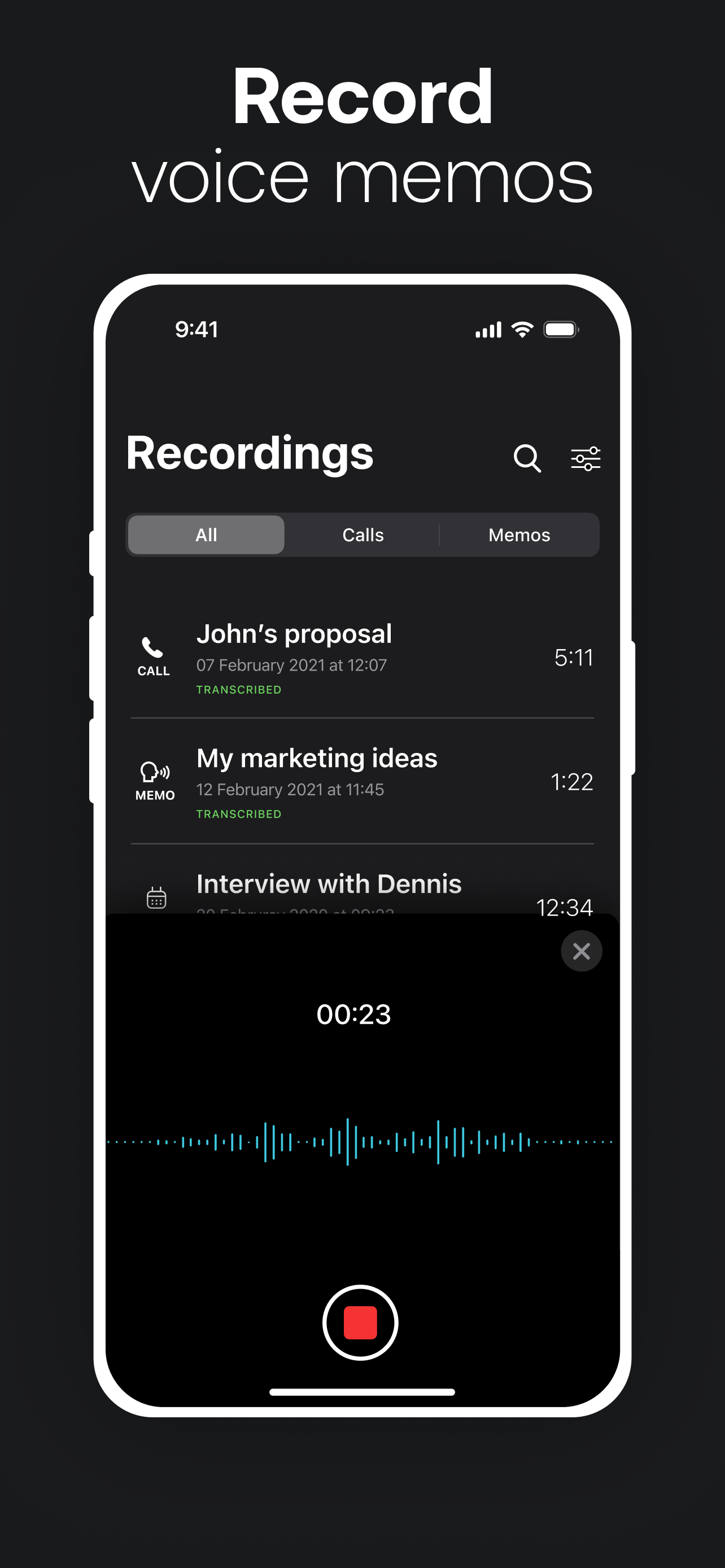
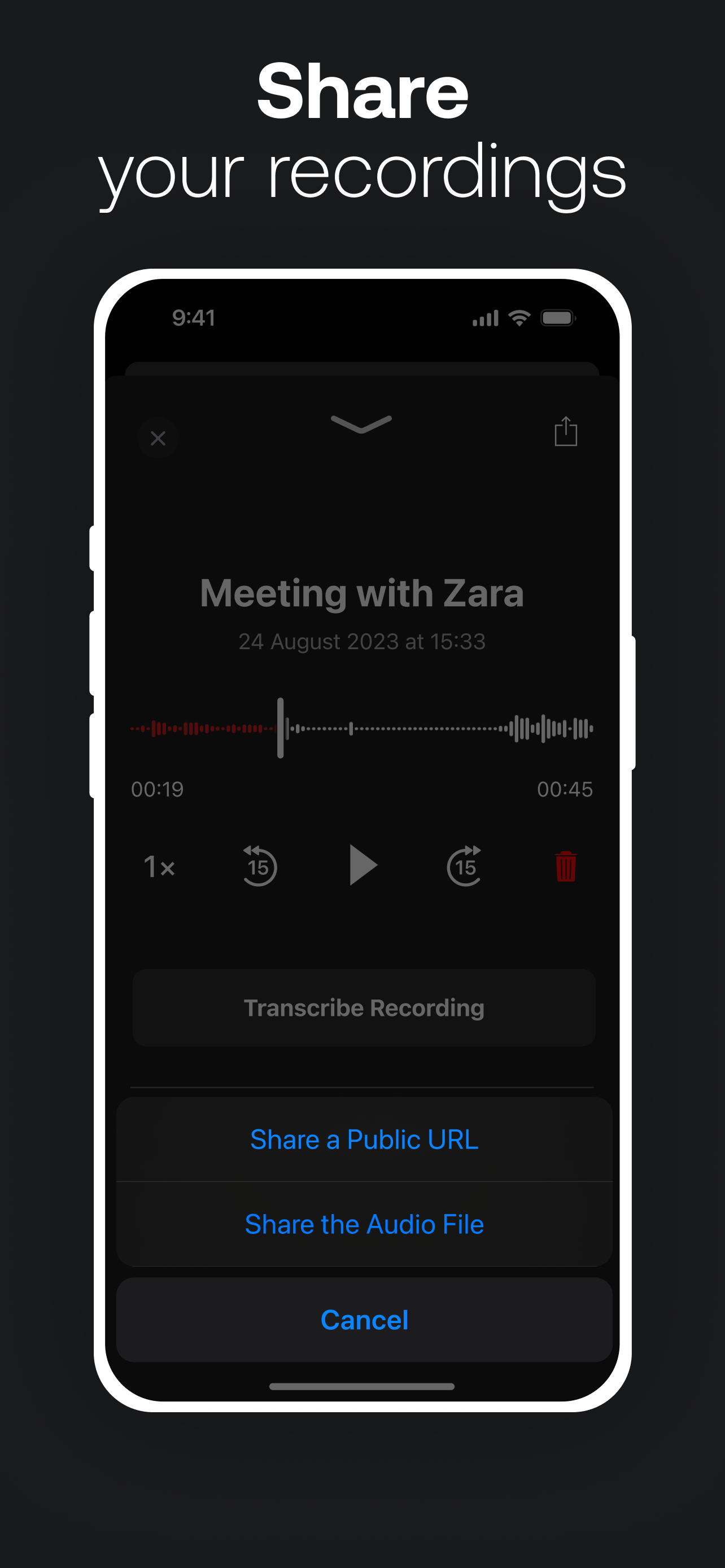
Study the product story and store experience behind the acquisition funnel.




03 / Market context
Keep revenue, downloads and store rankings separate from advertising performance.
It takes many clicks in different apps and you have to put the person you want to record on hold first to call and merge in their recording bot. Useless. I am not having a problem with three-way calling like the developer keeps insisting. The problem is that their product requires you to put the person you were trying to record on hold and then make a three-way call and then merge the call in order to have a recording. The developer replied that it’s probably an issue with my carrier and three-way calling but that’s not the issue. Your crap product is the issue. The app developer will tell you they have a three-step process for recording calls but that’s actually a lie. It does not work. It is seven clicks in three different apps in order to record a call. No matter what the developer tells you that is the truth. Stop trying to comment on my review with lies to make your product look more functional. That is not how your product works. Your advertising is misleading. In fact it’s a flat out lie. Your advertising says your product will automatically record all incoming and outgoing calls. But that’s not true. Automatic means I don’t have to make seven clicks on three different screens in order to make it work every time.
I have been using TapeACall Pro and recommending it to others for years. It is the heart of my business (I do spiritual counseling over the phone). It’s so easy to record a call, which I then upload to my Dropbox so I can share the link with my clients. They love having a recording they can download and keep indefinitely, and listen to as many times as they wish. Every once in awhile, especially when a new or updated iOS is released, I temporarily have trouble with the recording. I find it typically lasts only a day or so, and only once (just recently) did it last for about 3 weeks. Outside of that I have zero complaints and total gratitude for the creators of this app. I realize this may sound like a “fake” or “paid” review. It is not. I am simply someone who, in these challenging times we find ourselves in, likes to give credit and positive feedback where it is genuinely due.
Don’t use this app if you intend to record conversations on a conference line (conference bridge). A conference bridge is a line all parties dial into and use a passcode to join a meeting. This method of conferencing is pervasive in the business world. If I call normally there is no background noise - works as intended. When I call into a conference bridge using the app and merge the calls there is a horrible persistent buzzing in the background. The tone of the buzz goes up and down which is very distracting and makes it difficult to hear the conversations. I have the same issue on two different iPhones using two different networks (T-Mobile and Verizon; iPhone 7+ and iPhone SE). The buzz is ONLY introduced when I call into a conference call bridge. Regular calls (non bridge) seem to work fine. Unfortunately this is the primary reason for my use of the app (recording phone meetings on a bridge for transcription). Note: when I tried to leave feedback to the developers using the link in the App Store it bounced me to a web page with only a link to an FAQ. There is a “contact” link on the web page but clicking it only takes you back to the same web page. There is no way to leave feedback and I’m certainly not leaving feedback on Twitter, Facebook, or Instagram. I thought most developers wanted real feedback. Too bad.
Remember every detail of every conversation by recording incoming and outgoing phone calls with TapeACall. "Whether you're interviewing someone for...
| Name | Price | Type |
|---|---|---|
| Weekly with FT | $4.99 | Weekly |
| Weekly with Free Trial | $7.99 | Weekly |
| Pro W/Unlimited Recording (Monthly) | $7.99 | Monthly |
| Pro W/Unlimited Recording (Monthly) | $7.99 | Monthly |
| TapeACall Pro w/Completely Unlimited Recording (Monthly) | $8.99 | Monthly |
| TapeACall Bundle Free Trial (Weekly) | $9.99 | Weekly |
| Call Recording&Transcriptions (Monthly) | $14.99 | Monthly |
| Call Recording&Transcriptions (Monthly) | $14.99 | Monthly |
| Pro W/Unlimited Recording (Annual) | $79.99 | Yearly |
| Call Recording&Transcriptions (Annual) | $89.99 | Yearly |