Check the acquisition promise
Read the store headline, screenshots and description. What problem is the app promising to solve?
Study the storefront ↗
KanDao Technology Co.,Ltd · iOS
Explore the ad evidence, study the storefront, and build your next acquisition hypothesis.
01 / Creative research
Read the store headline, screenshots and description. What problem is the app promising to solve?
Study the storefront ↗Explore apps with direct store-link matches. Compare their hooks and formats without assuming the same approach works here.
Browse observed advertisers ↗Store rankings and revenue estimates describe market context. They do not establish ad spend, conversions or ROAS.
Review the market context ↗02 / Storefront & product
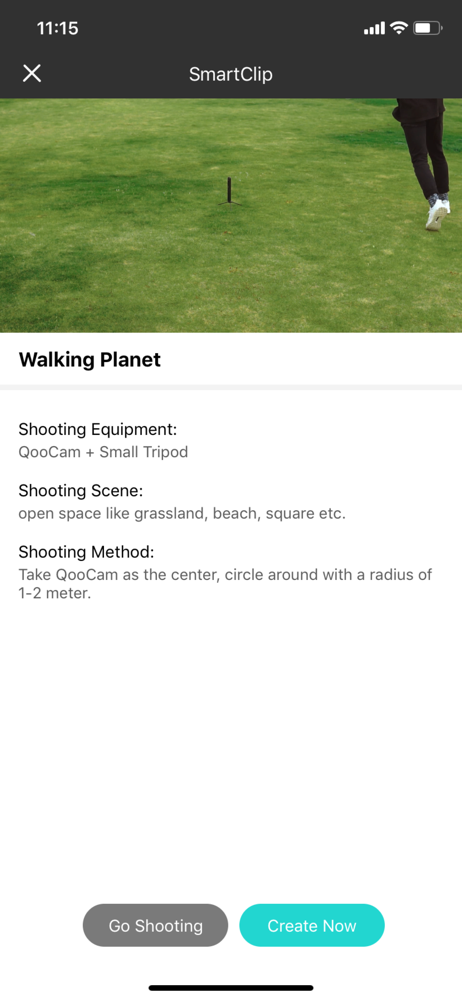
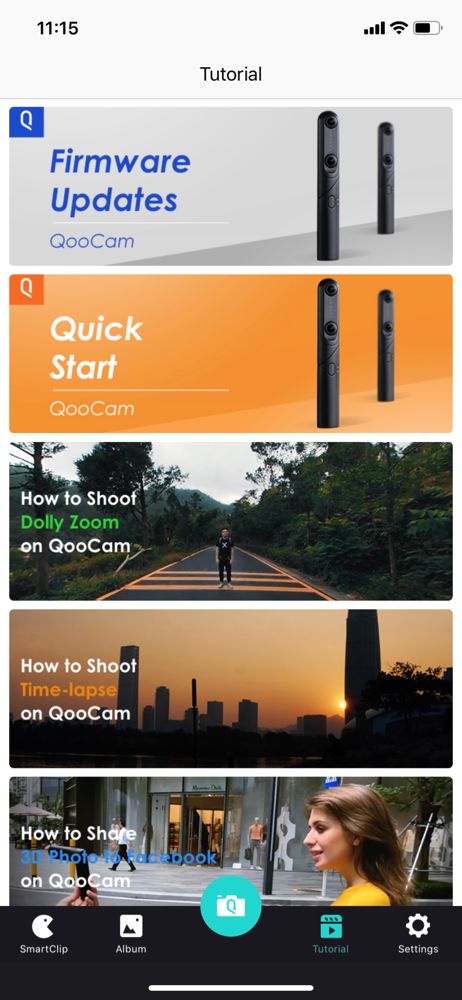
Study the product story and store experience behind the acquisition funnel.


03 / Market context
Keep revenue, downloads and store rankings separate from advertising performance.
Not so great as an editor etc because transferring 8k 360 video is so slow. Also, the connection is lost if you move more than 10 meters or away :( Still, the key feature is that you can change aperture settings remotely without touching the camera body so you can great your own HDR images and videos by shooting the same scene multiple times with different settings to get both sky and background in perfect lighting.
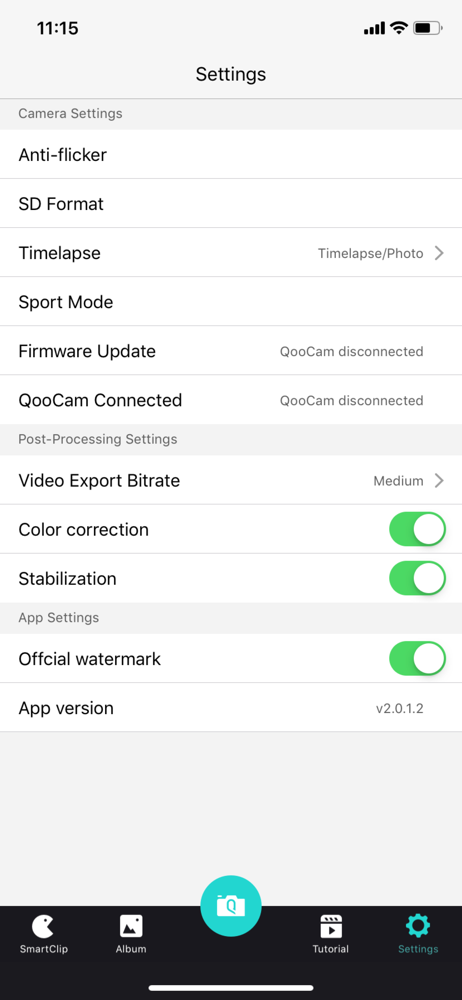
I recently purchased the Qoocam EGO, and have been really enjoying it. This app is a necessary part of the equation, to upgrade firmware and access advanced settings etc. The app isn’t bad, but there are definitely areas where it can be improved: - There is no way to batch export photos to the phone’s camera roll. Having to view each individual photo one at a time is tedious. Please take a design cue from GoPro or Insta360 and support batch export of photos. - When viewing 3D photos, the only 3D viewing option is “parallel” eyes. Please support a Google cardboard-type experience. - Please support exporting photos as wigglegrams, and as red-cyan anaglyph. - I found pairing confusing at first, and still don’t know how to get my camera to show up under the “My camera” tab, rather than the “Other Cameras” tab. Both the app and camera are logged in with the same account.
It all works extremely well, except that I can't "share" the videos. The trash button is there, but not the share button. Please update!
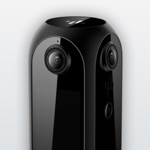
QooCam's unique three-lens and rotating shaft design enables it to shoot 360 panoramic and 3D views, making everyone a photography master.