Check the acquisition promise
Read the store headline, screenshots and description. What problem is the app promising to solve?
Study the storefront ↗
Spmaker · iOS
Explore the ad evidence, study the storefront, and build your next acquisition hypothesis.
01 / Creative research
Read the store headline, screenshots and description. What problem is the app promising to solve?
Study the storefront ↗Explore apps with direct store-link matches. Compare their hooks and formats without assuming the same approach works here.
Browse observed advertisers ↗Store rankings and revenue estimates describe market context. They do not establish ad spend, conversions or ROAS.
Review the market context ↗02 / Storefront & product
Study the product story and store experience behind the acquisition funnel.



03 / Market context
Keep revenue, downloads and store rankings separate from advertising performance.
This is the best stereoscopic photo app for any device, and just like his Stereo Photo Maker for Windows it has all the features you would need. However I only gave it four stars because two features seem to be missing that at this late date is slightly irritating. #1 No multicamera support. I have the new 12max pro with three cameras but cannot take sterescopic images with it? #2 Still no front camera support. You would think that people would be sharing more 3D selfies if they could just use the front camera but we may never know. You can still import selfies taken with the camera app but why should we take the extra step? Worth the cost either way as I use it regularly and get amazing results. Everything looks better in 3D so get it.
This is by the developer of StereoPhoto Maker, So if you make any of your own 3D images there's a decent chance you're using this guy's software already. The iOS viewer app is really pretty good but there are two things that really bother me. First off, the zoom resolution isn't very high. When you zoom in the pixels gets crunchy really quickly even on a high resolution image. Secondly, the normal zoom gesture only works on one or the other image, so when you have your eyes crossed it's fairly disorienting to have to pinch/stretch on the left or the right side only. Even with those complaints, this is still a fantastic app, and well worth the money.
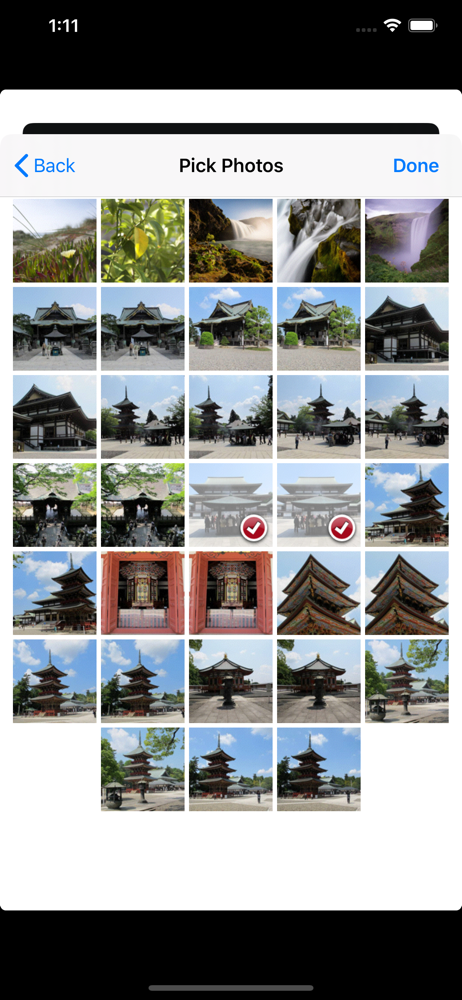
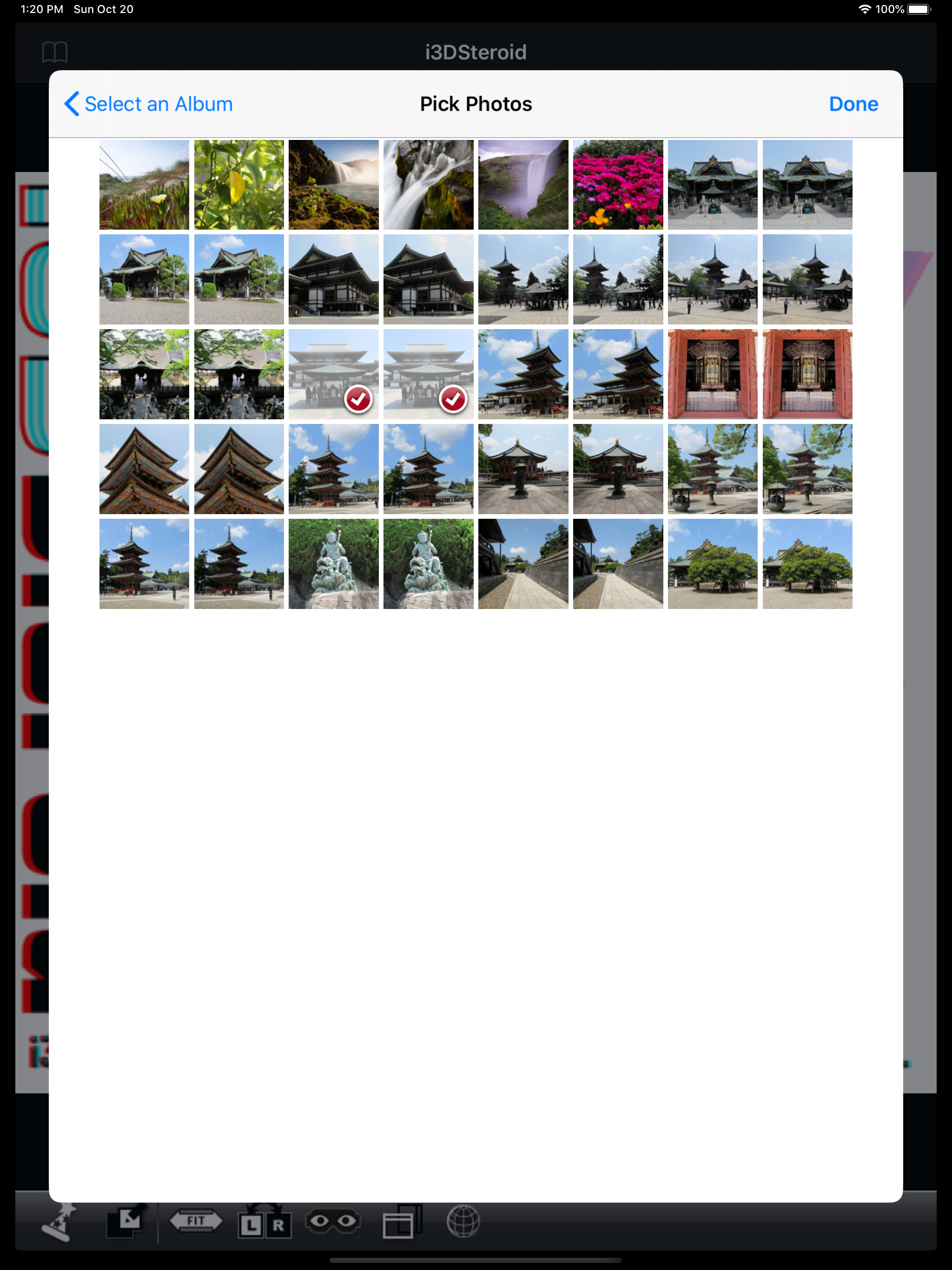
Pros: -I can put either MPO or SBS jpgs into it, and it will let me switch between cross and parallel viewing on the fly with either of those. No more having to have both formats saved on my iPad. -Zooming in. The app lets me zoom in on SBS images. This feature is limited by the lack of resolution. Room for improvement: -Needs to display in higher resolution. The app shows the images (when zoomed in) at lower resolution than I'm giving it. I would really love to zoom in and view my images in their full resolution, but the app doesn't allow it. -Needs a better gallery feature. My library of stereo images is huge. I want to carry around many hundreds of images in this app, but right now the gallery feature is poorly designed for any sort of random access (you have to scroll through everything). Supporting subfolders in the app would be really great, as would showing thumbnails instead of an image list. On a whole it's a good app, with a lot of potential for greatness, but the low rendering resolution and poor random access to images keeps it from being great. (Tested on an iPad Air 2)
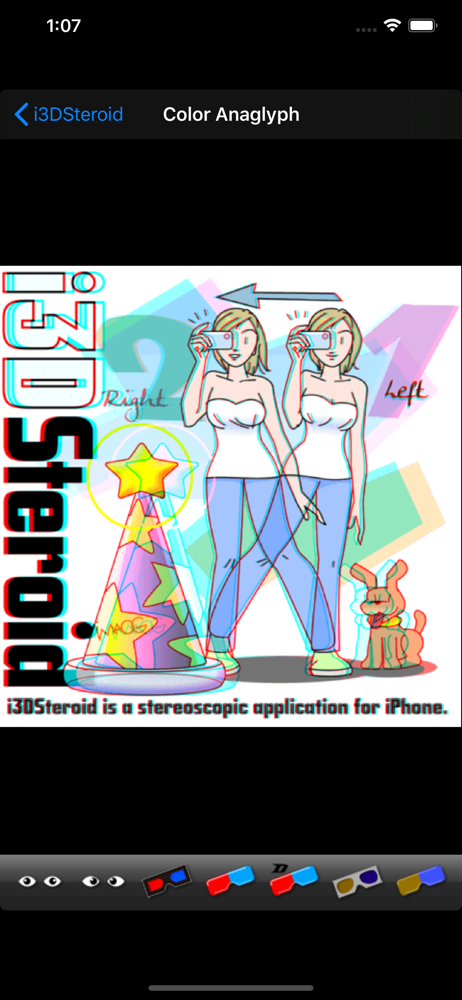
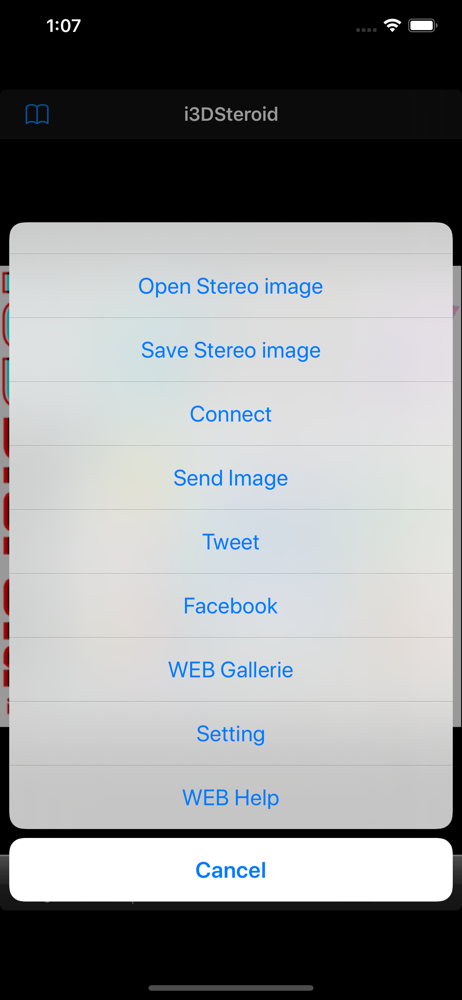
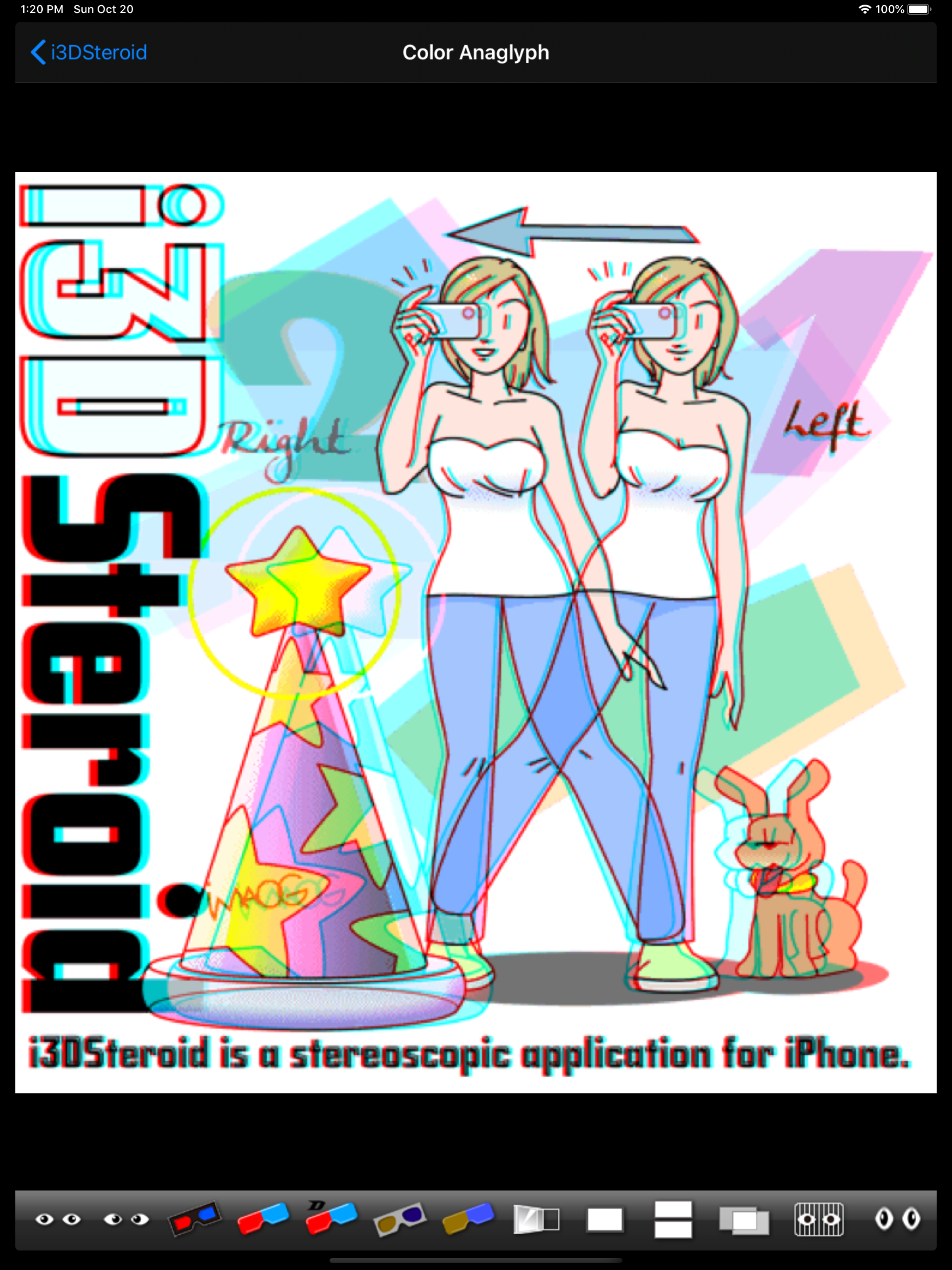
[i3DSteroid] is a stereoscopic Universal application for iPhone/iPad/iPod touch. - Auto-alignment L/R images - Input file : L/R independent,SBS,MPO,s...